
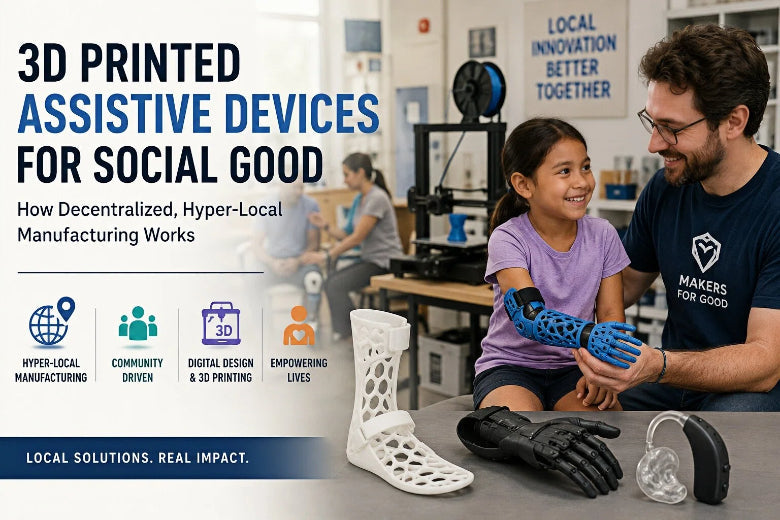
The reality is more interesting—and more demanding.
In assistive technology (AT), the biggest breakthroughs rarely come from printing more. They come from printing closer to the person who needs the device, and adapting it precisely to their body, environment, and daily life.
That’s where 3D printing’s real advantage shows up: it can support digital, decentralized, hyper-local manufacturing—a workflow where a device can move from need → design → fabrication without depending on a single factory or a long supply chain.
This post is a deep dive into how that ecosystem works for three of the most impactful categories (and how 3D printing for accessibility shows up in each one):
- Prosthetics (replacing a missing limb) — including 3D printed prosthetics in some volunteer and clinical workflows
- Orthotics (supporting or correcting a limb) — including 3D printed orthotics in some clinics and research pipelines
- Hearing-aid shells / earmolds (precision-fit components that make hearing devices usable), including 3D printed hearing aid shells
Along the way, we’ll look at how open-source volunteer networks operate (with e-NABLE as the canonical example), and what responsible makerspaces should do to avoid turning a helpful print into a harmful one. When we reference organizations and guidance, we’ll link once and then refer back in plain text to keep citations clean.
Key Takeaway: The “magic” isn’t the printer—it’s the workflow: digital files + local fabrication + fit/QA + follow-up.
What “3D printed assistive devices” really means
Assistive technology is a broad term for tools that help someone do a task that might otherwise be difficult—anything from a grip aid to a custom brace.
“3D printed assistive devices” simply means some part of that tool is made via additive manufacturing: a printed component, a printed mold, or a printed prototype that accelerates iteration.
What 3D printing changes is not just shape—it changes how fast and how locally a design can adapt.
Instead of:
- one-size-fits-most parts
- long lead times
- high minimum order quantities
…you can shift to:
- patient-specific geometry (when appropriate)
- low-volume production
- fast iteration, even in resource-constrained settings
That’s why this space has moved from early “concept attempts” toward something more operational: digitized design + distributed fabrication + field-ready iteration.
Why 3D printing is a uniquely good fit for social good
If you’re an experienced FDM user, you already know 3D printing is not always cheaper than injection molding. But social-impact assistive devices often have a different constraint set.
1) Customization is not a luxury—it’s the product
In assistive devices, a few millimeters can be the difference between “works” and “sits in a drawer.”
Even when a device doesn’t require a full clinical socket design, users often need:
- grip angles that match their strength
- strap locations that don’t irritate skin
- geometry that works with their mobility aids
Digital design + printing makes iterative customization feasible.
2) Local manufacturing reduces friction where friction is most expensive
Shipping delays and procurement processes hit hardest when you’re serving people with limited mobility, limited income, or unstable local logistics.
Humanitarian manufacturing groups have described this as hyper-local production: making items near the point of need, building local capability, and reducing dependence on long supply chains (see ODI’s Humanitarian Practice Network on 3D printing in the field (2016) and a 2020 study on 3D printing and the humanitarian supply chain).
Assistive devices fit that model well because many components are low-volume and user-specific.
3) Open-source designs scale impact without scaling a factory
In traditional manufacturing, scaling usually means centralizing.
Open-source assistive device ecosystems can scale differently: by scaling shared designs, documentation, and community QA—so more local makers can produce devices responsibly.
That model isn’t automatically safe or effective, but when it works, it’s powerful.
The distributed workflow: from a need to a device
A printer isn’t a “device factory.” It’s one station in a pipeline.
Here’s a practical, end-to-end workflow you can use to understand almost every successful program—whether it’s a volunteer network, a clinic, or a hybrid of both.
Step 1: Intake (what problem are we solving?)
Good intake is more than “what file do you want?”
You need clarity on:
- who the user is (age, activity level, environment)
- what task the device must enable
- constraints (skin sensitivity, cleaning needs, comfort)
- what not to do (unsafe loads, risky use cases)
Step 2: Fit inputs (measurement, photos, or scanning)
For some devices, measurements and standardized photos may be enough.
For others—especially hearing-related components—fit is the whole game. A hearing aid shell or earmold must couple the hearing device to the ear correctly; fit problems can ruin performance and comfort (see a PubMed review on hearing aid shell design (2004)).
Step 3: Design selection (or customization)
This is where open-source libraries and parametric tools shine.
A mature ecosystem will offer:
- a small set of validated designs
- sizing rules or tools
- clear assembly instructions
- a way to document changes
Step 4: Print and post-process (repeatability over novelty)
This is the maker side of the pipeline, and it’s where good intentions can fail.
For assistive devices, a “cool” print is less valuable than a repeatable print:
- consistent wall thickness
- predictable layer adhesion
- predictable failure modes
- surfaces that can be cleaned safely
Pro Tip: Treat each device like a mini production run. Keep a simple build sheet: filament brand/type, nozzle size, layer height, perimeters, infill, print orientation, and post-processing steps.
Step 5: Assembly and QA (does it work the way we think it works?)
Quality assurance can be lightweight, but it can’t be absent.
At minimum:
- inspect stress points for cracks/delamination
- test straps/fasteners for secure fit
- check for sharp edges
- verify moving parts (if any) don’t pinch skin
Step 6: Fitting and follow-up (the part people skip)
The best assistive device programs treat delivery as the start, not the end.
Follow-up catches issues like:
- pressure points
- skin irritation
- device avoidance due to comfort or stigma
For children, fit changes fast. That’s another reason rapid iteration matters.
Prosthetics vs orthotics vs hearing-aid shells: what’s different
It’s tempting to lump these together as “3D printed medical devices.” But the practical realities differ.
Prosthetics (especially upper-limb volunteer devices)
Volunteer-built upper-limb devices are often task-oriented: helping with specific grips or daily activities.
The most visible open-source work here is prosthetic hands and arms, where a community can share designs and assembly workflows.
But it’s important to keep expectations realistic:
- not every amputee is a good candidate
- device durability and fit can vary
- clinical support may still be necessary
Orthotics (braces and supports)
Orthotics often require:
- correct alignment
- skin-safe contact
- enough strength for the intended load
This is a space where “looks fine” can still be wrong.
Professional guidance stresses that 3D-printed orthoses and prostheses should be held to the same standards as devices made any other way, including fit and safety (as emphasized in the Academy’s position statement on 3D-printed orthoses and prostheses).
Hearing-aid shells / earmolds
Hearing-related components are a strong example of precision-fit + digital pipeline.
Organizations like 3DP4ME describe workflows that combine scanning, digital modeling, and 3D printing to deliver hearing care in underserved communities (see 3DP4ME’s mission and approach and a World Economic Forum overview of 3DP4ME (2023)).
Even if your makerspace never prints a hearing-aid shell, the lesson generalizes: high-impact assistive devices are often workflow projects, not “download and print” projects.
How open-source networks work in practice (e-NABLE as the model)
If you’re looking for the longest-running, most widely known volunteer model, start with e-NABLE.
e-NABLE is organized around a simple idea: share open designs freely, build a volunteer community, and connect people who need devices with people who can fabricate them.
Their public-facing pages describe a global volunteer community and a family of community-designed devices (as described on the Enabling The Future site).
What makes the model work
1) Standardized designs and file access
Open files are the foundation. e-NABLE maintains links to designs through e-NABLE’s current design files.
2) Matching and coordination
A real distributed system needs coordination: intake, sizing, matching volunteers, and tracking builds.
3) Shared safety language
This is not a small detail. e-NABLE’s own guidance makes it clear that community devices aren’t for everyone and encourages involvement of clinicians when appropriate (see e-NABLE’s ‘Lend a Hand’ guidance).
That kind of clarity protects recipients and volunteers.
What the model does not solve automatically
Distributed manufacturing doesn’t automatically guarantee:
- consistent materials
- consistent print quality
- consistent fit processes
- consistent follow-up
That’s why the most mature networks lean heavily on documentation and review.
Safety, fit, and clinical realities (what makers must not skip)
This section matters because assistive devices sit at the edge of two worlds:
- community-driven making
- clinical safety expectations
A good rule of thumb: the closer a device is to a medical device, the more you should behave like a medical-device maker.
Professional bodies have been explicit that 3D-printed orthoses and prostheses should meet established standards of rigor and safety, including appropriate fit and oversight (see the Academy’s position statement on 3D-printed orthoses and prostheses).
That doesn’t mean community projects can’t help.
It means you should build processes that reduce risk.
A practical safety checklist for makerspaces
Use this as a baseline—especially if your team is used to printing props or hobby parts.
- Do not present devices as medical advice or a clinical replacement.
- Define the intended use clearly (what tasks it supports, and what it should not be used for).
- Document print settings and materials so devices can be reproduced and debugged.
- Inspect for failure risks (layer separation, sharp edges, weak fasteners).
- Plan for cleaning (smooth surfaces, avoid trapping debris against skin).
- Build in follow-up: a check-in after first use and after a week.
- When in doubt, involve a clinician (OT/PT/prosthetist/audiologist) or partner with a program that already has that pathway.
⚠️ Warning: If you can’t explain the device’s intended use and failure modes in one page of plain language, you’re not ready to deliver it.
How advanced makers can contribute responsibly (without overpromising)
If you’re an advanced FDM user, you can contribute more than printing parts.
Here are high-leverage ways to help that respect the reality of assistive-device work.
Contribute to the workflow, not just the print
- Improve assembly guides
- Write QA checklists
- Convert designs into more maintainable parametric models
- Create test fixtures for repeatable stress checks
Focus on repeatability
“Works once” doesn’t scale.
Repeatable contributions include:
- validated slicer profiles
- print-orientation recommendations
- documentation of weak points and upgrades
Build a small “volunteer lab” setup
If you want to support distributed manufacturing, you need consistency.
A reliable maker setup is usually less about exotic hardware and more about:
- stable motion system and calibration discipline
- predictable extrusion
- careful part inspection
- good documentation
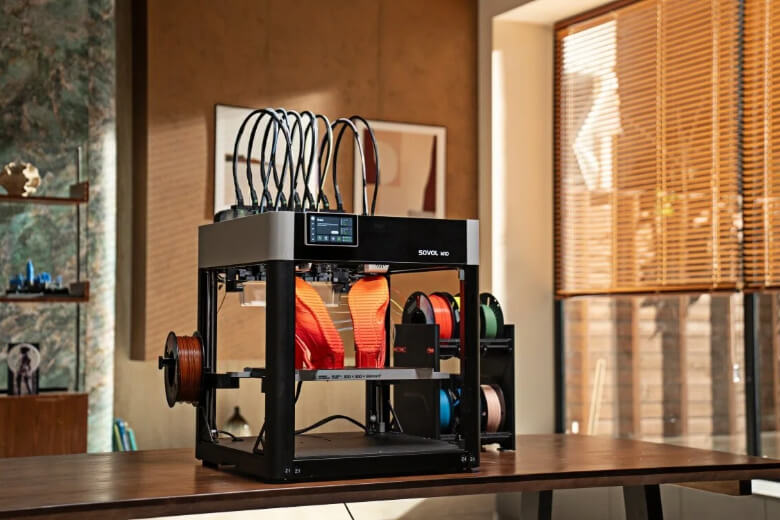
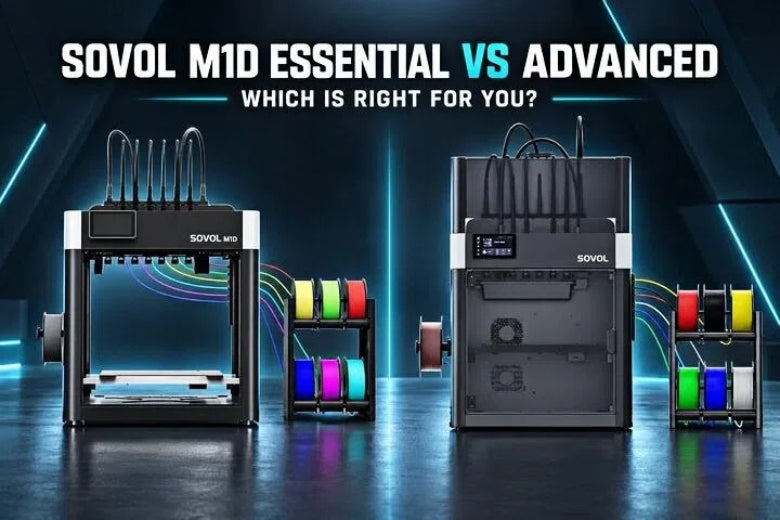
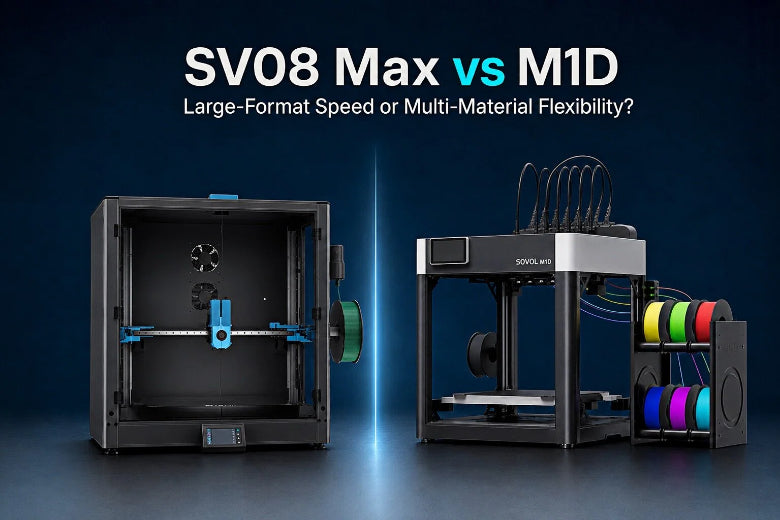
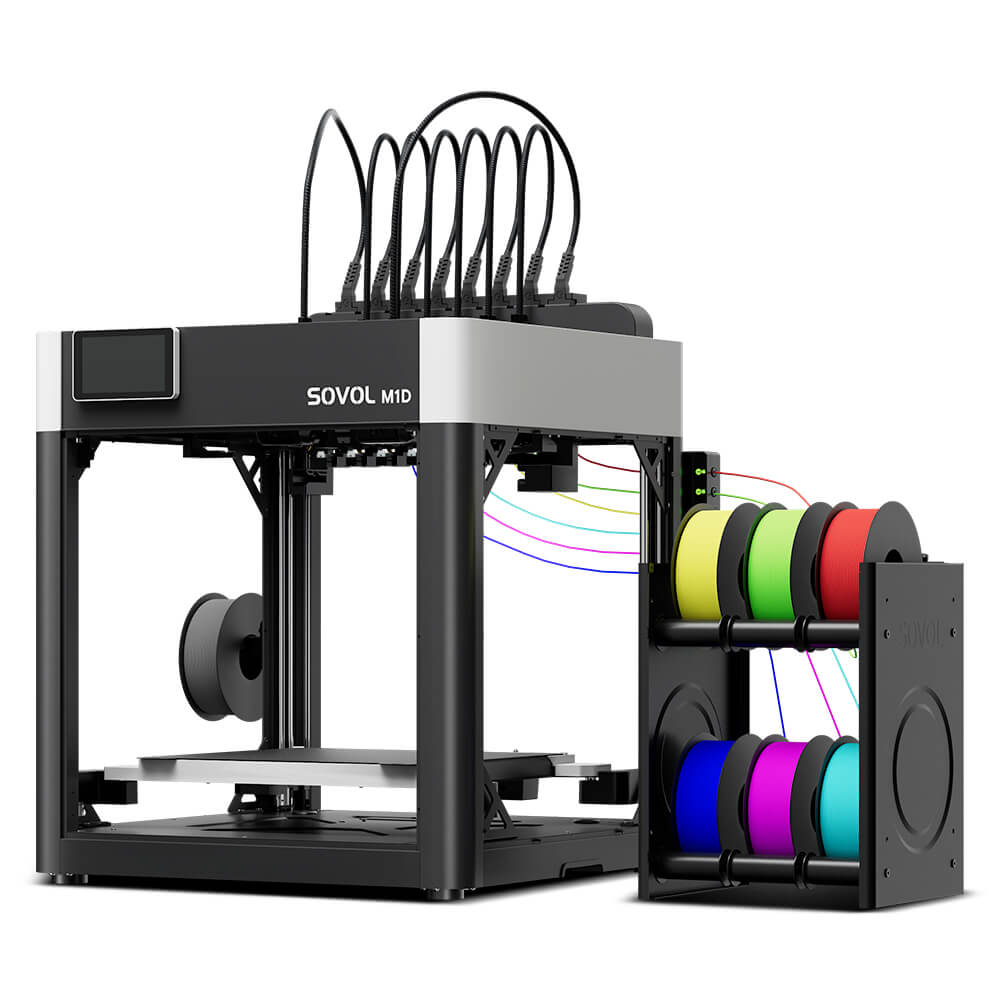
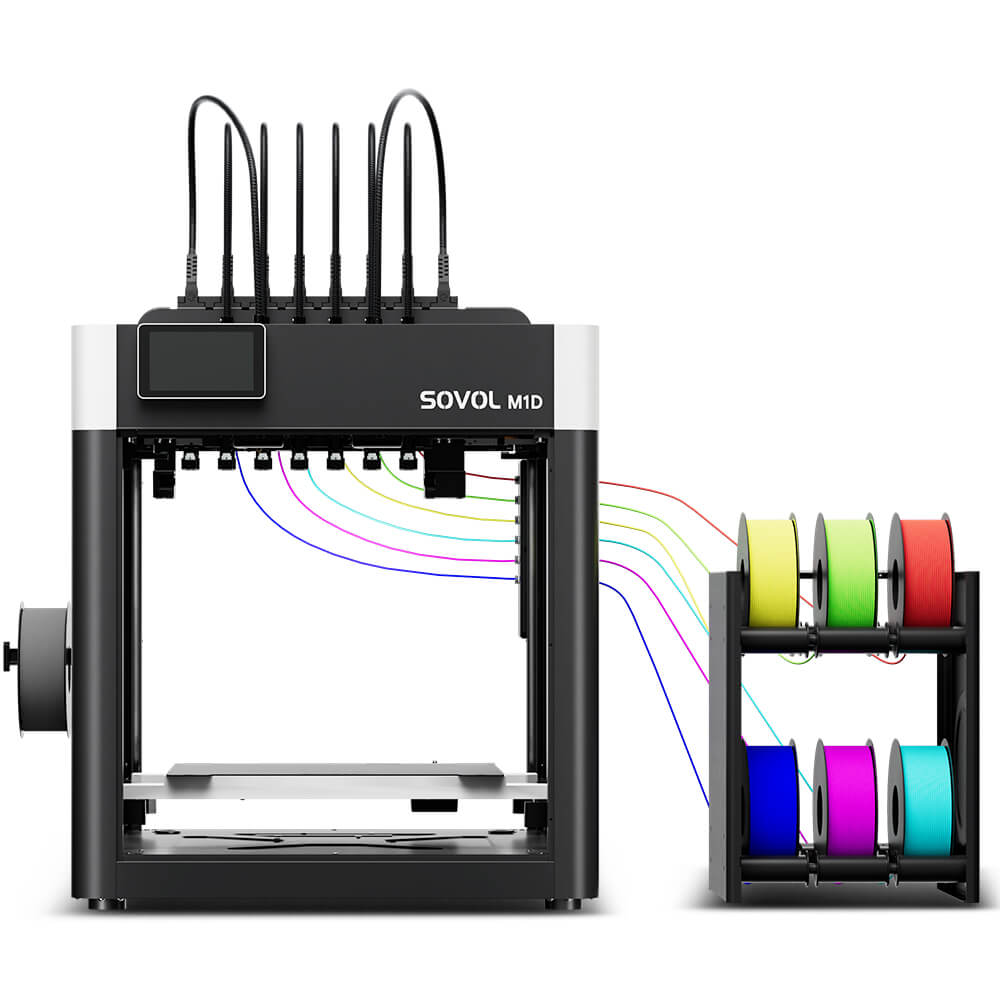
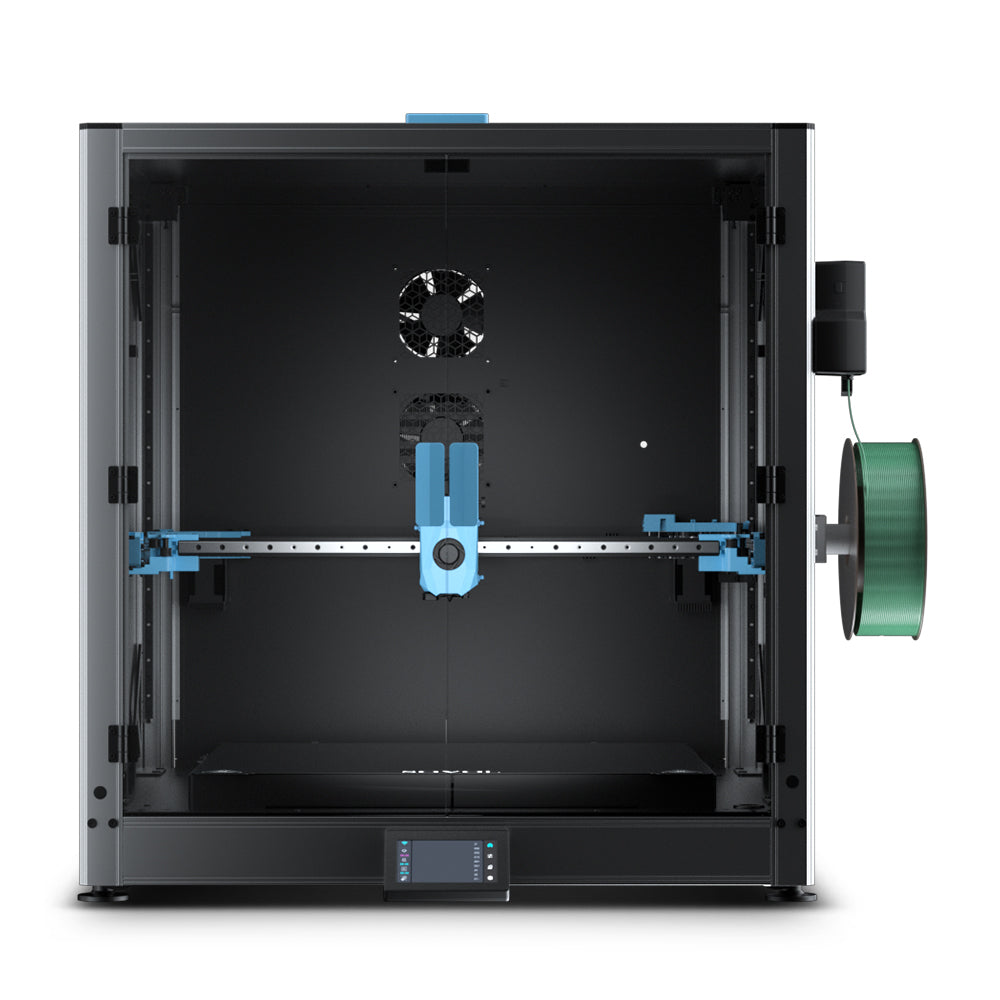
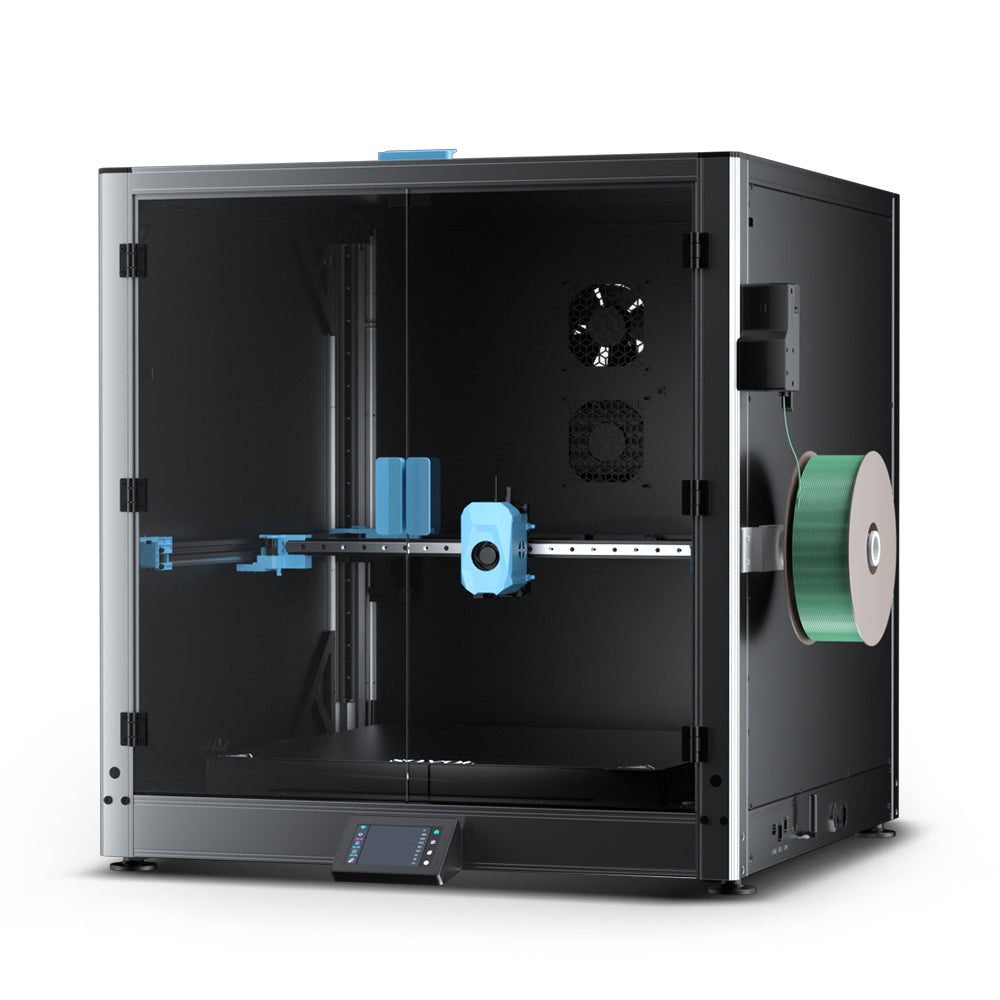
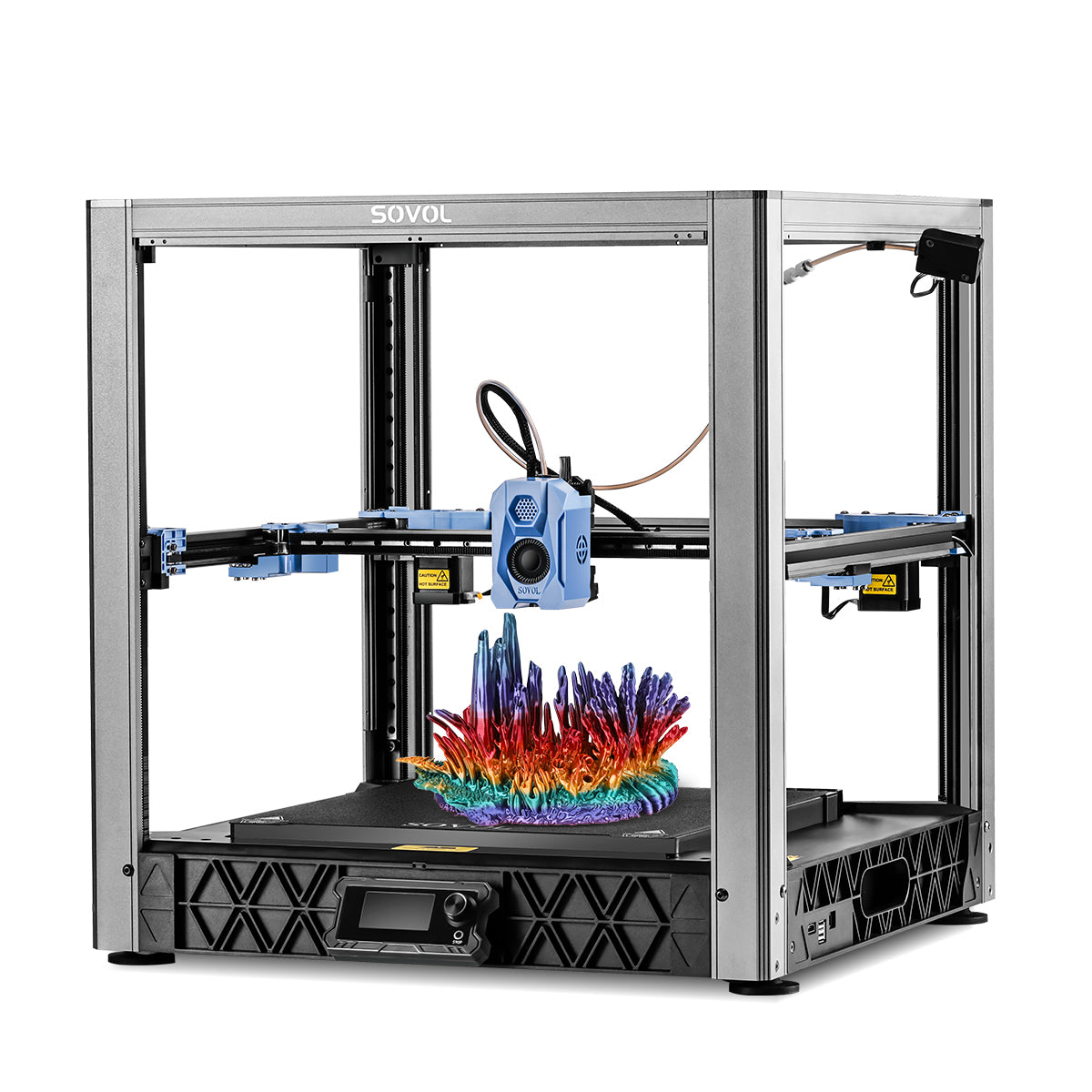
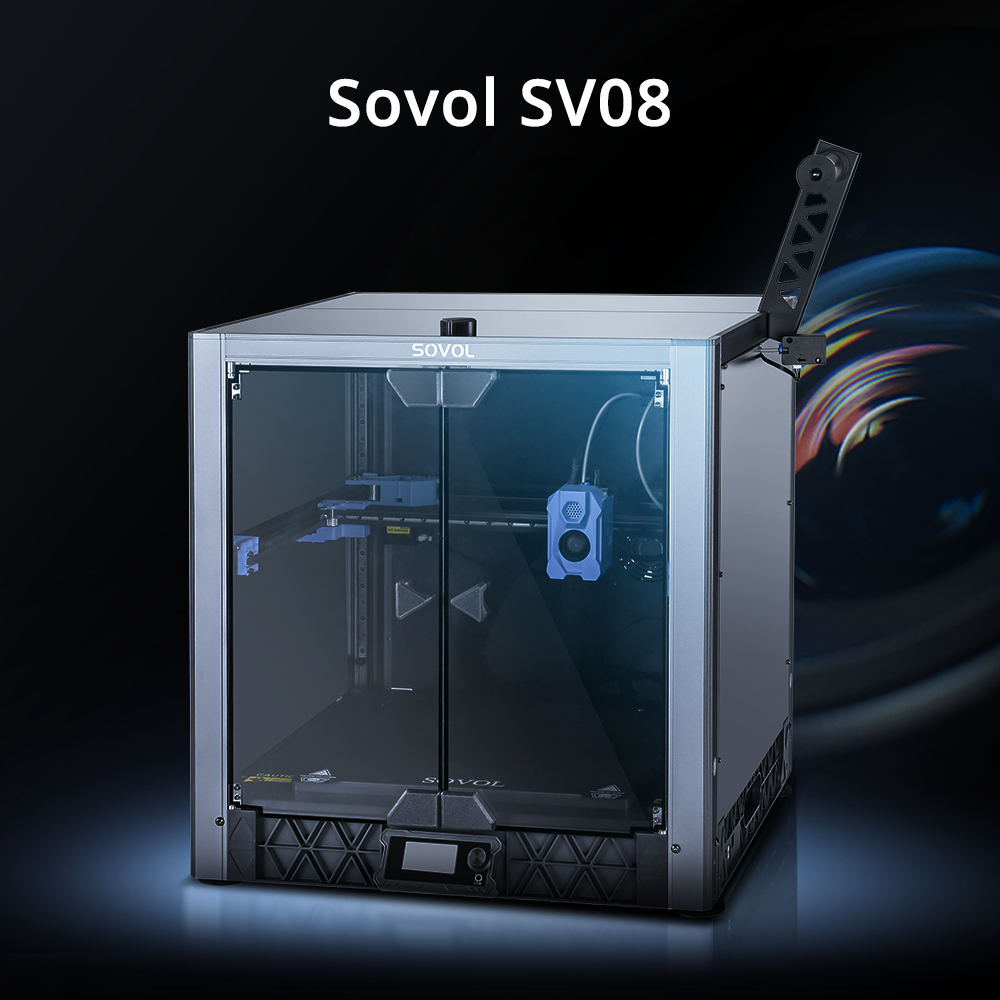
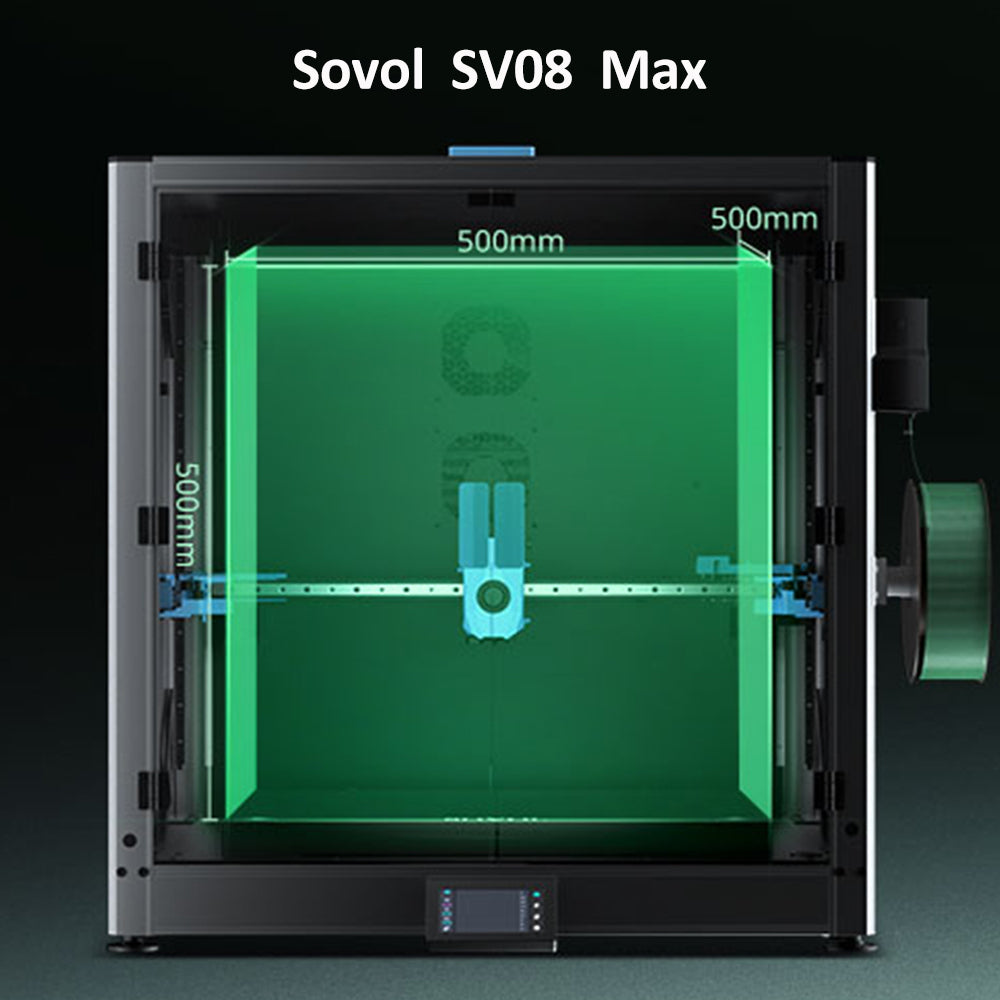
If you’re starting a community print effort and want a reference point for accessible, open-source-friendly machines, you can explore options from SOVOL as one example—then make your own choice based on your QA needs and local constraints.
Key takeaways
- 3D printing enables social good in assistive tech by making custom, low-volume parts locally, not by replacing clinical care.
- The winning pattern is digital workflow + distributed manufacturing + QA + follow-up.
- Prosthetics, orthotics, and hearing-aid shells have very different fit and safety demands.
- Open-source communities like the e-NABLE volunteer community show how shared files and shared safety language can scale impact.
- Responsible makerspaces treat assistive-device work like production: documentation, inspection, and clear intended-use boundaries.
Next steps
If this topic resonates, pick one low-risk way to start:
- Browse a mature ecosystem’s documentation (like e-NABLE) and learn the workflow first.
- Talk to a local OT/PT clinic, university lab, or disability organization about real needs.
- Build a simple QA checklist for your makerspace so your first contribution is safer than your last.
And if you’re building an open-source-friendly print setup for a school lab or makerspace, take a look at the Sovol SV08 and similar platforms—then choose based on maintainability, documentation, and how reliably you can reproduce parts.