
In a makerspace, the best layout is the one that makes it easy to put tools back where they belong and hard to put them anywhere else. That’s where FDM printing shines: you can build the missing little parts that turn a wall, a cart, or a drawer into a system.
Below are 12 functional interior design upgrades you can print for a workshop or shared makerspace in 2026. Think of them as 3D printed tool holders and fixtures that make your space easier to use and easier to reset. Not just cool objects.
3D printed workshop organization: what makes a “good” functional upgrade?
Use this as a filter before you commit to a multi-day print queue.
If you’re searching for makerspace organization ideas that won’t turn into clutter again, this list sticks to upgrades that are modular, repeatable, and easy to maintain.
- It reduces decision fatigue. The tool has an obvious home.
- It’s modular. You can add one more without redesigning everything.
- It’s repairable. The failure mode is a cheap reprint, not a ruined wall.
- It’s safe indoors. No sharp edges in walkways, no questionable materials near heat.
- It respects real loads. Printed plastic is great in compression and shear when designed well, and much less forgiving in peel and sudden impact.
Pro Tip: For wall-mounted prints, design so the load pulls into the wall (shear), not away from it (peel). Your fasteners will thank you.
1) A “grab-and-go” calibration caddy
A calibration caddy is a small tray that stores the things you reach for every time a printer acts up: feeler gauges, nozzle needles, a brass brush, cutters, an SD/USB adapter, a mini flashlight, a Sharpie.
Why it works: it turns troubleshooting into a single trip, not five laps around the room.
Design notes:
- Keep it shallow so you can see everything.
- Add one “junk slot” on purpose (for the mystery screw you’ll identify later).
2) Label frames that don’t look like an afterthought
Labels are interior design. In a shared makerspace, they’re also policy.
Print slim label frames that snap onto shelves, bins, or drawer fronts. The goal isn’t aesthetics. It’s consistency: if every storage location looks the same, people put things back faster.
Design notes:
- Make the insert removable so you can re-label without reprinting.
- If you use QR codes, keep them on a replaceable card, not the plastic.
3) A pegboard “tool silhouette” system (without the paint)
Shadow boards are amazing, but painting silhouettes is work, and they don’t evolve gracefully.
Instead, use 3D printed pegboard accessories to build a silhouette system: pegboard-mounted tool holders plus a thin printed outline plate behind each tool. When the tool’s missing, the empty outline shows it instantly.
Design notes:
- Use outline plates for the 10 tools that vanish most often.
- Keep holders slightly oversized so tools go back in one motion.
4) Modular hex / grid wall panels for weird spaces
Pegboard is great until it doesn’t fit.
If you’ve got a narrow column, the side of a cabinet, or a dead strip beside a door, print a small modular wall panel system (hexes, squares, or simple rails) and build storage to the shape of your room.
Design notes:
- Start with one panel size and stick to it.
- Design a “blank plate” so you can cover mistakes and add later.
5) A soldering and electronics bench cable spine
Cables turn an electronics bench into a trap. A printed cable spine fixes that: a rigid backbone that routes power leads, USB cables, and probe wires along the back edge of the bench, with breakouts where you actually need them.
Design notes:
- Print in sections so you can expand.
- Add strain relief loops at the ends.
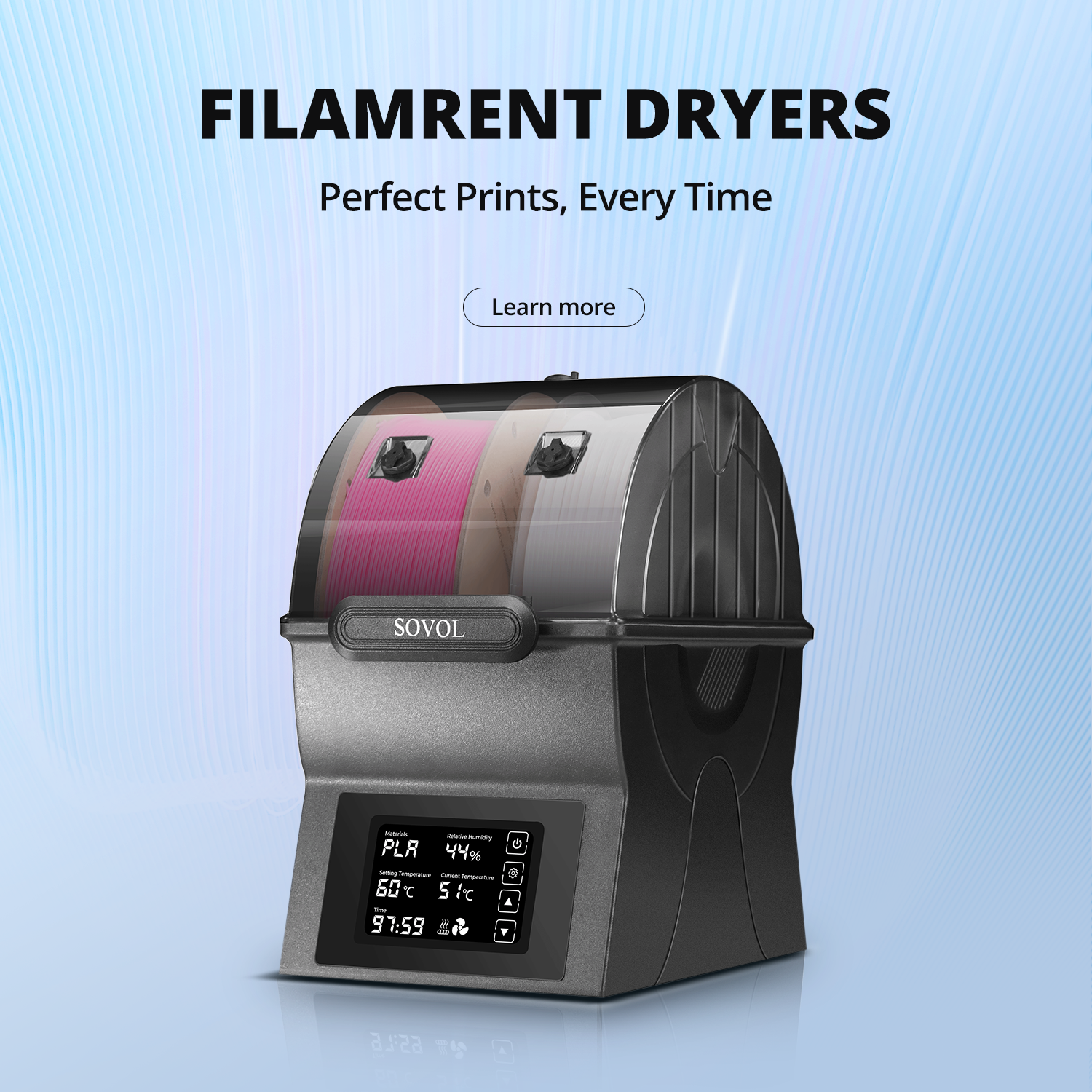
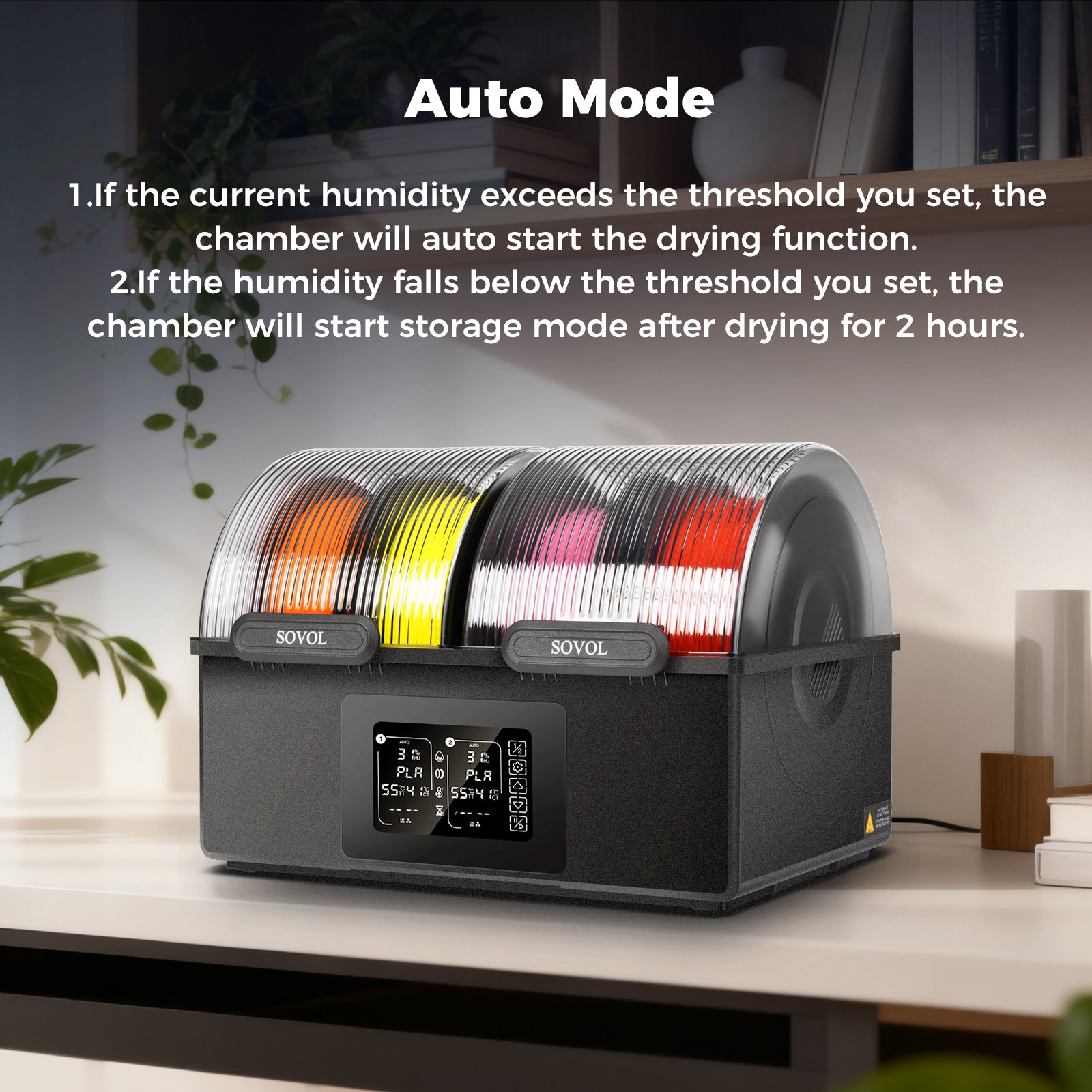
If your cable mess is coming from the printer area itself, start with the boring reliability wins too. The SOVOL guide on filament storage tips is a good reminder that half of “printer problems” are really humidity problems.
6) Gridfinity baseplates + bins for parts that migrate
If you’re building a Gridfinity workshop setup, this is the simplest way to explain it: it’s a standardized grid you can build unlimited custom bins for.
Gridfinity uses a 42 mm grid standard, which is why so many community bins and baseplates interoperate. The spec and ecosystem are documented at the Gridfinity specification.
Where it shines in a makerspace:
- fast sorting for screws, heat-set inserts, magnets, bearings
- keeping “project kits” together without permanent drawers
Design notes:
- Print one baseplate that fits a drawer or shelf perfectly, then scale bins to the things you actually own.
- Don’t chase perfection. Print a few bins, live with them for a week, then iterate.
7) Heat-set insert “charging station”
Heat-set inserts are tiny, heavy, and easy to lose. Print a holder that stores your common sizes upright, with a labeled row for each diameter/length.
Why it works: it reduces mid-build friction. You don’t stop a design flow because you’re missing one insert.
Design notes:
- Leave clearance for fingers (you want to grab one insert, not five).
- Store it near your soldering iron, not near your printer.
8) Battery docking rails for cordless tools
If your drill batteries live in three places, they’re never charged.
Print a wall-mounted battery dock that matches your tool ecosystem and forces a single habit: batteries go back on charge, every time.
Design notes:
- Design for accidental bumps. Batteries should lock in, not perch.
- Keep the dock away from dusty cutting areas.
9) A clamp rack that doesn’t eat wall space
Clamps are bulky. The trick is to store them vertically and staggered.
Print a clamp rack with alternating hooks so handles don’t collide. Build it as repeating modules so you can add a row when you inevitably buy more clamps.
Design notes:
- Make one module that holds 3–5 clamps. Repeat.
- Add a “catch lip” so a clamp can’t slide off if the wall gets bumped.
10) A nozzle / hotend maintenance station
If you do a lot of printing, maintenance is part of the interior design.
Print a small station that holds spare nozzles, a torque tool, needles, tweezers, and a tiny tray for removed parts.
This is also where you put the reminder card: “If the print looks weird, clean first.”
If you need a simple baseline procedure, the SOVOL guide on how to clean a 3D printer nozzle is an easy internal reference to link new members to.
11) A filament end finder + clip board
In a shared space, half-used spools become a museum of tangled ends.
Print a “clip board” that hangs near filament storage: a set of universal filament clips plus a small end-finder tool, so the last person to use a spool can secure it properly in 10 seconds.
Design notes:
- Make clip sizes for PLA/PETG and TPU separately.
- Put it at eye level. If it’s in a drawer, it won’t get used.
12) A mobile “project cart” ecosystem
A project cart isn’t a cart. It’s a moving interface.
Use 3D prints to make it behave like a makerspace station: hooks for PPE, a bin rail for consumables, a holder for the one tool that always disappears, and a clip system for checklists.
Design notes:
- Standardize attachment points so new modules fit later.
- Add a “return bin” for tools that belong elsewhere.
Safety and indoor-use notes (don’t skip this)
Functional interior parts live in the same air you breathe. If you’re printing indoors, treat ventilation and filtration as part of the build.
- The University of Edinburgh’s 3D printers health and safety guidance (2024) recommends keeping prints enclosed/hooded and leaving the hood in place for a clearance period after printing.
- NIOSH’s makerspace ventilation guidance (2023) discusses ventilation targets (air changes per hour) and the role of portable HEPA filtration.
- The U.S. EPA’s overview of 3D printing research and emissions (2025) is a useful “why this matters” reference if you’re setting policies for shared spaces.
Practical maker takeaway: if you’re printing PLA/PETG on open machines you’re probably fine with basic airflow, but if you’re running higher-emission materials or multiple printers, enclosure + filtration + ventilation is the grown-up move.
⚠️ Warning: Don’t treat wall mounts as “set and forget.” Test them with a cautious load, then re-check periodically. Vibration, heat, and accidental impacts add up in real spaces.
Key takeaways
- The best 3D printed functional interior design is the kind that makes clean-up automatic.
- Start with one standardized system (Gridfinity, pegboard, or a wall panel grid) and expand modularly.
- Design mounts for real-world loads: pull into the wall, use the right fasteners, and plan for bumps.
- Treat ventilation and filtration as part of the workshop build, not an optional accessory.
Next steps
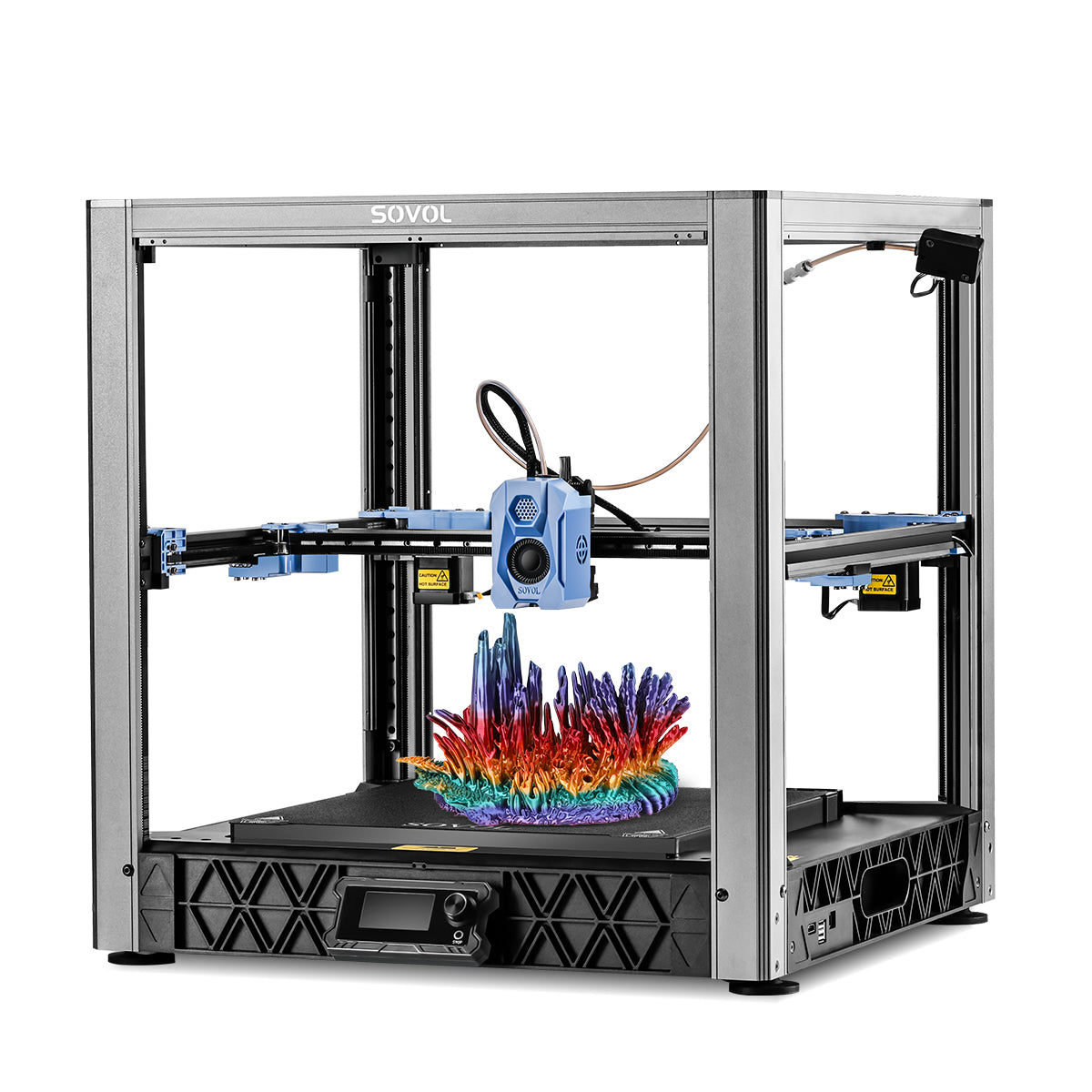
If you’re building a makerspace around open-source tools and you want printers you can tweak as your systems evolve, take a look at SOVOL and the broader ecosystem of upgradeable, community-driven machines.