
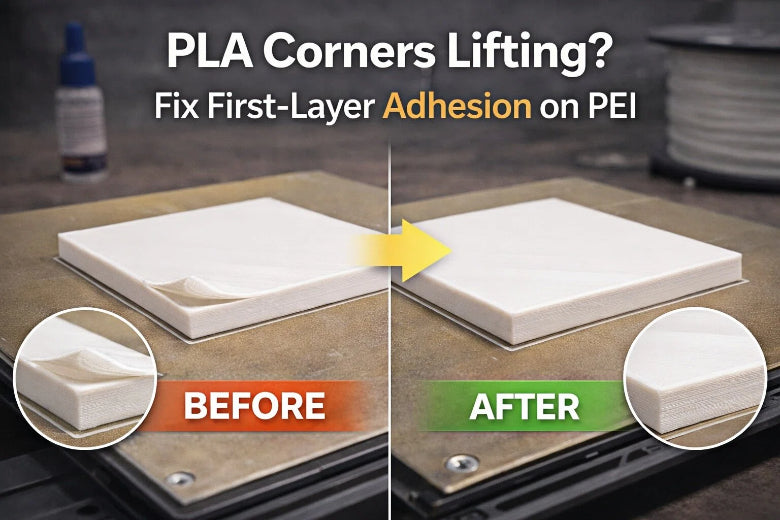
When PLA corners start peeling up during the first layer, you’re not dealing with “mystery adhesion.” You’re dealing with a handful of repeatable causes: a PEI sheet that’s not actually clean, first-layer contact that’s slightly off, or cooling/airflow that’s pulling heat out of the part unevenly.
This is a fast troubleshooting checklist for maker spaces and school labs using PLA on smooth PEI.
Quick diagnosis (30 seconds)
Before changing five settings at once, figure out which bucket you’re in:
Does the first layer look under-squished?
- Signs: gaps between lines, round “spaghetti-like” beads, edges not pressed flat.
- Likely cause: Z-offset a bit too high or the bed isn’t level.
Does it stick at first, then corners curl up as the layer cools?
- Signs: the first lines look OK, but corners lift as the perimeter grows.
- Likely cause: uneven cooling/drafts, bed edge heat loss, or first-layer cooling too aggressive.
If you’re seeing corner lift, it’s usually #2 plus a little of #1.
First layer not sticking: fast fixes (do these in order)
- Reset the build surface (the “smooth PEI truth test”)
Smooth PEI is great… until it isn’t. Finger oils build up invisibly, and corner lift is often the first symptom.
Checklist
- Wash the sheet with warm water + plain dish soap, rinse thoroughly, and dry with a clean towel.
- After it’s dry, wipe with isopropyl alcohol using a clean microfiber.
- Don’t touch the print area with your fingers after cleaning.
For a simple, brand-aligned cleaning routine, see Sovol’s first-layer adhesion checklist (2026). (In a shared lab, fingerprints alone can be enough to trigger lifting.)
For a more detailed “what to use and how often” reference, Prusa’s support docs recommend 90% IPA as the default cleaner and mention an occasional dish-soap wash if adhesion drops over time—see Prusa’s first-layer troubleshooting guide (2025).
Pro Tip: In a shared lab, treat “clean plate” like “clean nozzle”—make it a routine, not an emergency fix.
2. Add a brim before you touch anything else
If corners lift, increasing contact area is the fastest win.
Checklist
- Turn on a brim.
- Start with 5–10 mm (or ~6–12 lines, depending on slicer).
- If only one corner lifts, use a partial brim or “mouse ears” on that corner.
This is a first-line anti-warp move in Prusa’s warping guide (2025).
3. Slow down the first layer (seriously)
Warping is a race between plastic cooling/shrinking and plastic bonding. A slower first layer gives the material more time to wet out and stick.
Checklist
- First-layer speed: 20–30 mm/s
- First 2–3 layers: keep it conservative, then speed up
4. Re-check Z-offset using what you see, not what you set
For corner lift, you don’t want to “crush” the first layer into the plate. You want consistent contact across the entire footprint.
Checklist
- Run a first-layer test (a single-layer square or large patch).
- You want lines that are slightly squished, with no gaps between passes.
- If you see gaps: lower Z-offset a tiny amount.
- If you see ridges/tearing or the nozzle is plowing: raise Z-offset a tiny amount.
Note: it’s tempting to keep lowering Z to “force” bed adhesion, but too much squish can create new problems (and can damage some surfaces). If you need more grip, prefer brim + cleaning first.
5. Tune bed temperature in small steps
For PLA on smooth PEI, many profiles land around ~60°C bed temp, but corner lift can show up if the bed is a little cool at the edges or your room is drafty.
Checklist
- Start with your normal PLA bed temp.
- If corners still lift, increase bed temp by +5°C and re-test.
- If the first layer gets soft/mushy or you see “elephant’s foot,” back off.
6.Check your cooling strategy (don’t chill the first layer too early)
If your part-cooling fan ramps up immediately, the perimeter can cool and shrink before it fully bonds—hello, curling corners.
Checklist
- Fan off for the first 2–3 layers (or very low).
- Then ramp up gradually.
- If corners lift late in layer 1 or 2, delay fan ramp longer.
If corners still lift: the “environment + geometry” checks
7.Kill drafts and edge cooling
PLA warping is strongly tied to uneven cooling. If the printer sits under an AC vent or next to a door, corners lift even with decent settings.
Checklist
- Move the printer away from direct airflow.
- Close windows/doors near the printer during the first layers.
- If your bed edges run cooler: center the part or rotate it so the most important corner isn’t on the very edge.
8. Increase first-layer line width (more “grip” without over-squish)
This is a great maker-space trick: you can get more contact area without pushing Z-offset too low.
Checklist
- First-layer line width: 120–140%
- First-layer height: keep normal (don’t compensate with extreme thickness)
9. Use a minimal adhesion aid (only when the checklist fails)
For PLA on smooth PEI, you usually shouldn’t need glue. But in high-churn lab environments (many hands, many prints), a thin separation layer can improve repeatability.
Checklist
- Use a thin layer of glue stick only for problem parts.
- Don’t turn it into a “permanent coating.” Clean it off regularly.
If you’re standardizing cleaning across a lab, use one written procedure so everyone does it the same way. You can also adapt these steps for your fleet and maintenance docs from Sovol’s build-plate cleaning steps (2026).
Maker-space standard: a 5-minute repeatability routine
If you manage a shared printer fleet, standardize the process so students don’t “fix” things randomly.
Print-start routine (post on the wall):
- Plate check: clean + dry, no fingerprints.
- Quick wipe: IPA on a clean microfiber.
- Run a first-layer patch (30–60 seconds).
- If lines have gaps → adjust Z-offset slightly.
- For large footprints → enable brim.
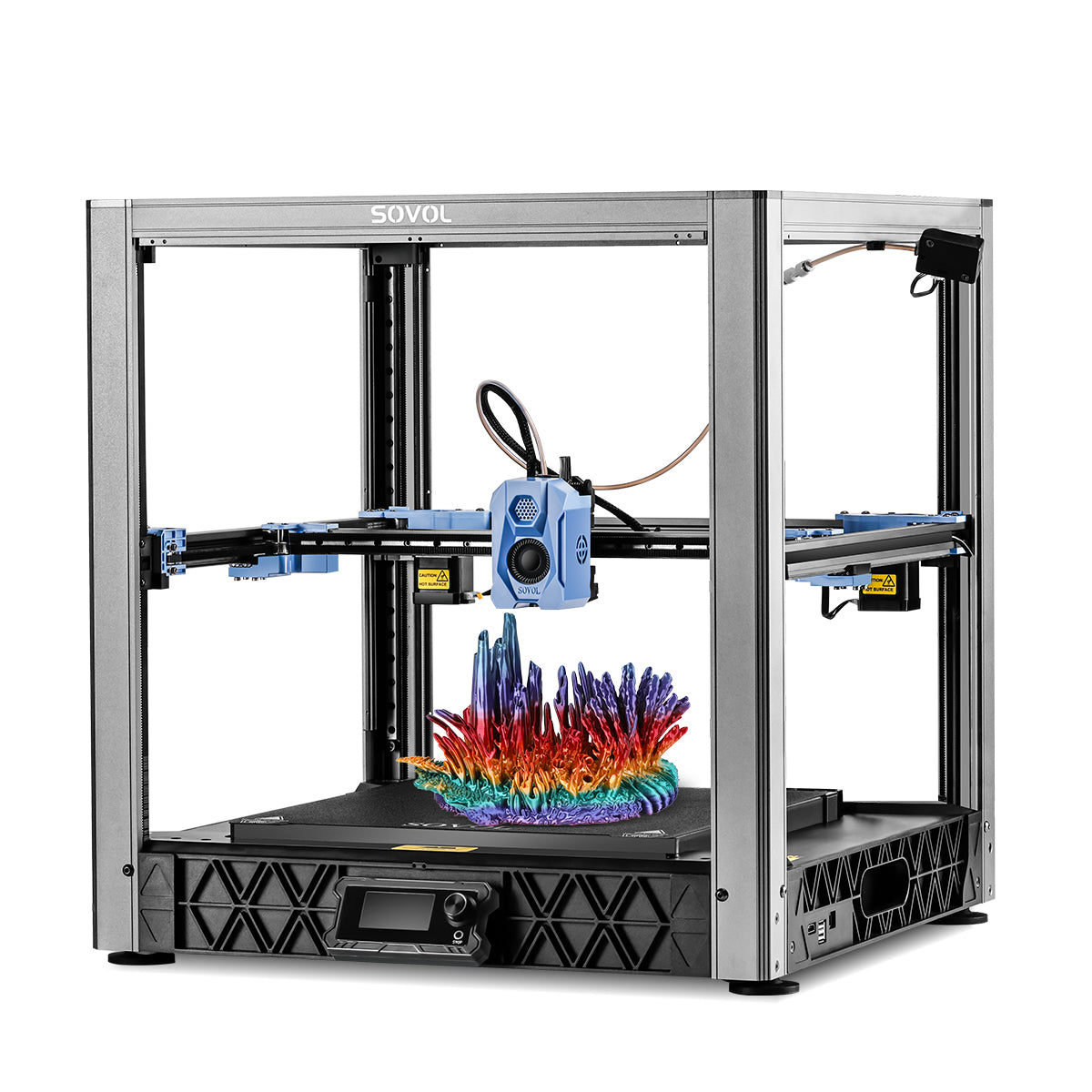
If your lab is running Sovol machines, keep the rule simple: most of this applies to any modern FDM printer, but having one consistent SOP per printer model makes onboarding easier. Start with Sovol as a reference hub for your fleet.
FAQ
My first layer sticks, but corners lift on big parts. What’s the one change I should try?
Add a brim and reduce draft exposure first. Then bump bed temp by +5°C and re-test.
How do I know it’s a cooling problem and not Z-offset?
If the first layer looks good at the start but corners curl as the perimeter grows, it’s usually cooling/drafts. If it never lays down cleanly (gaps, round lines), it’s usually Z-offset/leveling.
What’s the fastest way to improve bed adhesion without “mashing” the first layer?
Clean the plate properly, then add a brim and increase first-layer line width.
Next step
Save this checklist as your lab’s default troubleshooting flow. It prevents most first-layer failures—and just as importantly, it keeps your team from changing ten settings when one of them would’ve fixed it.