You can find out how to dry filament without a dryer by using things you already have at home. Food dehydrators and heated beds work well for this. Airtight containers with silica gel help stop moisture from getting in. Dry filament prints better and is more reliable. Look at the table below to see how well each method works:
|
Method |
Effectiveness |
|---|---|
|
Heat bed |
Good |
|
Food dehydrator |
Excellent |
|
Silica gel box |
Fair |
Key Takeaways
- Drying filament is very important for good print quality. Water in the filament can make prints bubble, bend, or snap.
- You can use things at home like ovens, food dehydrators, or silica gel to dry filament well. Each way has its own good points.
- Always keep dry filament in closed containers with silica gel packs. This stops water from messing up your prints.
Why Drying Filament Is Important
How Filament Absorbs Moisture
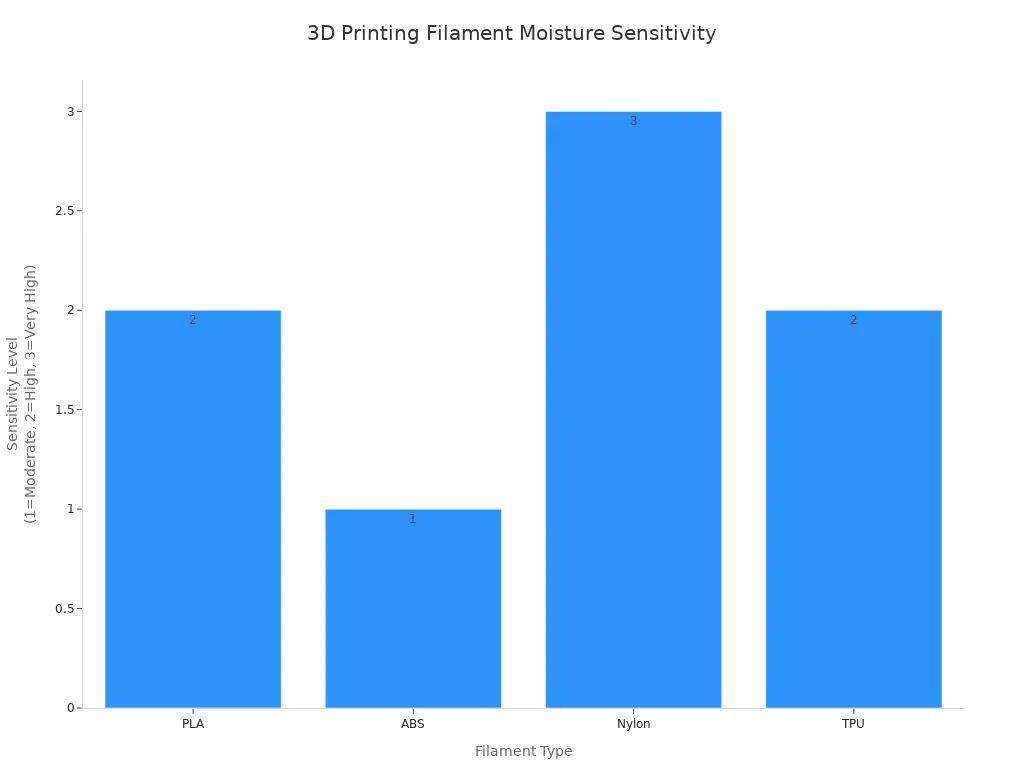
Filament can soak up water from the air. It acts like a sponge if left out. Some types take in water faster than others. PLA, ABS, Nylon, and TPU all absorb moisture. Nylon is the worst at this. PLA and TPU also have trouble with water. The table below shows which filaments are most sensitive:
|
Filament Type |
Moisture Sensitivity |
Effects of Moisture |
|---|---|---|
|
PLA |
High |
Degradation of print quality due to water absorption |
|
ABS |
Moderate |
Softening and improper extrusion if moisture is absorbed |
|
Nylon |
Very High |
Severe bubbling, warping, and performance degradation |
|
TPU |
High |
Air bubbles and layer bonding degradation |
Signs of Wet Filament
You can check for wet filament in easy ways. Listen for popping or sizzling when printing. Look for bubbles in the melted plastic. Watch for stringing or blobs on your print. Sometimes, the filament looks cloudy or bends too easily. Here are some signs to look for:
- Bubbling during printing
- Irregular extrusion
- Inconsistencies in layer adhesion
- Discoloration or haziness
Problems Moisture Causes
Moisture in filament causes many problems. Prints can look rough and feel weak. You might hear popping sounds while printing. Water can break the polymer chains. This makes prints brittle and easy to break. You may see more stringing and oozing. Dry filament helps you get strong and smooth prints every time.
Tip: Always keep your filament in airtight containers with desiccant packs. This helps stop moisture from getting in and causing damage.
How to Dry Filament Without a Dryer
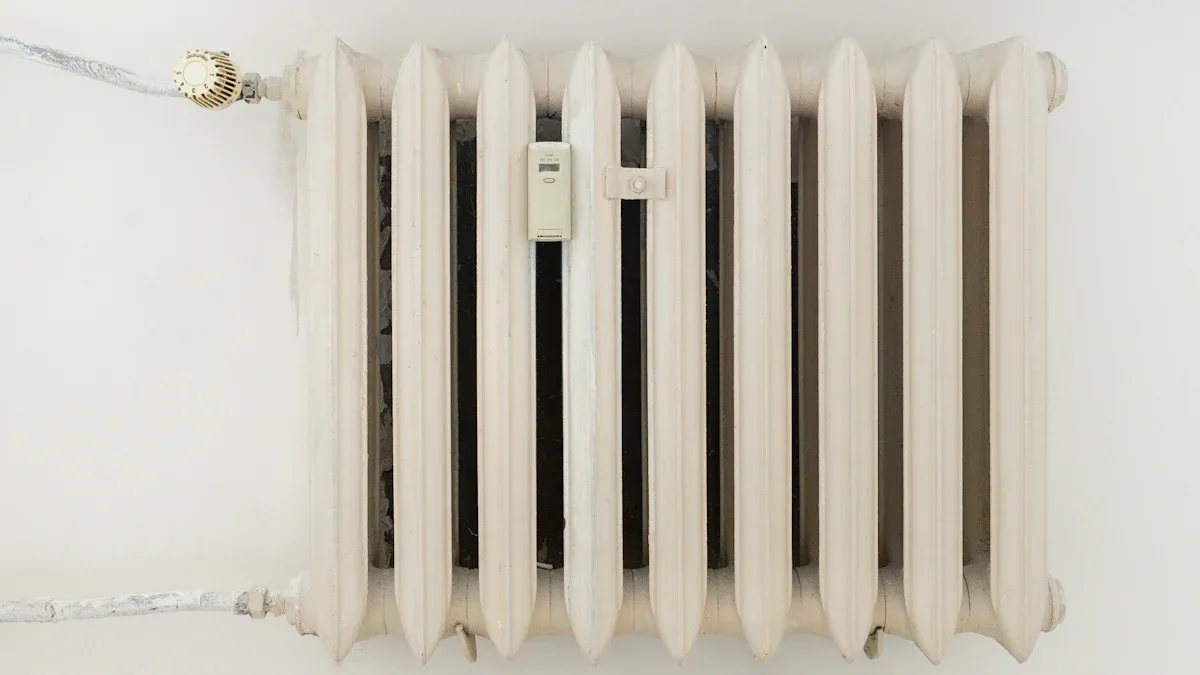
If you want to know how to dry filament without a dryer, you have plenty of options at home. You can use your oven, a food dehydrator, your 3d printer’s heated bed, or a silica gel box. Each method works differently, so you need to pick the best ways to dry based on your filament type and setup. Let’s walk through each method step by step.
Oven Drying Method
You can dry filament in oven if you follow the right steps. This method works well for most filaments, but you need to watch the temperature closely. If you set the oven too high, you might melt or deform the filament. Here’s how to dry filament without a dryer using your oven:
- Preheat your oven to the recommended temperature for your filament.
- Place the filament spool on a baking tray.
- Make sure the spool sits evenly and doesn’t touch the sides of the oven.
- Set a timer for the drying period.
- Check the filament every hour to make sure it isn’t melting or warping.
- After drying, let the spool cool before you use it or store it.
Tip: Use an oven thermometer to double-check the temperature. Home ovens can be inaccurate.
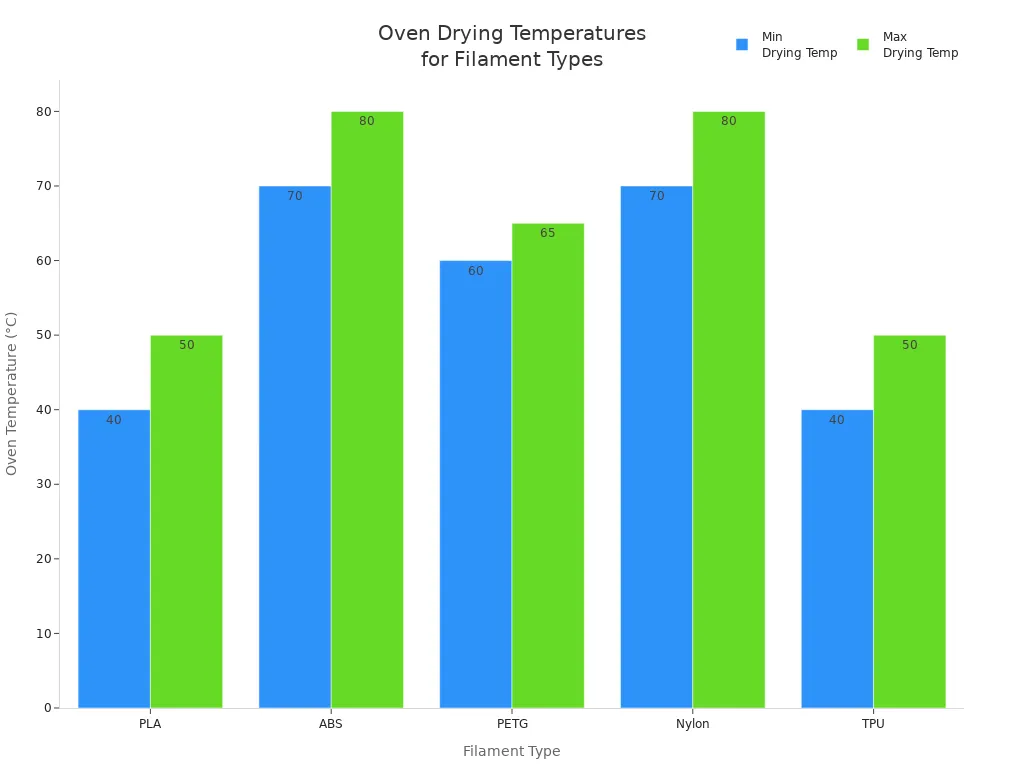
Here’s a table showing the temperature and time to dry filament for different types:
|
Filament Type |
Oven Temp (°C) |
Time (Hours) |
Safety Tips |
|---|---|---|---|
|
PLA |
40-50 |
4-6 |
Monitor temperature to prevent melting |
|
PETG |
60-65 |
4-6 |
Keep away from open flames |
|
ABS |
70-80 |
4-6 |
Ensure ventilation |
|
Nylon |
70-80 |
6-12 |
Check for signs of danger |
|
TPU |
40-50 |
4-6 |
Allow to cool before storage |
You need to remember that ovens can have hot spots. If you see any signs of melting, stop the drying process right away. Always let the filament cool before you try to print.
Food Dehydrator Method
A food dehydrator is one of the best ways to dry filament. It works at lower temperatures and gives more consistent results. If you want to know how to dry filament without a dryer, this method is safe and easy.
- Set the food dehydrator to the right temperature for your filament.
- Place the spool inside the dehydrator.
- Make sure the spool fits and air can flow around it.
- Dry the filaments for the recommended time.
- Check the filament every hour for signs of warping or overheating.
- Let the spool cool before you use it.
Note: Food dehydrators are more energy-efficient than ovens. They work well for PLA, PETG, and ABS.
Here’s a table for drying filament in a food dehydrator:
|
Filament Type |
Drying Time |
|
|---|---|---|
|
PLA |
50-55°C |
4-6 hours |
|
PETG |
65°C (149°F) |
3 hours |
|
ABS |
65-70°C |
4-6 hours |
Never go above 70°C in a food dehydrator. If you do, you risk damaging the filament.
- Food dehydrators operate at lower temperatures, which is safer for common filaments.
- They provide more consistent drying results compared to oven drying.
- Oven drying may be more effective for demanding materials like nylon.
- Food dehydrators are generally more energy-efficient.
- Dehydrators require careful monitoring to prevent overheating.
Research shows that food dehydrators work well for most filaments, but oven drying can remove more moisture from tough materials. If you use a food dehydrator, you get reliable results and less risk of overheating.
Heated Bed Drying
You can use your 3d printer’s heated bed to dry out filament. This method is simple, but it’s not as effective as a food dehydrator or oven. If you want to know how to dry filament without a dryer, the heated bed is a good backup.
- Set your heated bed to the recommended temperature for your filament.
- Place the spool on the bed.
- Cover the spool with a box or enclosure to trap heat.
- Leave the spool on the bed for several hours.
- Check the temperature often to avoid overheating.
Safety Alert: Never leave the heated bed unattended. Keep a fire extinguisher nearby and check its expiration date.
Here are some risks and limitations:
|
Evidence |
Description |
|---|---|
|
Fire risk |
The setup could start a fire if not monitored |
|
Temperature control |
Improper management could lead to overheating |
|
Air circulation |
Lack of airflow may cause heating issues |
- Using a heated bed is possible for PLA and PVA.
- You need to monitor the temperature closely.
- Practical results may vary, and this method is not as cost-efficient as a food dehydrator.
If you use the heated bed, make sure you check the filament often. Don’t leave the setup alone.
Silica Gel Box
A silica gel box is a great way to dry filament and keep it dry. If you want to know how to dry filament without a dryer, this method is easy and safe. You need an airtight container and silica gel packets.
- Place your filament spool in an airtight container.
- Add silica gel packets to the container.
- Use color-changing silica gel to monitor moisture levels.
- Replace or recharge the silica gel often.
Tip: Add 20–30 grams of silica gel per spool. For larger containers, use 50–100 grams.
- Silica gel is effective for keeping filament dry, especially in airtight containers.
- In humid areas, silica gel saturates quickly, so you need to recharge or replace it often.
- Desiccant packs are small but powerful for moisture control.
If you want to dry the filaments and keep them dry, use silica gel and airtight containers. Make sure the container seals tightly to keep out humid air.
Safe Temperatures for PLA, PETG, ABS
You need to know the safe temperature and time to dry filament. If you set the temperature too high, you risk warping or making the filament brittle. If you set it too low, you won’t dry out filament properly.
- For PLA, use 45–55°C for four to six hours. Don’t go above 60°C.
- For PETG, use 55–70°C for four to eight hours.
- For ABS, use 75–90°C for four to eight hours.
Here’s a quick table:
|
Filament |
Time (Hours) |
|
|---|---|---|
|
PLA |
50-65 |
4-8 |
|
PETG |
55-70 |
4-8 |
|
ABS |
75-90 |
4-8 |
Warning: Overheating can cause warping, brittleness, or even melting. Always check the filament during drying.
If you follow these guidelines, you can dry filament safely and get better results in 3d printing.
Common Drying Mistakes
Many people make mistakes when drying filament. If you want to know how to dry filament without a dryer, you need to avoid these errors.
- Using the wrong temperature. If you set the temperature too high, you can ruin the filament.
- Not drying long enough. If you don’t dry the filaments for the right time, you keep moisture inside.
- Drying filament in a spool instead of a single strand. Single strands dry faster and better.
- Not checking the filament during drying. You need to look for signs of melting, warping, or bubbles.
- Forgetting to use airtight containers after drying. If you leave filament out, it absorbs moisture again.
Different filaments absorb moisture at different rates. Nylon is the most sensitive. PLA is less affected, but PETG shows big improvements when dried properly. If you dry filament longer and handle it carefully, you get stronger prints with fewer defects.
Tip: Always store dry filament in airtight containers with desiccant packs. This keeps your filament ready for 3d printing.
If you want to know the methods to dry filament, follow these steps and avoid common mistakes. You get reliable results and better print quality every time.
Comparing Methods and Long-Term Storage
Methods to Dry Filament: DIY vs. Dryer Table
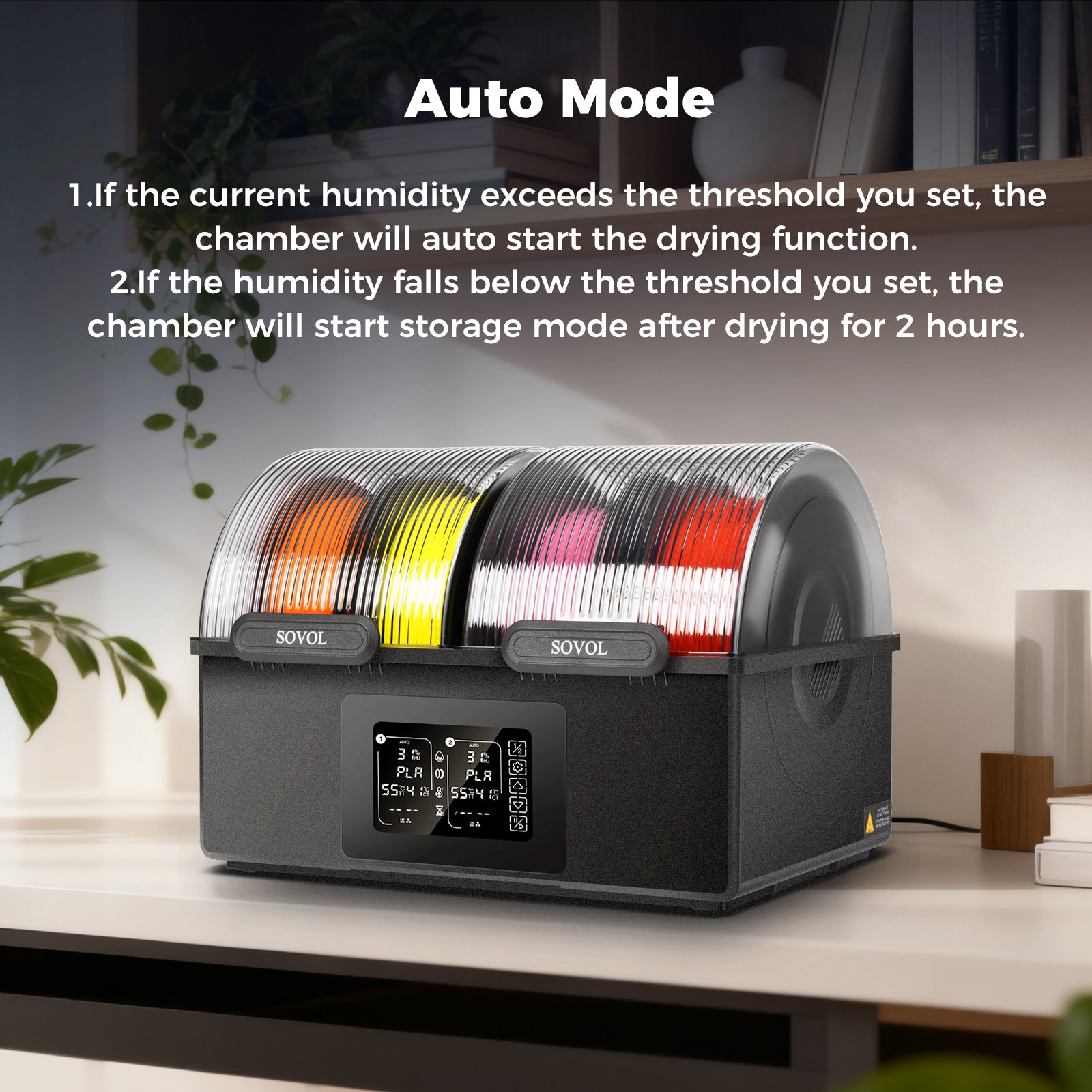
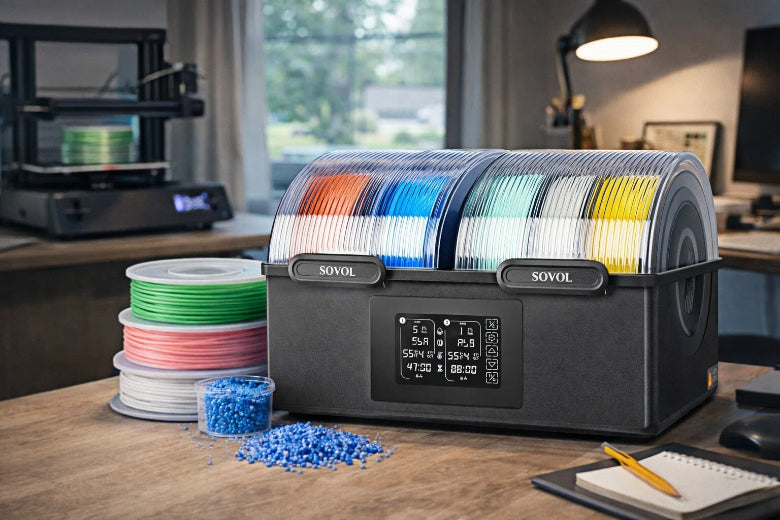
There are many ways to dry filament. DIY methods like ovens and food dehydrators cost less. They are easy to use at home. Professional dryers, like the Sovol SH01, let you control the temperature exactly. They can dry more than one spool at a time. Look at this table to compare the choices:
|
Feature |
DIY Methods |
Professional Dryers |
|---|---|---|
|
Cost |
Lower |
Higher |
|
Temperature Control |
Limited |
Precise |
|
Efficiency |
Good for basic filaments |
Excellent for advanced materials |
|
Customization |
Flexible |
Reliable, fixed features |
DIY methods work for most filament types. If you need to dry filament quickly, use your oven or dehydrator. Professional dryers are best for sensitive materials and give steady results.
When to Use a Filament Dryer
You may ask when you need a dryer. If you print with filaments like nylon or PVA, a dryer helps keep your prints strong. Many shops use dryers to stop stringing and defects. Get a dryer if you print often or want the best results.
- Professional dryers control moisture better.
- They help avoid drying problems and make prints look good.
- DIY methods are okay for simple jobs or less sensitive filaments.
Storing Filament to Prevent Moisture
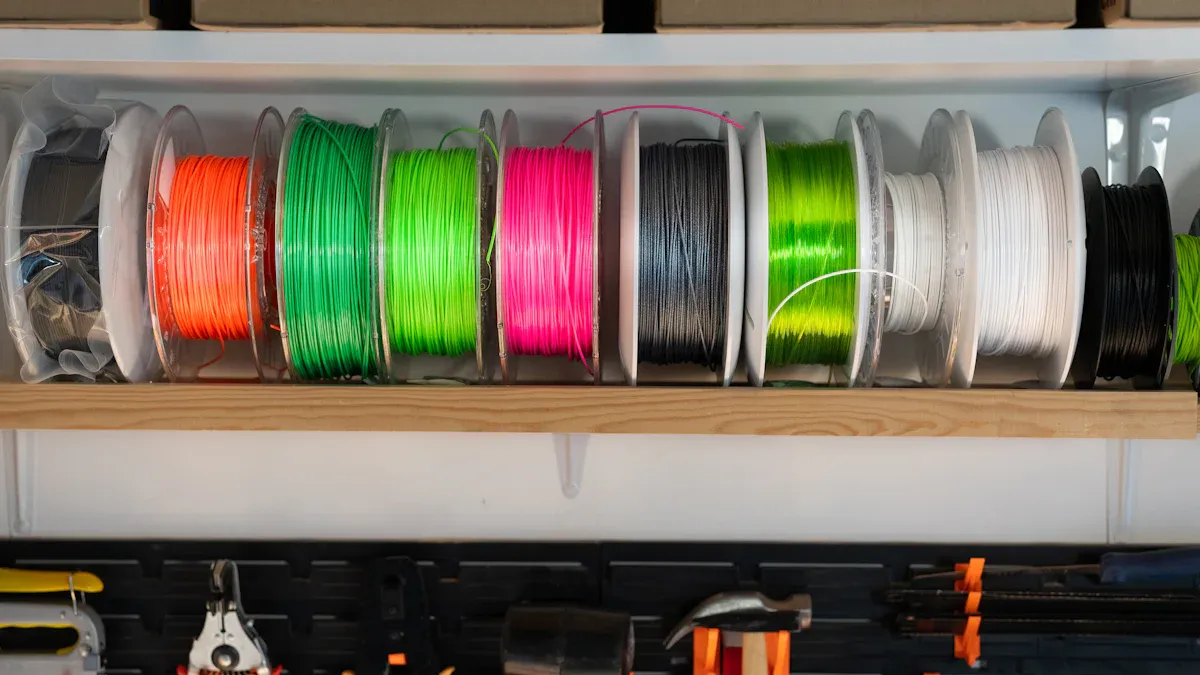
Keeping filament dry is very important. You can use airtight containers, vacuum bags, or boxes with silica gel packs. Color-changing silica gel shows when to change the desiccant. Store filament in a cool, dark place to stop moisture damage. Use a hygrometer to check humidity. Keep it below 20%. These tips help protect your filament and keep it safe.
You can dry filament without a dryer by using things at home. Ovens, food dehydrators, and silica gel boxes are safe to use. Make sure you follow the right temperature rules. Always keep spools in airtight containers. Storing filament well stops problems with your prints. If you want your prints to look great, you can use a professional dryer for even better results.
FAQ
How often should you dry 3d printer filament?
Check your filament once a month. If your area is humid, dry it every two weeks. This helps your 3d prints stay strong.
Can you use a microwave for drying filament?
Do not use a microwave. Microwaves heat things unevenly. They can ruin your 3d printer filament. Use ovens, dehydrators, or silica gel instead.
What is the best way to store filament after drying?
Put your filament in airtight containers with silica gel packs. This keeps moisture out. Your filament stays safe for your next 3d printing project.