

Multi-material printing is one of those upgrades that looks simple on paper: load two filaments, hit print, get a part that’s stronger, more flexible, or easier to post-process.
In reality, you’re buying a system—hardware, slicer, filament handling, and a workflow that can survive a 10-hour job without you babysitting it.
This guide is for advanced FDM users who want a clear mental model of what you’re choosing in 2026 (and what will quietly waste your time and filament).
Key Takeaway: Multi-material success is less about “how many filaments” and more about how the printer keeps materials separated, dry, and correctly aligned.
Multi material 3D printing vs multi-colour: what you’re actually buying
People use these terms interchangeably, but they lead to different buying priorities.
- Multi-colour 3D printing: usually the same base material (often PLA) in multiple colours. You care about clean colour changes, easy swaps, and manageable waste.
- Multi-material 3D printing: mixing different materials for function—rigid + flexible (PLA + TPU), structural + soluble supports (PETG + PVA/BVOH), or different surface properties. You care about compatibility, contamination risk, drying, and calibration.
If you want the full “methods overview” before you go deeper, SOVOL’s guide on what multi-colour printing is and how it works is a good baseline.
The 4 system types you’ll see in 2026 (and who they fit)
There’s no perfect architecture. Each one pushes pain into a different corner: waste, calibration, cost, or complexity.
1) Manual filament swapping (the cheapest way to start)
What it is: you pause the print at a layer, swap filament, continue.
Best for: labels, simple colour accents, and occasional multi-colour prints.
Why it’s still relevant: it’s low-cost and teaches you the basics (purging, oozing, colour-change timing) without locking you into a complex feeding system.
Where it breaks: you won’t do it for frequent swaps, and it’s not a realistic path to true multi-material printing.
2) Single-nozzle multi-filament systems (automatic feeding into one hotend)
What it is: multiple filaments feed into one nozzle, switching automatically.
Best for: multi-colour prints where you want convenience and slicer-driven automation.
Trade-offs you should expect:
- Purge waste and time overhead for clean transitions (prime towers / purge blocks).
- More sensitivity to filament condition (brittle filament, dusty filament, inconsistent diameter) because the system is constantly loading/unloading.
If you’re planning a colour-heavy workflow, it’s worth reading SOVOL’s practical tips on how to reduce multi-colour purge waste before you buy anything.
3) Dual-nozzle systems (including IDEX 3D printer setups)
What it is: two nozzles, two independent filament paths. In an IDEX 3D printer, the two toolheads move independently on X, which can help park one nozzle while the other prints.
Best for:
- Rigid + flexible parts (like a TPU gasket on a rigid body)
- Soluble supports 3D printing (when you want supports that dissolve instead of snapping off)
Trade-offs you should expect:
- You’re taking on calibration responsibility: offsets, alignment, and consistency over time.
- You may lose usable build width in dual-material modes on some machines.
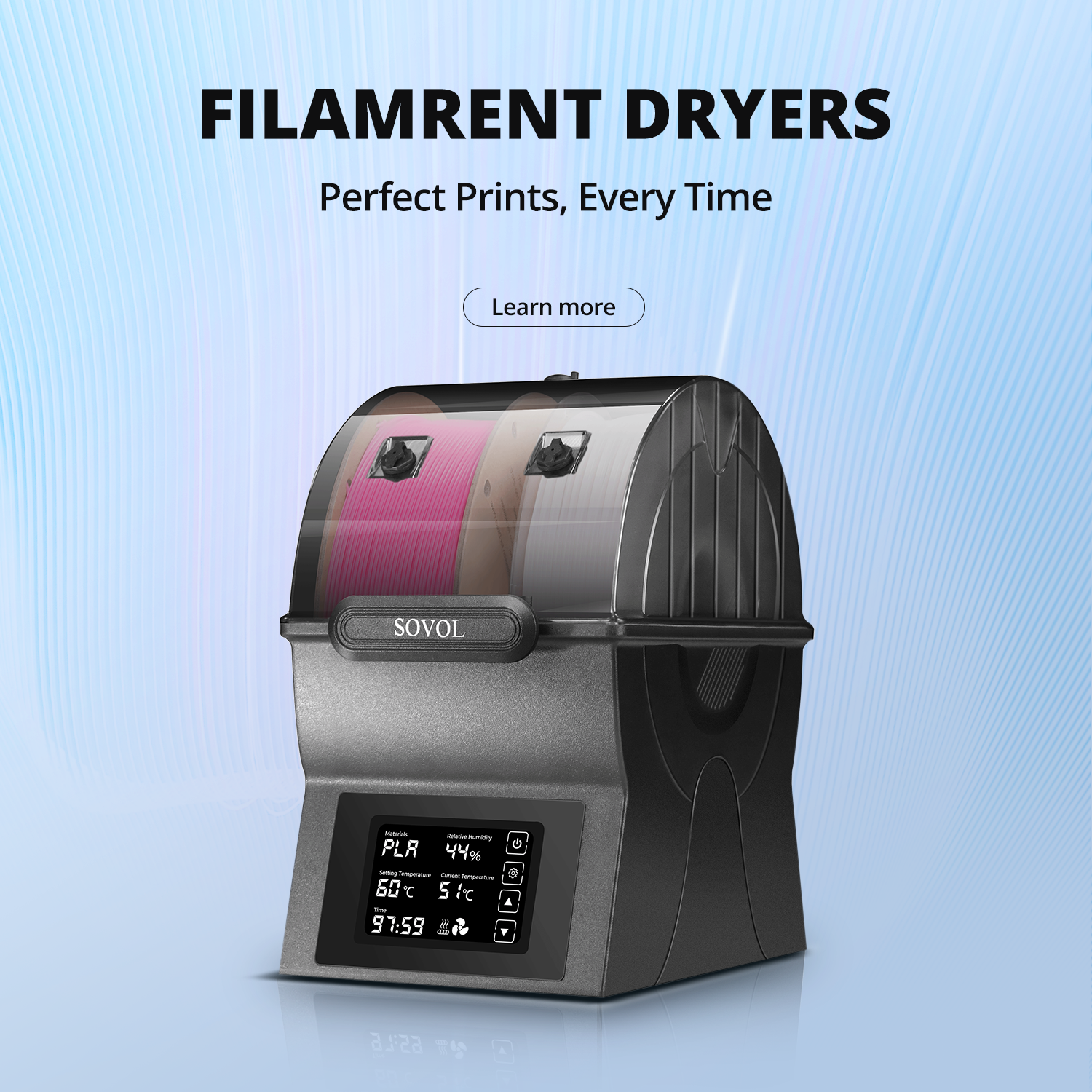
Pro Tip: If soluble supports are your goal, treat filament drying and storage as part of the purchase. PVA/BVOH are famously moisture-sensitive—your “support material” can quietly become your failure mode.
4) Toolchanger systems (separate toolheads per material)
What it is: the printer swaps entire toolheads (nozzle + extruder path) instead of feeding different filaments through the same hotend.
Best for: people who want true separation between materials and are willing to accept higher system complexity.
Why makers like them: they can reduce cross-contamination because each material keeps its own tool. Hackaday’s 2024 write-up on toolchanging vs other approaches is a good “architectures and trade-offs” read.
Where it breaks: you’re maintaining docking, tools, and a more complex machine. It can be worth it—but it’s not “set and forget.”
The decision criteria that matter more than spec sheets
If you’re already an advanced FDM user, you know the trap: a printer can be “fast” and still be miserable when you care about yield.
Here’s what to evaluate for multi-material specifically.
1) How the system handles waste (and whether you’re okay with it)
Single-nozzle switching systems usually trade convenience for purge waste and longer prints.
Your job as a buyer isn’t to eliminate waste—it’s to decide whether the waste is acceptable for what you print.
Ask:
- Does the slicer give you control over purge volumes and transition logic?
- Are you printing lots of small colour changes (worst case), or long blocks of one colour/material?
- Do you have a plan for waste (and the patience to tune it)?
2) Slicer and ecosystem maturity
Multi-material is a slicer problem as much as a hardware problem.
Look for:
- A slicer that supports multi-material workflows without plugins and rituals
- Stable profiles for your materials
- Clear error handling (runout, tangles, failed loads)
If the system needs constant manual babysitting to get through a colour change, it’s not a multi-material setup—it’s a stress test.
3) Filament handling and moisture control
Multi-material setups multiply your filament problems. More spools means more chances to print with “almost fine” filament and blame the machine.
At minimum, you want:
- Dry storage for sensitive materials
- Clean spool paths (no sharp bends, no snag points)
- A workflow that keeps spools from living in open air for weeks
If you want a quick refresher on how different materials behave, SOVOL’s FDM filament guide is a simple reference (especially when you’re mixing PLA/PETG/TPU in the same shop).
4) Compatibility realities (especially for soluble supports)
Soluble supports are where multi-material gets genuinely powerful—complex geometry becomes easier to finish cleanly.
But check your expectations:
- Soluble supports are not just a “second spool.” They’re a drying + storage + post-processing workflow.
- Mixing dissimilar materials can create adhesion and contamination issues if your architecture shares a nozzle.
If your goal is mainly cleaner overhangs (not true multi-material parts), you may get 80% of the benefit from dialing supports and material choice—without buying into complex hardware.
5) Home/workshop reality in the UK: noise, smell, space, and support
A multi-material rig tends to sprawl: more spools, more guides, more things that can snag.
Also check the boring bits:
- How easy is it to get spares shipped to you?
- What’s the warranty coverage (and does it differ by component)?
- What’s your all-in cost after VAT and shipping? (Prusa’s guide on VAT and fees is a useful example of how sellers handle this.)
Quick decision guide: a 2-minute checklist
Use this to narrow your options fast.
Are you mainly doing colour changes in PLA/PETG?
- Yes → prioritize a single-nozzle multi-filament system with strong slicer integration.
- No → go to #2.
Do you want soluble supports for complex geometry?
- Yes → prioritize dual-nozzle/IDEX or toolchanger architectures.
- No → go to #3.
Are you mixing rigid + flexible (like TPU) in one part?
- Yes → avoid shared-nozzle setups unless you’re okay tuning and occasional contamination.
- No → go to #4.
Are you willing to calibrate and maintain a more complex machine?
- Yes → toolchanger/IDEX can be worth it.
- No → keep it simpler: single-nozzle switching for colour, or stick to one material per print.
Red flags that make multi-material miserable
Watch for these before you buy:
- The setup has no clear plan for drying/storage, but you want moisture-sensitive materials.
- The slicer workflow looks fragile (special scripts, lots of manual steps, unclear error recovery).
- Material changes are slow and failure-prone, and you’re planning prints with lots of swaps.
- You can’t get parts quickly, and the system has many wear items.
⚠️ Warning: Multi-material setups can fail for boring reasons—tangled spools, slightly wet filament, or a bad load. The more materials you add, the more those small issues dominate.
SOVOL options (moderate, honest)
SOVOL’s current strength is in open, upgrade-friendly FDM machines and practical education. If you’re building your decision framework, these SOVOL resources help you get the basics right:
- Start with the method overview: SOVOL’s multi-colour printing guide
- Make sure your material choices and handling are solid: introduction to colour printing filaments
If you’re planning any multi-material workflow (especially soluble supports), treat filament management as part of the purchase—not an afterthought.
Next steps
If you want, skim SOVOL’s overview of how multi-colour printing works in practice and note which architecture matches your “pain tolerance”: waste, calibration, or complexity.
Then pick one multi-material use case you care about most (soluble supports, TPU inserts, or cosmetic multi-colour). That choice should drive your hardware decision.