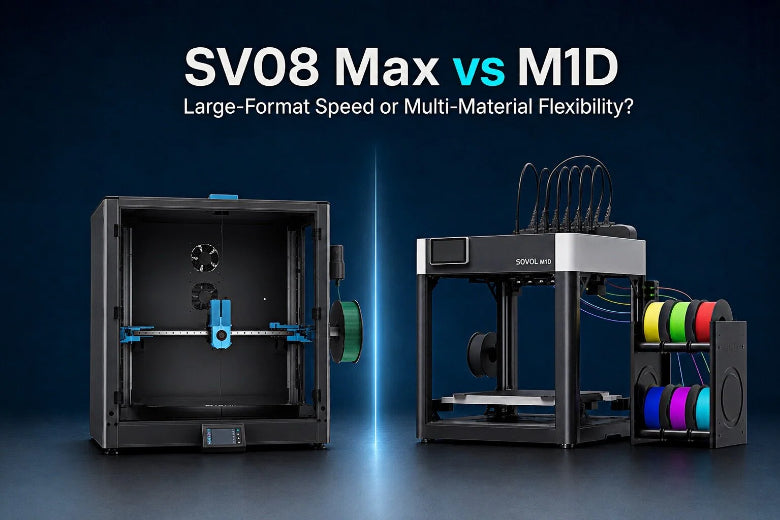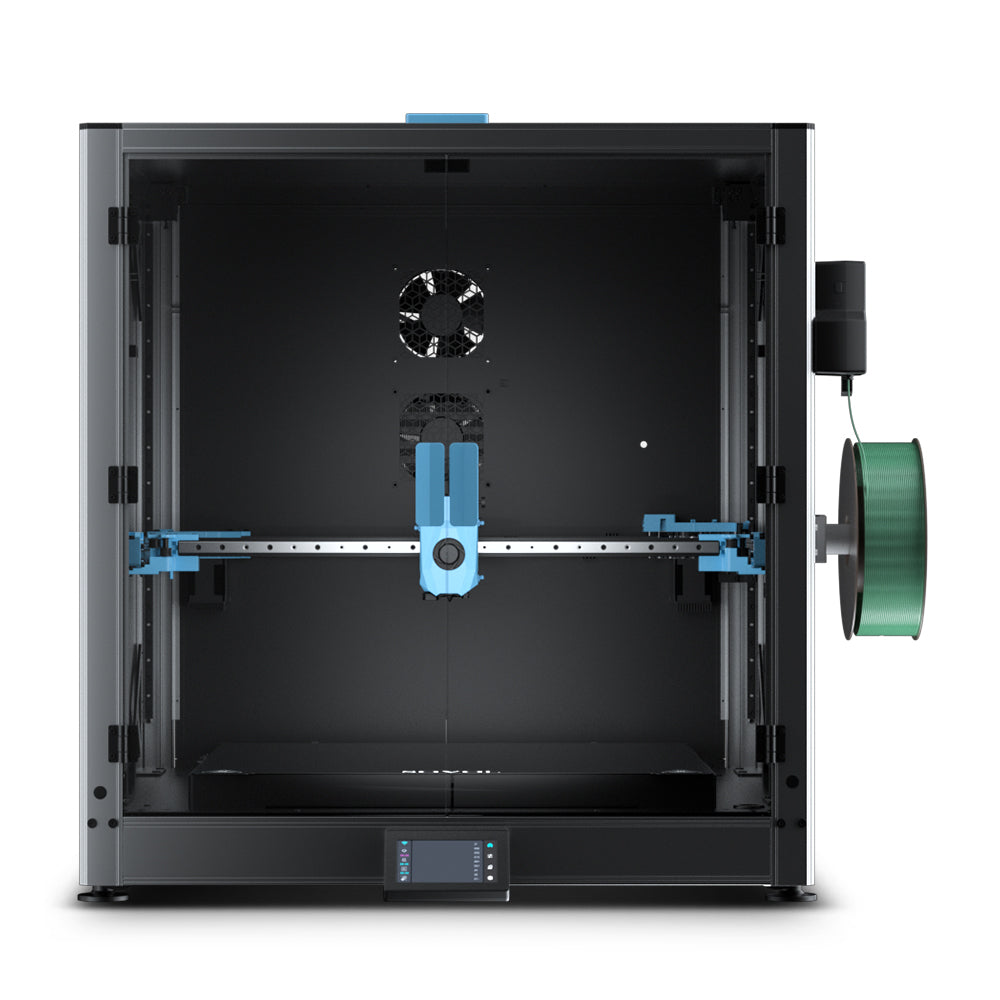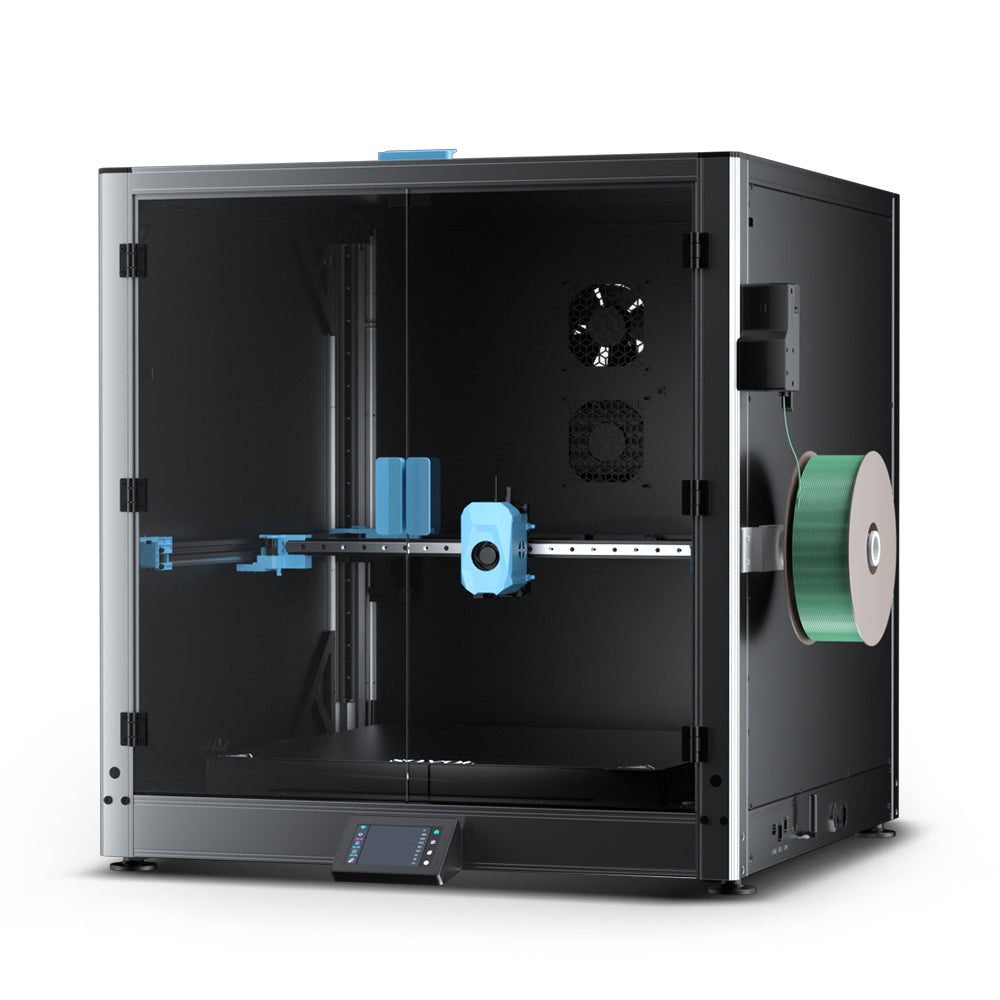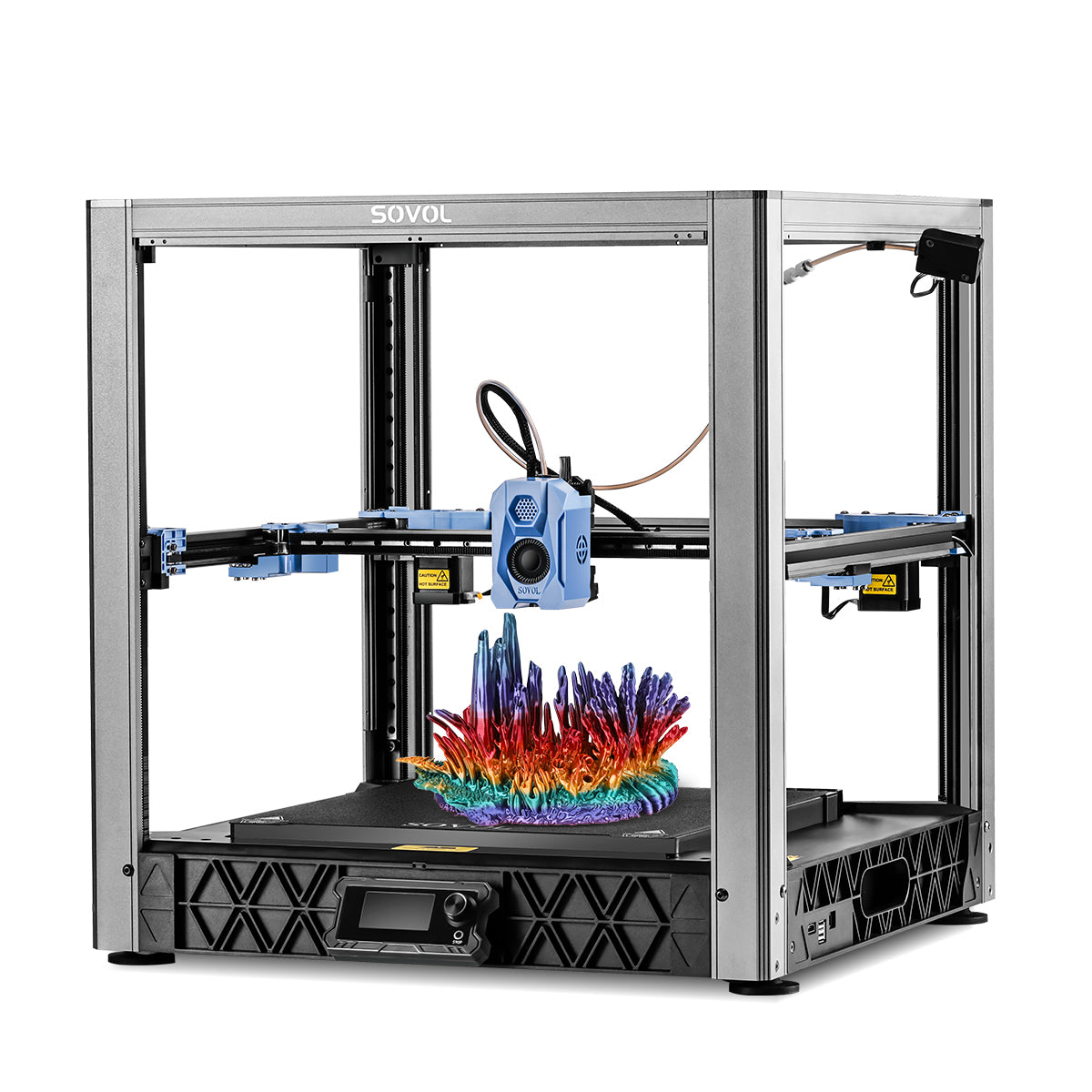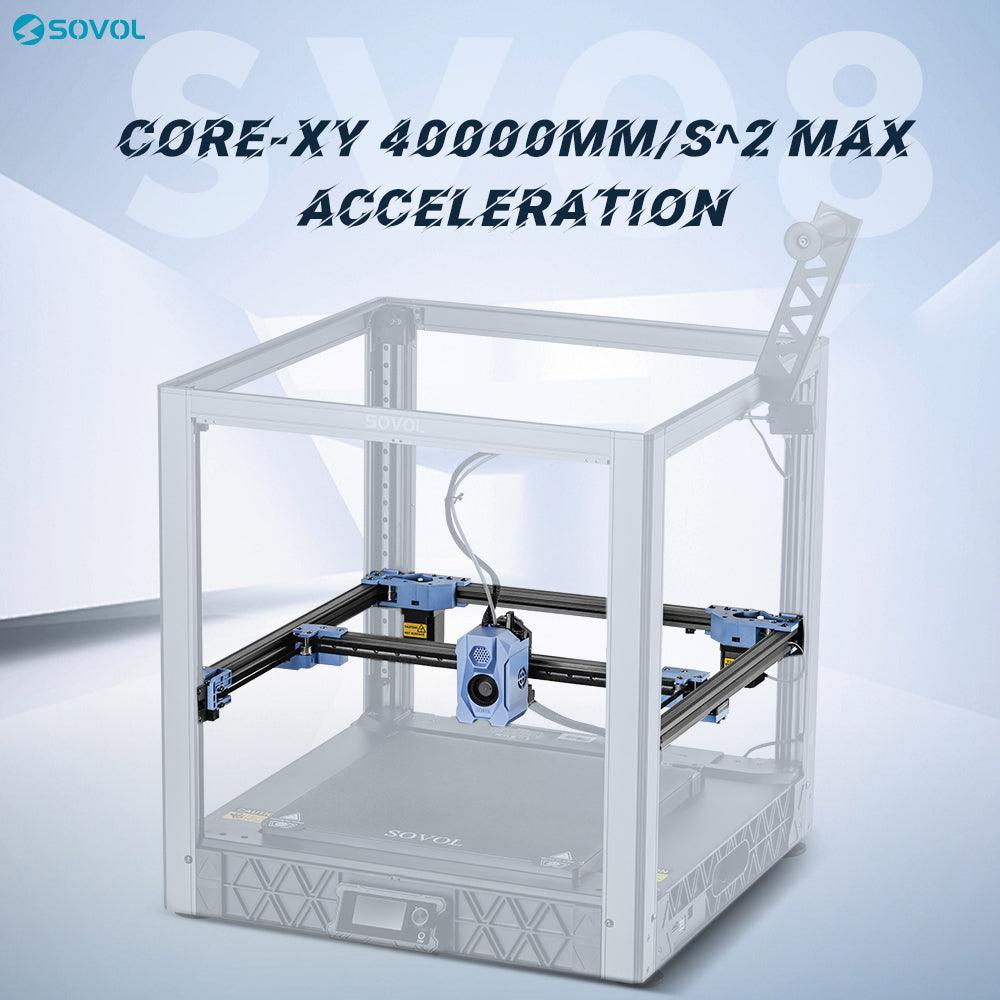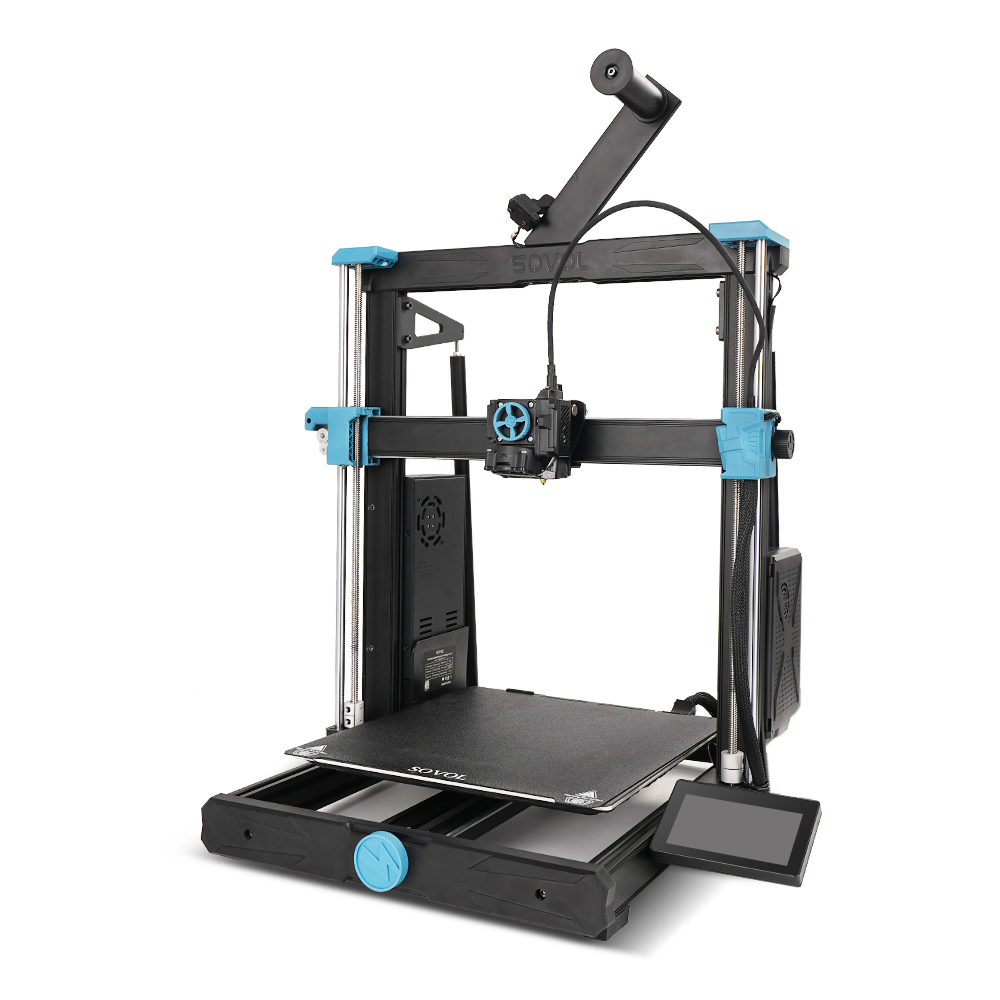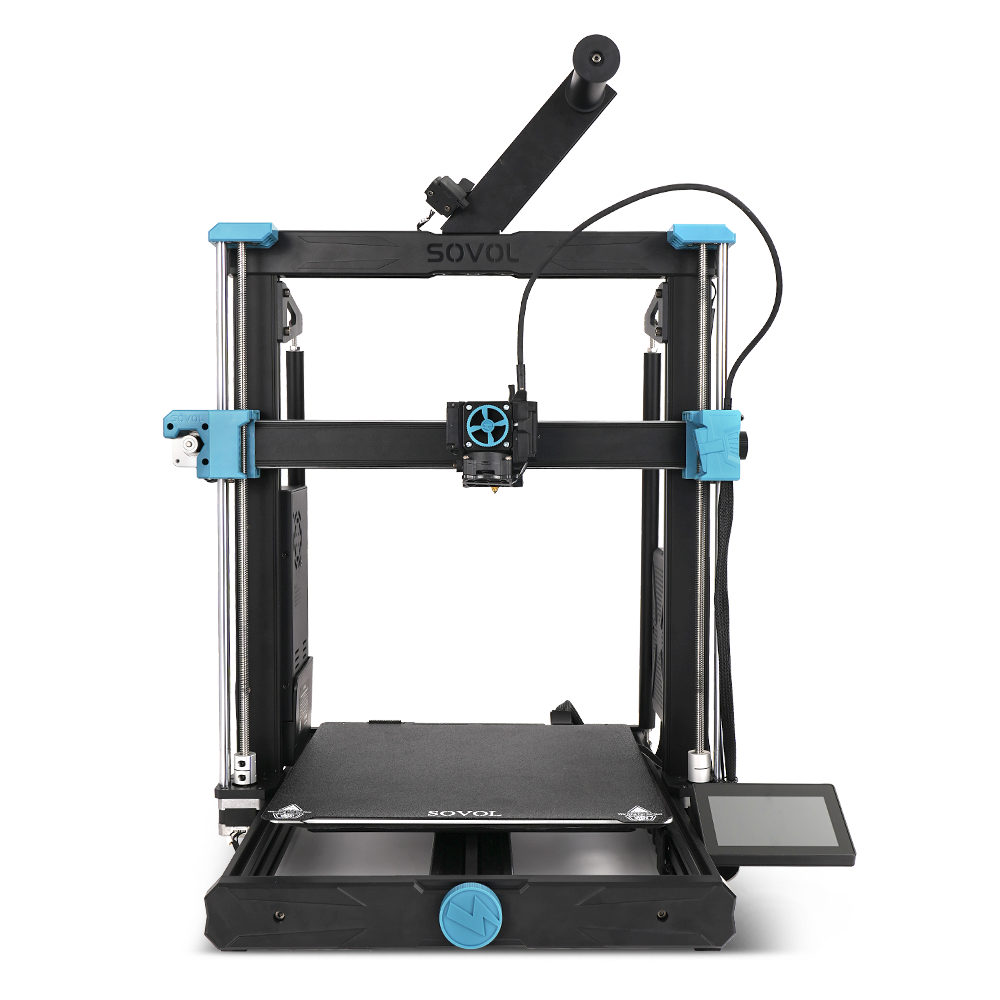
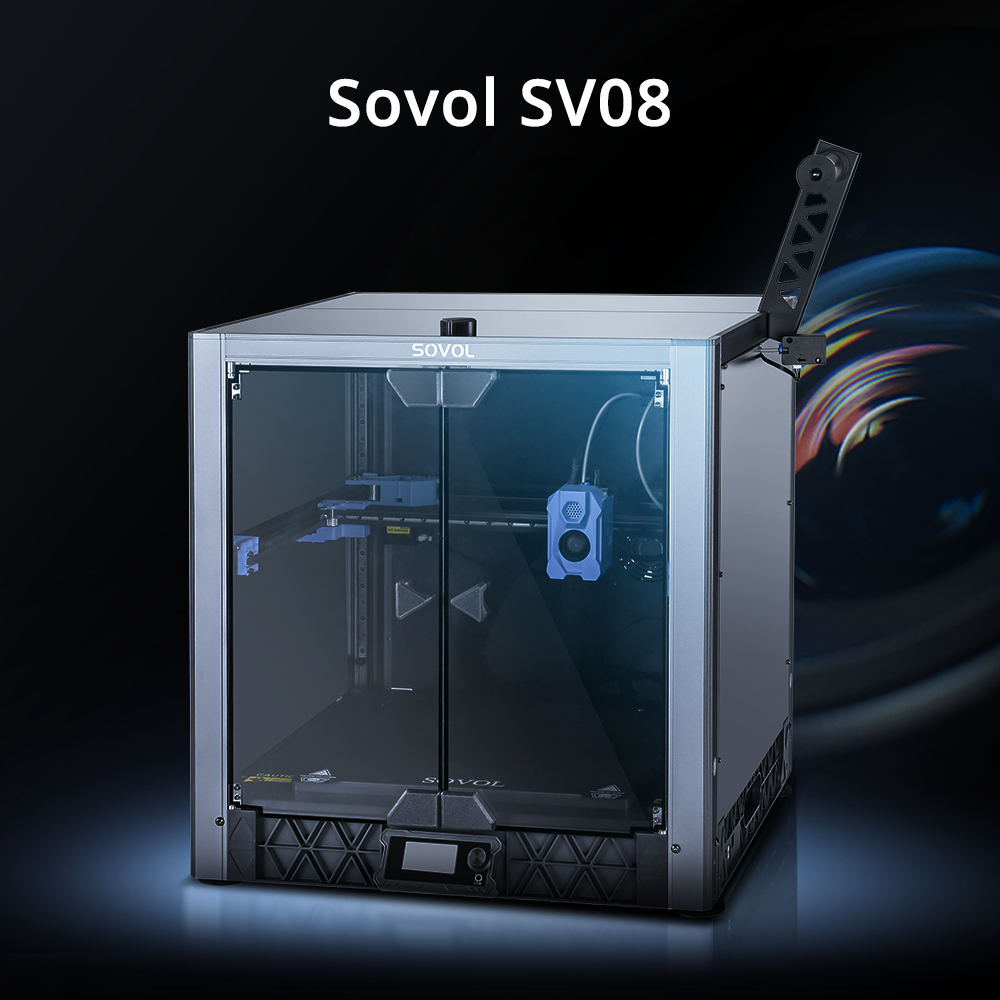
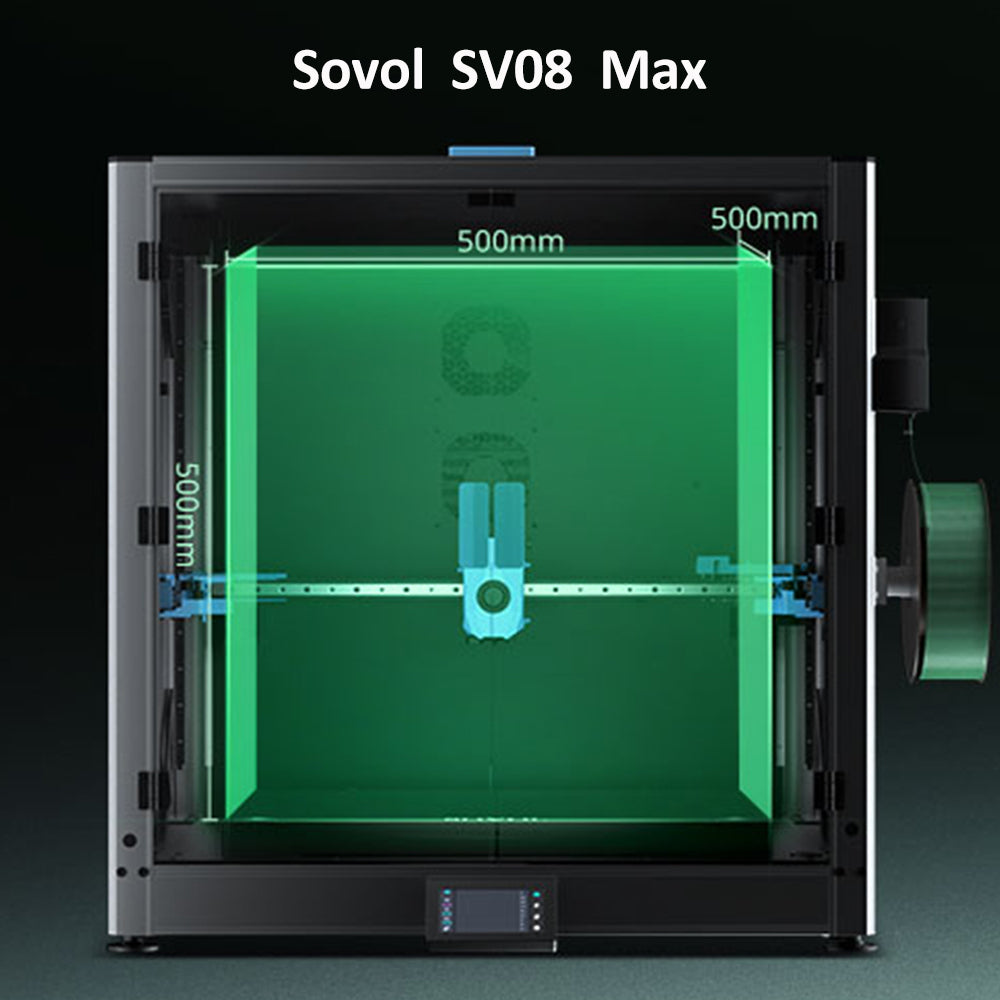
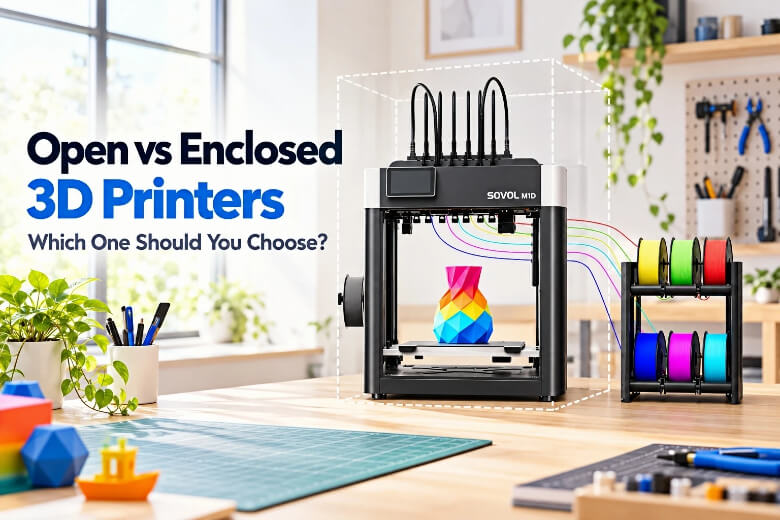
The real trade-off is thermal control and containment versus cost, access, and cooling. An enclosure holds warm air around the part, which slows the cooling that pulls tall ABS and ASA prints off the plate, but it also traps heat that PLA and PETG need to shed, and it adds a door between you and the nozzle.
This guide gives you a decision framework rather than a verdict. You will match your materials, part sizes, room, and budget to one of three setups, and you will see where the evidence stops.

Key Takeaways
- An enclosure is a thermal and containment tool, not a quality guarantee. It controls drafts and temperature gradients; it does not stop warping on its own.
- A heated bed and a heated chamber are different things. The build platform and the build chamber are separate machine properties, and no standard sets a required chamber temperature.
- Not every ABS or ASA print needs active chamber heating. For some machines, the default chamber setting is off for both materials.
- Chamber requirements vary by material brand, part size, geometry, and printer design. Use the filament manufacturer's recommendations as a starting point rather than a single fixed number.
- An enclosure does not replace ventilation. Follow the manufacturer's guidance and the ventilation requirements that apply in your location.
Open vs Enclosed 3D Printer: The Quick Answer
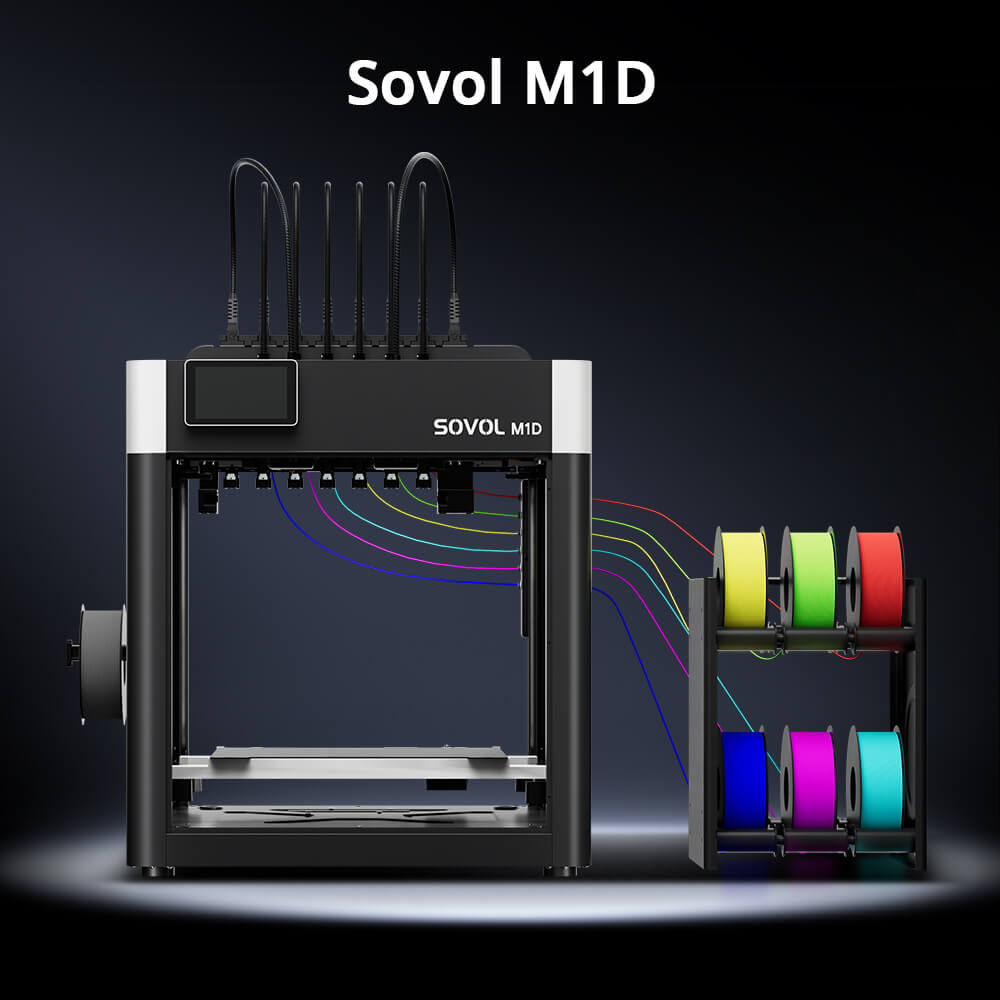
Pick the open frame if you print PLA, PETG, TPU, or PVA, you want to watch and reach the nozzle, and your room has no strong drafts. PETG generally has lower shrinkage than materials such as ABS and ASA, although large parts can still be affected by bed adhesion, drafts, and print settings (Prusa Knowledge Base, retrieved 2026). Sovol's recommended material list for its open M1D Essential is exactly that group: PLA, PETG, TPU, PVA .
Pick a passive enclosure if you print ABS or ASA at small to medium sizes and want draft protection without a heater. Prusa lists "Requires printer enclosure" as an ABS con and recommends a bed at 100 °C, settable 80 to 110 °C depending on object size (Prusa ABS guide, retrieved 2026). Polymaker's PolyLite ASA sheet says an enclosure is "recommended to print PolyLite ASA to prevent warping issue" (Polymaker PolyLite ASA PIS V1.3, current revision).
Pick an enclosed machine with active chamber heating if you print PC, large flat ASA or ABS parts, or nylon, and you want the chamber to hold a setpoint rather than drift with the bed. Polymaker's PolyLite PC sheet states that "for large part, it is recommended to use a heated chamber" (Polymaker PolyLite PC TDS V5.5, 2026-01-05). Option three is not automatically better than option two: it costs more, it restricts low-temperature filaments, and it does not fix a part that is too large for the chamber to hold evenly.
What Actually Changes Between an Open Frame and an Enclosure
Six criteria separate the configurations, and the first one is worth defining because it is easy to muddle. The build chamber is the enclosed space where the part is fabricated, while the build platform is the surface your first layer sticks to. They are separate machine properties, and no standard sets a required chamber temperature (ISO/ASTM 52900:2021, 2021).
The other five criteria are temperature stability, draft exposure, noise, ventilation, and maintenance access. On temperature, chamber requirements vary by material brand, model size, geometry, and printer design. Use the filament manufacturer's recommendations as a starting point rather than assuming one number applies to every machine.
These are general starting points. Actual results depend on the material formulation, model size, geometry, printer design, and print profile.
|
Criterion |
Open frame |
Enclosed |
Enclosed with active chamber heating |
|---|---|---|---|
|
Often suitable for |
PLA, PETG, TPU, PVA |
ABS, ASA, small to medium parts |
PC, PA, large flat ABS/ASA parts |
|
Temperature stability |
Follows room air |
Holds bed heat, drifts with drafts |
Holds a setpoint |
|
Draft exposure |
Full |
Shielded |
Shielded |
|
Noise |
Machine's own rating |
Damped by panels |
Damped by panels plus heater fan |
|
Ventilation |
Room-level |
Still required |
Still required |
|
Maintenance access |
Direct |
Door or panel |
Door or panel |
|
Cost direction |
Lowest |
Middle |
Highest |
Do You Actually Need an Enclosed 3D Printer for Your Materials?
For PLA and PETG, no. These materials print best with airflow and cooling, and a hot chamber works against that rather than for it. Prusa's PETG guide describes the material as suitable for large models with no enclosure mentioned (Prusa PETG guide, retrieved 2026).
For ABS and ASA, an enclosure is the common recommendation, but active heating is not automatically required. An enclosure that blocks drafts is often enough. Prusa's ASA guide ties the requirement to part size: "An enclosure is necessary for printing large parts" (Prusa ASA guide, retrieved 2026).
For PC and nylon, the case for a heated chamber strengthens with part size. Polymaker's PolyLite PC sheet pairs the enclosure recommendation with a heated chamber for large parts (Polymaker PolyLite PC TDS V5.5, 2026-01-05). Keep in mind that chamber air temperature and a material's glass transition temperature are different numbers, and the exact figures differ by grade, so treat any single number as a starting point rather than a rule.
Passive Enclosure, Heated Chamber, or Heated Bed Only?
A heated bed is not a heated chamber. The bed is the build platform, the surface the part starts on; the chamber is the air around it. Stratasys draws the same line at industrial scale, stating that a fully heated build chamber "enables higher strength between layers than other printers in this class that use only a heated build platen" (Stratasys F370CR brochure, 1024a revision).
A passive enclosure traps the heat your bed and hot end already produce. Bambu Lab documents the manual version of this: on printers without active chamber control, raise the bed temperature, close the front door, and cover the top lid, preheating the bed to maximum and waiting 15 minutes (Bambu Lab ABS/ASA/PC usage guide, retrieved 2026).
An active chamber heater holds a setpoint independently of the bed, with a fan and controller that keep the air near a target even as the room changes. Some machines also tie the chamber to a vent that opens for PLA and PETG and closes for high-temperature materials (Prusa CORE One+ product page, current generation).
The practical test: if chamber temperature only floats with bed heat and fan ramp, treat it as passive. No standards body or government source establishes a required chamber temperature, so any setpoint you see is vendor data.
How Do Noise, Safety, Ventilation, and Maintenance Differ?

Enclosures damp noise, but no manufacturer publishes a comparable dB rating for an enclosed desktop printer. Bambu Lab's X1E specification sheet lists no noise figure at all (Bambu Lab X1E specification sheet, current revision). The best available measurement comes from a practitioner test on an open-frame machine at 1 m: 67.7 dB bare, dropping to 59.6 dB on felt pads and below 56 dB on a concrete paver with soft packing foam (CNC Kitchen, retrieved 2026). That test measured feet and bases, not enclosure panels, so it illustrates the scale of the problem rather than proving an enclosure's effect.
Ventilation is where the enclosure question gets a hard answer, and this is the safety point people get wrong. An enclosure does not automatically replace ventilation. Printing can release ultrafine particles and volatile organic compounds, especially with certain materials, so follow the printer manufacturer's guidance and the ventilation requirements that apply in your location. NIOSH's science bulletin identifies ultrafine particles below 100 nm and volatile organic compounds as the main hazard class and recommends ventilation alongside high-efficiency particulate air filtration for source control (NIOSH science bulletin, July 29, 2024).
Maintenance access is the quiet cost of an enclosure. Prusa warns that "printing inside an enclosure can lead to deformation of the fan shroud and other plastic parts," and its ASA guide notes that sustained ASA printing in an unventilated enclosure can deform the fan shroud and extruder plastic parts over time (Prusa ABS guide, Prusa ASA guide, retrieved 2026). An open frame exposes those same parts to room air instead.
Which Setup Fits Your Scenario?
A beginner or family printing PLA and PETG on a desk fits the open frame. Those materials don't need chamber heat, and direct access makes clogs and first-layer problems easier to diagnose.
A maker printing functional ABS and ASA parts at moderate size fits a passive enclosure. Prusa's ABS guidance pairs the enclosure requirement with a 100 °C bed and a draft shield workaround for machines without one (Prusa ABS guide, retrieved 2026). Polymaker's ASA sheet recommends an enclosure to prevent warping (Polymaker PolyLite ASA PIS V1.3, current revision).
An educator or small business printing in a shared room needs the ventilation answer before the thermal one. In shared spaces, route exhaust away from people where possible, and treat filtration as a supplement rather than a substitute for moving air out of the room. Where emissions are a concern, PLA tends to be one of the lower-emission options and prints without a heated bed, which makes it a common starting point for classrooms and libraries.
An engineer printing PC, PA, or large flat ASA parts fits an enclosed machine with active chamber heating. Polymaker recommends a heated chamber for large PC parts (Polymaker PolyLite PC TDS V5.5, 2026-01-05).
How the M1D Essential and Advanced Fit These Use Cases
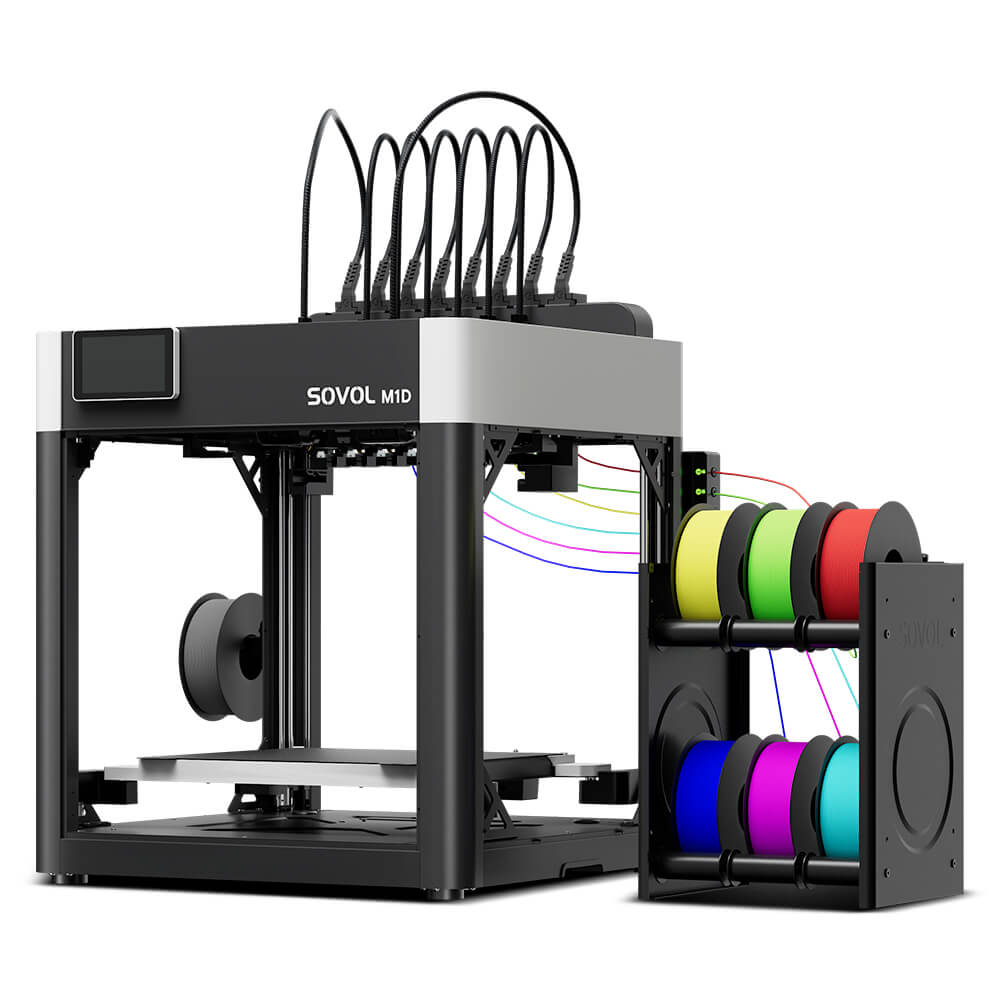
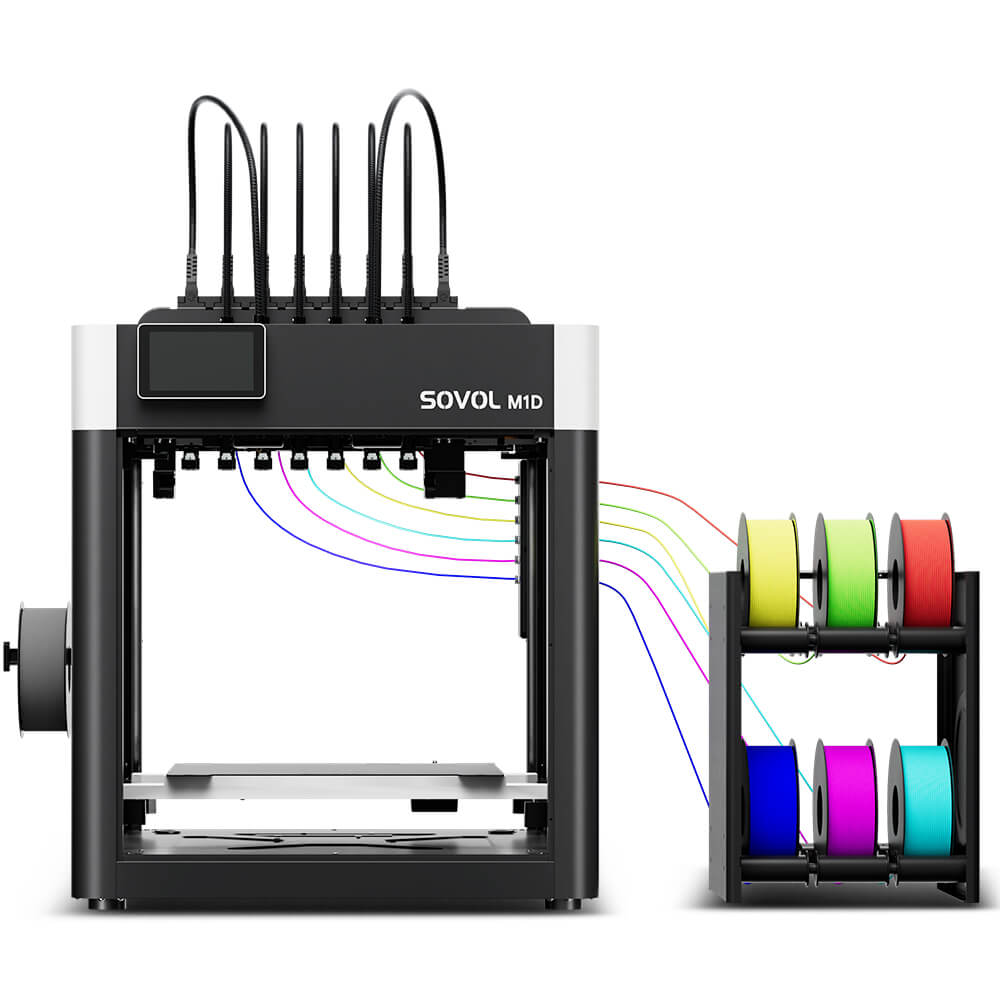
The M1D line shows how one platform splits across the framework. The Essential is described as "Open Structure (Without Enclosure Kit)" with "No Active Heating," and its recommended materials are PLA, PETG, TPU, and PVA. The Advanced is "Enclosed Chamber (With Enclosure Kit)" with active chamber heating up to 60 °C, and its list adds ABS, ASA, PA, and PC .
That split maps onto the material question above: choose the Essential if your work is PLA, PETG, TPU, or PVA, and the Advanced if you need a warmer, draft-free chamber for ABS, ASA, PA, or PC. Those are vendor guidance, not requirements, so check the official product page for current specifications.
One thing neither version promises is a warp-free result. Chamber heat and an enclosure manage drafts and gradients, not outcomes, and you still have to match the material, tune the profile, and inspect the part yourself, with any printer, ours included.
Common Buying Mistakes to Avoid
Believing an enclosure guarantees no warping. It controls drafts and gradients, not outcomes, and even enclosed ABS can warp and shrink (Prusa ABS guide, retrieved 2026).
Treating a heated bed as a heated chamber. They are separate machine properties, and a fully heated chamber can improve layer-to-layer strength compared with a heated platen alone (Stratasys F370CR brochure, 1024a revision).
Hunting for one universal chamber temperature. Requirements vary by brand, part size, and printer design, so use the filament maker's guidance as a starting point rather than a fixed number.
Buying a hot chamber for PLA and PETG. Those materials print best with airflow and cooling, so a heated chamber is usually not an advantage for them.
FAQ
Is an enclosed 3D printer always better than an open-frame one?
No. It depends on your material, part size, and room. An enclosure mainly buys a stable thermal environment, which matters for ABS, ASA, PA, and PC and matters far less for PLA, PETG, and TPU.
Can I add an enclosure to an open-frame printer later?
Yes, it is a common retrofit. A passive enclosure cuts drafts but does not hold a setpoint, so the chamber drifts with the room. That is why retrofits help ABS and ASA more than large PC parts.
Does an enclosure remove the need for ventilation?
No. An enclosure is a thermal tool, not an air-quality control. Follow the manufacturer's guidance and your local ventilation requirements, and treat filters as a supplement rather than a substitute.
Do ABS and ASA always need active chamber heating?
No. An enclosure that blocks drafts is often enough for these two materials; active heating becomes more useful as part size and warp risk grow.
Will a heated chamber stop large PC parts from warping?
It lowers the risk but does not guarantee the result. Geometry, cooling, and ambient conditions still decide the outcome, so plan on tuning rather than assuming the chamber solves it.
Conclusion: A Practical Checklist for Choosing
Work through the checklist in order, because the first item can end the decision.
- List your materials. PLA, PETG, TPU, and PVA point to an open frame. ABS, ASA, PA, and PC point toward an enclosure.
- Check part size. Prusa ties the ASA enclosure requirement to large parts, and Polymaker ties the heated chamber recommendation to large PC parts (Prusa ASA guide, retrieved 2026; Polymaker PolyLite PC TDS V5.5, 2026-01-05).
- Check your room. A shared classroom or office needs the ventilation answer before the thermal one. Route exhaust away from people and treat filters as a supplement, not a substitute for air exchange.
- Decide passive or active. If your materials are ABS or ASA at moderate size, a passive enclosure may be enough. If they are PC, PA, or large flat parts, look for a machine with a chamber setpoint rather than relying on bed heat alone.
- Verify the spec sheet, not the marketing. Chamber temperature, bed temperature, and material Tg are three different numbers, and only the first two are machine properties.
If you are still weighing configurations, start with your material list and your room, then compare the chamber and bed specifications on the machines you are considering.