








Sovol M1D Essential vs Advanced: Which Is Right for You?
Compare the Sovol M1D Essential and Advanced to find the right configuration for your 3D printing workflow.
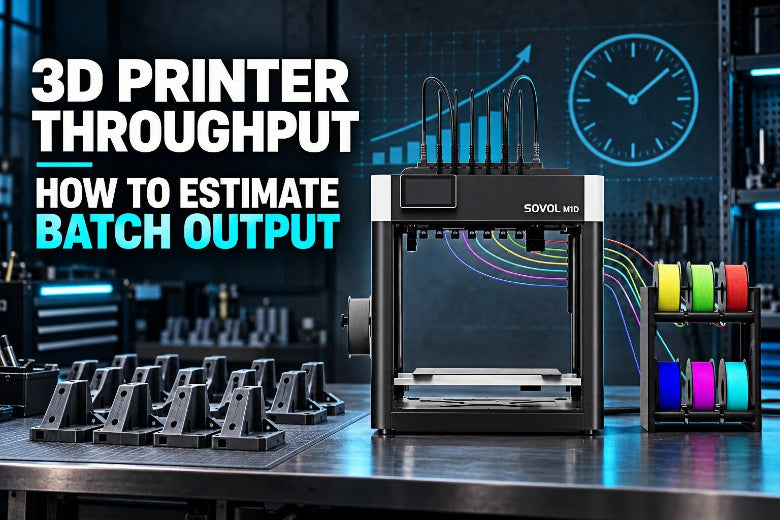
3D Printer Throughput: How to Estimate Batch Output
Learn how to estimate practical 3D printer throughput for batch production. This guide explains why advertised speed does not equal real output and shows how print time, setup, post-processing, fai...
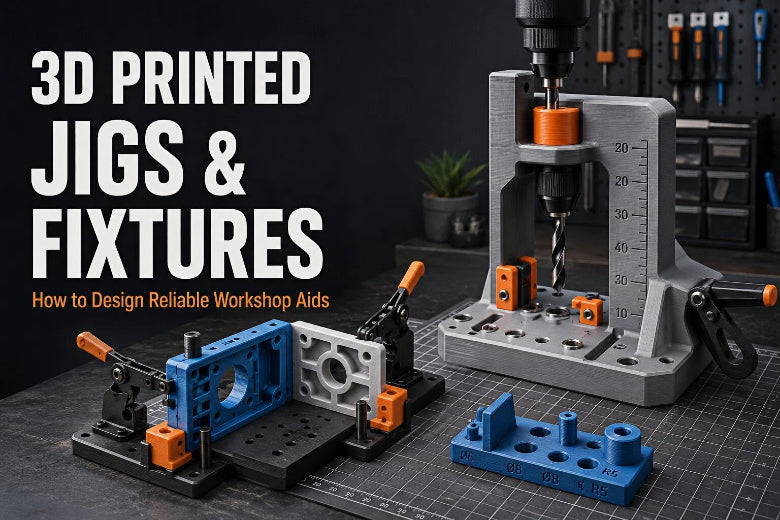
3D Printed Jigs and Fixtures: How to Design Reliable Workshop Aids
Learn how to design reliable 3D printed jigs and fixtures for drilling, assembly, soldering, inspection, and small-batch production. This practical guide covers datum surfaces, locating features, c...
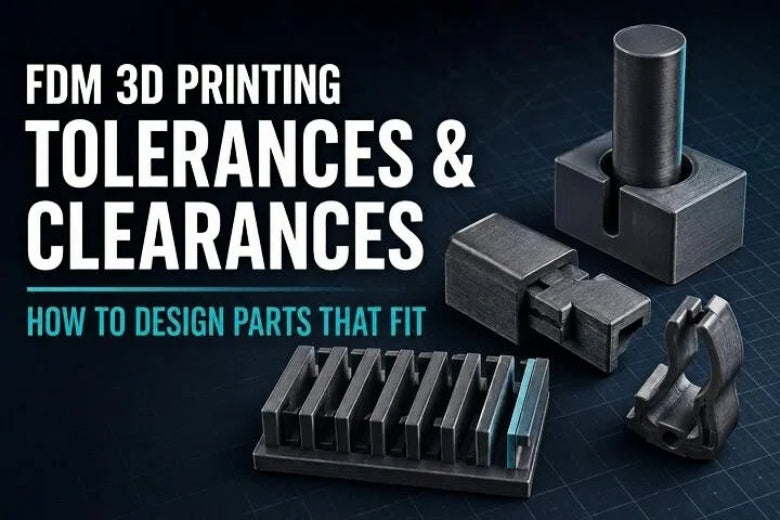
FDM 3D Printing Tolerances & Clearances: How to Design Parts That Fit
Learn how to design FDM 3D printed parts that fit the first time. This practical guide explains tolerance versus clearance, sliding and press fits, material differences, slicer settings, and how to...
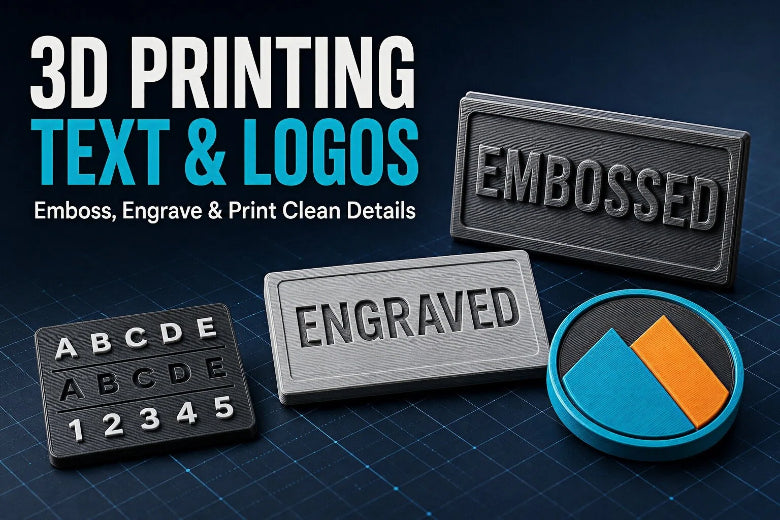
3D Printing Text and Logos: How to Emboss, Engrave, and Print Clean Details
Learn how to design and 3D print readable text and logos using embossing, engraving, printable fonts, proper wall thickness, orientation, and slicer settings.
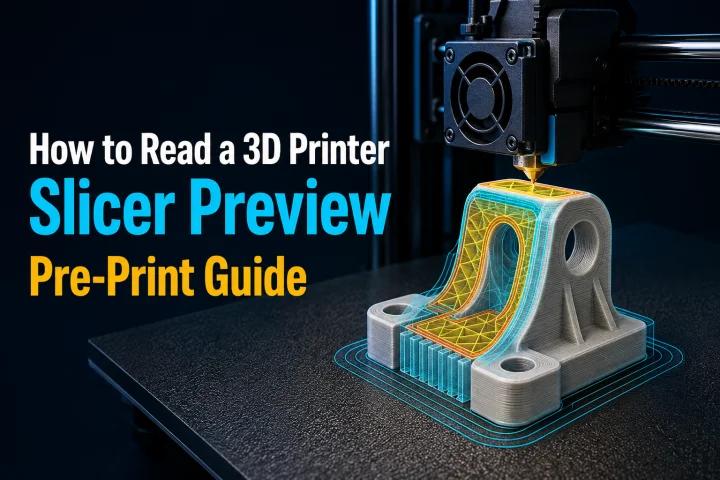
How to Read a 3D Printer Slicer Preview: Catch Problems Before Printing
Learn how to read a 3D printer slicer preview before printing. This practical guide explains how to inspect layers, walls, infill, overhangs, supports, travel moves, seams, and volumetric flow so y...
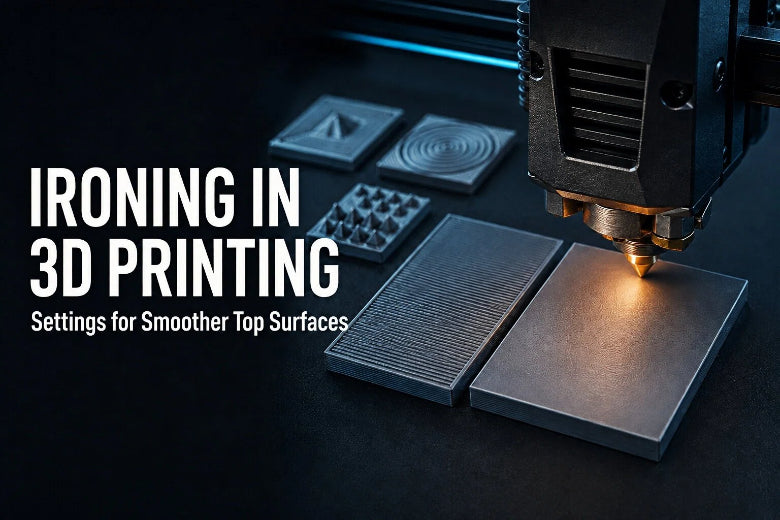
Ironing in 3D Printing: Settings for Smoother Top Surfaces
Learn how ironing in 3D printing smooths flat top surfaces by combining heat and low-flow extrusion. This practical guide explains ironing settings, slicer options, material considerations, calibra...
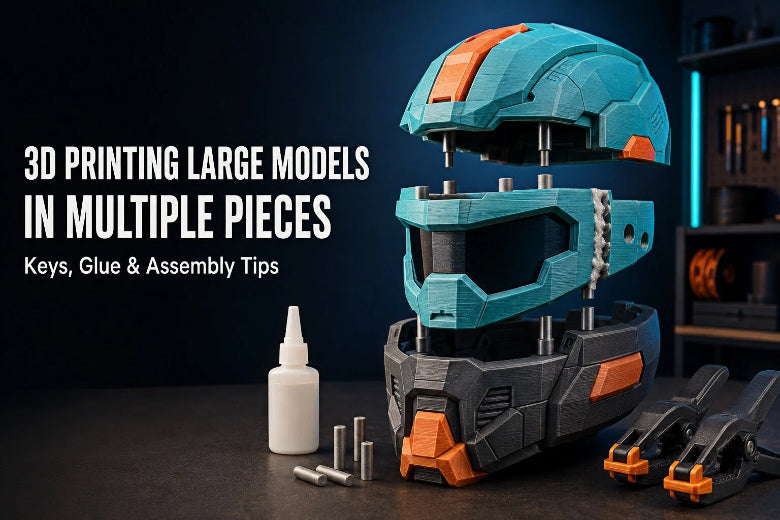
3D Printing Large Models in Multiple Pieces: Keys, Glue, and Assembly Tips
Learn how to print oversized 3D models by splitting them into manageable sections. This practical guide covers split locations, alignment keys, joint design, adhesive selection, clamping, curing, s...
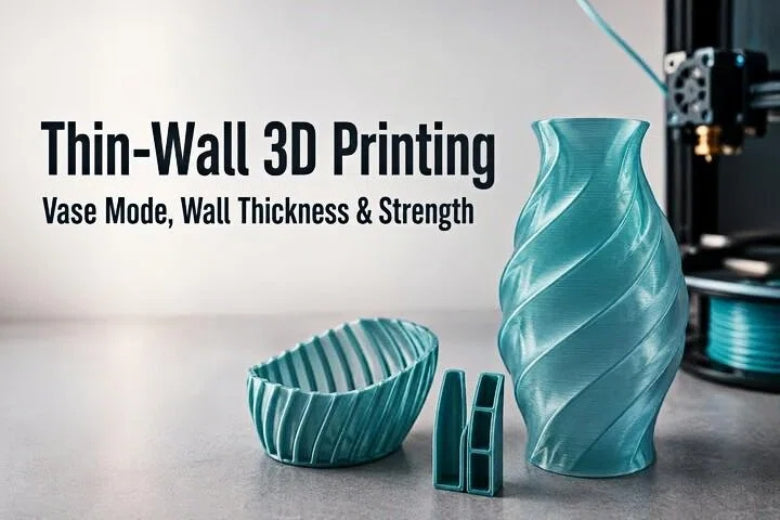
Thin-Wall 3D Printing: Vase Mode, Wall Thickness, and Strength
Learn how to design and print reliable thin-wall FDM models with practical guidance on wall thickness, line width, vase mode, slicer settings, print orientation, and structural reinforcement. Disco...
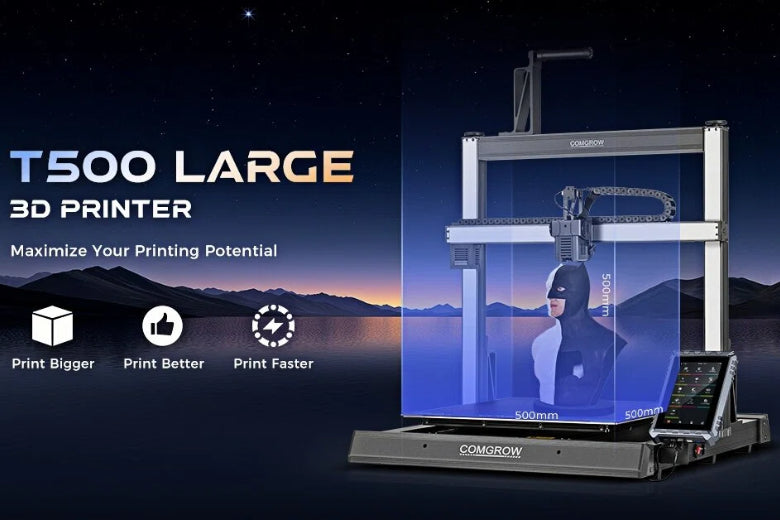
What Can You Print on a 500×500×500mm 3D Printer? A Practical Look at the Comgrow T500
See what a 500×500×500mm 3D printer can make, from large cosplay props and functional prototypes to batch-printed parts, and learn what to consider before buying the Comgrow T500.
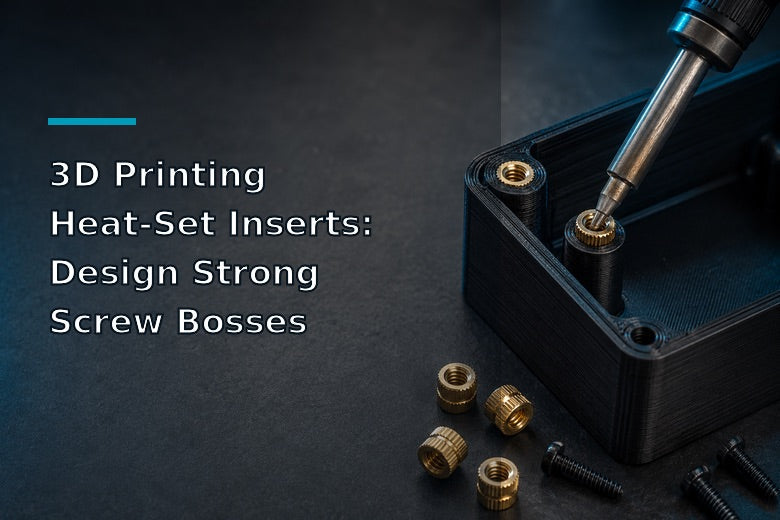
3D Printing with Heat-Set Inserts: Design Strong Screw Bosses That Last
Learn how to design strong 3D-printed screw bosses, choose heat-set insert hole sizes, optimize slicer settings, and install brass inserts reliably.
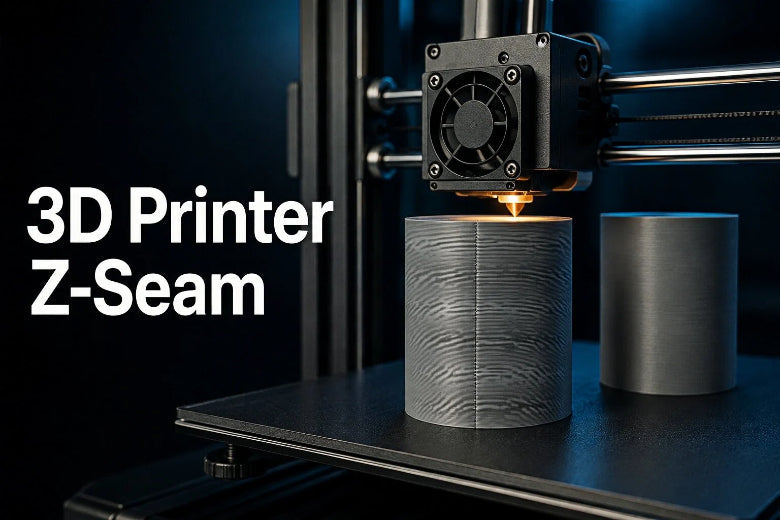
3D Printer Z-Seam: Placement, Alignment, and Surface Finish Tips
A practical guide to reducing visible Z-seams in FDM prints with smarter seam placement, slicer settings, pressure control, and CAD design choices.