







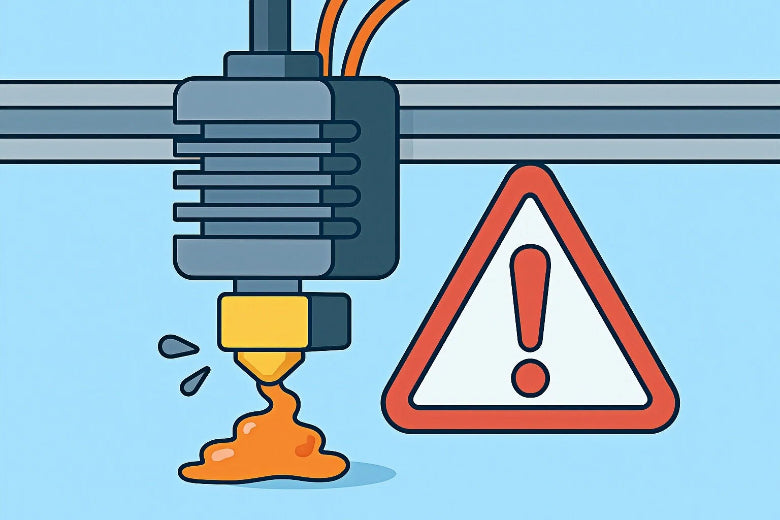
You might notice your 3D printer starts acting up when a 3d printer hotend clog happens. Prints can show gaps or layers that look unfinished. Sometimes, filament stops flowing, and your project comes to a halt. This issue wastes time and filament, making you feel frustrated. If you want to know how to unclog a 3d printer hotend safely and avoid these problems, you’re in the right place. Beginners and experienced users can both tackle this challenge with patience and the right steps.
Key Takeaways
- Watch for early signs of a clog, like filament not coming out or clicking noises from the extruder. This can help you save your print.
- Store filament the right way to stop it from getting wet. Keep filament in closed bags with desiccants so it stays dry.
- Do regular maintenance, like cold pulls every 20–30 print hours, to keep your hotend clean and working well.
- Change temperature settings with care. Printing too hot or too cold can cause clogs, so always look at your printer’s temperature readings.
- Check and change old parts like nozzles and PTFE tubes often to stop clogs and make printing smooth.
Recognizing 3D Printer Hotend Clogs
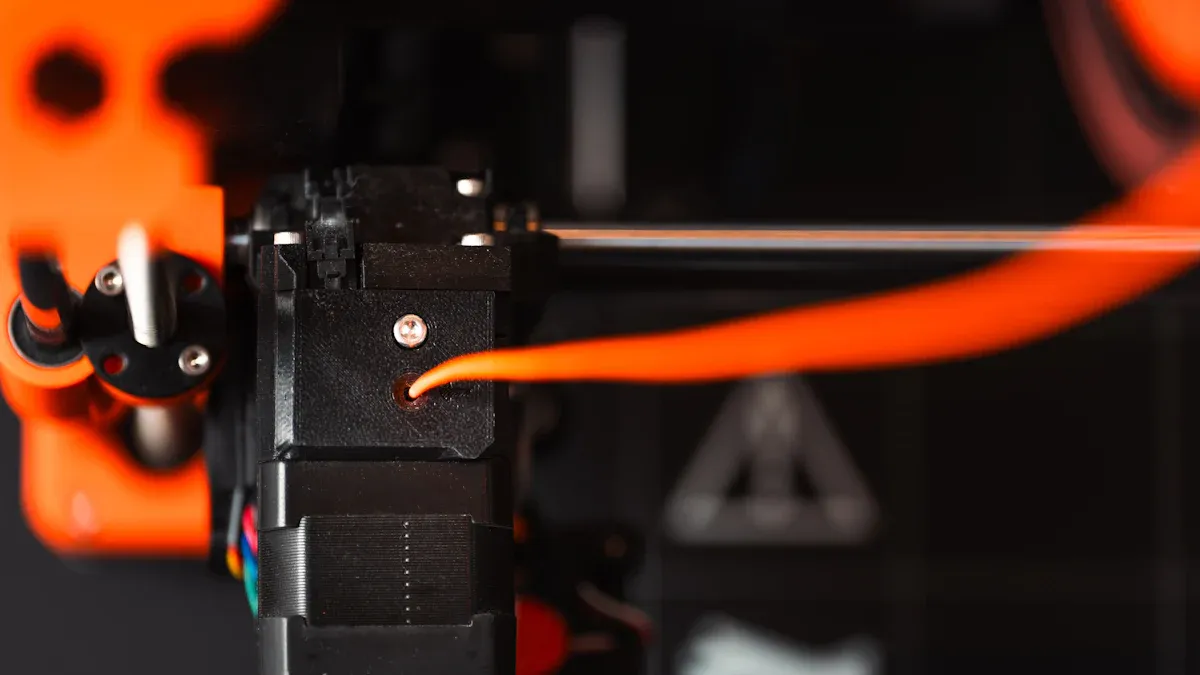
Signs of a Clogged Hotend
You might wonder how to spot a 3d printer hotend clog before it ruins your print. Here are some clear signs you can look for:
- Filament not coming out: When you start a print, but nothing comes out of the nozzle, you likely have a clog.
- Spotty or missing layers: Sometimes, you see gaps or thin spots in your print. This means the filament is not flowing smoothly.
- Clicking sounds: If you hear a steady clicking or tapping from the extruder motor, it means the motor is struggling to push the filament. This often points to a clog.
- Sudden stop in extrusion: Your printer might work fine, then suddenly stop laying down plastic. This usually means a total blockage.
- Temperature spikes: If the printer’s temperature jumps up and down, the hotend might be blocked, causing the heater to work harder.
Tip: If you notice any of these signs, pause your print and check the nozzle right away. Catching a clog early can save your project.
Common Symptoms During Printing
You can also diagnose a 3d printer hotend clog by watching for certain symptoms while your printer runs:
- Under-extrusion: The printer lays down less plastic than it should. You might see thin lines or weak parts in your print.
- Heat creep: This happens when heat travels up the hotend and softens the filament too soon. It’s common with materials like PLA, PETG, and TPU. If your printer is in an enclosed space or the heatbed is too hot, heat creep can cause clogs.
- Low temperature issues: If you set the nozzle temperature too low for your filament, the plastic won’t melt well. This can block the nozzle and stop extrusion.
- Partial clogs: Sometimes, the printer still works but leaves missing layers or weak spots. This means the clog is not complete, but it still affects print quality.
To diagnose a 3d printer hotend clog, check for these signs and symptoms before you try any fixes. This helps you avoid unnecessary steps and keeps your printer in good shape.
Causes of Hotend Clogs
Understanding why your 3D printer gets a hotend clog helps you avoid the same clogging problem in the future. Let’s break down the main causes so you can spot and prevent them.
Filament Quality and Moisture
Filament is the plastic thread your printer uses. If the filament is poor quality or has soaked up moisture from the air, it can cause a clog. Here’s what happens:
- Wet filament sticks inside the nozzle.
- Damp filament makes prints stringy and rough.
- You might hear popping sounds as water in the filament turns to steam.
Tip: Dry your filament at 65 to 75 °C for about 8 hours if it feels damp.
|
Filament Type |
Moisture Absorption (24h) |
|---|---|
|
PLA |
Moderate |
|
PETG |
High |
|
Nylon |
Very High |
Incorrect Temperature Settings
If you set the wrong temperature, your printer can’t melt the filament right. This leads to a clog. Some users find they need to set the hotend hotter than the manual says. Sometimes, the printer shows a lower temperature than what you set, which also causes problems.
- Printing too cold? The filament won’t melt and blocks the nozzle.
- Printing too hot? The filament burns or oozes, leaving residue.
Always check your printer’s temperature readings and adjust if needed.
Nozzle Wear and Carbon Buildup
The nozzle is the tiny tip where melted plastic comes out. Over time, it wears down, especially if you use tough filaments like carbon fiber or metal blends. Worn nozzles and leftover melted plastic can block the path.
- Carbon fiber and metal filaments wear out the nozzle fast.
- Burned plastic builds up inside, causing a clog.
Replace your nozzle if you see rough prints or frequent clogs.
Heat Creep and Blocked Path
Heat creep means heat travels up the hotend, melting the filament too soon. This can block the path before the filament reaches the nozzle.
- High temperatures inside the printer make heat creep worse.
- If the cooling fan stops, the hotend overheats and clogs.
- When the printer cools, melted filament hardens and blocks the way.
Keep your printer cool and make sure fans work during every print.
Note: If you notice frequent clogs, check for heat creep and try lowering your print temperature or increasing fan speed.
How to Unclog a 3D Printer Hotend
A 3d printer hotend clog can stop your project in its tracks. You can fix this problem with a few simple tools and some patience. Let’s walk through each method step by step so you know exactly how to unclog a 3d printer hotend and get back to printing.
Initial Inspection and Manual Extrusion
Start with a quick check before you try anything advanced. This helps you spot easy fixes and avoid extra work.
- Pause your printer and let it cool down to a safe temperature. You want to avoid burns.
- Raise the print head so you can see the nozzle clearly.
- Cut the filament near the extruder and remove it if possible.
- Heat the hotend to the normal printing temperature for your filament (for example, 200 °C for PLA).
- Try to push the filament manually into the hotend. If it moves and starts to extrude, the clog may be minor.
- If nothing comes out, you likely have a deeper clog.
Tip: Always wear heat-resistant gloves when working near a hot nozzle.
Cold Pull Method
The cold pull is a safe way to remove stuck debris inside the nozzle. This method works well for most materials, especially PLA and PETG.
- Heat the hotend to the printing temperature of the last filament used.
- Insert a piece of nylon filament or 3d printer cleaning filament into the hotend. Nylon works best because it grips debris without breaking.
- Let the hotend cool to about 90–120 °C. The filament will become firm but not fully hard.
- Grip the filament and pull it out with a steady motion. You should see dirt or burnt plastic come out with it.
- Repeat the process until the filament comes out clean.
If you use PLA, be gentle. PLA can snap if it cools too much during a cold pull.
Cleaning Filament and Needle Technique
Sometimes, you need to use both 3d printer cleaning filament and a needle to clear a stubborn clog. Here’s how you do it:
|
Common Clog Mechanism |
Preferred Deep Cleaning Method |
|
|---|---|---|
|
PLA |
Heat Creep |
Cold Pull |
|
ABS |
Temp Instability |
Acetone Soak |
|
PETG |
Sticky Residue |
Cold Pull or External Clean |
- Heat the nozzle slightly above the normal printing temperature (about 250 °C).
- Insert a cleaning needle (or acupuncture needle) through the nozzle tip. Push gently upward to break up the clog. Do not force it, or you might pack debris tighter.
- Feed 3d printer cleaning filament through the extruder. This special filament helps grab and remove leftover particles.
- Repeat as needed until the nozzle flows freely.
Note: Always use the right size needle for your nozzle. Too large can damage the tip.
Disassembly and Deep Cleaning
If the clog will not budge, you may need to take apart the hotend for a deep clean. This step sounds scary, but you can do it with care.
- Remove any filament and flush with 3d printer cleaning filament if possible.
- Heat the nozzle to the last used filament’s temperature.
- Hold the heater block with pliers and unscrew the nozzle while it is hot.
- Let the hotend cool down completely.
- Disassemble the hotend from the printer. Remove the nozzle, peek, spring, heat block, and thermostat as needed. Use the right tools, like a 7mm nut driver and hex drivers.
- Soak the nozzle in acetone if you used ABS. This dissolves plastic residue.
- Use a heat gun to burn off stubborn debris if needed. Do this in a well-ventilated area.
- Brush or poke out any leftover particles with a needle or wire.
Take photos as you go. This helps you remember how to put everything back together.
PTFE Tube and Throat Check
The PTFE tube guides filament into the hotend. If it is damaged or blocked, you will keep getting clogs.
- Inspect the PTFE tube for burns, snags, or bends. Replace it if you see damage.
- Check the tube ends for a clean cut. Rough edges can catch filament.
- Make sure the tube fits snugly with the collet clip. Loose tubes cause gaps and jams.
- Use a thin rod to check for obstructions inside the tube.
- Look at the throat (metal tube) for blockages or carbon buildup. Clean or replace if needed.
A clear filament path prevents future clogs and makes removal easier.
Reassembly and Test Print
Now you are ready to put everything back together and test your work.
- Reassemble the hotend by attaching the thermostat, heating element, body, and heat block.
- Screw the nozzle into the heater block and back off a quarter turn.
- Attach the PTFE tube and make sure it is secure.
- Heat the hotend and load fresh filament.
- Run a test print to check for smooth extrusion.
If you see steady filament flow and no gaps, you have fixed the 3d printer hotend clog. If not, repeat the steps or try another cleaning method.
Reminder: Regular cleaning with 3d printer cleaning filament helps prevent future clogs and keeps your printer running smoothly.
You now know how to unclog a 3d printer hotend using safe, proven methods. With these steps, you can handle most clogs and keep your projects on track.
When to Replace Hotend Components
You might wonder when cleaning just isn’t enough for your 3D printer. Sometimes, you need to swap out parts to keep your printer working smoothly. Let’s look at the main components and how to spot when it’s time for a replacement.
Nozzle Damage and Wear
Your nozzle works hard every print. Over time, it can wear out, especially if you use abrasive filaments like carbon fiber or glow-in-the-dark blends. You’ll notice some clear signs when your nozzle needs replacing:
- Inconsistent extrusion or sudden 3d printer nozzle clogs
- Stringy prints or rough layers
- Dull or uneven print surfaces
- Random gaps in your models
- Filament curling instead of dropping straight
- Flattened or uneven nozzle tip
- Enlarged or misshapen nozzle hole
Most users replace their nozzles after 900–1300 hours of printing. If you see stringing or sputtering, swap the nozzle for a fresh one. Abrasive filaments wear out nozzles faster, so check often.
Tip: If you spot any of these issues, don’t wait. A new nozzle can save you hours of troubleshooting.
PTFE Tube Aging
The PTFE tube guides filament into the hotend. It can wear out or burn after many hours of use. Manufacturers suggest replacing heatbreaks with PTFE inserts every 500 hours with PLA, 300 hours with ABS or PETG, and only 80 hours with abrasive filaments. If you see burns, snags, or rough edges, change the tube right away.
- Old PTFE tubes can cause jams and poor extrusion.
- A fresh tube keeps your filament path smooth.
Note: Always cut the ends of a new PTFE tube clean and straight for best results.
Hotend Structure Issues
Sometimes, the hotend itself has problems that cleaning can’t fix. You might run into issues with the heating assembly or the mechanical structure. These problems often show up as temperature errors or loose parts.
|
Hotend Heating Assembly |
|
Hotend Mechanical Structure |
If you notice strange noises, wobbly parts, or temperature spikes, check these areas. Replace any damaged components to avoid bigger problems.
Regular checks help you catch issues early and keep your printer running safely.
Preventing Future Hotend Clogs
You can avoid most hotend clogs by following a few simple habits. Let’s look at the best ways to keep your 3D printer running smoothly.
Filament Storage and Quality
Moisture is a big reason for a hotend clog. Filament absorbs water from the air, especially in humid places. You should store your filament in a sealed bag or container with a desiccant. Silica gel works, but activated alumina keeps things even drier. A dry, cool spot helps your filament stay in top shape. If you see stringy prints or hear popping sounds, your filament might be wet.
Tip: Always check your filament before printing. Dry filament means fewer clogs and better prints.
Regular Maintenance and Cold Pulls
Regular cleaning keeps your printer healthy. A cold pull is when you heat the nozzle, insert cleaning filament, let it cool, and then pull it out to grab debris. You should do a cold pull when you switch filament types, before storing your nozzle, or if you notice uneven extrusion. Many users do a cold pull every 20–30 print hours.
Here’s a quick maintenance schedule:
|
Maintenance Frequency |
Tasks |
|---|---|
|
Weekly |
Clean with compressed air, run a test print |
|
Monthly |
Check extruder gears, clean filament dust, wipe the bed |
|
Quarterly |
Replace nozzle, recalibrate, check cables |
Proper Temperature Settings
Temperature matters a lot. If you print too hot or too cold, you risk a clog. Fine-tune your retraction settings so filament does not pull into hot areas. Keep your print space cool and control the bed temperature. Use a fan to manage heat, especially with PLA. Dry filament also helps prevent temperature-related clogs.
Extruder Tension and Path Care
A clear filament path stops many problems. Make sure nothing blocks the path from the spool to the hotend. Check for dust, debris, or bent parts. If the extruder tension is too tight or too loose, the filament can jam or slip, causing a clog. Adjust the tension so the filament feeds smoothly.
Note: A quick check before each print can save you hours of 3D printing troubleshooting later.
By following these steps, you can prevent most hotend clogs. Routine checks and good materials keep your printer happy and your projects on track.
You can fix a 3d printer hotend clog by following these steps:
- Raise the nozzle temperature and try purging.
- Use a cleaning needle to clear the nozzle.
- Try a cold pull with nylon filament.
- Clean the hotend when you switch materials.
Keep your printer in top shape with regular maintenance and high-quality filament. For more help, check out community forums or guides. Trusted brands like E3D, Slice Engineering, and Micro Swiss offer reliable parts if you need replacements.
|
Community Resources |
|---|
|
Bambu Lab Wiki |
Stay curious and keep learning—your prints will thank you!
FAQ
What causes a 3D printer hotend clog most often?
You usually get a hotend clog from dirty or wet filament, wrong temperature settings, or worn-out nozzles. Keeping your filament dry and your printer clean helps prevent this common 3D printing troubleshooting issue.
How do I know if my hotend is clogged or if it’s an extruder problem?
If you see filament grinding or hear clicking, check the extruder. If nothing comes out of the nozzle, you likely have a 3D printer hotend clog. Try manual extrusion to confirm where the problem starts.
Can I unclog a hotend without taking it apart?
Yes! You can try a cold pull or use a cleaning needle. These methods often fix a hotend clog without full disassembly. If the clog stays, you may need to take the hotend apart for a deeper hotend clog fix.
How often should I clean my hotend to avoid clogs?
For best results, clean your hotend every 20–30 print hours or when you switch filament types. Regular cleaning helps you avoid clogs and keeps your 3D printer running smoothly.











