


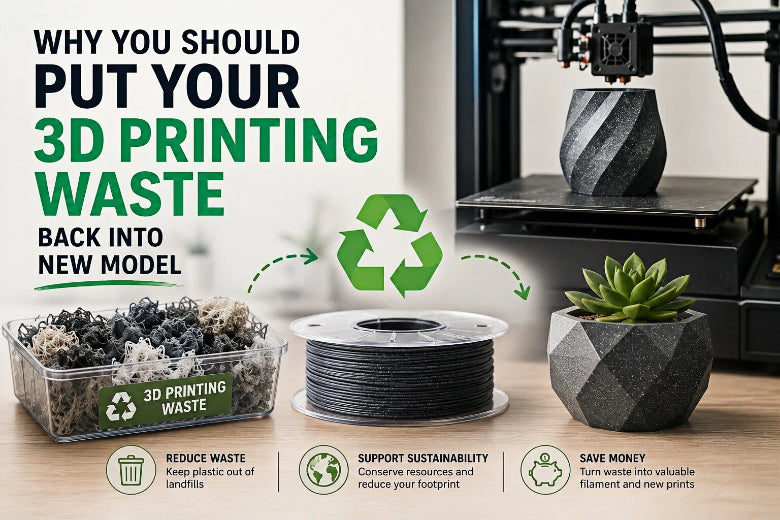
Supports, purge towers, rafts, brims, and failed prints feel like trash because they’re random, mixed, and inconvenient. But if you treat them like any other input—sorted, dry, and qualified—you can turn a messy pile into something useful: test parts, jigs, prototypes, even fresh filament.
This guide is for experienced FDM users who care about repeatability more than feel-good recycling. You’ll get a practical ladder:
- Reduce the waste you generate
- Reuse scrap without pretending you’re a filament factory
- Recycle into filament only when your setup can actually control quality
What counts as “3D printing waste” (and why it’s not all equal)
In day-to-day FDM printing, “waste” usually means:
- Support structures (including dense interfaces)
- Purge towers / purge blocks (multi-color or multi-material)
- Brims and rafts
- Calibration prints
- Failed prints (the big one)
Not all of it is worth handling the same way.
A clean PLA purge tower from a dialed-in profile is very different from a failed PETG print that picked up dust, glue, and bed debris. The second one is where clogs and frustration start.
Key Takeaway: Your scrap is only valuable if it stays single-material, clean, and dry.
The Reduce → Reuse → Recycle ladder (the only approach that scales)
If you jump straight to “I’ll recycle it into filament,” you’ll likely discover the hidden tax: sorting, drying, shredding, filtering, diameter control, and troubleshooting.
SOVOL’s own breakdown on recycled filament makes the point bluntly: the real cost isn’t plastic—it’s process control and the failure rate you’re willing to tolerate in exchange for cheaper material (see Recycled Filament Profitability in 2026: What Really Decides If You Save Money).
So use this order:
- Reduce: fewer supports, fewer failures
- Reuse: scrap into non-critical parts or shop tools
- Recycle: only if you can keep filament consistent
Best practice #1: Stop mixing polymers in your scrap bin
If you take one thing from this article, take this:
Recycling mixed PLA + PETG + ABS/ASA is how you make mystery filament that prints like chaos.
Even small contamination can create inconsistent melt behavior, weak bonding, and clogs. Siraya Tech’s practical warning is clear: “keep everything sorted by material—mixing PLA, ABS, and PETG just doesn’t work” (see Can You Recycle 3D Printer Filament? What to Know).
A sorting system that actually survives real life
Set up three containers, not one:
- PLA-only (clean)
- PETG-only (clean)
- Contaminated / unknown (anything with glue, tape, inserts, paint, mystery blends)
If you print ABS/ASA regularly, add an ABS/ASA bin.
What “contaminated” really means
Put it in the contaminated bin if it touched:
- build-plate adhesives
- tape
- heat-set inserts
- screws/magnets
- sanding dust
- paint/primer
- unknown filament splices
If you later decide to recycle it, you’ll do it knowingly (big nozzle, experimental runs, or downcycling), not by accident.
Best practice #2: Treat moisture as a waste multiplier
Wet filament doesn’t just print ugly. It prints unreliably—and reliability is what determines how fast your scrap pile grows.
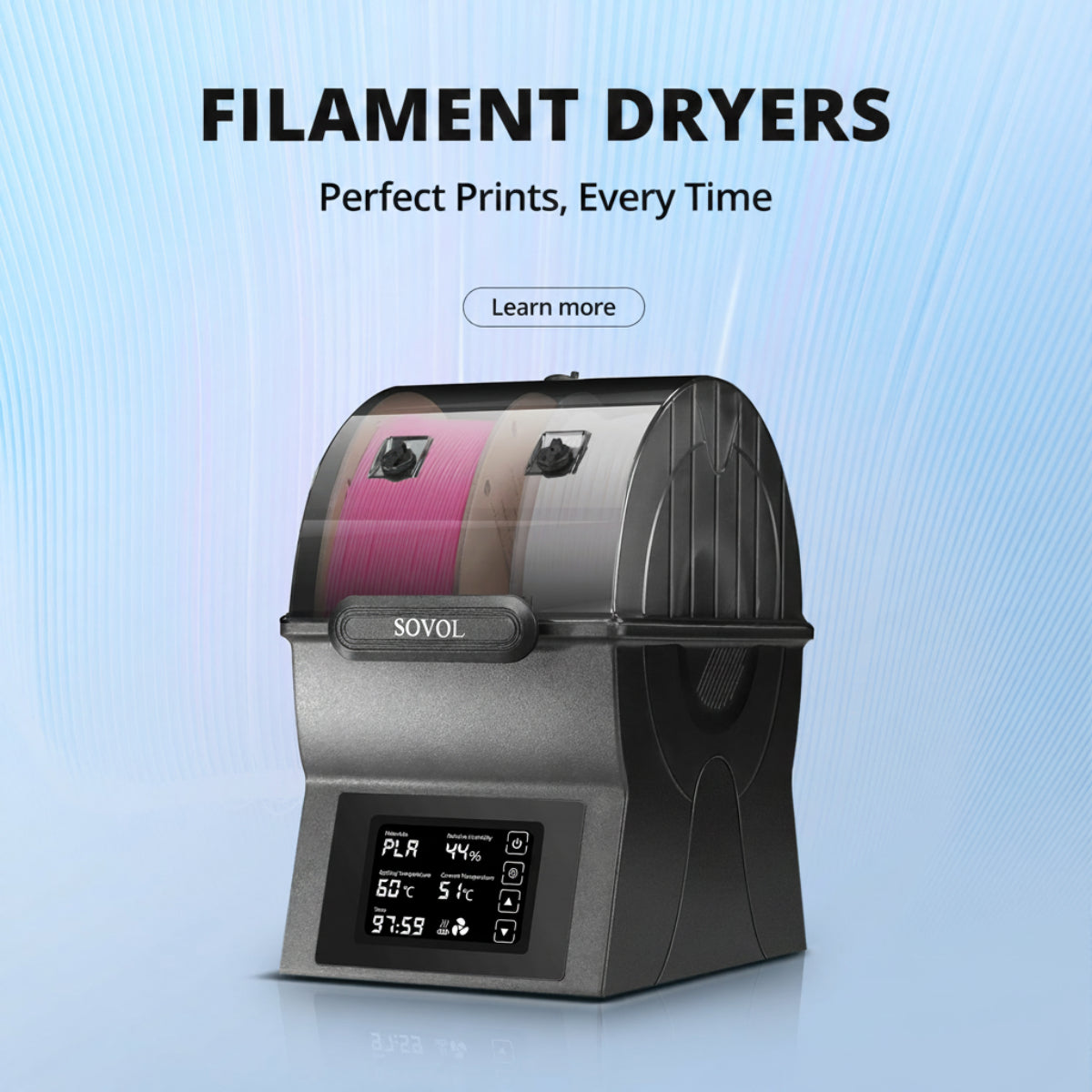
Moisture contributes to bubbles, stringing, inconsistent extrusion, and failed parts—especially with hygroscopic materials (and yes, PLA and PETG benefit from drying discipline too).
If you want the low-effort win that reduces waste immediately, start here.
For a practical SOVOL refresher on moisture-driven failures, see How the SH04 Filament Dryer Solves 3D Printing Moisture Issues.
Reuse: 7 ways to turn scrap into useful parts (no filament extruder required)
You don’t need to extrude perfect 1.75 mm filament to get value out of scraps.
1) Prototype-only spools (your “ugly PLA” role)
Keep one low-risk spool (or partial spool) for:
- fit checks
- drilling guides
- enclosure mockups
- bracket iteration
- slicer experiments
This is where slightly inconsistent extrusion is acceptable.
2) Sacrificial setup prints
Use scrap-derived material (or “low-trust filament”) for prints that exist to protect your real jobs:
- purge and priming routines
- first-layer pattern tests
- flow and pressure advance tuning pieces
3) Shop fixtures and organizers that don’t care about cosmetics
Bins, wall hooks, cable clips, drill guides, tool holders—these are ideal targets for “good enough” material.
4) Melt-and-press scrap into flat stock (for simple shapes)
If you’re comfortable experimenting, you can re-melt same-material scraps into slabs and cut/drill simple parts. The trick is still the same: single polymer, clean, dry.
5) Print “scrap-friendly” designs on purpose
If you know you want to consume waste:
- choose parts with thick walls and low detail
- avoid tiny nozzles
- avoid long unattended prints
6) Color-blend projects where variation is the aesthetic
If you’re mixing colors (not polymers), do it on purpose for:
- textured vases
- geometric décor
- “terrazzo” style parts
7) Donate or centralize recycling through a makerspace
If your scrap stream is mixed, a local makerspace or community recycler may have better tooling to process it responsibly.
Recycle into filament: what actually controls quality (and what ruins it)
DIY filament recycling can work, but it’s closer to running a process line than running a printer.
CNC Kitchen’s hands-on breakdown shows what goes wrong in practice: inconsistent particle size, contamination (even tiny metal or silicone bits), and the constant fight for diameter stability (see Recycling Old 3D Prints into New Filament).
The repeatability levers (in order)
- Dry the regrind before extrusion
- Keep particle size uniform (sieve, re-shred the oversize)
- Keep the melt clean (clean tools, consider filtration)
- Control puller/spooler speed (diameter control is everything)
- Blend recycled with virgin pellets (start conservative)
A simple “starter” recycling workflow
If you want a process you can actually repeat:
- Sort by polymer type (and ideally color)
- Clean: remove inserts, tape, adhesive residue
- Dry the scrap/regrind
- Shred/grind to a consistent size
- Sieve and re-shred oversized pieces
- Extrude with stable heat + RPM
- Pull/spool with consistent tension and frequent diameter checks
- Test print small parts before trusting a full spool
⚠️ Warning: A scrap-to-filament setup can create dust, fumes, and serious pinch/heat hazards. Treat shredders and extruders like power tools, not like “maker toys.”
Quick decision table: DIY recycle vs buy recycled vs skip it
Use this to avoid the classic trap: spending hours to “save” a few dollars of plastic.
|
Your situation |
DIY recycle into filament |
Buy recycled filament |
Stick to virgin + reduce waste |
|---|---|---|---|
|
You have clean, single-material scrap in volume |
✅ Worth exploring |
✅ Easy win |
⚪ Fine |
|
You hate failed prints more than you hate paying for filament |
❌ Risky |
⚪ Only if supplier is consistent |
✅ Best |
|
You enjoy building processes and tooling |
✅ Good fit |
⚪ |
⚪ |
|
Your scrap is mixed/unknown/dirty |
❌ Don’t bother |
❌ |
✅ Best |
|
You need reliable cosmetic parts |
❌ Usually not |
⚪ Maybe |
✅ Best |
Common failure modes (and how to prevent them)
“My recycled filament clogs my nozzle.”
Most clogs come from some mix of contamination, moisture, residue, and inconsistent extrusion.
If you’re seeing jams, don’t guess—triage the inputs:
- Is the material dry?
- Is it single polymer?
- Did the shredder/extruder introduce metal or dust?
- Is there old residue in the hotend?
SOVOL’s clogging guide calls out contaminated or low-quality filament as a common cause of blockage (see Solution to 3D Printing Nozzle Blockage).
“Diameter swings make my prints inconsistent.”
That’s not a slicer problem. That’s a process-control problem.
If the filament diameter wanders, your extruder can’t compensate fast enough. You’ll see random under/over-extrusion, weak walls, and ugly surfaces.
“It prints… but it’s stringier than normal.”
This is common even when you do a lot right. Reprocessing changes melt behavior, and recycled filament can be more sensitive.
Treat recycled filament like a different material:
- run a quick calibration
- tune temperature and retraction
- reserve it for jobs that tolerate variation
FAQ
Can I recycle support material and purge towers the same way as failed prints?
Yes—if they’re the same polymer and not contaminated. The hard part is that purge waste often comes from color changes and can include residues from previous materials.
Can I mix colors?
Mixing colors of the same polymer is usually fine if you accept unpredictable color output. Don’t mix polymers.
Is it worth recycling at home?
It’s worth it when you have:
- enough clean, single-polymer scrap
- space for drying + shredding + extrusion
- patience to test and iterate
If you don’t, you’ll often get more value by reducing waste and using recycled filament from a consistent supplier.
What’s the easiest way to reduce waste today?
Reduce failures and support volume. Start with:
- dry filament
- stable first layer
- support-smart orientation
If you want more structured guidance, SOVOL’s overview is a solid starting point: How to Deal With 3D Printing Waste.
Key takeaways
- “Waste” becomes usable when you treat it like a material stream: sorted, dry, and qualified.
- Use the ladder: Reduce → Reuse → Recycle (in that order).
- Don’t mix polymers in your scrap bin—PLA/PETG/ABS blends are a fast path to clogs and weak parts.
- DIY filament recycling is a process project: drying, particle size, cleanliness, and diameter control decide whether it works.
Next steps
If you want to go deeper, revisit the two SOVOL resources mentioned earlier in this article:
- SOVOL’s guide on managing 3D printing waste
- Recycled Filament Profitability in 2026