



Quick Answer: How Filament Diameter and Spool Quality Affect Prints
Inconsistent filament diameter changes how much plastic reaches the nozzle per unit of commanded extrusion, so a slicer calibrated for one average can over- or under-extrude where the strand drifts. Ovality — a cross-section that is not perfectly round — can add a rhythmic variation as the strand rotates through the extruder. Spool winding, hub friction, and damaged spool edges can raise feeding resistance or cause sudden failures when the extruder has to pull harder than it should.
These are contributing factors, not universal causes. Results vary by material, manufacturer, printer, nozzle size, temperature, flow calibration, and storage conditions. A spool that prints poorly on one machine may run fine on another with a different feed path and extruder tension.
Nominal Diameter, Consistency, and Ovality

Nominal diameter is the number on the label — typically 1.75 mm for desktop FDM. Actual diameter is what a caliper reads at a given point, and diameter consistency describes how tightly those readings stay near nominal along the whole strand. A spool can average close to 1.75 mm while drifting above and below it, and those changes can affect the amount of material delivered by the extrusion system. The label tells you the target, not the spread, so 1.75mm filament quality depends on how tightly actual diameter tracks nominal across the entire spool — not on the number printed on the box.
The chart below shows how a measured diameter that differs from the slicer's 1.75 mm setting changes deposited volume. Illustration: calculated from cross-sectional area ratios. This is a hypothetical example, not a filament tolerance standard. The figures are arithmetic only: they assume correct E-steps and no slip, grinding, or pressure effects, and they are not a pass/fail threshold.
Ovality is a separate property: the cross-section is slightly elliptical rather than round, so the strand feeds a little differently depending on which axis faces the drive gear. A single caliper reading only measures one direction, so take a second reading after rotating the filament approximately 90 degrees.
Manufacturers measure and publish specs differently, so a tolerance figure is a manufacturer-specific claim about their process — not a universal buying threshold or a pass/fail line for your printer. A spec that states how it was measured tells you more than a bare number.
Spool Winding, Crossed Filament, and Feeding Resistance

Filament winding problems are a handling and packaging issue, distinct from the material itself. Loose winds can let loops slip and cross; a strand that has crossed under a neighboring loop can tighten into a tangle under tension mid-print. Spool hub friction — a cardboard core binding on the holder, or a hub that has swollen — makes the extruder pull harder than the feed path was designed for. Damaged or deformed spool edges can rub the strand or the holder, and an awkward exit angle adds drag.
The symptoms tend to be mechanical: the extruder clicks, the strand pulls tight between spool and extruder, or the spool stops turning while the gear keeps going. If your printer paused with a tangle or runout alert, Sovol's guide to filament tangles, causes and prevention covers the full diagnosis; this section only flags where winding fits into print consistency.
Moisture, Dust, and Brittle Filament
Several non-diameter factors produce symptoms that look like diameter problems. Moisture absorbed by hygroscopic materials can flash to steam in the melt, causing popping or hissing at the nozzle and uneven extrusion — wet filament simply doesn't behave like dry filament of the same batch. Dust picked up from storage or the floor can partially block a nozzle and mimic under-extrusion, and brittle filament, often a sign of moisture or aging, may snap in the feed path or feed unevenly.
These overlap with diameter symptoms, so rule them out before blaming the spool. For drying depth, see Sovol's filament storage tips for avoiding stringing and jams.
Troubleshooting Table: Matching Symptoms to Likely Causes
Use the table as a starting point for elimination, not a diagnosis. Each symptom has several plausible causes, and the "check first" column lists the cheapest test.
|
Symptom |
Possible filament-related cause |
Other common causes |
Check this first |
|---|---|---|---|
|
Inconsistent extrusion |
Diameter drift along the strand, ovality, moisture |
Partial clog, extruder tension, flow calibration |
Swap in a known-good spool |
|
Gaps in walls or infill |
Under-extrusion from thin sections, contamination |
Partial clog, low temperature, slicer flow too low |
Inspect nozzle and flow settings |
|
Over- or under-extrusion |
Diameter above or below nominal, wet filament |
Flow multiplier, extrusion multiplier, temperature |
Measure diameter at several points |
|
Random blobs |
Moisture popping, contamination, diameter spikes |
Retraction settings, seam placement, travel speed |
Dry the spool and re-test |
|
Feed resistance |
Crossed wind, hub friction, damaged spool edge |
Extruder tension, PTFE tube drag, path geometry |
Spin the spool by hand |
|
Sudden print failures |
Tangle tightening, brittle filament snapping |
Heat creep, clog, power or sensor fault |
Check the spool and feed path |
How to Inspect Filament Quality at Home
Screen a new spool in this order, and stop early if something is clearly wrong.
- Visual inspection. Look for kinks, flattened sections, discoloration, dust, and obvious loose or crossed winds. Check the spool edges for cracks or deformation.
- Spool rotation. Mount the spool and spin it by hand with slack filament. It should turn freely without rubbing the holder or the frame.
- Multi-point caliper readings. Measure at several points along the strand — near the start, middle, and end if you can reach them — and record each reading.
- Ovality check. At each point, take a second reading roughly 90 degrees from the first. The gap between the two is your ovality indicator.
- Compare with a known-good spool. Keep a reference spool from a batch you trust and compare readings and behavior against it.
- Small test print. Run a short single-wall cube or a small calibration model before committing to a long job. Sovol's flow rate calibration guide walks through the cube test and notes that you should measure filament diameter before calibrating.
Caliper Measurements Are a Screening Tool, Not a Lab Standard
Some digital calipers display measurements to 0.01 mm, but the practical accuracy depends on the tool and measurement technique — jaw pressure, caliper condition, and where on the strand you happen to measure. A single reading is a snapshot; a handful of readings is a sample; neither is a laboratory measurement. No universal acceptance threshold applies, because the meaningful question is the pattern across many readings — a tight cluster near nominal is reassuring, while a wide spread or a consistent offset is worth investigating. Treat caliper data as screening evidence, not a certification.
Filament Problem or Printer Problem? How to Tell the Difference
When a print misbehaves, the fastest way to separate filament from hardware is the swap test: load a known-good spool, re-slice with the same settings, and print the same model. If the problem disappears, the filament is the prime suspect. If it survives the swap, check the nozzle for a partial clog, since a gap in a wall looks identical whether the filament or the nozzle caused it. Look for ground filament on the extruder gear and drag in the feed path, confirm your slicer profile matches the nozzle in use, and verify temperatures against the material's recommended range. If the failure appears only at high speed, suspect melt capacity rather than diameter.
Storage and Handling Tips That Protect Print Consistency
Storage and handling habits protect the consistency you paid for. Keep spools in sealed containers with desiccant when not in use, and avoid leaving them exposed to dust or humid air for long periods. Wipe the strand before loading if it looks dusty, and handle spools gently — always secure the loose end when you set a spool down, because a released end is how crossed winds start. Mount spools so the strand lifts cleanly off the top of the wind and the spool turns freely.
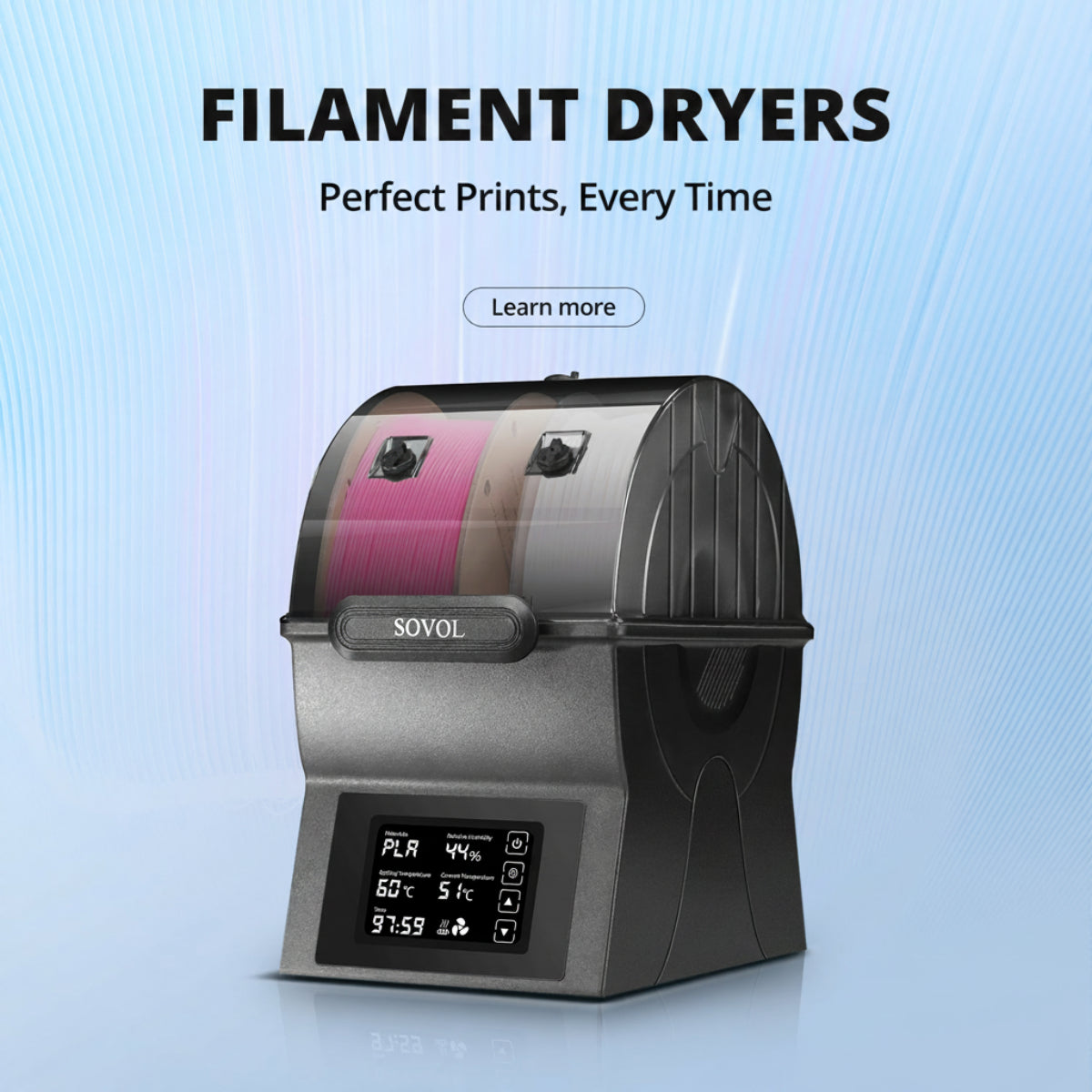
For drying schedules and storage depth, see Sovol's dedicated drying and storage guides rather than repeating them here. If you print hygroscopic materials regularly, a dryer such as the Sovol SH03 is one option for keeping spools dry between jobs.
FAQ
Why does print quality change partway through a spool? Diameter can drift along the strand, and winding or handling problems may become more noticeable near the end of a spool. Moisture uptake over time is another possibility. Measure at several points and compare against a known-good spool.
Should I require a specific tolerance when buying filament? No single figure is universal. Tolerance specs are manufacturer-specific claims, and how they are measured matters as much as the number.
How many caliper points should I measure? Enough to see a pattern — several points spread along the strand, with two readings per point for ovality.
Does a tangled spool mean low-quality filament? Not necessarily. Tangles usually come from handling — a released end, a loose wind, or a dropped spool — rather than from the material itself.
Can wet filament look like a diameter problem? Yes. Popping, uneven extrusion, and blobs from moisture can mimic diameter symptoms, so dry the spool and re-test before concluding the filament is out of spec.
New Spool Checklist
- Visual check: no kinks, flat spots, dust, or obvious crossed winds
- Spool edges intact; hub turns freely on the holder
- Caliper readings at several points along the strand
- Two readings per point, roughly 90 degrees apart, for ovality
- Comparison against a known-good reference spool
- Small test print before a long job
Checking filament diameter, spool condition, and feeding resistance before a long print can help separate material problems from printer problems and reduce avoidable failures. If you want to go deeper on flow, the flow rate calibration guide is the natural next read.