

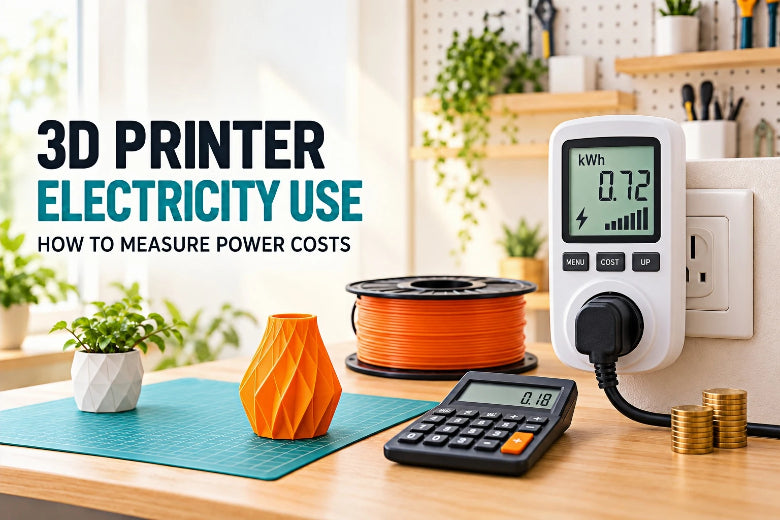
This guide covers electricity only. It explains what drives power draw, walks through measuring your own printer with a plug-in energy meter, and shows how to turn a meter reading into a dollar figure for one print. For the broader picture — filament, labor, maintenance, and total production cost — see our 3D printing cost calculator guide.
One ground rule before we start: any number in this article is a labeled example or a manufacturer specification quoted for a specific machine. None of them is a benchmark for your printer. The only figure that describes your electricity use is the one your own meter records.
Quick Answers to the Most Common Questions
Does 3D printing use a lot of electricity?
Usually not much at any given moment, but the honest answer depends on duration. FDM printing is a modest household load compared with appliances that run a high-wattage heating element for hours at a time. What makes printing different is that it often runs for many hours, so a low average draw accumulates.
The distinction that matters is watts versus kilowatt-hours. Watts describe instantaneous draw; kilowatt-hours describe total energy, which is what your utility bills. A printer averaging a low draw over a 20-hour job can use more energy than a higher-draw printer that finishes in two hours. Duration is the multiplier.
What part of an FDM printer usually consumes the most power?
On many desktop FDM printers, the heated bed is one of the largest power loads, although the balance can change depending on bed size, nozzle temperature, material, and whether the printer has an actively heated chamber. The hotend is a smaller heater that runs hotter. Motors, fans, and electronics usually draw far less than the two heaters. Treat this as a general pattern, not a measured result for any specific model.
What is the most accurate way to measure electricity use?
Measuring the printer itself with a plug-in energy meter beats any online estimate, because it captures your actual machine, settings, material, and room. Keep two numbers separate: rated maximum power is a design limit for sizing circuits, while average consumption during a real print is what shows up on your bill. The procedure is below.
What Affects 3D Printer Power Consumption
A printer's draw rises and falls through a job rather than sitting at one fixed number. Heaters cycle under thermostat control, motors speed up and slow down, and fans ramp with the cooling settings. Below is how each part behaves. These are general explanations, not measured values for any particular machine.
Heated Bed and Hotend
The bed carries a large surface area at a high target temperature, and it holds that temperature for the whole print rather than just at the start. As a result, it is often one of the bigger loads — but size, setpoint, insulation, room temperature, and how much heat escapes downward all shift its share. A bed that stays hot between consecutive prints also skips the costly warm-up climb. During a hold, the controller cycles the heater on and off, so average draw sits below the initial climb.
The hotend is a smaller heater that runs much hotter, and higher nozzle temperatures for engineering materials push its duty cycle up. Together, the two heaters almost always draw more than everything else combined.
Motors, Fans, and Electronics
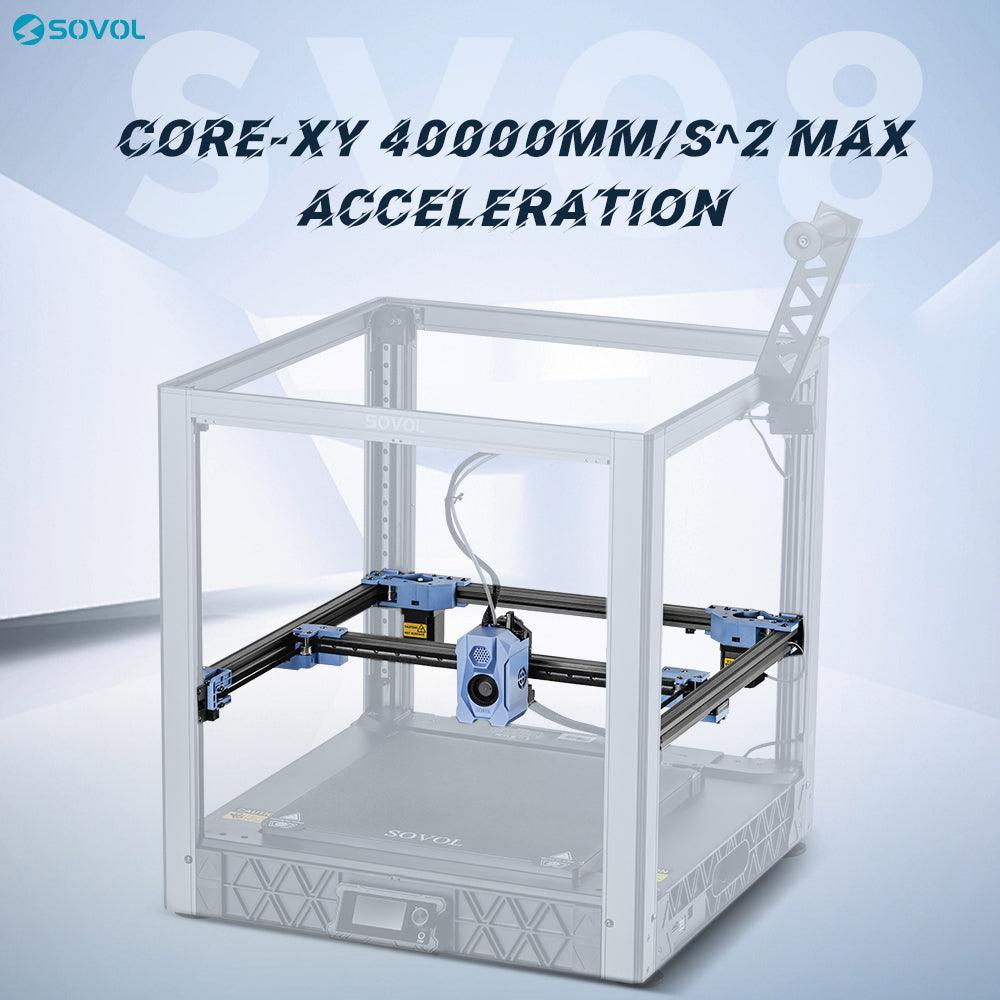
Stepper motors draw comparatively little, though consumption scales with speed and acceleration, so a fast CoreXY machine works them harder than a slow one. Part-cooling, hotend, and electronics fans are small loads that add up modestly — high PLA cooling settings draw more than the low cooling some materials need. The screen, mainboard, and networking are a small but continuous background load, which matters mainly for standby time.
Enclosure or Chamber Heating
A passive enclosure traps heat and blocks drafts. In a cold room that can reduce how hard the bed and hotend work, though the trapped heat also warms the electronics bay, so mainboard ventilation still matters. An actively heated chamber is different: it adds a dedicated heater and sensor that hold the air at a set temperature, and that heater is a real additional load. The net effect on total energy depends on the material and the ambient conditions.
Warm-Up, Standby, and Print Duration
Warm-up is a high-draw phase, with both heaters near full power until they reach setpoint. Standby still consumes power, so a printer left on all day accrues energy that never shows up in any single print's estimate. Duration then multiplies whatever average draw the machine sustains, which makes it the single biggest lever on energy per print — set by model size, layer height, infill, speed, and the temperatures the material requires.
How to Measure Real Power Consumption with a Plug-In Meter
A plug-in energy meter (also sold as a watt-hour meter or electricity usage monitor) sits between the wall outlet and the printer and records cumulative energy. This method measures the whole printer at the wall, which is exactly what the electricity bill reflects.
Two limitations apply. The meter must be rated for the printer's current draw — check its amperage rating against your machine's rated power before you plug in. And a test captures only the run you measured, not every future print.
Measure Standby Power
Power the printer on but leave it idle — no heating, no motion. Record the meter's instantaneous wattage. This baseline tells you what leaving the printer on between jobs costs.
Measure Warm-Up Power
Start a print and watch the meter during heat-up. This phase is short but intense. Its length depends on bed size, heater power, and how cold the room started.
Measure Active Printing Power
Once the print is underway, observe the draw during steady printing. It will fluctuate as heaters cycle, so a single instantaneous reading is less useful than an average or a running total.
Record the Total Energy Used After the Print
When the job finishes, read the meter's cumulative kWh figure. That number integrates every phase — standby, warm-up, printing, and cooldown — into one value. This is the number to write down.
Repeat the Test When Comparing Materials or Settings
One test describes one job. To compare meaningfully, repeat the same procedure with one variable changed at a time, ideally on the same model. Change the material, or the layer height, or the bed temperature — not all three at once.
How to Calculate 3D Printer Electricity Cost

The formula is simple:
Electricity cost = energy used in kWh × local electricity rate
Here is a hypothetical example, using round numbers chosen for easy arithmetic — not a measurement of any printer:
- A meter reads 1.5 kWh at the end of a print.
- Your electricity rate is $0.18 per kWh.
- Cost = 1.5 × 0.18 = $0.27 for that print.
That is the entire calculation. Everything else is about getting a trustworthy kWh figure and an accurate rate.
Your real results depend on the specific printer, the print job, your electricity rate, and local utility pricing. Many US utilities use tiered rates, where the price per kWh rises as you use more, or time-of-use rates, where the price changes by hour of day. Fixed monthly charges and taxes are not captured by a simple per-kWh rate. Your rate is printed on your utility bill or available in your account portal — use the all-in effective rate if your bill shows one, since it accounts for those extras.
Does Faster Printing Always Use Less Electricity?
No. A shorter job cuts total operating time, and time is the multiplier on average draw — but everything else doesn't stay equal. Higher speeds usually bring higher acceleration, more part cooling, and sometimes higher temperatures, and a print that fails partway wastes every kilowatt-hour already spent plus the reprint.
So treat speed as one variable among quality, reliability, and failure risk. A slightly slower profile that succeeds first time can use less total energy than a fast one that fails twice. Meter both versions of the same model if you want the answer for your setup. For the quality side of that trade-off, see our guide to optimizing print speed without sacrificing quality.
How Materials and Printer Setups Change Energy Use
Material choice changes energy use mainly through the temperatures it requires. The profiles below are typical slicer ranges, not measured consumption figures.
PLA prints at the lowest bed and nozzle temperatures of the common materials, so it generally asks the least of both heaters. PETG runs moderately hotter on both. ABS and ASA run hotter still and are often paired with an enclosure to control warping — which brings its own thermal effects.
Printer setup matters as much as material:
- Open-frame printers lose heat to the room. In a cold garage, the bed and hotend work harder to hold setpoints.
- Enclosed printers with a passive enclosure trap heat and block drafts, which can reduce heat loss — but the trapped heat also warms the electronics bay, so ventilation for the mainboard still matters.
- Printers with actively heated chambers add a dedicated heater load, but they make high-temperature materials more reliable, which can reduce failed prints.
No single material or printer type is always the most energy-efficient. A higher-temperature material printed in a warm enclosure may behave very differently from the same material on an open frame in a cold room. The only way to settle it is to meter your own combination.
Energy Patterns by Print Stage
The table below describes the shape of energy use at each stage and what shifts it. It deliberately contains no universal wattage values, because no such values exist across the range of desktop FDM printers.
|
Print stage |
Typical energy pattern |
Main factors that shift it |
|---|---|---|
|
Standby |
Low, steady draw; small but continuous |
Screen, mainboard, networking; how long the printer sits idle |
|
Warm-up |
Short, high-draw burst; both heaters near full power |
Bed size and mass, heater power, starting room temperature, target temperatures |
|
Active printing |
Moderate average with frequent cycling as heaters hold setpoint |
Bed and nozzle setpoints, material, cooling settings, motor speed and acceleration |
|
Long-duration printing |
Same average draw as active printing, multiplied by many hours |
Job length, layer height, infill, model size; whether the bed stays hot between jobs |
|
Enclosed or chamber-heated printing |
Passive enclosure: similar draw, possibly less heat loss. Active chamber: adds a separate heater load |
Chamber setpoint, room temperature, material, enclosure insulation |
This table describes the shape of energy use at each stage and what shifts it. It deliberately contains no universal wattage values, because no such values exist across the range of desktop FDM printers.
Your own meter readings are the authoritative numbers for your machine. Use this table to know what to expect, then replace the pattern with your data.
A Worksheet for Tracking Your Own Printer's Electricity Use
Copy this into a notebook or spreadsheet and use one row per print. When you are comparing settings, keep the model the same so the comparison is fair.
|
Field |
Your entry |
|---|---|
|
Printer model |
|
|
Filament type |
|
|
Print duration (from start to removal) |
|
|
Energy used (kWh, from meter) |
|
|
Local electricity rate ($/kWh) |
|
|
Estimated electricity cost (kWh × rate) |
|
|
Print result (success / failure and notes) |
|
A few notes on using it well:
- Log failures, not just successes. A failed print still consumed energy. Logging failures is what reveals the real cost of wasted electricity over a month.
- Include standby time if the printer sat on. If you left the machine powered between jobs, the meter total already includes it — don't subtract it out.
- Build a reference set. After a handful of rows you will have your own numbers for PLA versus PETG, or for a fast profile versus a slow one, on your machine.
If you print in batches, pair this worksheet with our guide to estimating batch output and throughput so energy per good part, not per attempt, is what you track.
Why Your Slicer's Time and Material Estimates Aren't an Electricity Bill
Slicers estimate print time and filament consumption. They do not estimate wall-plug energy, so they cannot produce an electricity cost on their own.
The gaps are specific. It doesn't know your electricity rate, which comes from your utility bill. It doesn't model heater duty cycles, so it can't tell you how hard the bed and hotend work to hold temperature in your room. And it doesn't account for warm-up, standby, or cooldown, because those phases happen outside the sliced toolpath. Even the time estimate is an approximation — Prusa's documentation notes that estimates are generally accurate when the printer profile matches the real machine, but accuracy depends on a correct profile and shifts with firmware, acceleration limits, and cooling behavior.
Use the slicer estimate as an input to your worksheet, not as the final answer. Compare it against your meter reading and you'll learn how closely your slicer predicts your actual jobs.
Frequently Asked Questions
How much electricity does a 3D printer use per hour?
Per-hour use is an average, and it varies with the printer and the job, so it is better expressed as a range you measure than as a single number. The heated bed and the duration of the job dominate the result. Meter one representative print and divide its kWh by its hours to get your own per-hour figure.
Does a heated bed use more electricity than the nozzle?
On typical desktop FDM printers, yes — the bed is usually the larger load, because of its surface area and its long duty cycle. That can shift on a small bed paired with a high-flow hotend running hot engineering material, where the nozzle's share grows. Measure if the distinction matters to you.
Is it expensive to run a 3D printer overnight?
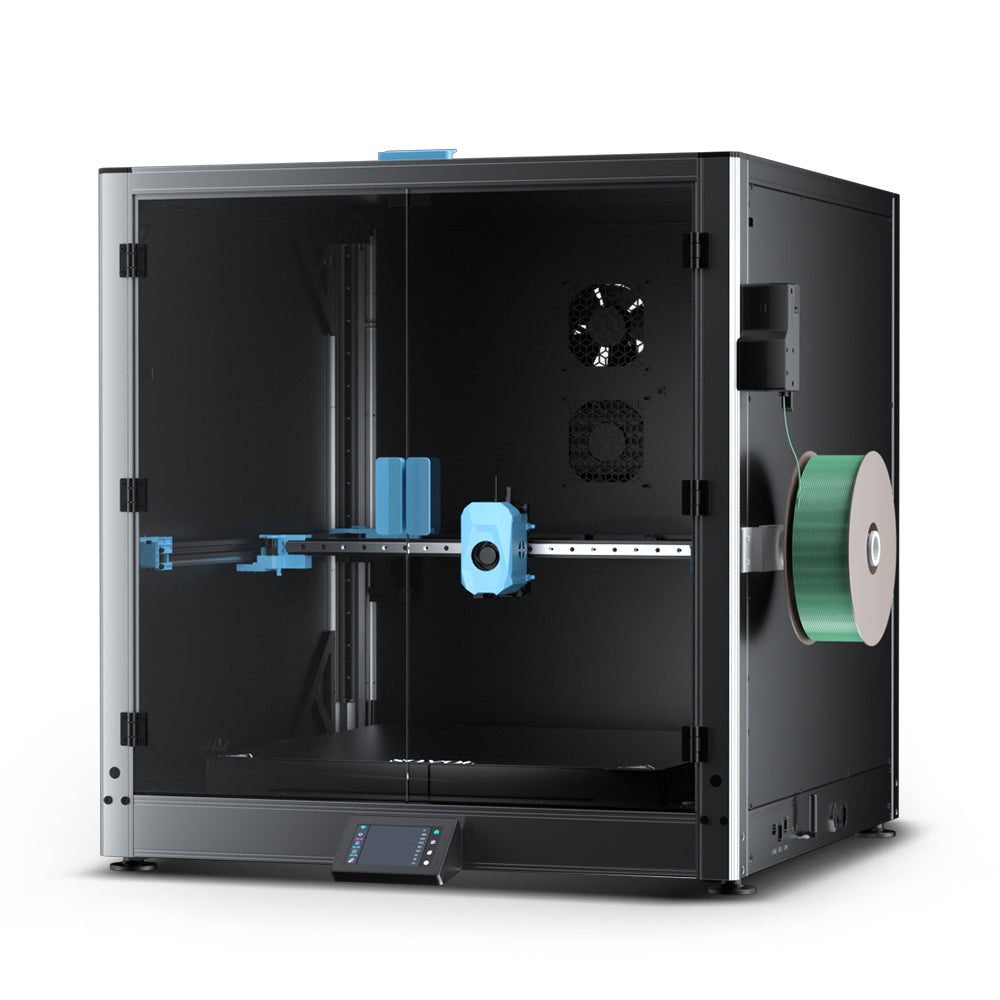
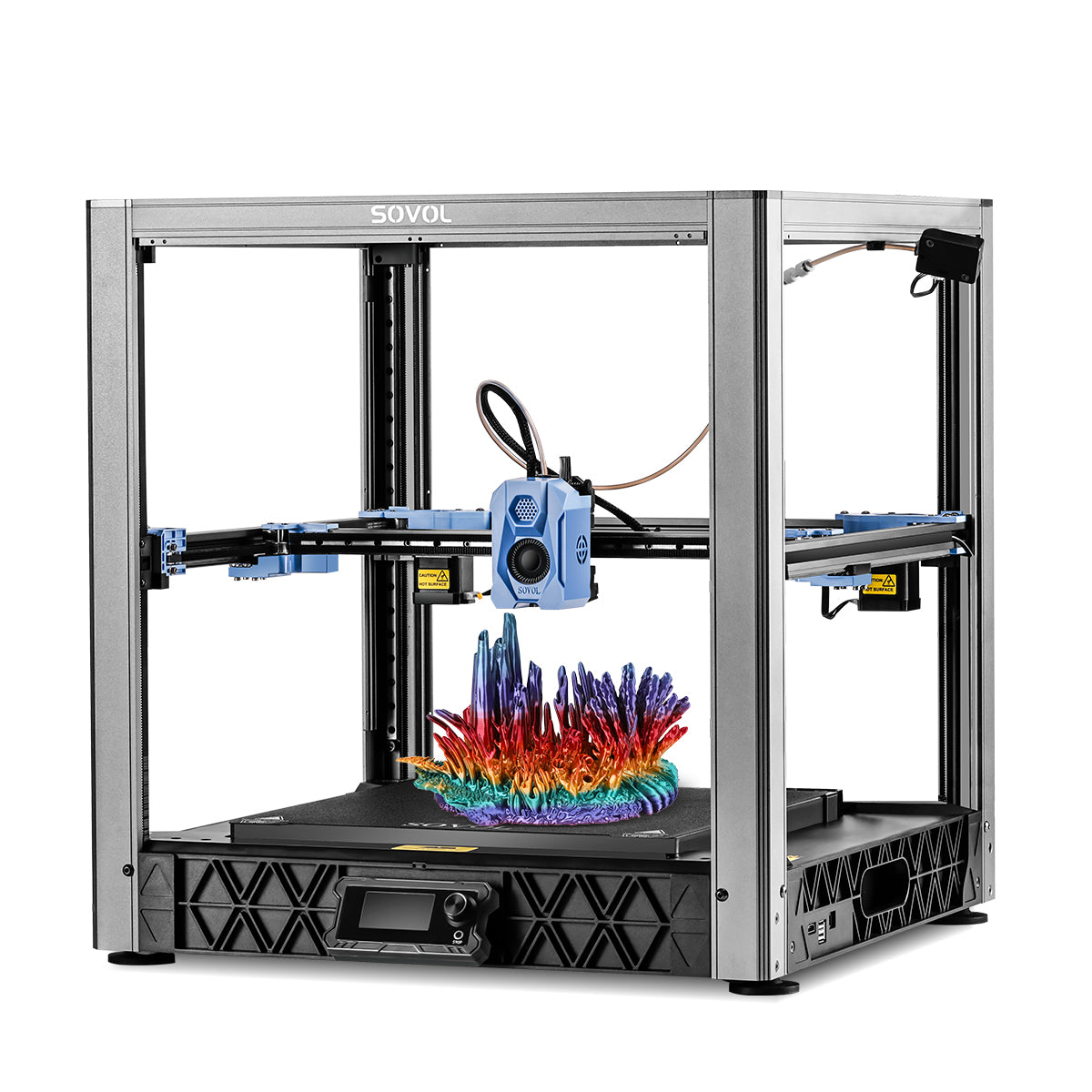
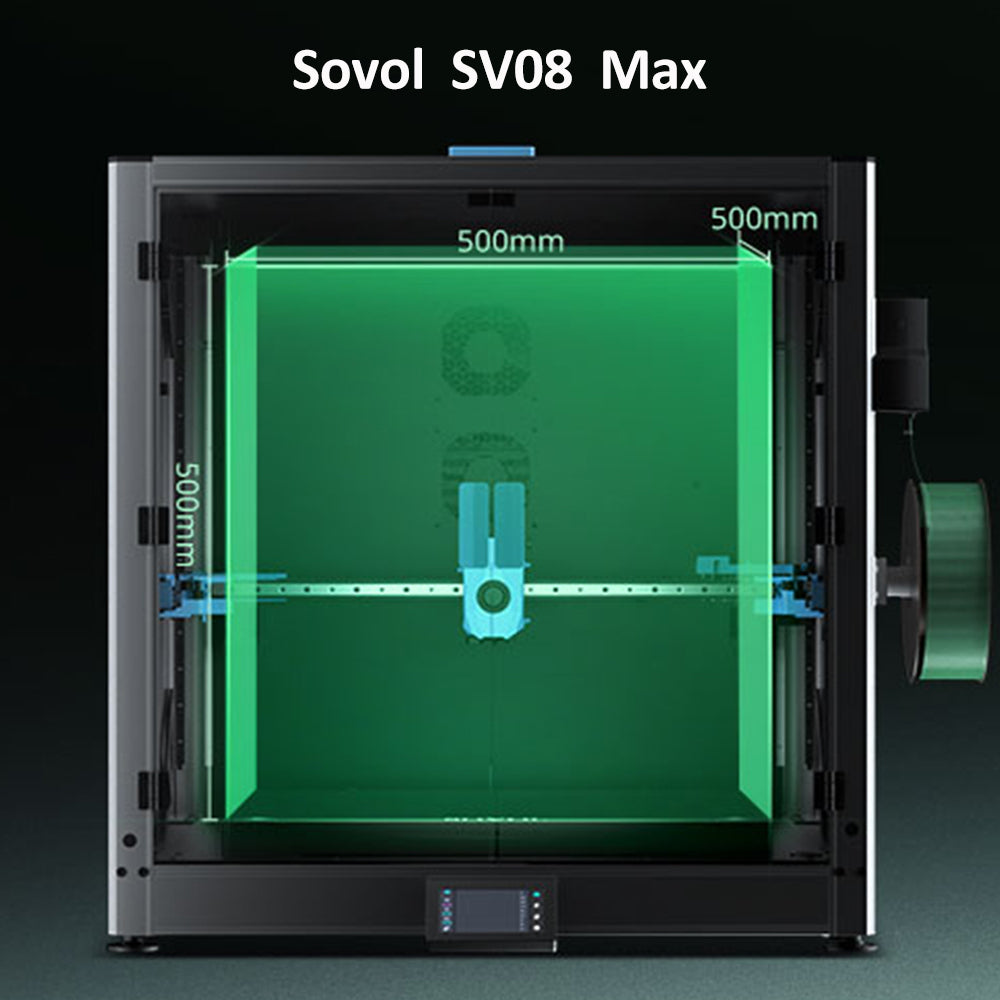
Overnight runs cost more mainly because they are long, not because the printer draws unusually high power. Duration, material temperatures, enclosure, and your local rate all matter. Separately from electricity, an unattended failure carries non-electricity costs — wasted filament and a reprint. Remote monitoring helps; the SV08 Max, for example, lists a built-in camera with Obico integration for remote monitoring and print failure detection.
How can I measure my printer's actual power consumption?
Plug a suitably rated energy meter between the outlet and the printer, note standby draw, start a print, watch the warm-up and active phases, and read the cumulative kWh when the job ends. That final number is your answer. The full procedure is in the measurement section above.
Does an enclosed 3D printer use more electricity?
It depends. A passive enclosure adds no heater load and can reduce heat loss, especially in a cold room. An actively heated chamber adds a real heater load. The net effect varies with material and room conditions, so the only reliable answer is a meter reading on your setup.
How can I reduce the electricity cost of 3D printing?
The levers are about reducing waste rather than promising savings: fewer failed prints through calibration and preview checks, avoiding unnecessary preheating, choosing a sensible layer height and infill for the part, picking the right print mode for the job, planning batch prints efficiently, keeping the printer maintained, and turning it off safely when it is no longer needed. Our printer maintenance guide covers the upkeep side.
Conclusion
Generic online estimates cannot substitute for your own measurement. The same printer can use different amounts of energy depending on material, settings, and the room it sits in — and a spec-sheet maximum tells you about circuit capacity, not your bill.
Run one metered print. Log it in the worksheet. Then run another with one variable changed. Within a few jobs you will have your own reference numbers, and every future estimate will be grounded in your machine rather than someone else's.
If you have measured results worth sharing — a material comparison, a fast-versus-slow test, a chamber-heating reading — we would like to hear them. And if you want to go deeper on the workflow side, our guides on print speed and quality, batch throughput, and printer maintenance pick up where this one leaves off.