Key Takeaways:
- The glow comes from wall structure, light diffusion, and airflow around the LED, not from one magic slicer setting.
- Every figure here is a starting point: print a small test coupon, look at it in the dark, then commit the spool.
- Use a battery LED only. A printed shell is not a certified light fixture, and no flame belongs inside it.
Why 3D Printed Halloween Lanterns Make a Practical Seasonal Project
A printed lantern earns its filament because it is reusable, repairable, and re-lightable, which is more than most seasonal decorations manage. Store-bought lanterns are cheaper on day one, but they die in a garage box: cracked plastic, dead coin cells, a shape you can't fix. A printed shell can be reprinted in an evening, re-lit with a fresh battery, or re-colored next year in a different spool. That makes it one of the better Halloween 3D printing projects for a family with one printer and limited weekend time, because the failure mode is a small reprint rather than a wasted purchase.
Which Lantern Designs Are Easiest to Print, and Why LEDs Beat Candles
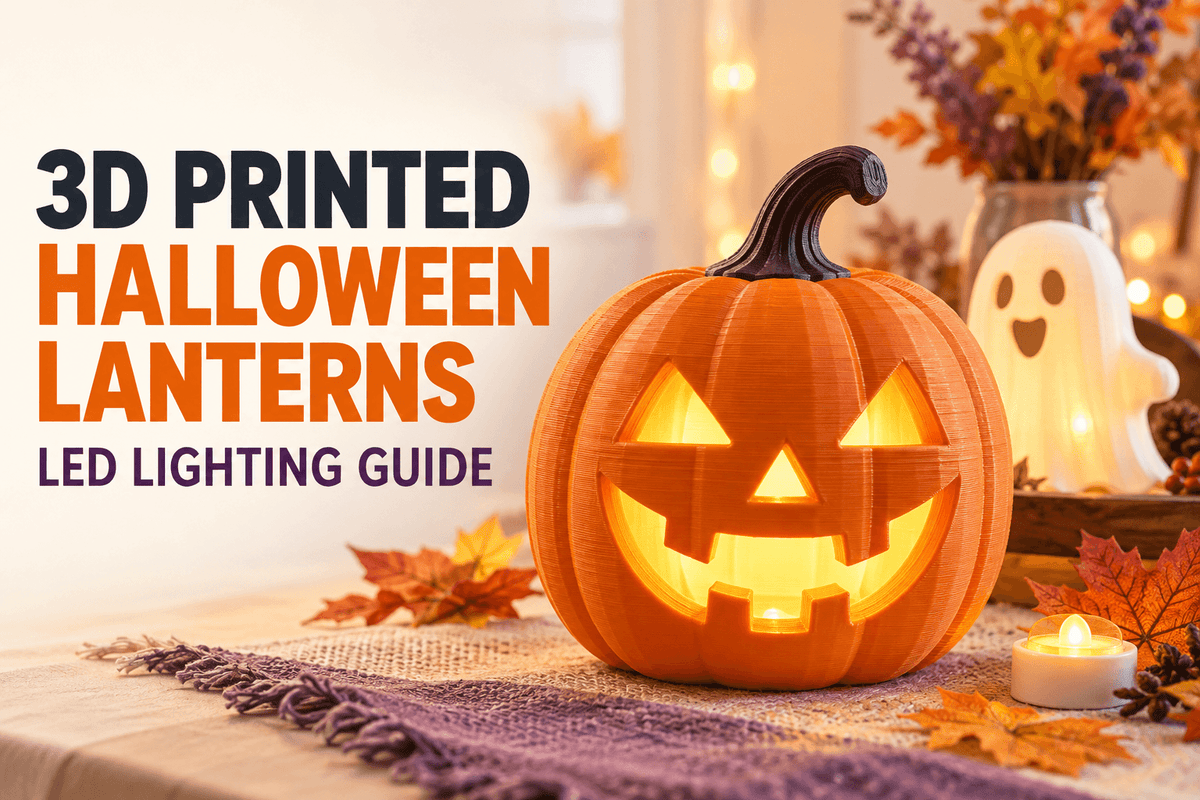
We recommend starting with a pumpkin or a ghost: a rounded shell, a flat bottom lid, and cutouts that don't need supports. A pumpkin or ghost design is often a beginner-friendly starting point, but printability still depends on the model and slicer settings. Many such shapes can be printed upright with little or no support, though you should confirm the overhangs in the slicer preview before you commit. Save the haunted house, the twisted lantern, and the thin filigree for a second print.
Candles are the wrong light source. A candle is an open flame inside a plastic shell, and no printed housing is rated for that. USFA and NFPA's candle-fire analysis, covering 2002 to 2004 residential data, found that 55% of candle fires where a factor was recorded involved a candle placed too close to combustibles (USFA/NFPA candle fires fact sheet, data years 2002-2004). Use a low-voltage battery-powered LED instead of a candle or any open-flame light source. A battery-powered LED can greatly reduce the risks of open flames, but the light source, battery, ventilation, and printed shell still need to be checked.
One caveat on color: measured transmittance varied between filaments of the same color, so two "white" spools can glow differently (PLOS ONE 2021, 2021). Test your spool before you trust it.
Start here: pumpkin or ghost, milky-white PLA, battery LED, no supports.
What Design Elements Make a 3D Printed Halloween Lantern Glow Well

The glow is a design problem, not a filament problem: you need a shell that scatters light evenly, a pocket that holds the LED in the right place, and vents so heat and air can move. A 2023 BioResources study of PLA lampshade materials found that milky-white specimens scattered light far more evenly than colorless ones (Wang & Zhou, BioResources, 2023-01-10). In practice, clear-ish plastic shows the LED as a hotspot, while milky plastic spreads it into a soft, even glow.
Three structural elements do the rest. First, a diffusion gap: leave enough space between the LED and the shell to reduce hotspots and allow air circulation. The spacing you need depends on the light source and the lantern geometry, so test it in a dark room. Second, an LED pocket or shelf that holds the light steady and points it at the shell, not at the lid. Third, vent slots near the top, so air can move and condensation doesn't collect on a porch.
Cutouts need to be printable. OrcaSlicer's wall settings page explains that thin walls need at least two extrusion line widths, and its Arachne generator exists to print small features traditional walls can't (OrcaSlicer's wall settings page, current). Design cutouts with enough width for your selected nozzle, and confirm in the slicer preview that they stay open. Arachne or variable line-width settings may help preserve small details, but testing is still recommended.
How Do Wall Thickness, Layer Height, Nozzle, Orientation, Supports, Infill, and Filament Color Change the Result?
Wall structure and filament color decide how the lantern looks. Nozzle, orientation, and supports decide whether it prints at all. Layer height sits somewhere in between: it shapes surface texture, print time, and small decorative details, while wall structure and material often have a larger effect on light diffusion.
Treat every number below as a starting point only. The best settings depend on the filament, nozzle, model geometry, the lighting effect you want, and your printer's configuration. Check the slicer preview and validate the result with a small test section before you print the full lantern.
|
Factor |
What it changes |
Adjust it when |
|---|---|---|
|
Wall thickness |
Brightness vs. evenness |
Too dim: thin it. Hotspots: thicken it |
|
Layer height |
Surface finish, print time, fine detail |
You want crisper details or a faster print |
|
Nozzle |
Wall thickness per pass |
Cutouts close up, or walls take too many passes |
|
Orientation |
Overhangs, strength |
A stem or roof sags in the preview |
|
Supports |
Overhang survival |
The preview shows unsupported areas |
|
Infill |
Weight, light blocking |
The lantern feels heavy or uneven |
|
Filament color |
Glow character |
Hotspots: try a milky white |
A thicker wall gives a softer, dimmer, more even lantern; a thinner wall gives a brighter, more directional one. Pick by the effect you want, not by a rule. Sovol's guide to choosing a nozzle size explains that layer height is usually kept within a fraction of the nozzle diameter, so a 0.4 mm nozzle has a practical working range, and a 0.6 mm or wider nozzle lets you build thicker walls in fewer passes (Sovol, current). Where the preview shows sag or droop, add supports only there, as Sovol's support settings guide describes (Sovol, current).
Which Filament Should I Use — PLA, Translucent PLA, Glow PLA, or PETG?
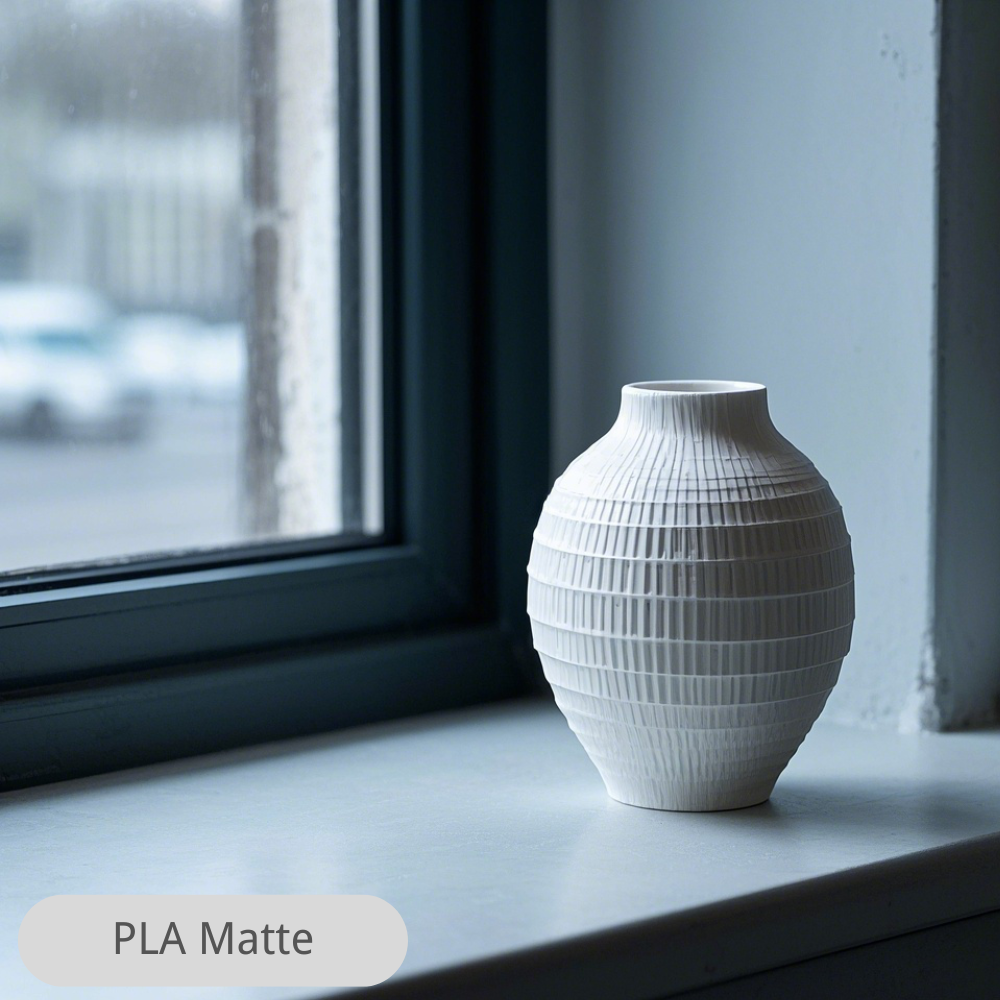
For a first lantern, milky-white PLA is the best fit: it diffuses light, prints easily, and costs the least. Translucent PLA gives a brighter, more directional glow with visible hotspots. Glow PLA adds an after-dark effect but is a different job. PETG is tougher and more heat-tolerant but stringier, and it may be worth considering for some outdoor applications. The result there also depends on UV exposure, temperature, moisture, model design, and printer settings, so don't assume PETG alone makes a lantern weatherproof.
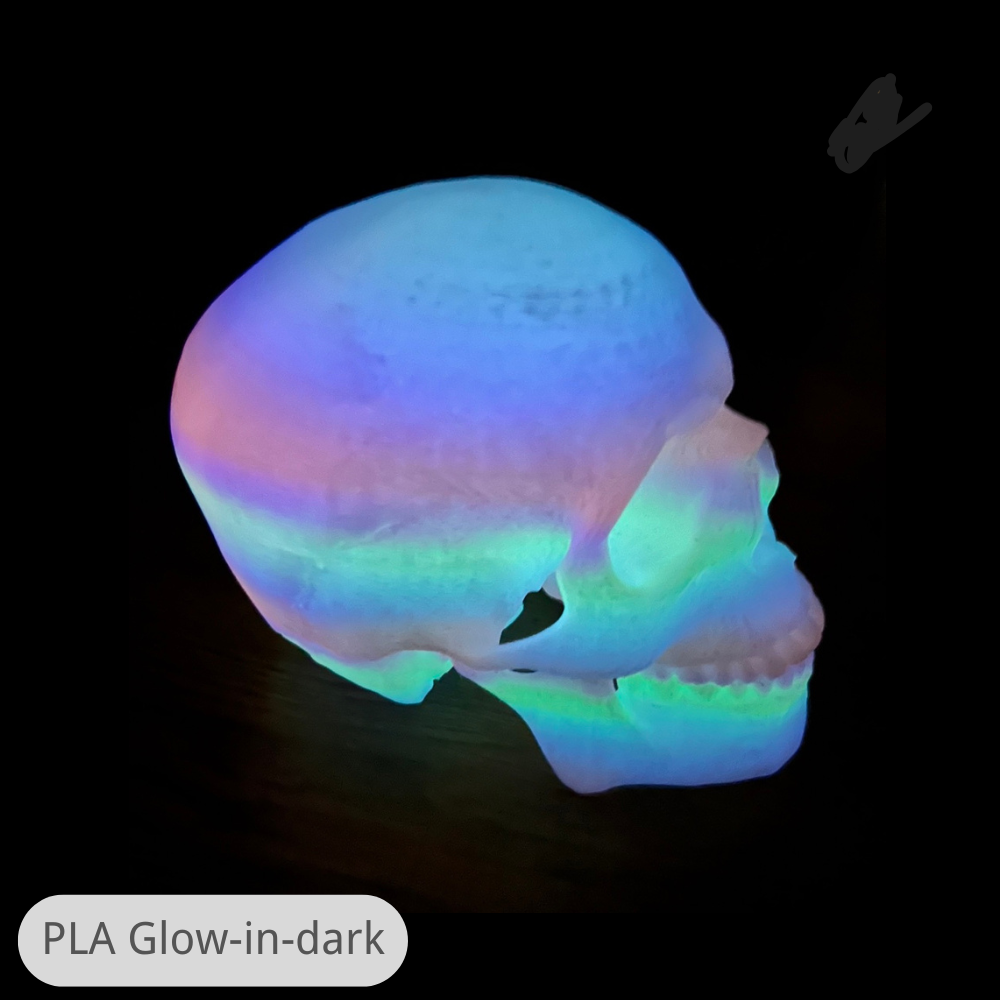
Glow filament deserves its own note. Sovol explains how glow-in-the-dark PLA works: it uses a strontium aluminate phosphor, the glow is strongest right after the lights go off, and thicker prints with stronger charging glow brighter (Sovol, current post). That page also warns the abrasive powder wears nozzles faster, so use a hardened nozzle and clean it often. That makes glow-in-the-dark prints a great accent, a moon, a set of eyes, a small skull, rather than the whole shell.
|
Filament |
Light behavior |
Print difficulty |
Best use |
Limitation |
|---|---|---|---|---|
|
Milky-white PLA |
Soft, even, dimmer |
Easy |
Main shell |
Blocks more light |
|
Translucent PLA |
Bright, directional |
Easy |
Accent panels |
Visible hotspots |
|
Glow PLA |
Glows after dark |
Moderate; abrasive |
Eyes, moons, accents |
Wears brass nozzles |
|
PETG |
Tough, warm-tolerant |
Harder; strings |
Outdoor lanterns |
Poor fine cutouts |
Dry translucent and glow spools before a long print; moisture shows up as bubbles and cloudy patches in a light-passing wall.
How to Print, Assemble, and Safely Light the Lantern
We print the shell, print the lid, test-fit the LED, then check the glow in a dark room before committing to a full-size print. We work through these steps in order and verify each one.
- Pick and orient the model. Choose a pumpkin or ghost, place the lid seam at the bottom, and look at the overhang shading in the preview.
- Set the shell walls. Start with a few perimeters, a moderate infill, and a layer height that suits your nozzle, then adjust one value at a time.
- Slice and inspect. Check the preview for closed cutouts and unsupported bridges.
- Print a test coupon. A small single-wall section with one cutout tells you more than any settings table.
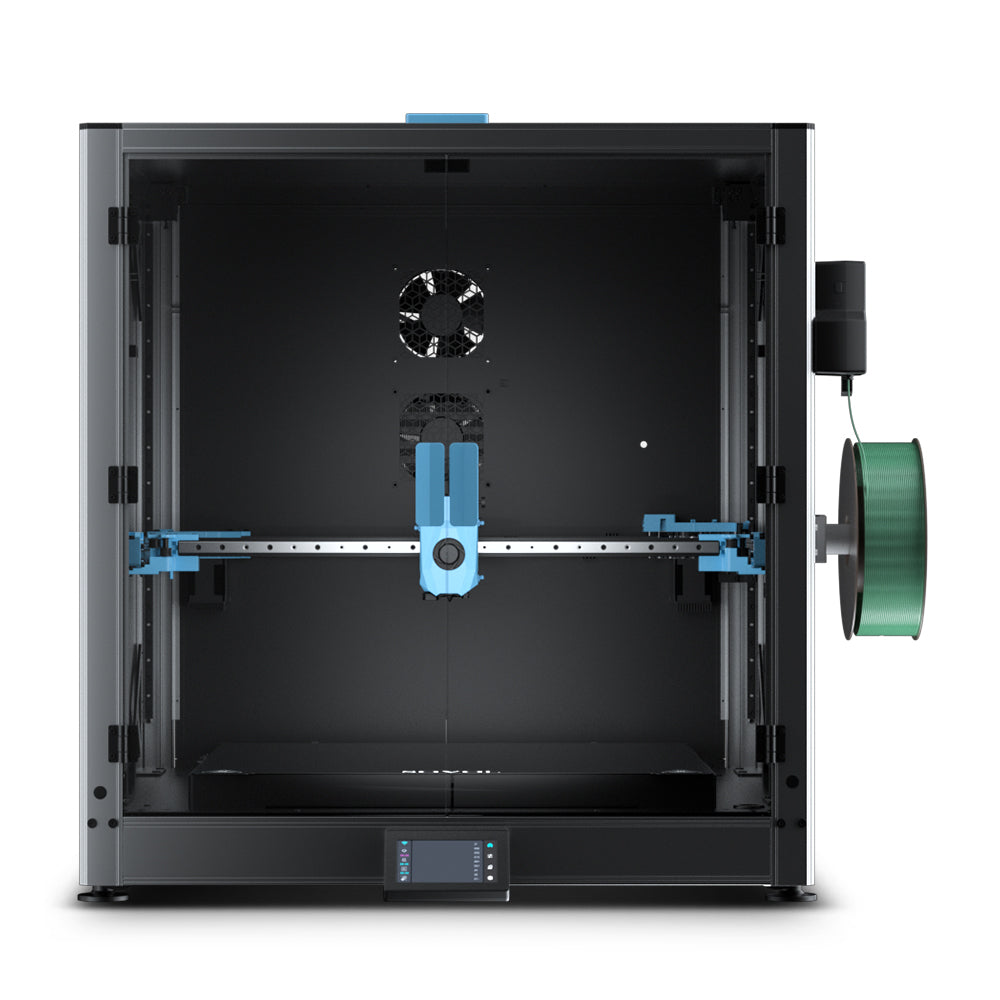
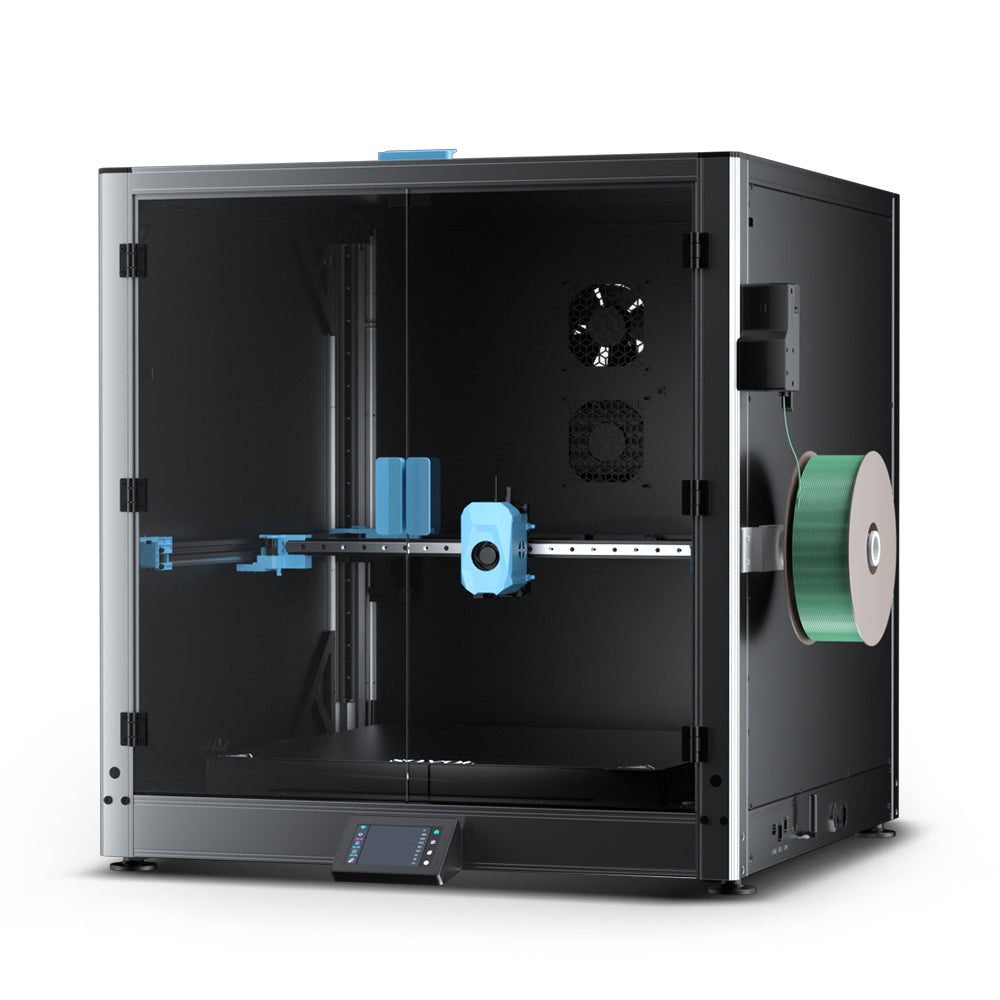
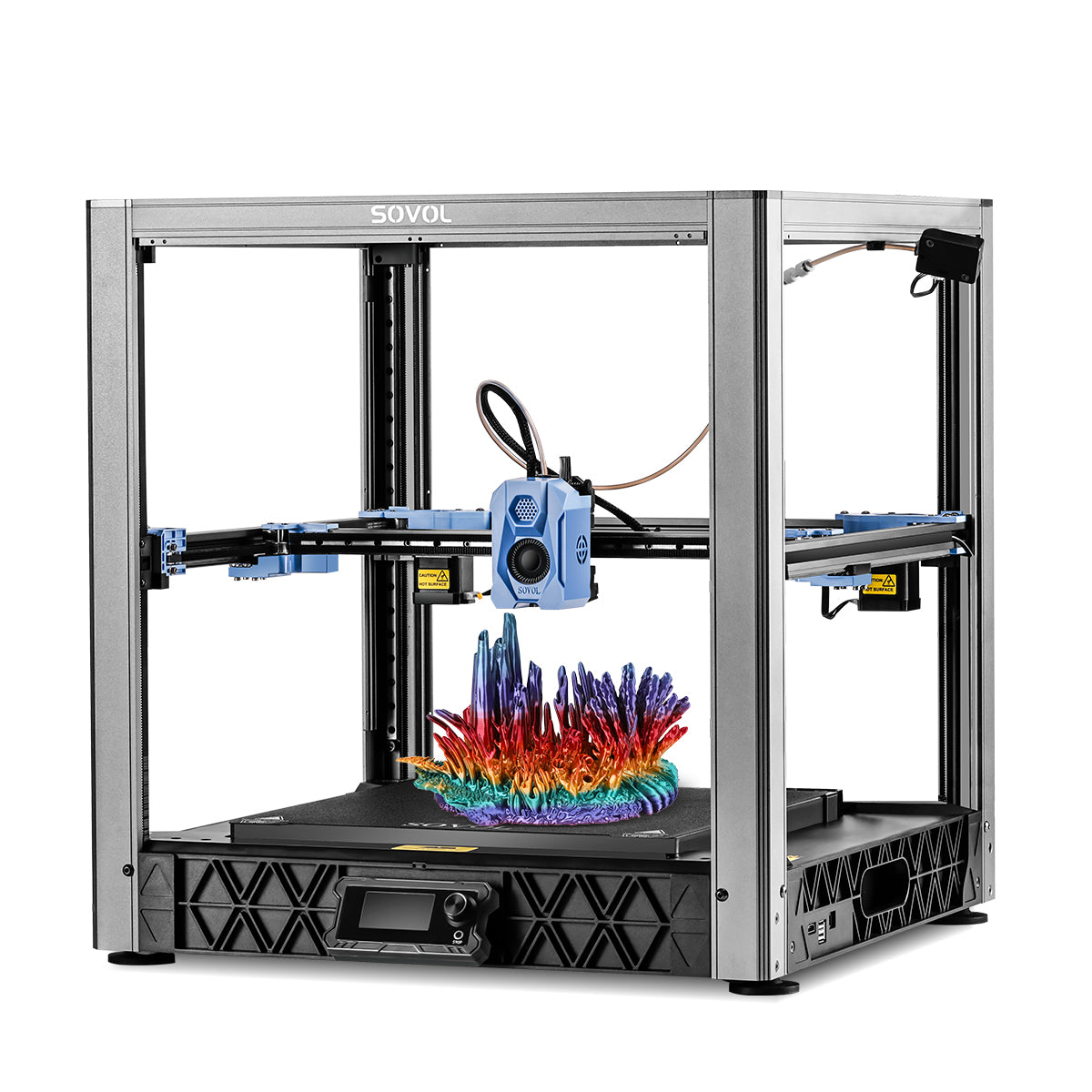
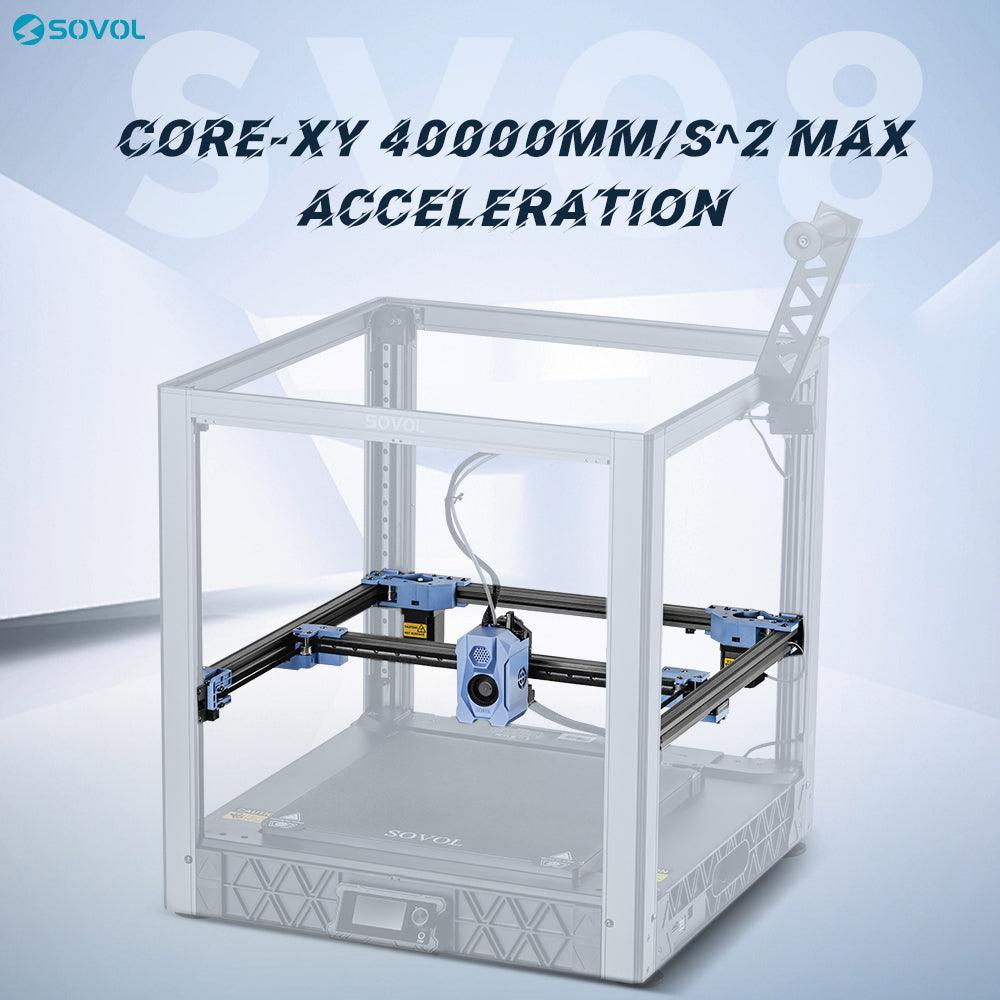
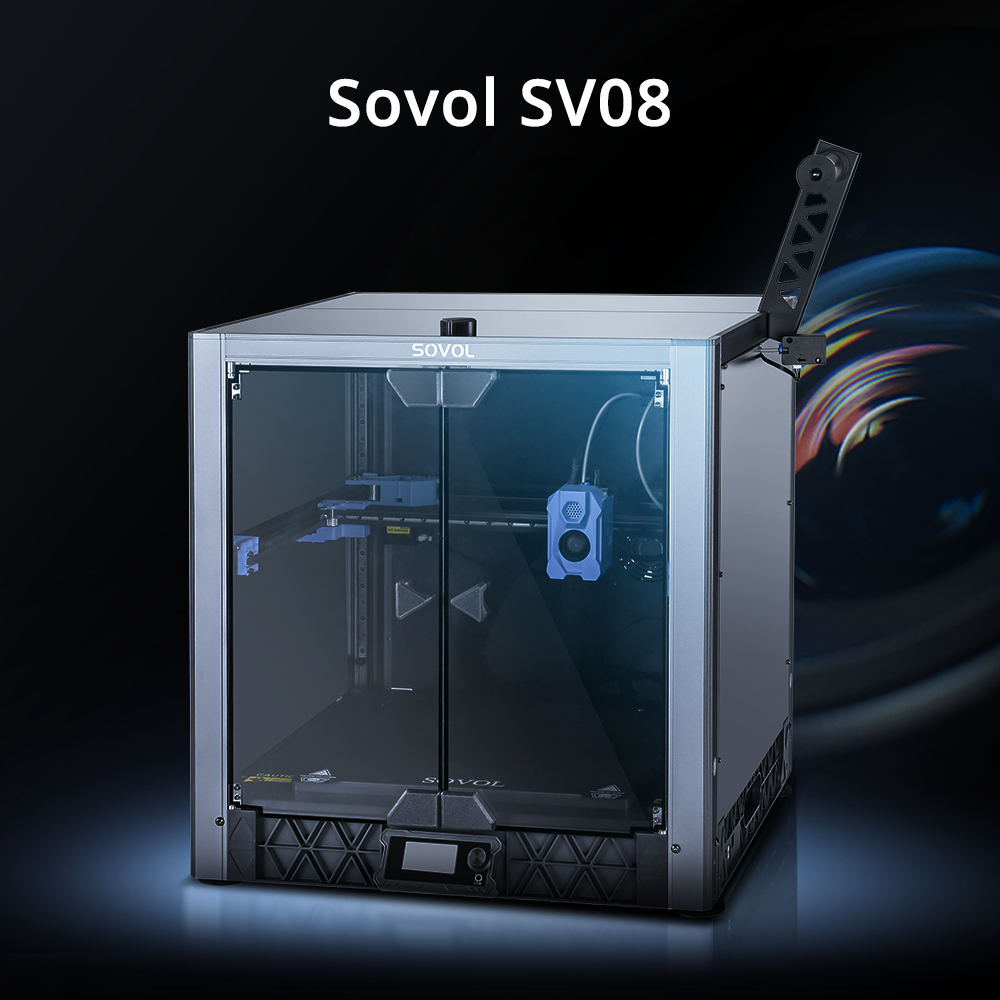
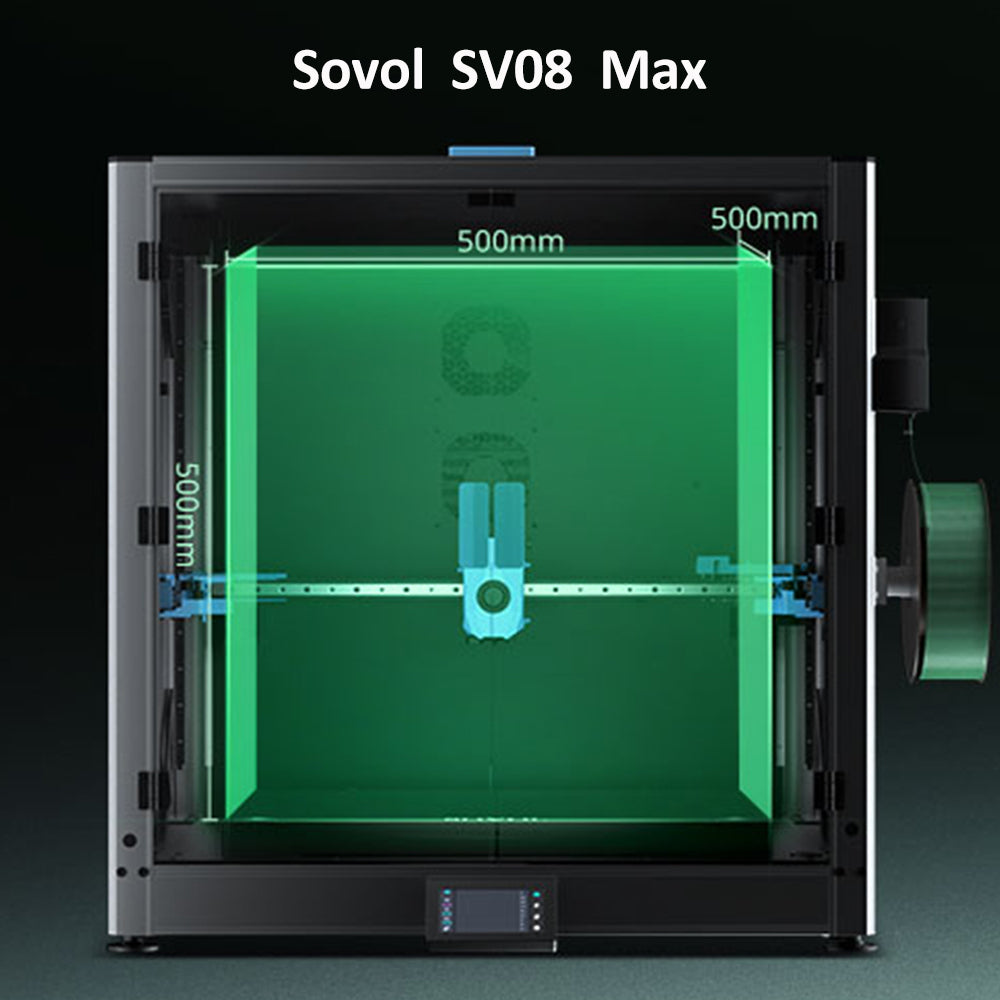
- Print the shell and lid. If your printer supports a wider nozzle, such as the options in the SV08 range, you can build thicker walls in fewer passes.
- Assemble and verify. Seat the LED in its pocket, close the lid, and look at it in a dark room. Adjust wall thickness or LED spacing before the next print.
Make that test coupon this weekend: one wall, one cutout, held in front of your LED. It costs minutes and settles every question above.
Lighting It Safely: LEDs, Heat, and Battery Access

A printed lantern is a decorative housing, not a certified light fixture, so treat it that way: battery LED only, a gap and vents around the light, and a battery compartment a child can't open. That's also why a low-voltage LED beats a plug-in bulb, which the CPSC's seasonal and decorative lighting guidance doesn't certify for a home-printed housing (CPSC, current).
Don't expect a material rating to save you. UL 94 rates plastic specimens, not finished parts, and it explicitly says specimen performance "shall not be assumed to correlate with its performance in end-use application" (UL 94, Ed. 7, 2023). No spool is "fire safe" for your lantern; the design and the light source are what you control.
So keep the LED off the plastic with a physical gap, vent the top, and feel the shell after an hour. If it's noticeably warm, move the LED further away or open more vents.
Battery access matters as much as the light. CPSC's button-battery warning notes a button cell can burn through a child's throat in as little as two hours if swallowed (CPSC, current). The design lesson: print a lid that needs a coin or two fingers to open, and keep it away from small children.
Safety checklist: LED only, never a flame. Leave a gap and vents around the light. Keep the tool-opened battery lid out of children's reach.
Troubleshooting: When the Lantern Looks Wrong
Most "wrong" lanterns have one of four causes: a hotspot, a dim shell, sagging overhangs, or cutouts that closed up. Fix one variable at a time and reprint a coupon, because changing three settings at once tells you nothing.
A hotspot means the light is too concentrated. Move the LED further from the wall, switch to milky-white filament, or thicken the wall. A dim shell means too much plastic in the way: thin the wall or bring the LED closer to the cutouts. Sagging overhangs mean you've pushed past what your printer can bridge, so rotate the model or add supports only where the preview shows a problem. Cutouts that closed up are a wall-width issue: widen them or enable Arachne. If the surface looks rough where light passes through, dry the spool and slow the outer wall down.
Improving the Visual Effect
The biggest visual upgrade is contrast: a bright cutout against a dark shell reads better than an evenly lit lantern. Print the frame in an opaque color and the light panels in milky white, then let the LED do the work through the openings only. Add a second, dimmer LED low in the base for a floor glow, and keep the top vents small so light doesn't leak upward. Glow-in-the-dark accents, like a moon or a pair of eyes, carry the look after the LED switches off, so charge them under a lamp before the evening. Print two test lanterns, one all-translucent and one opaque frame with milky panels, to see which effect your family prefers.
Frequently Asked Questions
What is the best filament for a 3D printed Halloween lantern?
Milky-white PLA is the best starting point because it scatters light into a soft, even glow instead of showing the LED as a hotspot. Translucent PLA is brighter but shows the light source directly.
How thick should the walls of a 3D printed lantern be?
There's no single right answer. Thicker walls give a softer, dimmer, more even glow; thinner walls give a brighter, more directional one. Print a small test section and look at it in the dark before committing.
Is it safe to put a candle inside a 3D printed lantern?
No. A candle is an open flame inside a plastic shell, and no printed housing is rated for it. USFA and NFPA's candle-fire analysis found 55% of candle fires with a recorded factor involved a candle too close to combustibles (USFA/NFPA, data years 2002-2004). Use a battery LED instead.
Will a 3D printed lantern melt from the LED heat?
A low-voltage LED produces far less heat than a bulb or a flame, but keep a physical gap and vents anyway. If the shell feels warm after an hour, move the LED further away or open more vents.
How long does glow-in-the-dark PLA keep glowing?
The glow is strongest right after the lights go off and fades from there; thicker prints and stronger charging glow brighter. Charge it under a lamp before the evening.
Do I need supports to print a pumpkin lantern?
Usually not. Check the overhang shading in the slicer preview and add supports only where it shows a problem.
Conclusion
A 3D printed Halloween lantern is worth the spool because you can reuse it, repair it, and light it safely with a battery LED, and because the glow is something you design rather than hope for. Keep it simple: milky-white PLA, a wall thickness that gives the glow you want, a diffusion gap and vents around the LED, and a test section before the full print. Every number here is a starting point, and your spool, your nozzle, and your LED will tell you the rest.
Try it in a dark room this weekend and tell us what you changed.