That distinction matters because the two are judged by different rules. A color change only has to look right. A multi-material 3D printing job has to survive temperature, adhesion, shrinkage, feeding and moisture at the same time, and a pairing can pass four of those and still fail the fifth.
This guide gives you those five axes, a screening method for judging compatible filaments for 3D printing before you buy them, and a small compatibility test print you can run before committing a real part to an untested combination.
What Is the Difference Between Multi-Color and Multi-Material 3D Printing?
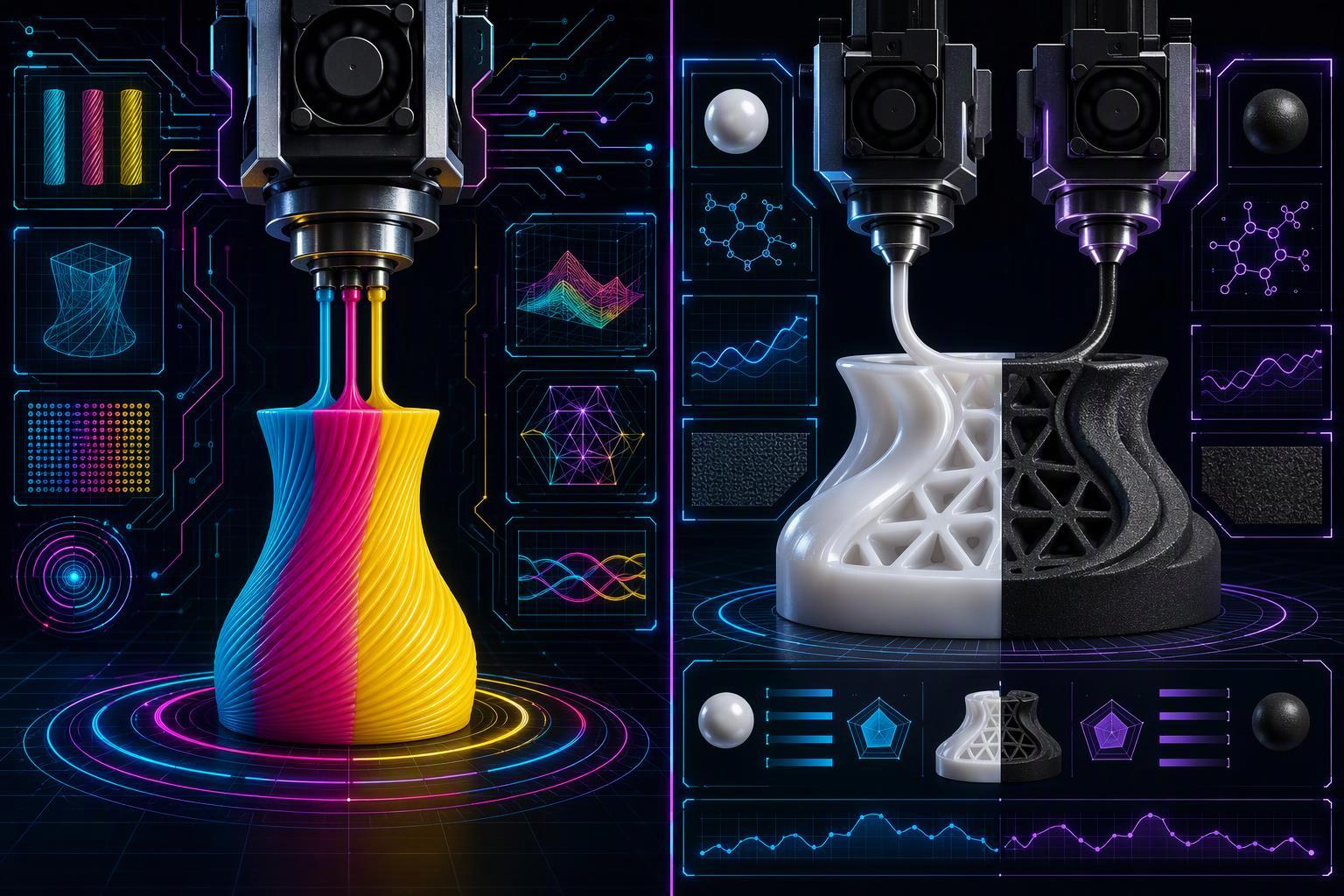
The line is drawn by purpose, not appearance. Multi-material printing combines the properties of two or more materials in one continuous build, while multi-color printing puts one material in several colors. The visual result can look identical, but only one of them is trying to combine stiffness with flexibility, or a soluble interface with a structural wall.
The hardware follows the same split. A mixing hotend used for real multi-material work usually works best when both materials have overlapping temperature requirements. A single-nozzle color system shares one melt zone, so it can only handle materials that already agree on temperature. That is why "multi-material" isn't a label you can attach to any four-color print.
Key Takeaway: Multi-color means one material in several colors; multi-material means two or more materials in one build.
Why Isn't Color Compatibility the Same as Material Compatibility?
Because color compatibility is a slicer question and material compatibility is a polymer-physics question. A 2026 peer-reviewed study on multi-material interface adhesion explains that adhesion between two polymers depends on wetting, interdiffusion and matched thermal behavior, and is dominated by the difference in processing temperature. One recent study excluded material pairs with a printing-temperature difference above 25 °C, but this should not be treated as a universal compatibility limit. Always follow the filament manufacturer's recommendations and validate the pairing with a test print.
What matters most is that "same family" predicts very little. In that same study, ABS bonded strongly to ASA but poorly to a dedicated ABS support material, and one high-temperature composite barely bonded to ASA at all. Those are lab specimen results, not printed-part specs, so treat them as a ranking rather than a datasheet. The practical reading: a shared color palette tells you nothing, and even a shared polymer family only tells you something once you have checked the temperatures.
What Are the Basic Characteristics of Common FDM Materials?
The properties that decide compatibility are the ones that differ between materials, not the ones they share. Prusa's filament material guide lists nozzle and bed ranges for PLA, PETG, Flex, PVA, BVOH, ABS, ASA, PC and PA. The exact numbers matter less than the spread: PLA prints comfortably around a 50 °C bed, while ABS, ASA and PC want 90–115 °C. Remember these are one manufacturer's recommendations, not universal settings.
Feeding behavior splits the same way. Creality's guide to flexible filament reports that direct-drive extruders prevent bending and buckling, while Bowden paths increase compression and jam risk. Moisture is the third axis, and it is not uniform: Prusa's drying temperature table names polyamide, PVA and BVOH as the materials that need drying before every print, while PLA tolerates humidity far better.
That, in short, is the practical test for compatible filaments for 3D printing: two spools are candidates only when their temperature windows, feed behavior and moisture habits can coexist in one job.
What Factors Decide Whether Two Filaments Can Print Together?
Temperature overlap is one of the first factors to check when evaluating filament compatibility. Prusa's guidance on combining materials warns that where bed temperatures differ significantly between the two materials in one print, adhesion can fail. Bambu Lab's multi-material filament limits block high-temperature filaments from being mixed with low-temperature ones at slicing, since a low-temperature filament may soften in a heated chamber. Printing PLA and ABS on the same build plate is usually impractical with standard single-bed settings because their temperature and warping requirements differ significantly.
Adhesion between the two materials is the second factor, and it is chemical before it is mechanical. UltiMaker's multi-material printing guidance frames inter-material bonding as the core difficulty and offers a geometric workaround rather than a chemical one: Cura's Material Interlocking generates an overlap structure at the material boundary that locks the two together, which only works if your part geometry allows it.
Support pairing is a separate decision with its own rules. Stratasys on matching model and support materials states that the model material determines which support material can be used with it, soluble or breakaway. Bambu Lab's support filament guide warns that incompatible combinations can cause extrusion or nozzle clogging, and states twice that PVA is not compatible as a support for PETG. Prusa's guidance on water-soluble supports notes that PETG practically needs BVOH, and pairs ABS with HIPS rather than PVA.
The graded data is where a simple compatibility list falls apart. Polymaker's PolyDissolve S1 data sheet rates the same support material as excellent for PLA, TPU, nylon and PVB, workable for PETG, and poor for ABS and PC. One support, several verdicts.
Shrinkage and warping separate the material families qualitatively. ABS and ASA pull and warp more than PLA, which is why they are usually printed in an enclosure on a heated bed, and that difference is what makes a shared plate difficult rather than any single number.
Flexible filament adds a feeding constraint. TPU often feeds more reliably through a short, well-guided filament path, although results depend on filament hardness and extruder design, and rigid filament printed on top of soft layers can drag them out of place. Prusa's guidance on combining materials counteracts this by increasing the minimum purge on the wipe tower.
Moisture is per-material and per-manufacturer. Bambu Lab's drying recommendations call for roughly 12 hours at high heat on both PVA and TPU 95A HF, which tells you these materials are the fussy ones. Drying may be necessary for hygroscopic materials such as PVA, BVOH, nylon, and some TPU or PC filaments, so follow the manufacturer's drying instructions for the specific product.
No single clearance, layer height or temperature applies to every combination. The filament manufacturer's technical data sheet is the authority for your spool.
Which Filament Combinations Are Realistic Starting Points?
Four combinations have enough documentation behind them to justify a first test print, and none of them is a guarantee.
Rigid with flexible. PLA and TPU are a commonly discussed starting point for rigid-and-flexible multi-material designs, but the result depends on the specific filament formulations and part geometry. Sovol's M1D material compatibility guide presents PLA with TPU for rigid bodies with integrated flexible elements, and treats PETG with TPU as a pairing that requires additional testing. Expect the bond to stay weak, though. A 2025 study measuring PLA–TPU bond strength (Tarrés et al., Int J Adv Manuf Technol, 2025) found that the interface stays weak no matter how you manage the temperature, so design the flexible section to be mechanically captured rather than relying on the chemistry.
Model with support. PLA with PVA is one commonly used soluble-support workflow, but the result depends on the exact products and print profile. Even the dissolution guidance disagrees: Prusa's guidance on water-soluble supports caps the water at 45 °C, while Polymaker's PolyDissolve S1 data sheet describes speeding the process up above 50 °C. Each figure is tied to its own product, so follow the sheet for the spool you bought, and check local wastewater rules before you pour anything down the drain.
Different colors of one base material. The easiest case by a wide margin, because only the colorant changes. Pigment load can shift flow slightly, but the thermal profile, bed temperature and adhesion behavior stay the same, so this is where a beginner should start.
Materials with very different printing requirements. This is where most pairings fail, and a large bed-temperature gap is the clearest warning sign. PLA wants a cooler bed, ABS a much hotter one, so sharing a single plate between them is usually impractical.
Key Takeaway: No pairing is universally compatible. Every combination above is a starting point to test, not a specification to trust.
It depends, and what it depends on is the list of factors in the previous section: bed temperature overlap first, then adhesion mechanism, shrinkage, moisture sensitivity and toolhead setup. Work down that list before you spend filament on a full print.
How Do Independently Controlled Toolheads Help, and What Do They Not Solve?
Independent toolheads remove the shared-melt-zone constraint, not the compatibility constraint. 3Dnatives' definition of multi-material printing notes that IDEX printers keep the two filaments on separate paths: separate melt paths can reduce cross-contamination, although each toolhead can still clog or misfeed independently. A conventional dual-toolhead or IDEX system may use two active toolheads at once, while the number of loaded or selectable materials depends on the printer's feeder architecture and slicer support. UltiMaker's multi-material printing guidance gives a production example of a part combining a PLA interior with a wear-resistant nylon outer layer.
What toolheads do not fix is everything downstream of the nozzle. A tool-changer also does not solve adhesion: UltiMaker's multi-material printing guidance frames inter-material bonding as the core difficulty and offers a mechanical workaround instead of a chemical one, since Cura's Material Interlocking generates a geometric overlap that locks the materials together. That works only where your geometry allows an overlap structure, so it is a design decision, not a setting.
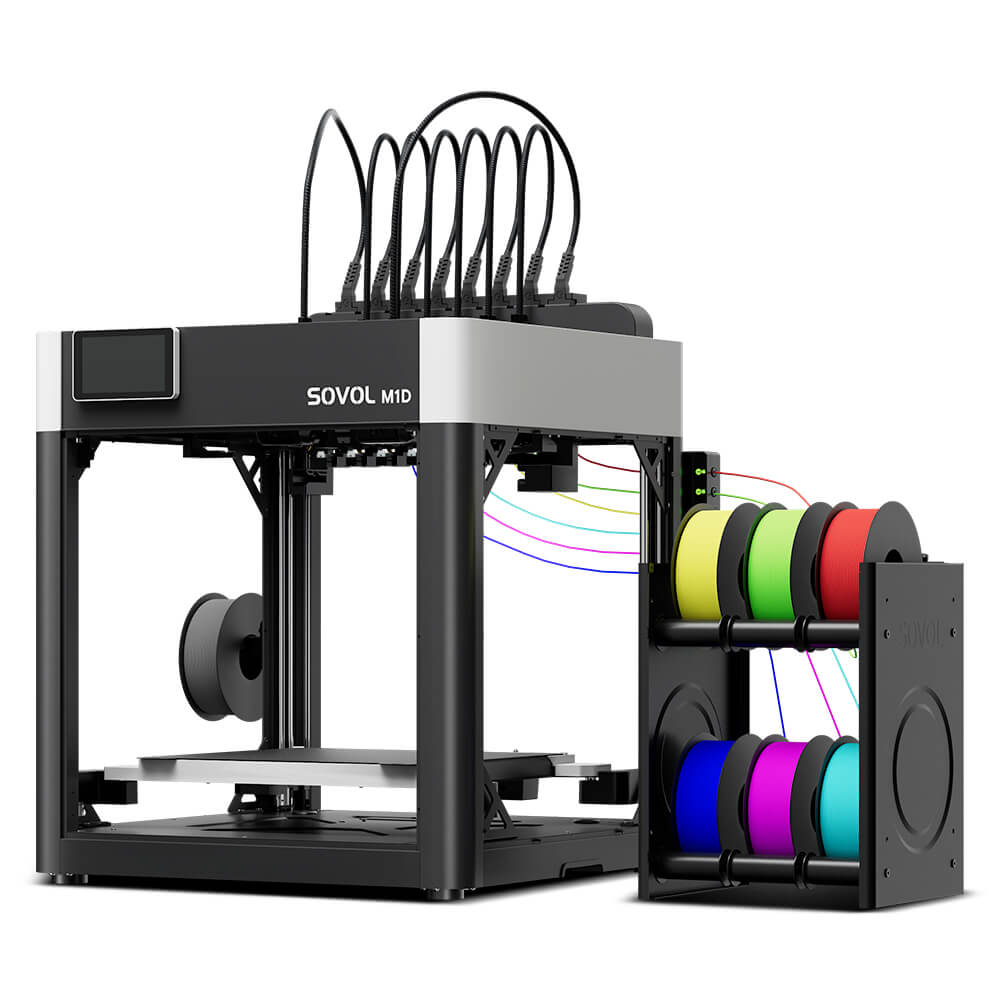
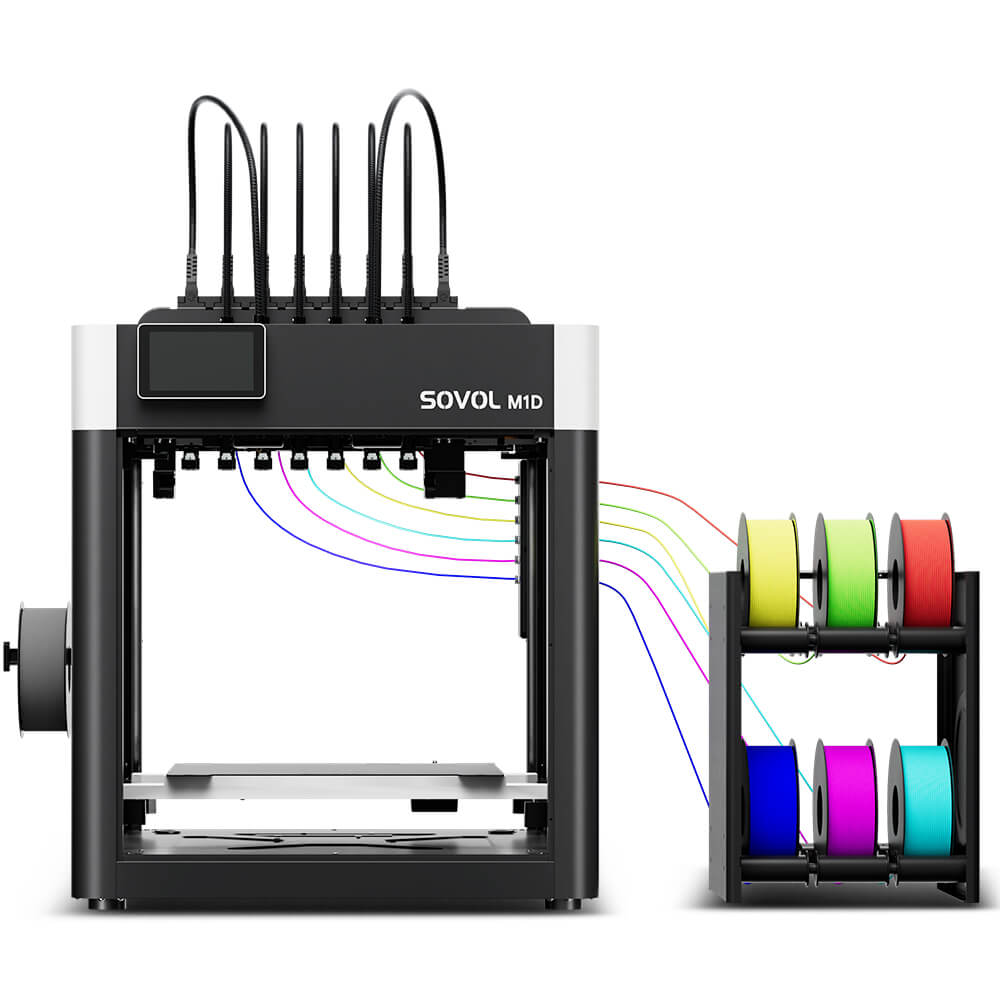
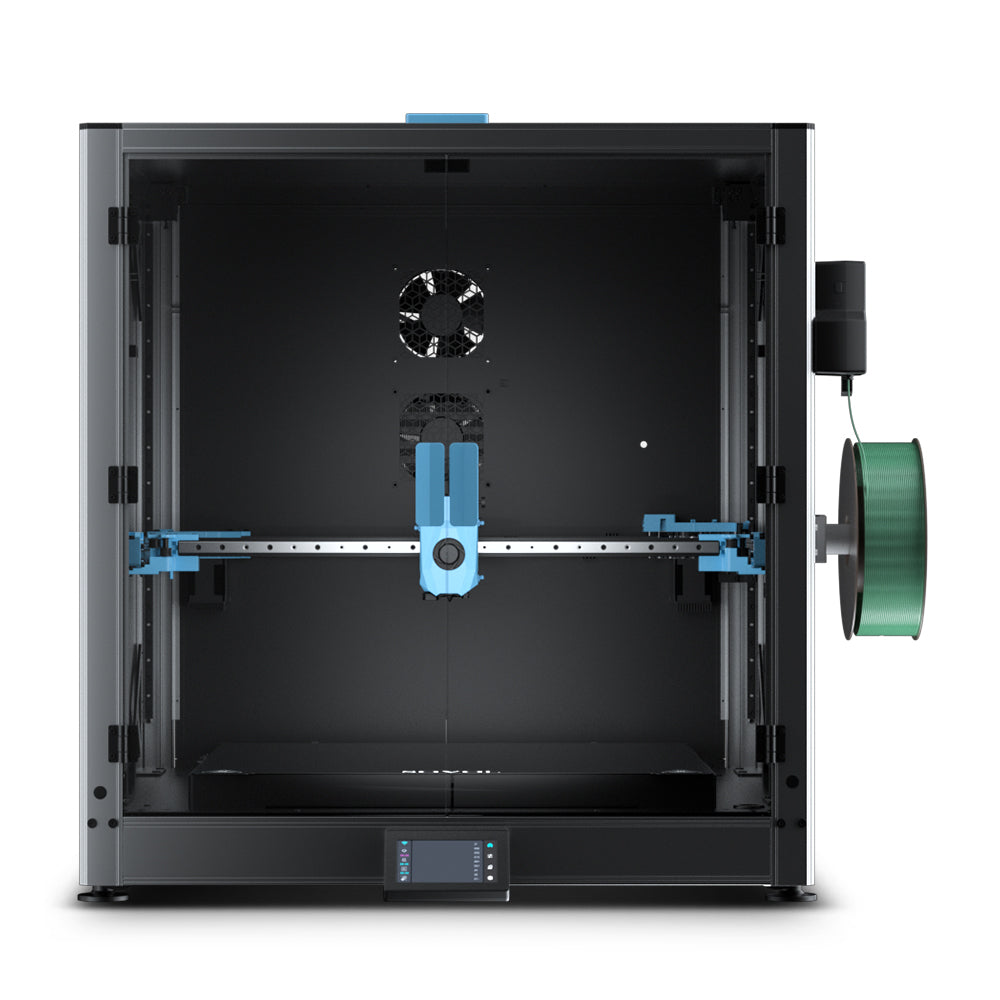
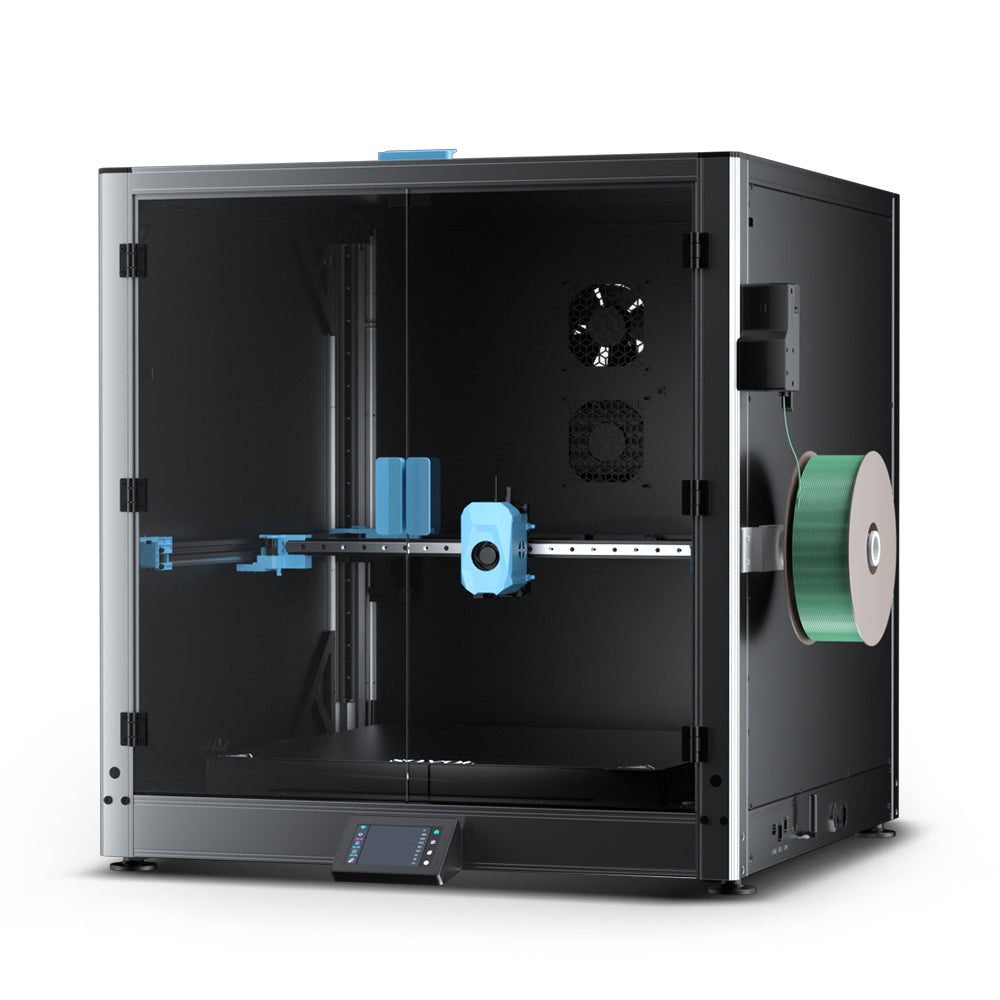
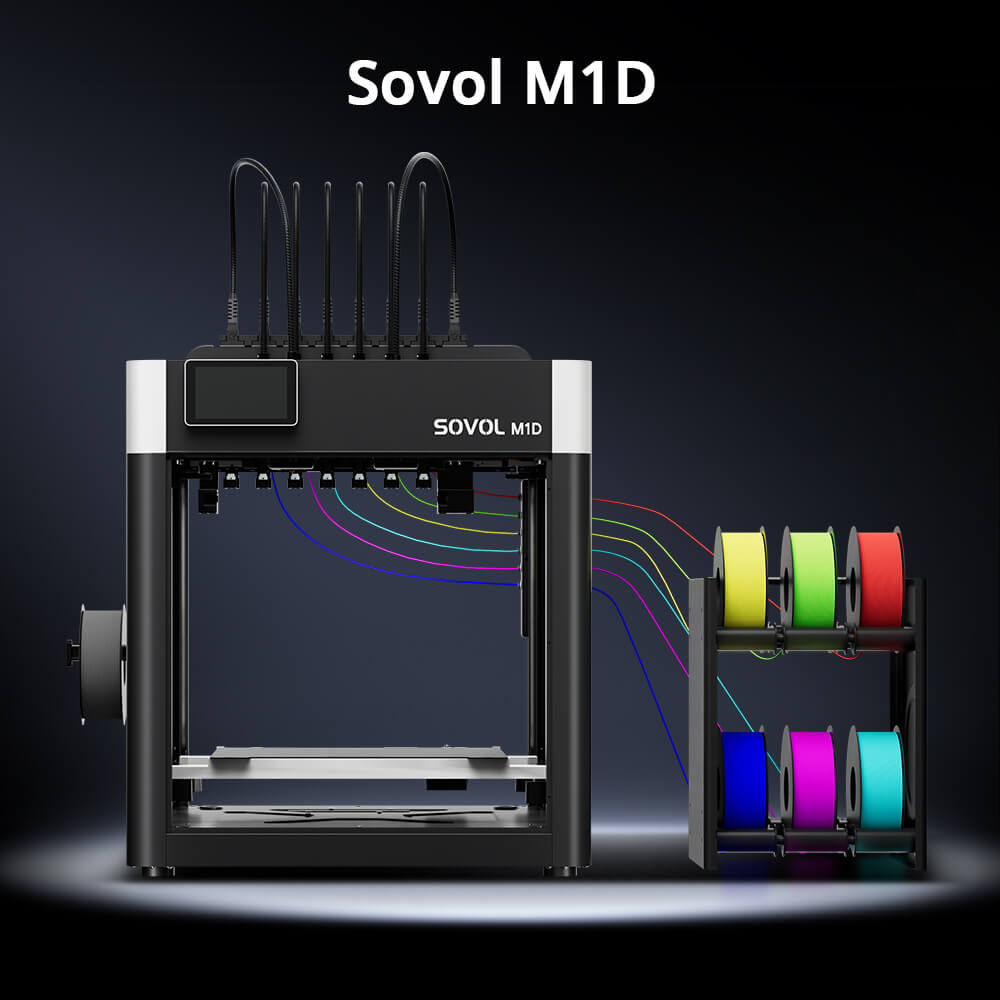
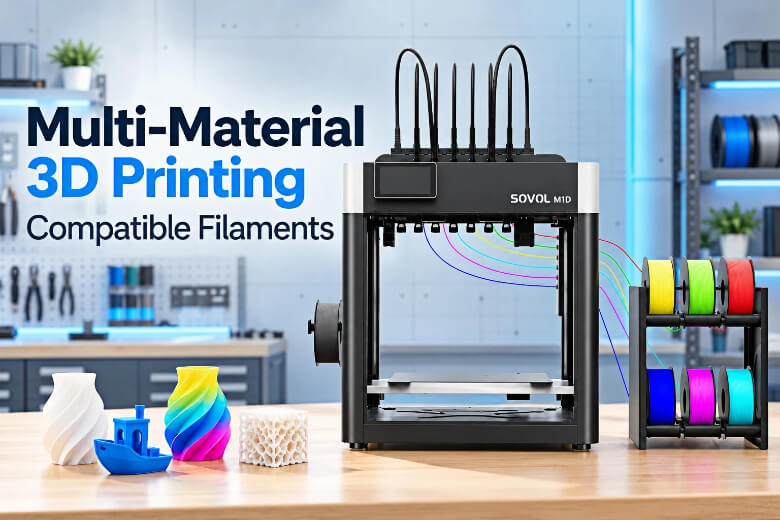
How the Sovol M1D Fits Multi-Material Workflows. The M1D's independently controlled toolheads allow different materials to use separate thermal profiles, so each filament can hold its own temperature and preheat before use instead of sharing one melt zone. Its actual material combinations still depend on filament properties, slicer settings, and the specific print design. Independent toolheads do not guarantee adhesion or compatibility between every pairing, and they do not solve warping, moisture or temperature mismatch, so compatible bed temperatures and per-pair testing are still required. The small compatibility test print above is still yours to run, on any machine.
How Do I Test a Filament Pairing Before Committing to a Full Print?
Print a small compatibility test print with a bonded interface, a flexible section and a support-interface patch before you touch the real part. Check the filament maker's technical data sheet first, confirm your slicer will actually accept the pairing, then give each material its own toolhead or extruder so the temperatures stay independent. This is how to combine filaments in 3D printing without burning a full spool on a guess.
Treat that print as a screening tool, not a certification. No standards body publishes a canonical multi-material compatibility test, and even published test geometries for additive manufacturing have known limitations. So the workflow below is a synthesis of controlled-variable practice, not an approved procedure.
Key Takeaway
- Does the interface delaminate when you pull it apart by hand?
- Does the flexible section flex without cracking?
- Does the support release without scarring the surface?
- Any "no" means change one variable and reprint the test print.
Troubleshooting Common Multi-Material Problems
Weak or missing interface adhesion is the most common failure and usually traces to temperature. If the two materials sit far apart on the bed or nozzle scale, no amount of purge volume will fix it. Where the temperatures do overlap, increasing the wipe-tower purge and checking the idle temperature are the first two levers. Still, remember that any temperature guidance is a starting point you validate with your own test print, not a universal rule.
Warping and bed adhesion problems follow from the same mismatch. If the warping material needs an enclosure and the other does not, that is a hardware constraint, not a settings problem.
Stringing, oozing and blobs on the prime tower point at moisture. An idle parked nozzle still radiates heat, and absorbed moisture has to escape somewhere, so it ends up as oozing deposited on the prime tower. Certain multi-tool machines keep the unused tools warm by default, which can worsen this, but idle temperature varies by machine and profile. Drying may be necessary for hygroscopic materials such as PVA, BVOH, nylon, and some TPU or PC filaments. Follow the manufacturer's drying instructions for the specific product, then re-test.
Frequently Asked Questions
Can any two filaments be printed together?
No. Compatibility depends on the specific pair, your printer, the nozzle, and the slicer profile, and even materials from the same family do not bond automatically. A 2026 peer-reviewed study on multi-material interface adhesion found the same base material can bond strongly to one partner and poorly to another, so treat every pairing as something to test rather than assume.
Can I print PLA and ABS in the same job?
It is usually not recommended on a shared build plate with standard settings, but the final result depends on the printer, material profiles, and build setup. The core mismatch is thermal, so it is not simply a slicer limitation you can toggle off.
Do I need a special support material?
It depends on what you want from the interface. Dedicated support materials are qualified per model material rather than universally, and the data shows a dedicated support is not automatically the low-adhesion option. Decide whether you want surface quality or easy removal first, then pick the support that delivers it.
How do I dry filament for multi-material printing?
Follow the filament manufacturer's schedule for that specific material, not one universal number. Drying matters most for hygroscopic materials such as PVA, BVOH, nylon, and some TPU or PC filaments. Exceeding the listed temperature softens the filament and makes it stick together, so always match the schedule to the spool you bought.
Is multi-material printing worth it for a beginner?
It can be, if you start with the easy cases: different colors of one base material, or a model material paired with a support material the manufacturer documents as compatible. Polymaker's PolyDissolve S1 data sheet grades that support from excellent for PLA and nylon down to poor for PC, which shows how narrow each qualification is. Print a small compatibility test print before committing to the final model, and expect the first attempts to need adjustment.
Conclusion
There is no universal compatibility list, and the evidence does not support one. The five axes, temperature, adhesion, shrinkage, feeding and moisture, decide every pairing, and the data shows how little material family predicts: the same base material can bond strongly to one partner and poorly to another. Use the screening method to eliminate pairs that fail on temperature overlap, then confirm the survivors with a small compatibility test print before you slice a real part.
The workflow that holds up is short. Check nozzle and bed windows for overlap, check that your support or interface material is qualified for your model material, dry the hygroscopic spool to its own manufacturer's schedule, print a test part with a bonded interface and a flexible section, and inspect where it separates. If you want to go deeper on the support half of the equation, how to use PVA supports for 3D printing walks through the dissolving workflow end to end.