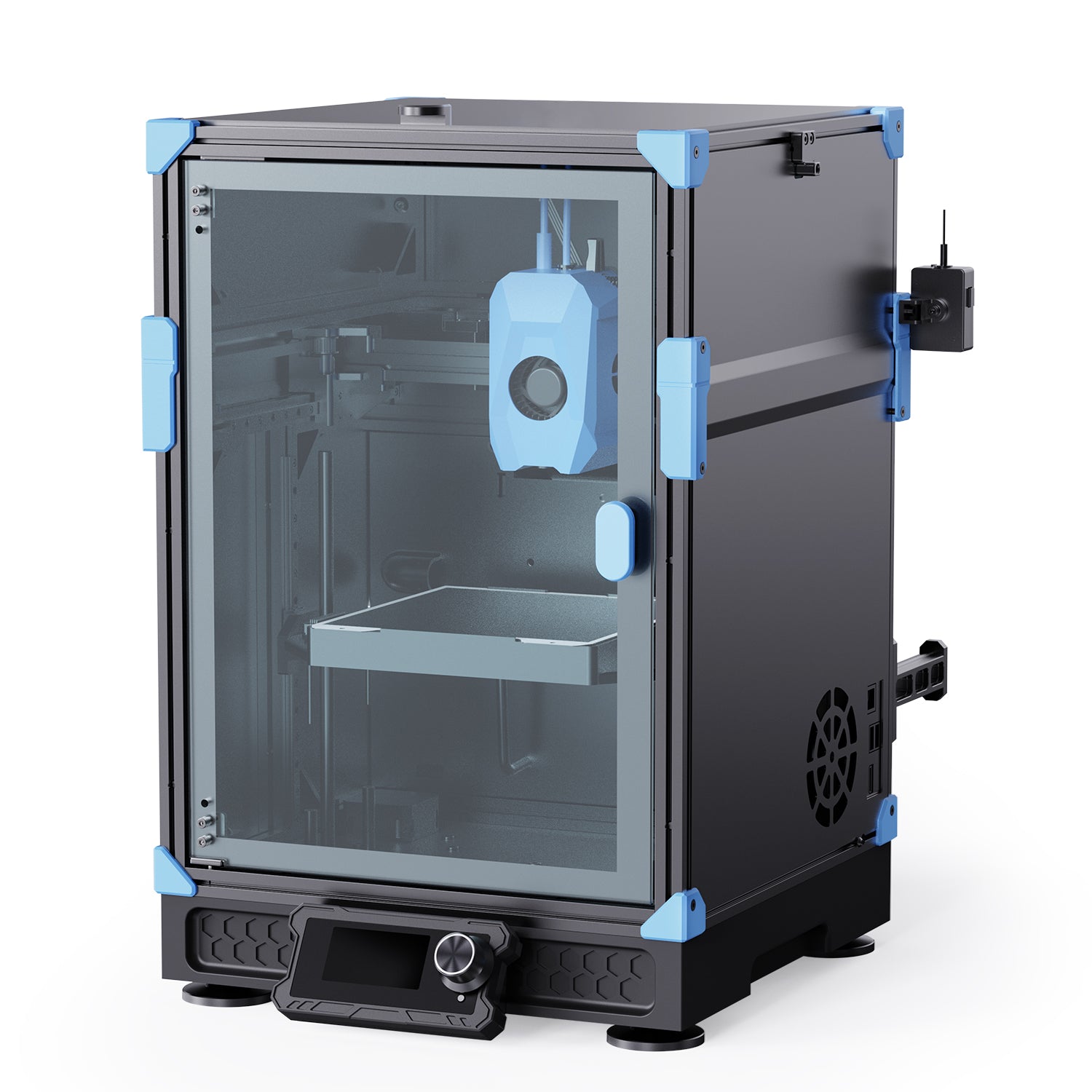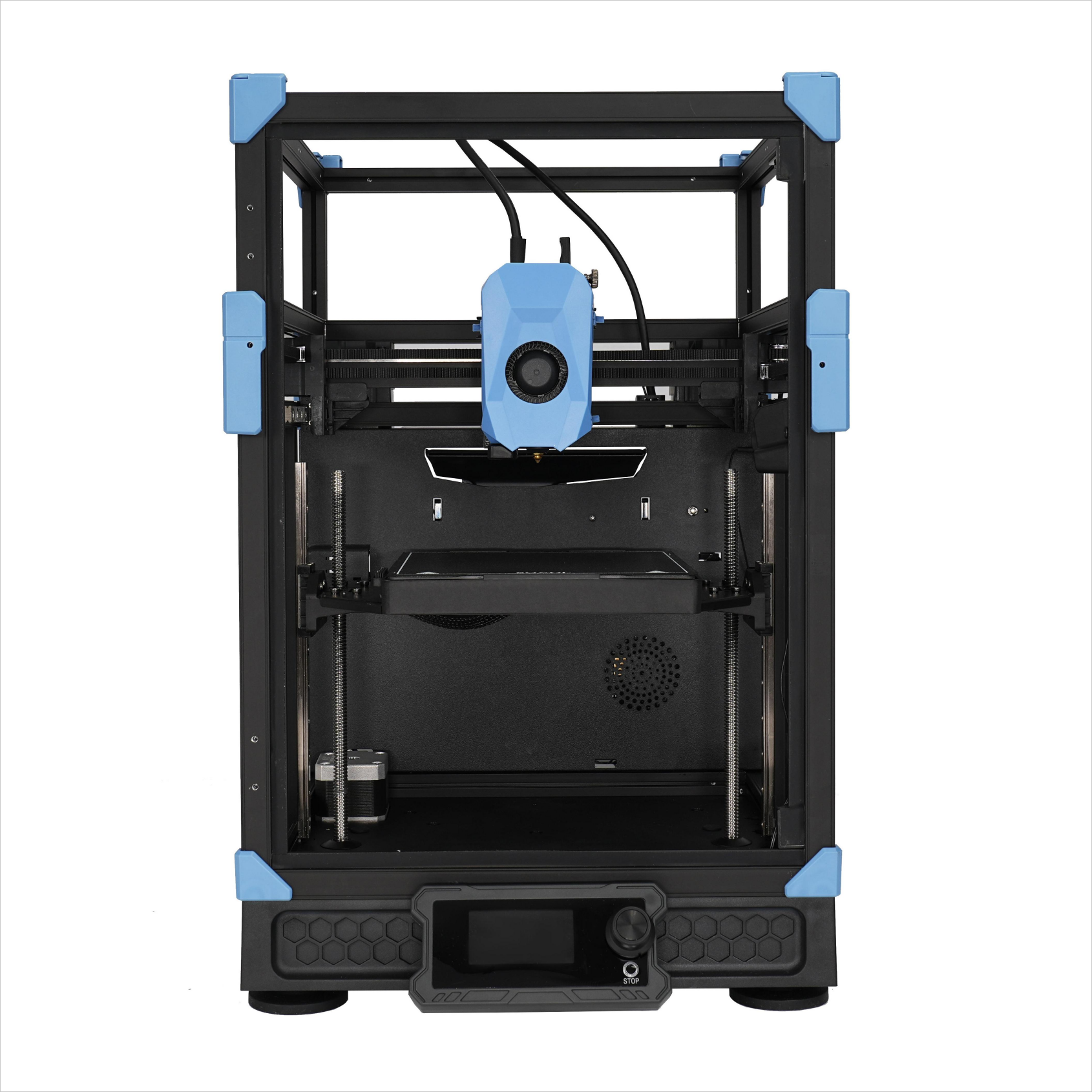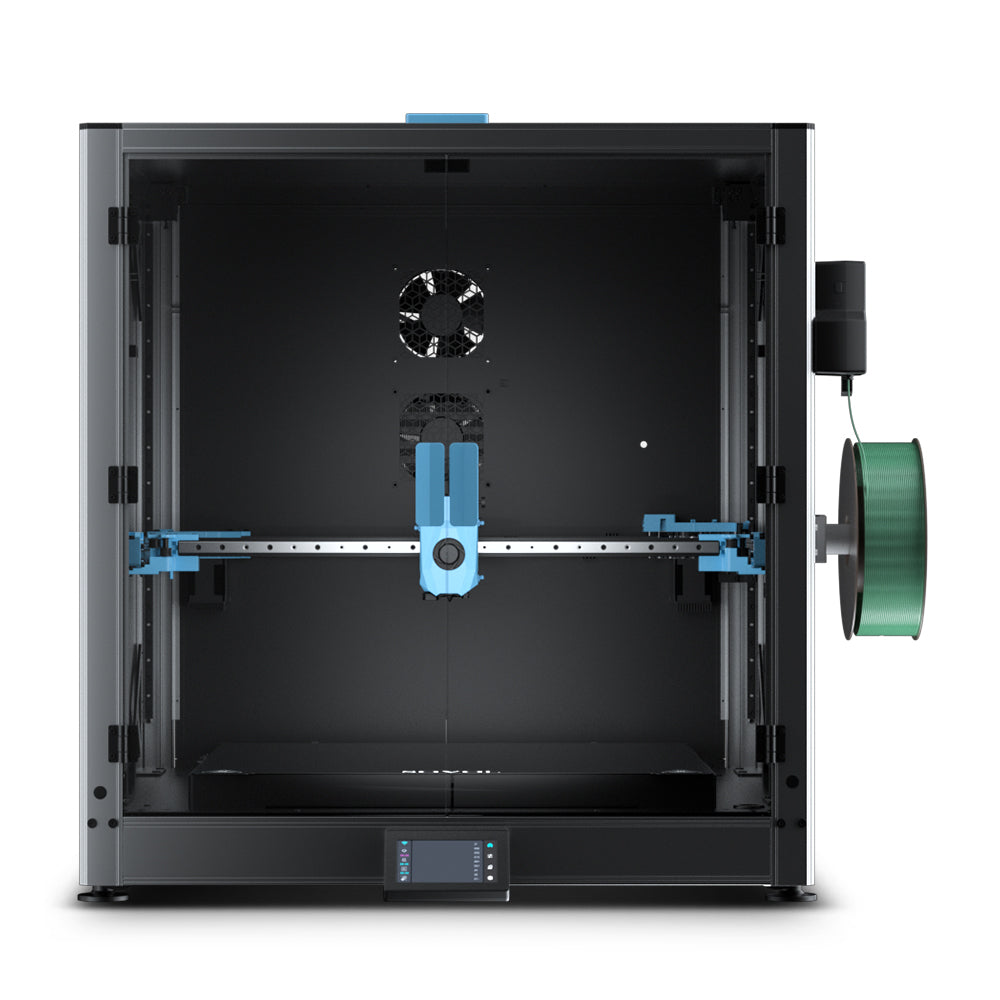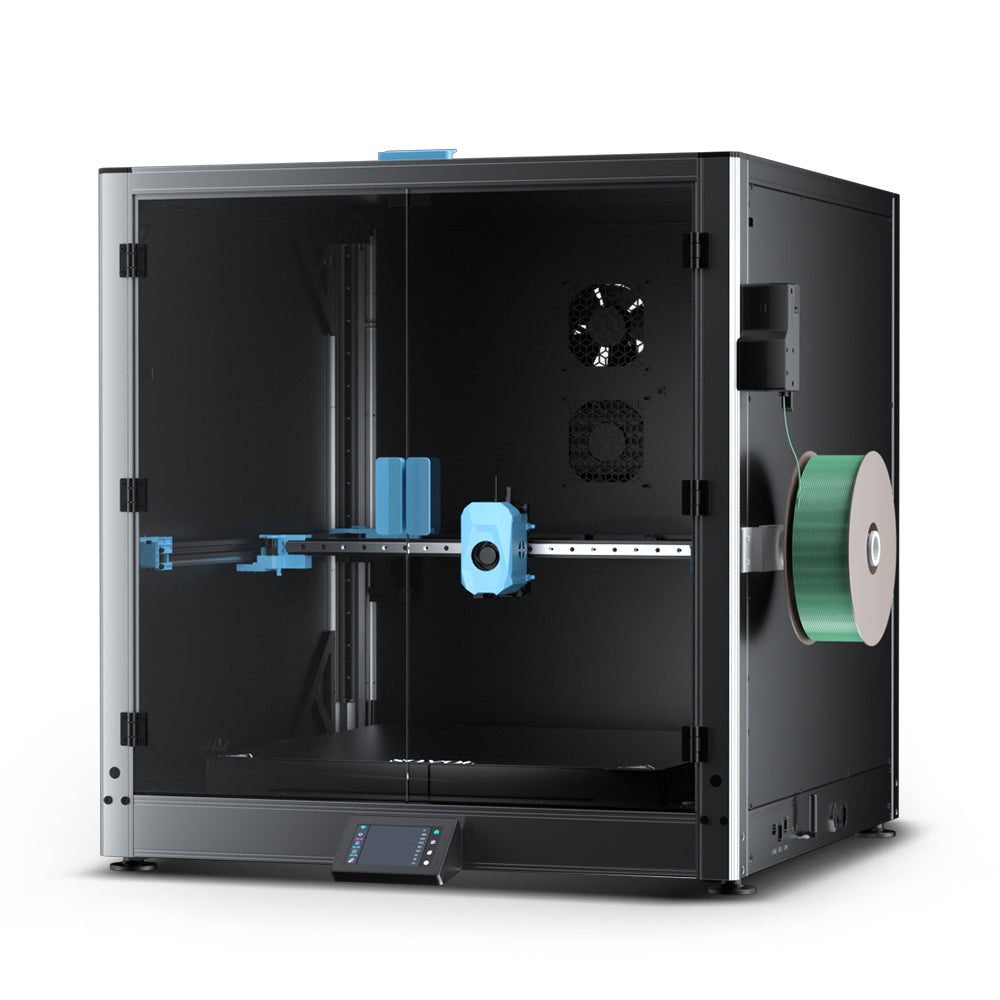
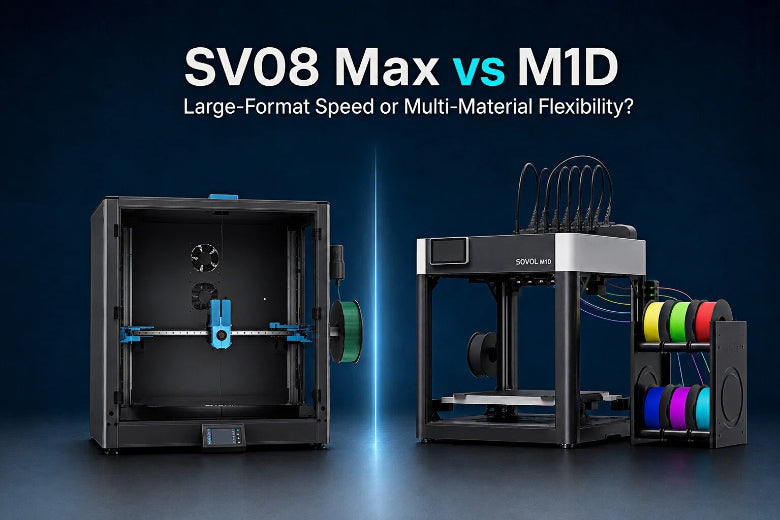
1. Introduction: Why makers are comparing the SV08 Max and M1D
People searching Sovol SV08 Max vs M1D usually have one of two bottlenecks:
- Size/throughput: you’re splitting big prints (cosplay, prototypes, fixtures) and losing time to seams and rework.
- Flexibility: you want multi-color or multi-material capability (especially supports), but the workflow overhead feels expensive.
This is why SV08 Max vs M1D isn’t a “winner-takes-all” comparison. They’re aimed at different workflows:
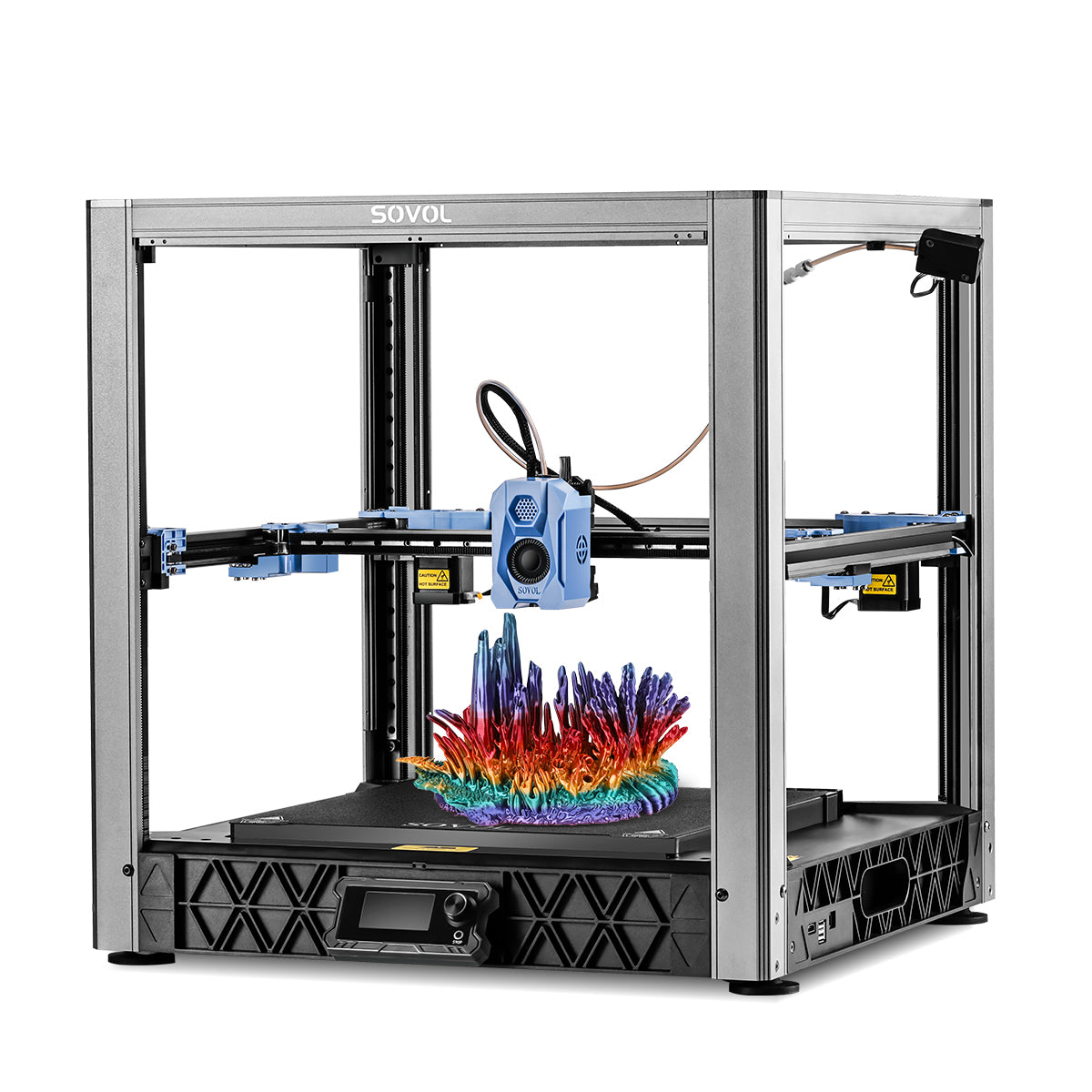
- SV08 Max: large build volume + fast single-color production.
- M1D: IDEX tool-changing workflow for multi-color/multi-material + Copy/Mirror production modes.
Key Takeaway: This is a large-format vs multi-material 3D printer decision. Pick based on the prints you run every week—not the headline feature you might use once.
2. Quick answer: Which printer is better for which type of user?
Choose the SV08 Max if you:
- Print very large models, large prototypes, cosplay props, engineering parts, or want to batch-print many single-color parts on one plate.
- Want a large-format platform with clearly published specs you can verify today.
Choose the M1D if you:
- Want multi-color and multi-material printing often enough that tool workflows are worth learning.
- Want cleaner separation between materials (including support-material strategies, where compatible).
- Will realistically use Copy Mode and Mirror Mode for small-batch output or left/right pairs.
A balanced buyer’s stance:
- If you need a proven, currently spec-transparent large-format machine, SV08 Max is easier to evaluate now.
- If you prioritize more materials,more efficiency,more ways to Play, M1D may be worth considering
3. SV08 Max and M1D: Different design philosophies
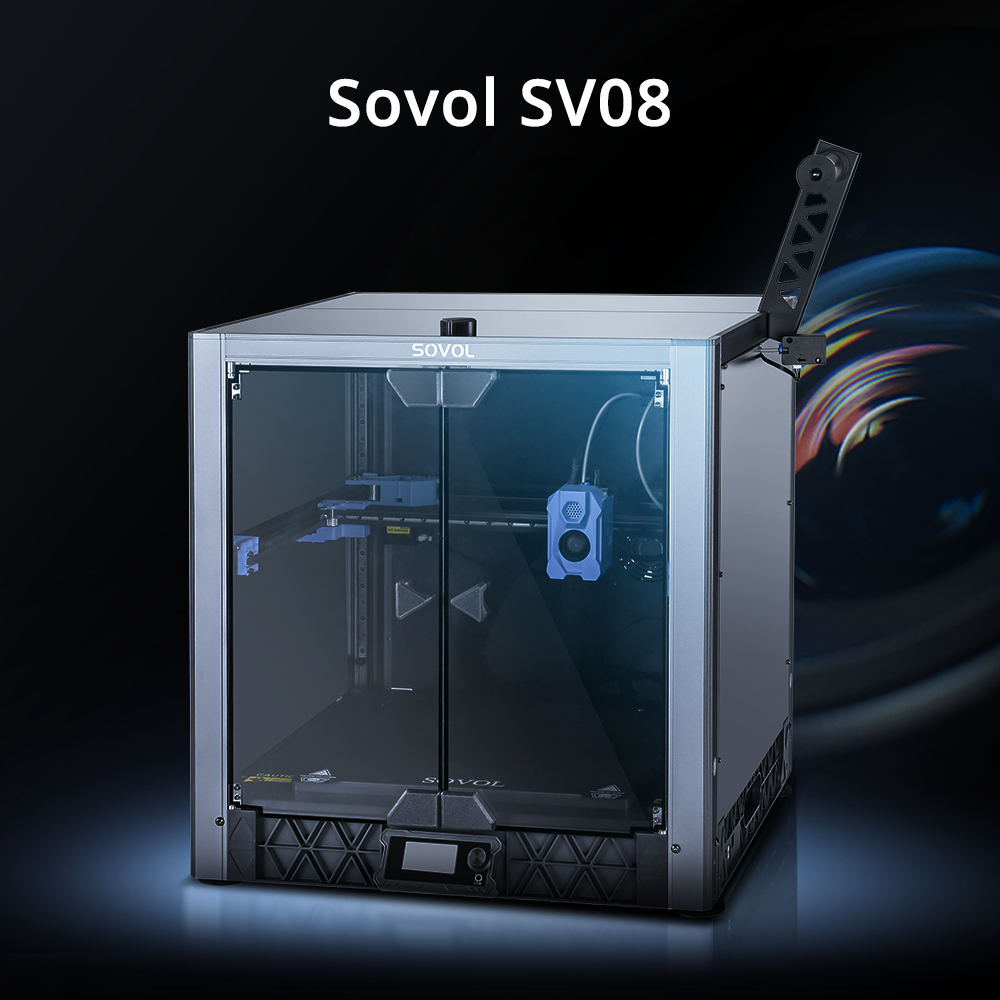
SV08 Max: big parts, fewer compromises

SV08 Max is aimed at the “stop splitting my projects” crowd.
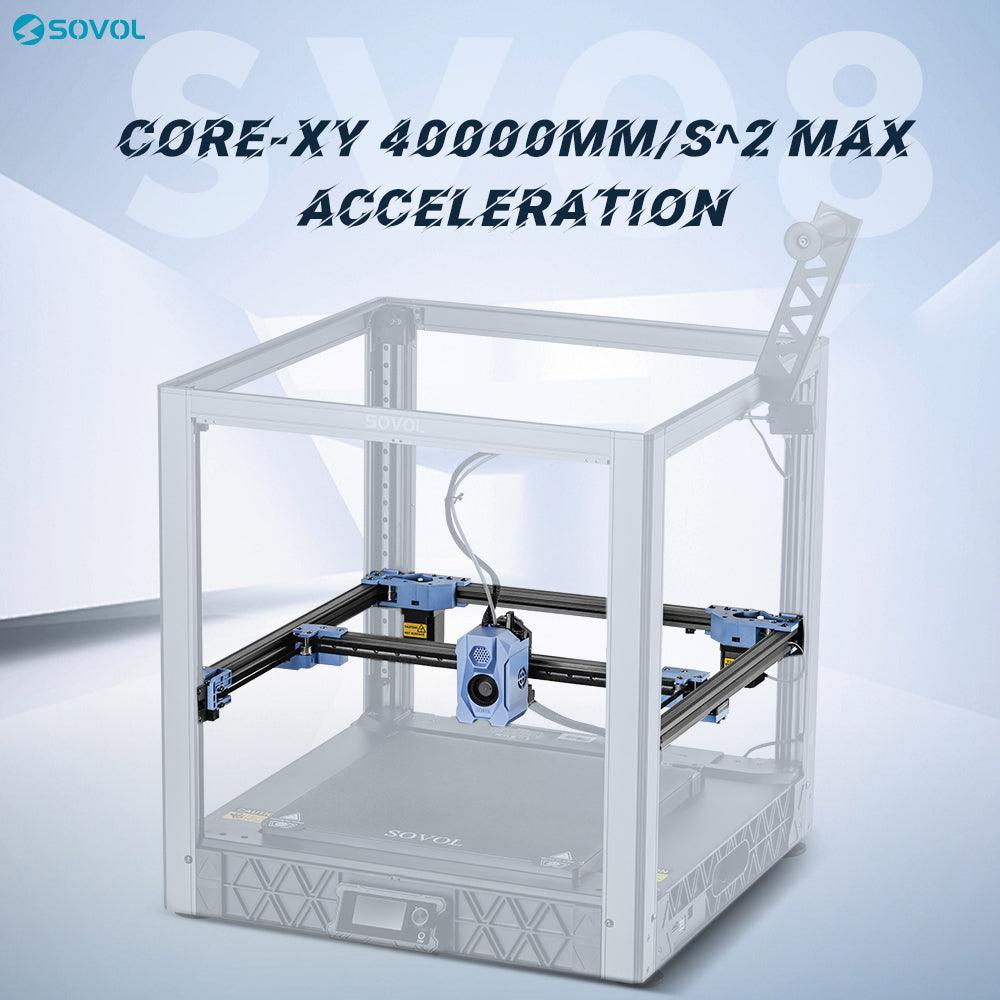
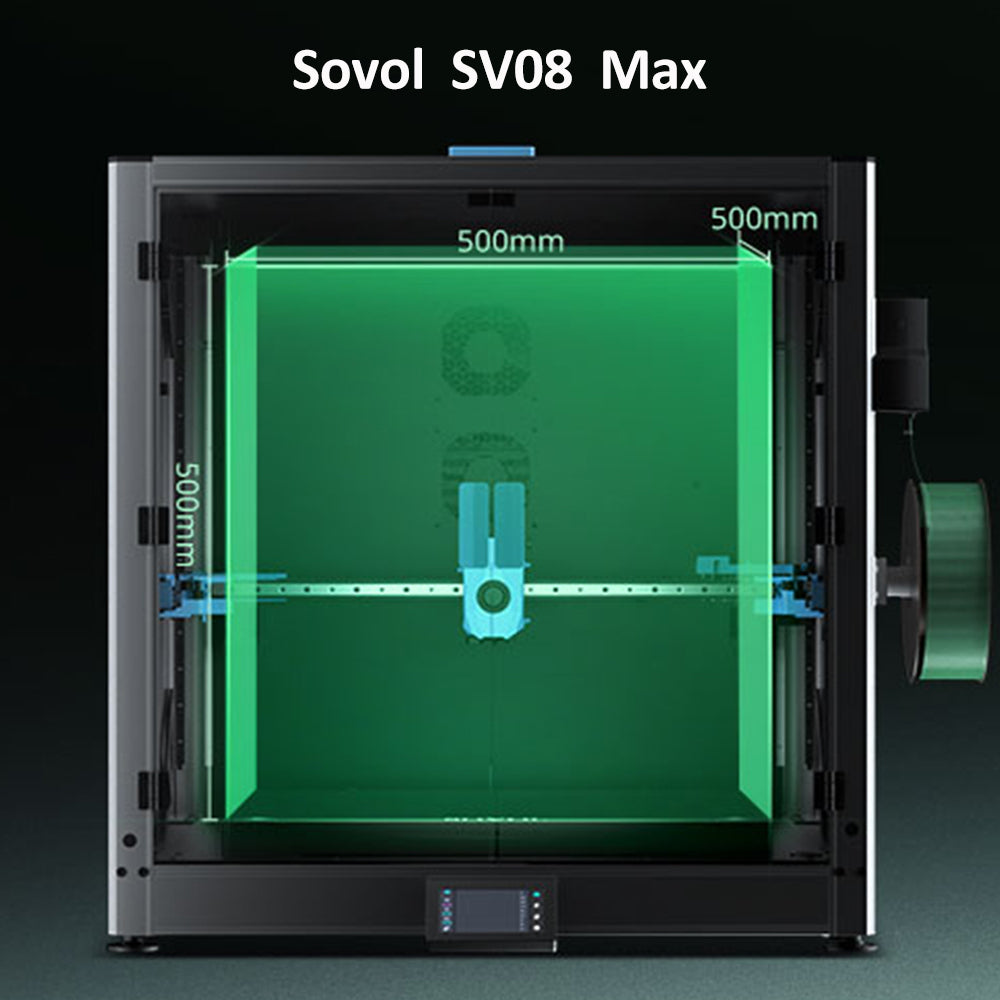
On the official page, Sovol publishes a 500×500×500 mm³ build volume (or 500×500×450 mm³ with an enclosure kit) plus headline motion/throughput claims like up to 700 mm/s, 40,000 mm/s², and 50 mm³/s max flow.
Practical upside: fewer seams and less post-assembly work—although large prints still depend heavily on adhesion, warp control, temperature stability, and filament condition.
M1D: tool workflow as the core product

The M1D landing page emphasizes “DualX” as an IDEX tool-changing system and promotes modes such as Multi, Mirror, Single, and Copy.
That matters because it reframes what you’re buying:
- not “a bigger printer,” but a printer designed around material/tool switching and duplication workflows
4. Build volume and large-format printing
SV08 Max: published large-format capability
If “best 3D printer for large parts” is your search intent, SV08 Max is easy to place: its build volume is explicit.
The larger build volume can reduce the need for splitting and post-assembly, although large prints still require careful attention to adhesion, warping, temperature, and filament condition.
M1D: Copy and Mirror Mode trade part width for parallel output. They are especially useful for smaller paired parts, but they do not make the printer’s build area larger.
5. Real-world speed: Why maximum speed is not the whole story
“Max speed” is a ceiling. Your real print time depends on the limits you hit most often:
- acceleration (short segments never reach top speed)
- volumetric flow (how much plastic can be melted and pushed)
- cooling/min layer time
- travel/retraction overhead
- for multi-material: swaps, primes/wipes, and extra motion between tools
A good plain-English explainer is FDM print speed explained (3DPrintCompare).
Why flow rate changes the SV08 Max vs M1D conversation
On large single-color prints, your goal is often steady extrusion for hours. That’s where SV08 Max’s published max flow claim is relevant.
On multi-material prints, “speed” also includes tool-change frequency. Even if a tool swap is fast, repeated swaps plus prime/wipe routines can dominate print time on color-heavy models.
Key Takeaway: Maximum speed doesn’t equal actual speed. Model geometry, layer height, infill, cooling limits, and tool-change frequency decide your true throughput.
6. Multi-color and multi-material printing
Multi-material capability is most valuable when it improves outcomes—not just aesthetics:
- dedicated support strategies (when compatible)
- cleaner material separation (less cross-contamination)
- combining properties (rigid + flexible, for example) when your design actually needs it
M1D is not simply a printer with more colors. Its main advantage is the workflow: dedicated toolheads can reduce repeated filament unloading, purging, and reheating during multi-material jobs. However, total print time still depends on tool parking, priming/wiping, calibration, and how often your model forces material changes.
7. IDEX, Tool-Changing, Copy Mode, and Mirror Mode
This is where an IDEX tool-changing 3D printer can beat a single-tool machine—when your jobs match the mode.
- Copy Mode: two identical parts at once.
- Mirror Mode: left/right pairs in one job.
If you print pairs all the time (cosplay armor symmetry, mirrored brackets, repeated fixtures), Copy/Mirror can multiply output without needing a bigger build plate.
Copy and Mirror Mode trade part width for parallel output. They are especially useful for smaller paired parts, but they do not make the printer’s build area larger—and you still rely on careful dual-tool calibration and consistent first layers.
On the waste side, Sovol’s own explanation is worth reading because it’s more nuanced than a slogan: Tool Changer 3D Printer Waste: Why Tool‑Changing Creates Less. The realistic interpretation is “less flushing,” not literal zero waste.
8. Materials, enclosure, and engineering applications
SV08 Max: published thermal limits + chamber wording
On the SV08 Max product page, Sovol lists ≤300°C nozzle and ≤100°C bed, and references an optional chamber heating module.
For engineering users printing larger ABS/ASA-style parts, the practical point is: thermal stability and draft control can matter as much as motion speed.
M1D: M1D Advanced gets an actively heated chamber with a stated 60°C target — the sweet spot where ABS/ASA stop warping
9. Software, calibration, usability, and product maturity
A printer can be “faster on paper” but slower in reality if it increases operator time.
- SV08 Max: simpler workflow for many users (single tool, large build volume, fewer transitions).
- M1D: more capability, but also more system complexity (tools, modes, calibration, material management).
10. Comparison table
|
Category |
SV08 Max |
M1D |
Best suited for |
|---|---|---|---|
|
Core architecture / workflow |
CoreXY high-speed, large-format single-tool platform |
DualX described as an IDEX tool-changing workflow with Multi/Mirror/Single/Copy modes |
SV08 Max for large single-material throughput; M1D for tool workflows |
|
Build volume |
500×500×500 mm³ (500×500×450 mm³ with enclosure kit) |
300×300×350 mm |
SV08 Max if size is a hard requirement |
|
Multi-color / multi-material workflow |
Not the main design goal |
Positioned for up to seven colors/materials; 6-channel auto filament system mentioned |
M1D if you regularly print color/material-change jobs |
|
Max speed |
700 mm/s |
600 mm/s |
SV08 Max when parts have long continuous toolpaths; M1D where tool workflow matters more than peak motion |
|
Heated chamber |
$69 module, no stated target temp |
Up to 60°C — M1D Advanced variant only |
M1D Advanced has the better-specified chamber |
|
Acceleration |
40,000 mm/s² |
10,000 mm/s² |
The number that actually matters: 4× gap |
|
Supported materials |
PLA, TPU, PETG, ABS, ASA, PA, PC, PLA-CF, PETG-CF, HP-PLA |
PLA/TPU/PETG/PVA; ABS/ASA/PA/PC w/ enclosure |
Choose based on the exact materials you print most |
|
Toolhead swap and material switching |
Single-tool workflow (no tool-change system highlighted) |
5-second toolhead swap; independent heating described; priming/wiping overhead still applies (manufacturer claims) |
M1D when you benefit from dedicated toolheads and frequent switching |
|
Copy/Mirror mode limitations |
Not highlighted as core features |
Copy + Mirror listed; trade part width for parallel output and requires calibration (mode is manufacturer claim; limitation is a general IDEX trade-off) |
M1D for small paired parts and duplication, not for making the build area larger |
11. Which printer should you choose?
If you’re still torn between M1D vs SV08 Max, use these “deal-breaker” questions:
- Do you regularly need one-piece large parts? If yes, favor SV08 Max.
- Do you regularly need multi-material (not just occasional color)? If yes, favor M1D.
- Will you use Copy/Mirror weekly? If yes, M1D-style IDEX workflows can justify the complexity.
12. Final verdict
A fair, workflow-first recommendation for Sovol SV08 Max vs M1D is:
- Choose the SV08 Max for very large models, large prototypes, cosplay props, engineering parts, and fast single-color production.
- Choose the M1D for multi-color printing, multi-material printing, soluble/dedicated supports (when compatible), and Copy/Mirror workflows—after checking final specifications, availability, and independent reviews.