You need to choose the right filament to get consistent results in 3d printing. Filament choice changes how strong your printed parts feel, how smooth they look, and how often your prints succeed. Research shows that filament type does affect the strength of your prints, but settings like layer thickness can matter even more. Using recycled filaments can also work well and helps support the environment. Both the material and the brand you pick decide how filament affects print quality. You will find practical tips here to help you make better choices.
Key Takeaways
- Pick the right filament type for your project. This helps make prints strong and good quality. PLA works well for beginners. ABS and Nylon are better for tough parts. They also resist heat.
- Keep the printer and bed at the right temperature. Each filament type needs a certain temperature. Staying in the right range stops warping and weak layers.
- Store filament the right way to stop moisture damage. Use airtight containers and desiccants to keep filament dry. This helps prints last longer and look better.
- Think about how color and additives change print strength. Some pigments change how filament melts and sticks. Test new colors before big projects.
- Pick high-quality filament brands for steady results. Good brands keep diameter and material pure. This means fewer problems when printing.
How Filament Affects Print Quality
Material Properties
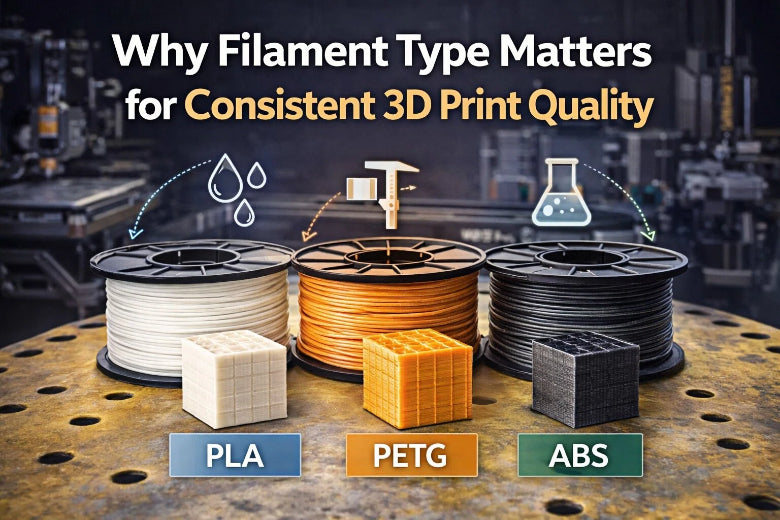
Picking a filament changes how your 3d print turns out. Filament affects print quality because of its material properties. Each filament type has its own strength, flexibility, and temperature needs. Look at the table to see how PLA, PETG, and ABS are different:
|
Material Property |
PLA |
ABS |
PETG |
|---|---|---|---|
|
7,250 psi |
4,600 psi |
7,250 psi |
|
|
Elongation at break |
6% |
20% |
20-30% |
|
Glass transition temperature |
60-65°C |
~105°C |
85°C |
|
Printing temperature |
200-220°C |
220-250°C |
220-260°C |
PLA is easy to use and prints at low temperatures. It gives smooth surfaces and sharp details. Beginners like PLA for this reason. ABS makes strong and tough parts. It needs high heat and can warp if the room is not controlled. PETG is in the middle. It sticks layers well and does not warp much. You may need to change settings to stop stringing.
Mechanical properties show more differences:
|
Material |
Tensile Strength (MPa) |
Impact Resistance |
Heat Resistance (°C) |
Flexibility |
|---|---|---|---|---|
|
PLA |
50-60 |
Lower than ABS |
55 |
Rigid |
|
PETG |
40-50 |
Moderate |
70 |
Flexible |
|
ABS |
34-36 |
Highest |
98 |
Flexible |
PLA is strong and stiff. It does not handle heat or impacts as well as PETG or ABS. PETG bends and takes hits better than PLA. ABS bends the most and handles heat best. It is harder to print.
To get good results, match filament to your project. PLA works for models and test prints. PETG is good for parts that need to bend and be strong. ABS is best for things that need heat or rough use. Filament affects print quality based on these choices.
Temperature and Adhesion
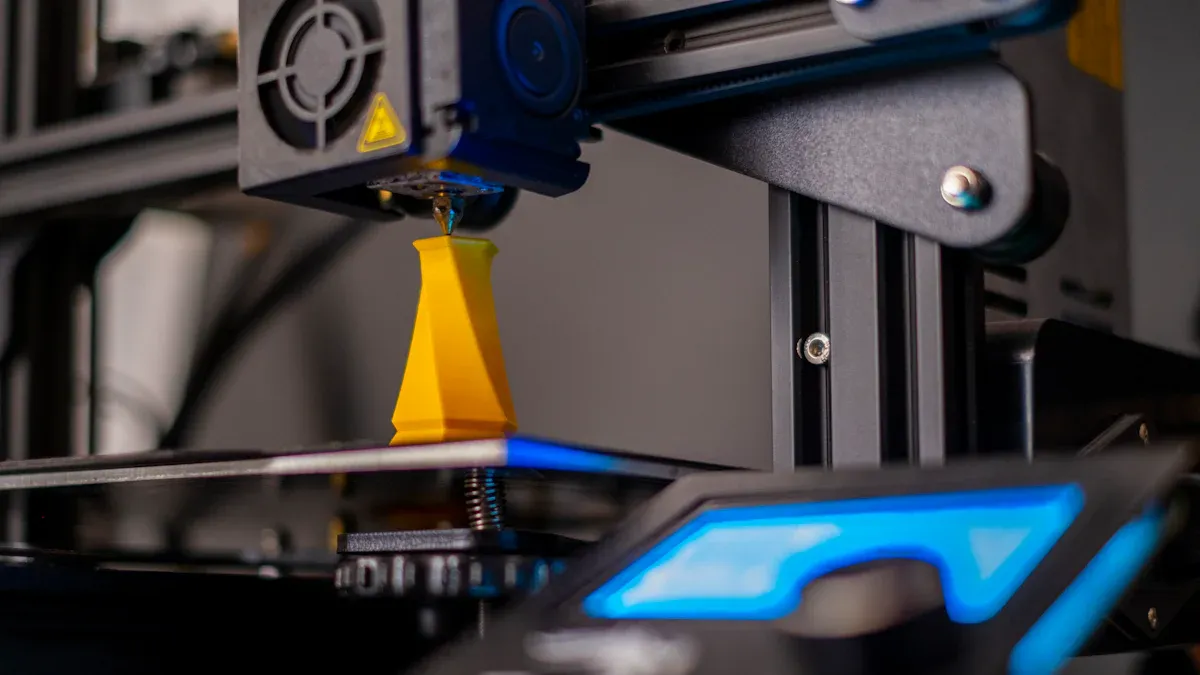
Temperature is important for print quality. Each filament has a best printing temperature range. If you print outside this range, layers may not stick well. Prints can be weak or look bad.
|
Material |
|
|---|---|
|
PLA |
180 - 210 |
|
PETG |
215 - 235 |
If the temperature is too low, filament does not melt enough. Layers are weak and surfaces are rough. If it is too high, filament can ooze or burn. This hurts print quality. Stay in the right range for good results.
Bed temperature helps the first layer stick. If the bed is cold, filament cools fast and warps. If the bed is hot, filament stays soft and spreads out. This causes problems.
|
Filament Type |
Effect of Incorrect Temperature |
|
|---|---|---|
|
PLA |
50-65 |
Cools too quickly, leading to warping and lifting. |
|
PETG |
70-85 |
May not adhere properly if too low or deform if too high. |
|
ABS |
90-110 |
Shrinks rapidly when cooling, causing edges to pull up. |
Tip: Always check printer settings before you start. A good first layer helps the whole print.
You see problems like warping or lifting when filament does not stick well. PLA warps less, so it is easier for new users. PETG and ABS need careful temperature control. For good prints, watch both nozzle and bed temperatures.
Moisture and Storage
Moisture can ruin filament and hurt print quality. Most filaments soak up water from the air. Wet filament makes rough prints, weak parts, and popping sounds. PLA does not soak up much water at room temperature. It can get brittle if kept in a humid place or gets hot. PETG and ABS soak up more water than PLA. Nylon is the most sensitive.
|
Material Type |
Water Absorption Rate |
Flexural Modulus Reduction |
|---|---|---|
|
Nylon |
Up to 10x more |
-60% |
|
Carbon Fiber-Reinforced Nylon |
Higher than PLA |
Not specified |
|
Polylactic Acid (PLA) |
Negligible at 21°C |
Substantial at 70°C |
Moisture breaks down filament chains. This makes filament brittle and less bendy. You see rough or weak prints when filament is wet. PLA does not soak up much water, but you should still store it right.
Here are some ways to store filament:
- Use airtight containers like tubs with gaskets or vacuum bags.
- Put silica gel packets inside to soak up moisture.
- Check humidity with a hygrometer. Keep it under 20% for most filaments.
- Store filament in a cool, dark spot. Keep away from sunlight and heat.
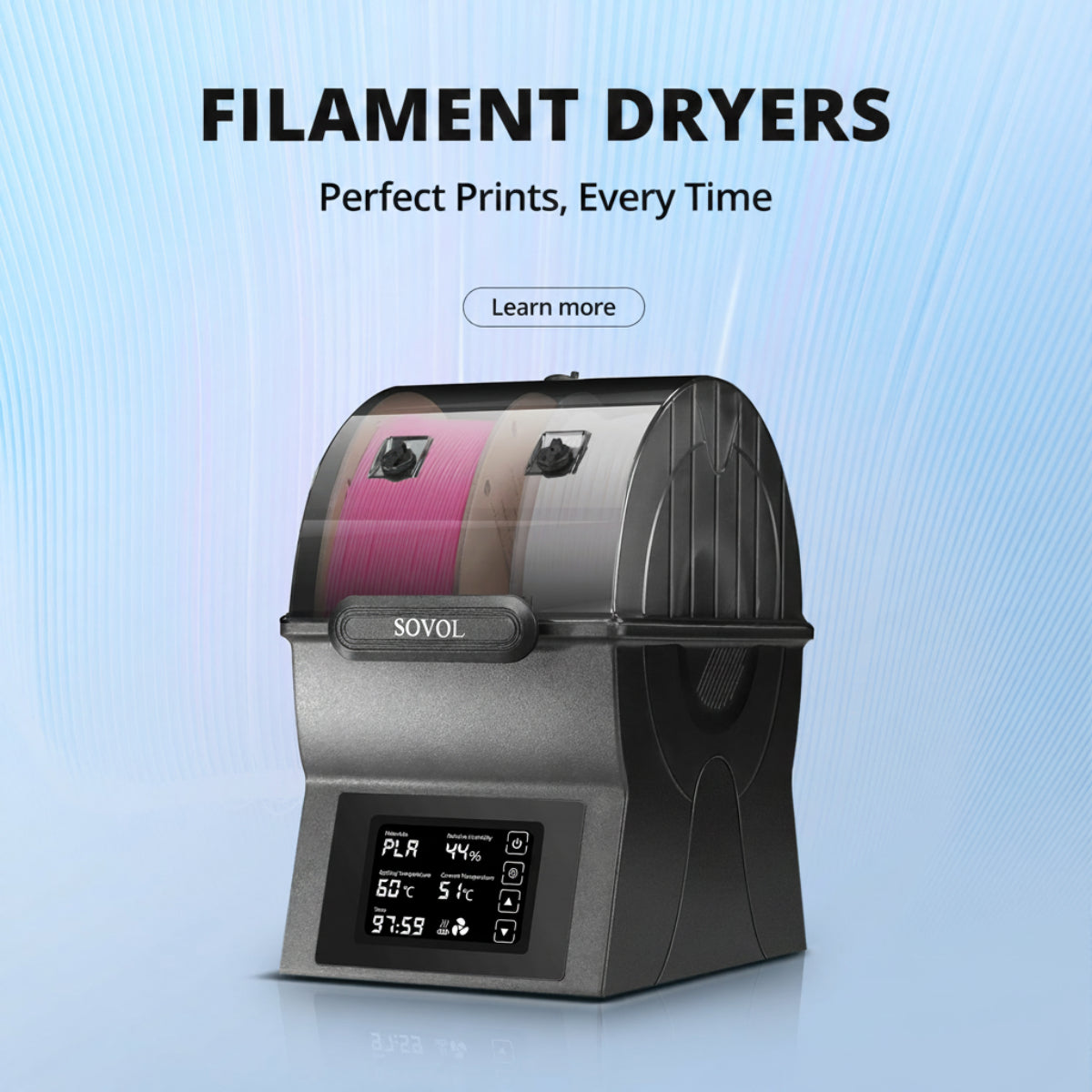
- Use filament dryers for materials like Nylon or PVA.
Note: Good storage keeps filament dry and ready. You get better prints and fewer problems.
If you follow these tips, filament stays dry and prints look better. Dry filament gives smooth surfaces, strong parts, and steady results. PLA is easy to store, but always keep it dry for best print quality.
Additives, Color, and Surface Finish
Color Impact on Strength
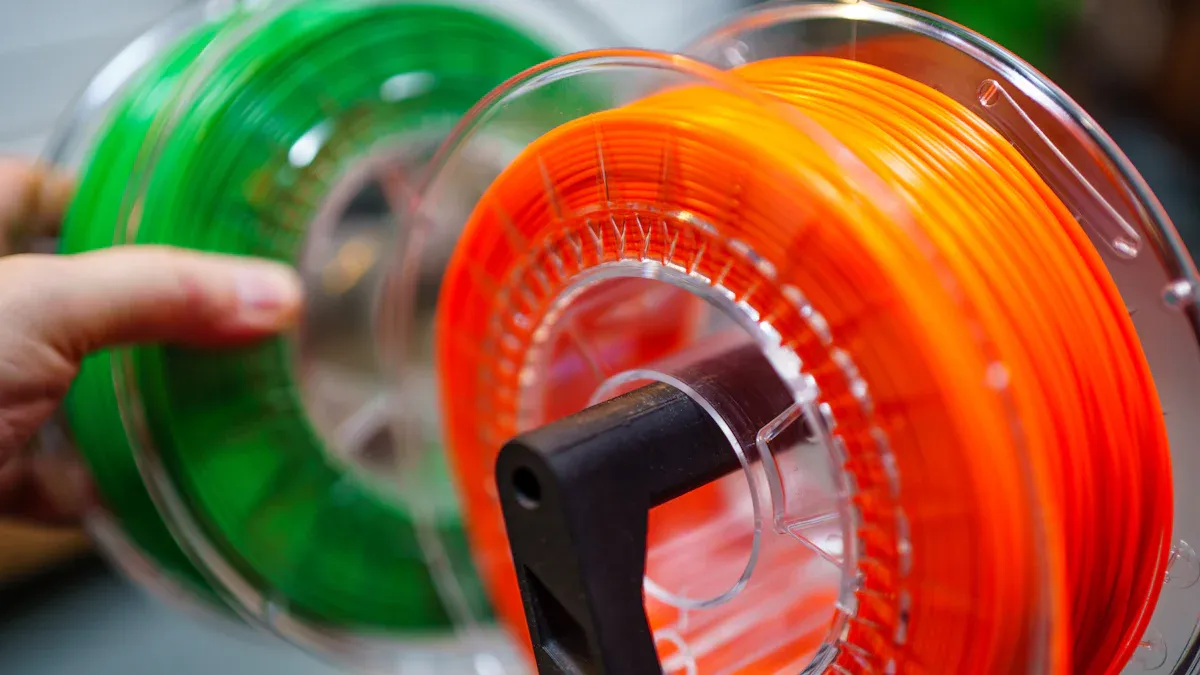
You might think color only changes how your print looks, but it also affects how strong your parts are. Different pigments can change the way filament melts and sticks together. Some colors make your prints stronger, while others can make them weaker. Look at the table below to see how different colors affect strength and layer adhesion:
|
Filament Color |
Tensile Strength (MPa) |
Layer Adhesion (MPa) |
Impact Strength (kJ/m²) |
|---|---|---|---|
|
Matt Black |
60 |
32 |
6.5 |
|
Green |
62 |
38 |
5 |
|
Yellow |
63 |
38 |
6.5 |
|
Regular Black |
64 |
40 |
5 |
|
Red |
65 |
46 |
5 |
|
Silver |
65 |
31 |
9 |
|
Blue |
65 |
41 |
5 |
|
Natural |
65 |
40 |
5 |
|
Clear Blue |
68 |
35 |
5 |
|
White |
68 |
45 |
5 |
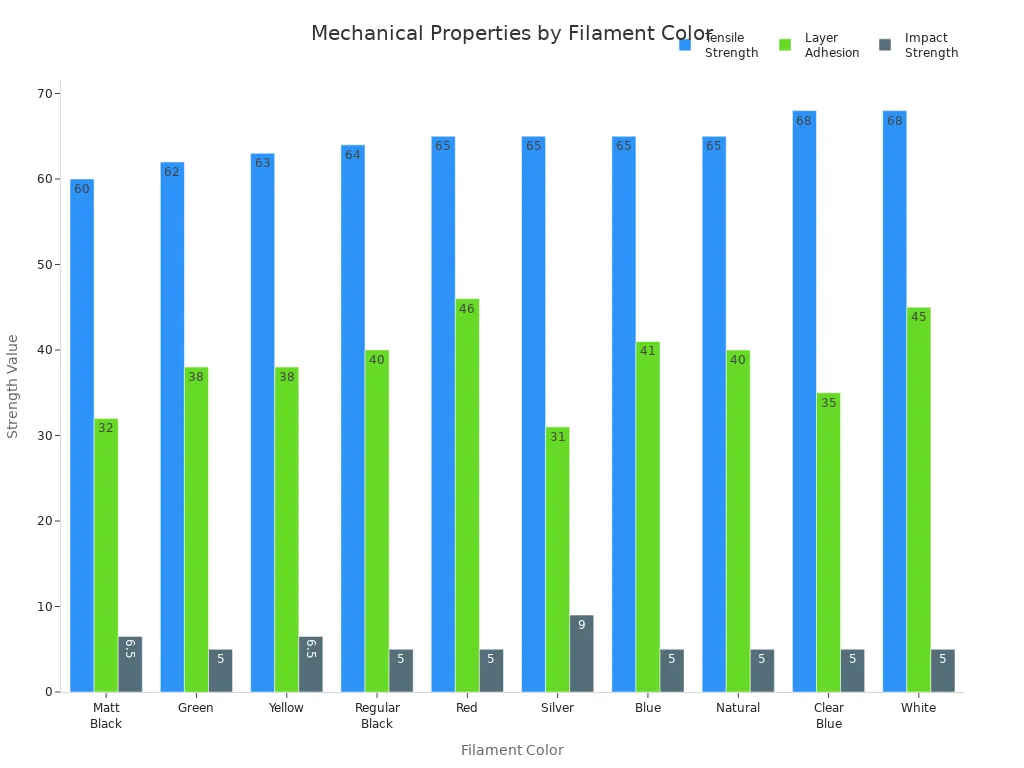
You can see that white and clear blue filaments have the highest tensile strength. Matt black has the lowest. Red and white filaments also show strong layer adhesion. These differences mean that your choice of color can change the 3d printed part strength.
Pigments do more than add color. They can change how the filament flows through your printer. Some studies show that more pigment can make the surface rougher or smoother, but the results are not always clear. Pigments can change how well the filament melts and sticks, which affects print consistency.
Fillers and Consistency
Manufacturers often add fillers to filaments to give special effects or change how they print. You might see wood, bamboo, or even carbon fiber mixed into PLA. These fillers can make your prints look like wood or feel stronger, but they also bring challenges:
- Natural fillers like wood and bamboo increase viscosity. This makes the filament harder to push through the nozzle and can cause clogs.
- More filler usually means weaker and more brittle prints.
- High filler content can make the surface rough and the size of your print less accurate.
- Carbon fiber makes PLA stiffer but also more brittle. It can hurt dimensional accuracy.
- Wood-based PLA can delaminate, which means layers do not stick well. This hurts surface finish and stability.
Tip: If you want a smooth finish and reliable prints, start with plain PLA or PETG. Try filled filaments after you learn the basics.
Fillers and additives can make your prints unique, but they also change how your printer works. Always check your printer’s settings and use the right nozzle for special filaments.
3D Printer Filament Quality
Diameter Tolerance
It is important to check diameter tolerance before buying filament. Most filament should be about 1.75mm wide, with a small difference of ±0.05mm. This means the filament can be between 1.70mm and 1.80mm. If the width changes too much, your printer may make blobs or gaps. These problems can mess up your print. If the filament is not round, it can clog the printer. You want filament that stays the same size. This helps your printer work well and makes layers stick together.
- Most filament has a tolerance of ±0.05mm.
- If the size changes, you may see blobs or gaps.
- Filament that is not round can clog your printer.
- Filament that changes size can cause failed prints.
Material Purity
Material purity is important for good prints. Bad filament can have dirt or bubbles inside. It can also have pieces that do not melt. These things can block the nozzle and make weak prints. You want filament that is clean and pure. This helps your prints look smooth and stay strong.
|
Impurity Type |
Effect on Print Quality |
|---|---|
|
Hard to fix and hurts print quality. |
|
|
Unmelted Particles |
Can block the nozzle and ruin prints. |
|
Bubbles in Filament |
Makes holes and can clog the printer. |
|
Material Purity |
Dirty filament can cause clogs and weak prints. Clean filament works better. |
Brand Reliability
It is smart to buy filament from good brands. Good brands make sure the size and purity are right. Some brands are known for making great filament:
- Siraya Tech makes prints with few mistakes.
- Polymaker keeps the size steady and feeds well.
- Overture is easy for anyone to use.
- Hatchbox is good for steady and simple printing.
When you pick a brand, check if the size is always the same. Make sure the filament melts at the right temperature and the color looks good. Good brands test their filament and share clear details. You get better prints and fewer problems with trusted brands.
Tip: Read reviews and choose brands people trust. Good filament helps you print without worry.
Choosing the Right Filament
Matching Filament to Project
You need to match your filament to your project for the best results. Start by thinking about what you want your print to do. Ask yourself if you need a strong part, a flexible piece, or just a nice-looking model. Each filament type has its own strengths and weaknesses.
|
Filament Type |
Strength |
Flexibility |
Temperature Resistance |
|---|---|---|---|
|
PLA |
Moderate |
Low |
Low |
|
ABS |
High |
Moderate |
High |
|
PETG |
High |
Moderate |
Moderate |
|
Nylon |
Very High |
High |
High |
- If you want a tough and heat-resistant part, choose ABS or Nylon.
- For flexible parts like gaskets or snap-fits, Nylon works well.
- PLA is great for models and detailed prints with bright colors.
- PETG gives you a balance of strength and easy printing.
You should also check your printer’s abilities. Make sure your printer can reach the right temperature for your chosen filament. Some filaments need a heated bed or an enclosed printer. Always check the filament diameter and spool size to fit your printer.
Tip: If you are new to 3D printing, start with PLA. It is easy to use and works with most printers.
Think about where you will use your print. If it will face heat, water, or sunlight, pick a filament that can handle those conditions. Balance your needs with your budget and what you can buy locally.
Testing and Storing Filament
Before you start a big print, test your filament. Print a small sample to check for problems. Try these tests:
- Bridging test: See if the filament can span gaps without sagging.
- Negative space test: Check if holes and spaces print at the right size.
- Retraction test: Make sure the filament does not string or blob.
Good storage keeps your filament in top shape. Many filaments, like Nylon, PETG, and TPU, soak up moisture from the air. Wet filament can cause weak prints and rough surfaces.
- Store filament in zip lock bags or sealed containers.
- Add desiccant packs to absorb moisture.
- Keep the ends of the filament secure before sealing.
- Squeeze out extra air to keep things dry.
Note: Dry filament prints better and lasts longer. Check your desiccant packs and dry them out if they get full.
Testing and storing your filament helps you avoid failed prints and wasted material. You get more reliable results every time you print.
You get better 3D prints if you pick the right filament type and brand. Good filaments have tighter size control, better packaging, and last longer than cheap ones. The table below shows how quality filaments are different from cheap ones:
|
Factor |
Quality Filament |
Cheap Filament |
|---|---|---|
|
Tolerance |
Diameter stays the same |
Diameter changes a lot |
|
Packaging |
Sealed tight with desiccant |
Bad packaging, can get wet |
|
Shelf Life |
Made fresh often |
May sit unused for a long time |
Additives and how filaments are made change their strength and reliability. To keep your filament working well:
- Put spools in airtight containers with desiccant.
- Use a dry box or vacuum bags for extra safety.
- Mark spools and use older ones first.
Tip: Check humidity with a hygrometer so your filament does not get wet.
FAQ
What filament should I use for my first 3D prints?
You should start with PLA. It prints easily, works with most printers, and gives smooth results. PLA does not need a heated bed. You will find it in many colors.
How do I know if my filament is wet?
You might hear popping sounds or see bubbles during printing. Prints can look rough or weak. Store filament in a sealed bag with desiccant to keep it dry.
Does filament color change print quality?
|
Color |
Effect on Strength |
|---|---|
|
White |
Often strongest |
|
Black |
Can be weaker |
|
Red |
Usually strong |
Some pigments change strength and layer bonding. You should test new colors before big projects.
Why does my print keep failing at the same spot?
Check your filament for knots or diameter changes. Make sure the spool feeds smoothly. Bad filament can cause jams or gaps in your print.
How can I store filament to keep it fresh?
- Use airtight containers or vacuum bags.
- Add silica gel packs.
- Keep filament away from sunlight and heat.
These steps help you avoid moisture and keep your filament ready for printing.