The Sovol SH03 Filament Dryer helps stop 3D printing problems. It removes water from your filament before you print. Water in filament can make prints weak. It can also make the surface look bad. Sometimes, it even makes odd noises while printing. Studies show that more water makes materials like PEEK weaker. It lowers their strength, density, and hardness. Nylon can lose up to 60% of its bending strength after taking in water.
|
Study |
Findings |
|---|---|
|
Wang et al. |
More water in filament makes PEEK less strong, less dense, and less hard. |
|
Kariz et al. |
PLA with more wood takes in more water and gets less bendy when it is humid. |
|
Banjo et al. |
Nylon takes in much more water than PLA. It loses 60% of its bending strength after being in water. |
Keeping your filament dry gives you stronger and better prints every time.
Key Takeaways
- Keep filament dry to make prints strong and good. Wet filament can make prints weak and look bad.
- Use the Sovol SH03 Filament Dryer to take out water from filament before you print. This tool helps stop problems like stringing and bubbling.
- Look at filament for wetness, like if it feels sticky or makes weird sounds when printing. Finding these problems early can save time and materials.
- Store filament in closed containers with desiccants to keep out water. Good storage is important for keeping filament nice.
- Follow good ways to dry filament, like checking the heat and how long you dry it. This helps prints work well and stops failures.
Moisture and Its Impact on Print Quality
Why Filament Absorbs Moisture
Sometimes, your filament does not print as you want. This can happen because of moisture. Filament takes in water from the air. Many 3d printing materials, like nylon, are hygroscopic. They pull in water from the air very fast. How fast this happens depends on humidity and temperature. When the air is humid, filament gets wet faster. Even a short time in a humid room can change your filament.
- Nylon takes in water quickly, which changes how it works.
- High humidity makes filament soak up more water.
- Moisture makes filament weaker and less stiff.
- Wet filament can make prints look bad and weak.
You might think printer settings are wrong when prints fail. But often, wet filament is the real problem. If you hear popping or see bubbles, moisture is probably the cause.
Tip: Keep filament in a dry place to slow down water absorption. Use sealed boxes or filament dryers for best results.
Effects of Moisture on Different Filament Types
Different filaments react to water in their own ways. Some get wet fast, while others do not. The table below shows how some filaments act with water and humidity:
|
Filament |
Moisture Absorption Characteristics |
|---|---|
|
ABS |
Can get wet, which causes bubbles and bad prints. |
|
Nylon |
Gets wet easily, which hurts strength and print quality. |
|
PETG |
Can take in water, but details are not given. |
High humidity can make filament take in up to 0.05% of its weight in water in less than two hours. This can make it up to 30% weaker in one way and up to 70% weaker in another. If water goes above 0.10% by weight, ductility goes up, but so does porosity, which can make prints weak.
You need to watch out for water in filament to keep your prints strong and good. Dry filament gives you better looking and more reliable prints.
Common Failures Caused by Wet Filament
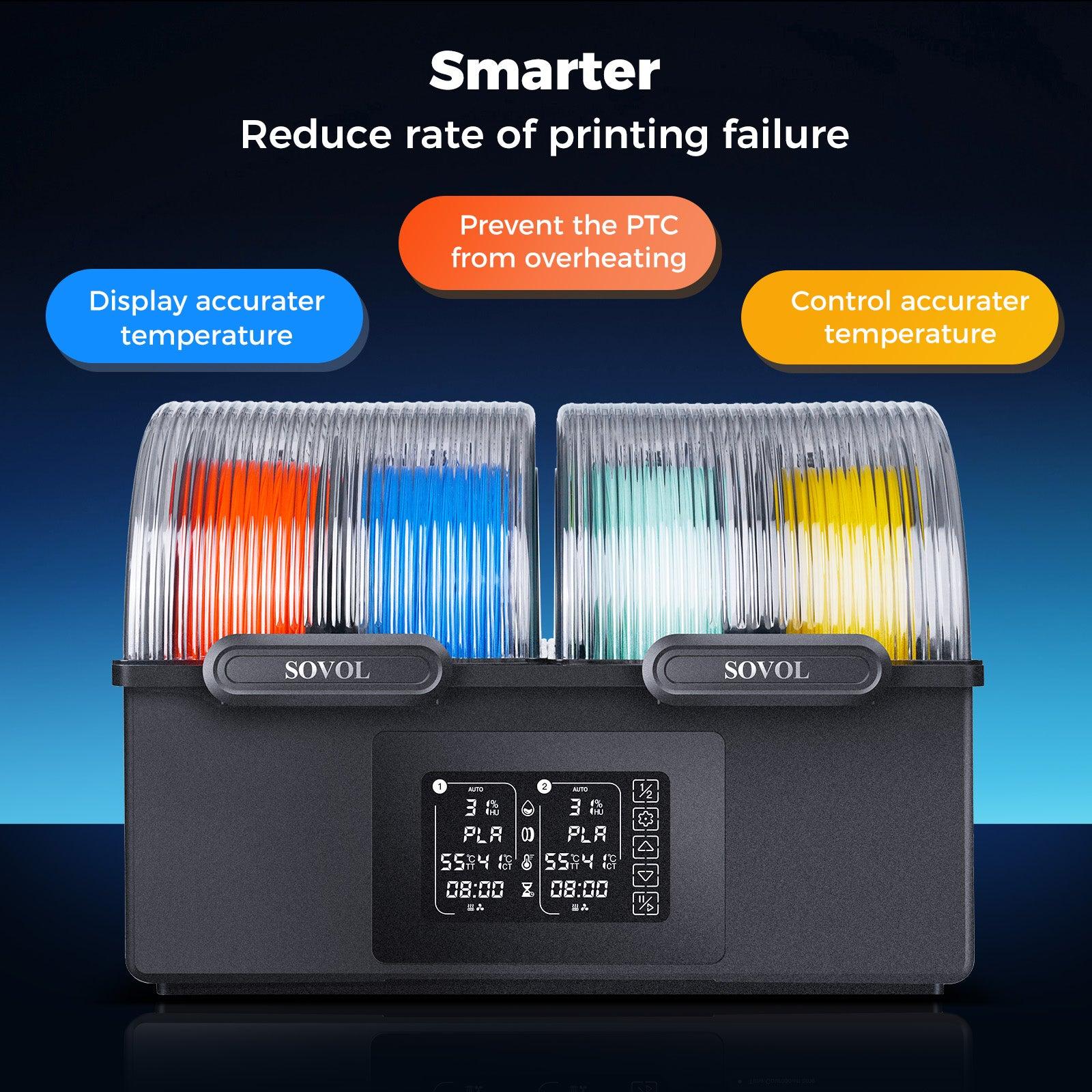
If your filament gets wet, your prints can fail. These failures waste your time and material. Knowing how moisture hurts filament helps you spot problems early. You can stop these issues before they start. The sh03 filament dryer removes water from filament before you print.
Stringing and Oozing
Stringing and oozing happen when thin plastic strands stretch between parts. You might see extra strings or messy spots on your print. Wet filament is a big reason for this problem. When filament gets wet, water inside turns to steam in the hot nozzle. The steam pushes out melted plastic in strange ways. This happens a lot with PETG, Nylon, and TPU.
- Filament gets wet fast in humid rooms.
- Steam from wet filament causes stringing and oozing.
- You might see thin strands between printed parts.
- Keep filament in airtight boxes or use the sh03 filament dryer to stop this.
Tip: Dry your filament before printing to stop stringing and oozing. The sh03 filament dryer makes drying easy and works well.
Bubbling, Popping, and Weak Prints
Bubbling and popping sounds mean your filament is wet. When wet filament heats up, water turns to steam and escapes. This makes bubbles in the melted plastic. Prints can end up rough and weak.
- Bubbling and oozing happen when steam forms bubbles inside filament.
- These bubbles make the plastic come out uneven and leave marks.
- Weak layers form because the material does not stick well.
- Some filaments, like nylon, snap and break if they get wet.
You might hear popping or hissing as you print. These sounds mean there is water in your filament. The sh03 filament dryer takes out the water and helps you avoid these problems.
Surface Defects and Layer Adhesion Issues
Wet filament can make your prints look rough and weak. You might see bumpy or uneven surfaces. Sometimes, prints do not stick to the bed. Steam bubbles mess up the flow of plastic and cause these problems.
- Prints can peel off or warp at the corners.
- Corners may lift, and parts can break off while printing.
- Stringing and oozing leave blobs and strings on the surface.
- Bubbling makes tiny bubbles that make the print rough.
- Uneven plastic flow causes blotchy or patchy spots.
Note: Drying filament with the sh03 filament dryer makes prints smoother and stronger. Removing water gives you better looking and tougher prints.
Moisture causes many failed prints in 3d printing. You can stop these failures by keeping filament dry and using the sh03 filament dryer. Dry filament gives you better prints and more success.
Identifying Moisture Problems in Filament
Visual and Audible Signs
You can find moisture problems in filament by using your senses. First, touch the filament with your fingers. Dry filament feels smooth and hard. Wet filament feels sticky or soft. You might see the color or texture change. Sometimes, you can spot swelling or tiny water drops on the filament. These things show that humidity has hurt your filament.
Listen when you start printing. If you hear popping or crackling, there is water inside. Hissing or sizzling means water is turning to steam. Clicking from the extruder shows the filament is not moving right. These sounds happen when humidity makes the filament swell or get soft.
- Change in texture: Wet filament feels sticky, not smooth.
- Unusual sounds: Popping, crackling, or hissing during printing.
- Visual cues: Condensation, discoloration, or swelling on the filament.
Tip: Always check how your filament looks and sounds before printing.
Troubleshooting Print Quality Issues
If your 3d prints look bad, check for moisture. Look for rough, bubbly, or uneven spots on your prints. Stringy or blobby lines mean the filament took in water. A dull and patchy finish can also mean there is moisture. If you see the filament spit or smoke a little, water is inside.
You can test your filament by drying a small piece for a few hours at 45–50 °C. Print again with the dry filament. If your print looks better, moisture was the problem. This easy test helps you know if water is causing trouble.
- Rough or bubbly print surfaces
- Stringy or blobby lines instead of smooth ones
- Matte, uneven finish on prints
- Pops, hisses, or smoke during extrusion
Note: Check and dry your filament often to stop moisture problems and keep it working well.
Why Drying Filament Matters for Print Quality
Passive Storage vs. Active Drying
It is important to know how storage affects filament. Passive storage means you put filament in sealed boxes or bags. Silica gel helps keep new water out. This stops more moisture from getting in. But passive storage cannot take out water already inside. If filament has soaked up water, you need active drying.
Active drying uses heat to get rid of trapped water. Filament dryers make the right conditions for water to leave. This brings filament back to how it should be. It helps prints look and work better. You get better results if you dry filament before you print.
|
Method |
What It Does |
When to Use |
|---|---|---|
|
Passive Storage |
Stops new moisture from entering filament |
For unused, dry filament |
|
Active Drying |
Removes moisture already inside filament |
For filament that feels wet or prints poorly |
Tip: Use passive storage for new filament. Use active drying if filament feels wet or prints badly.
Benefits of Properly Dried Filament
Drying filament helps you get better 3d prints. Water in filament can make parts weak and rough. It can also cause prints to fail. When filament has water, steam forms as you print. Steam makes bubbles that hurt the print and mess up the surface. Wet nylon can lose up to 40% of its stiffness. This makes your finished print lower quality.
Dry filament gives you better prints and fewer problems. Here are some good things about drying filament:
- Prints are stronger, smoother, and work better
- You waste less material and have fewer failed prints
- Print quality stays the same for every project
- Printing goes better and you get fewer surprises
- You hear less popping and get fewer weak spots from steam bubbles
Always check your filament before you print. Keep filament in a dry place. Use a filament dryer to dry filament well. Taking care of filament helps you get great results and nice-looking prints.
Note: Drying filament and storing it right helps keep print quality high. It stops moisture from hurting your projects.
Solving Failures with the SH03 Filament Dryer
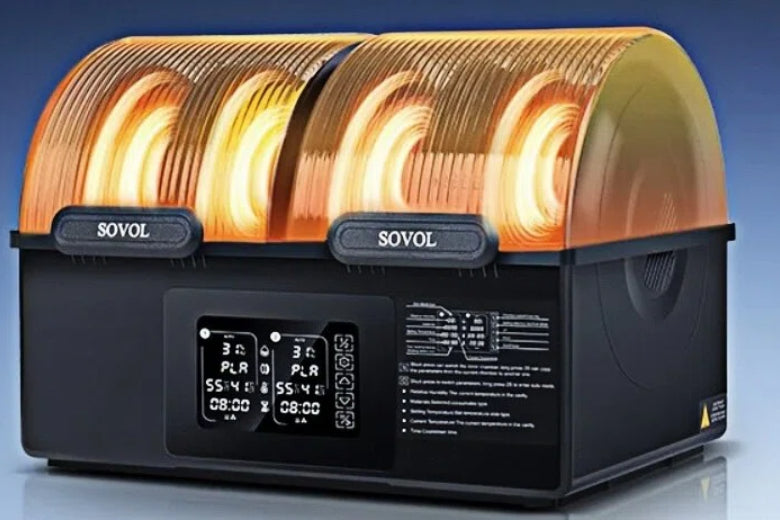
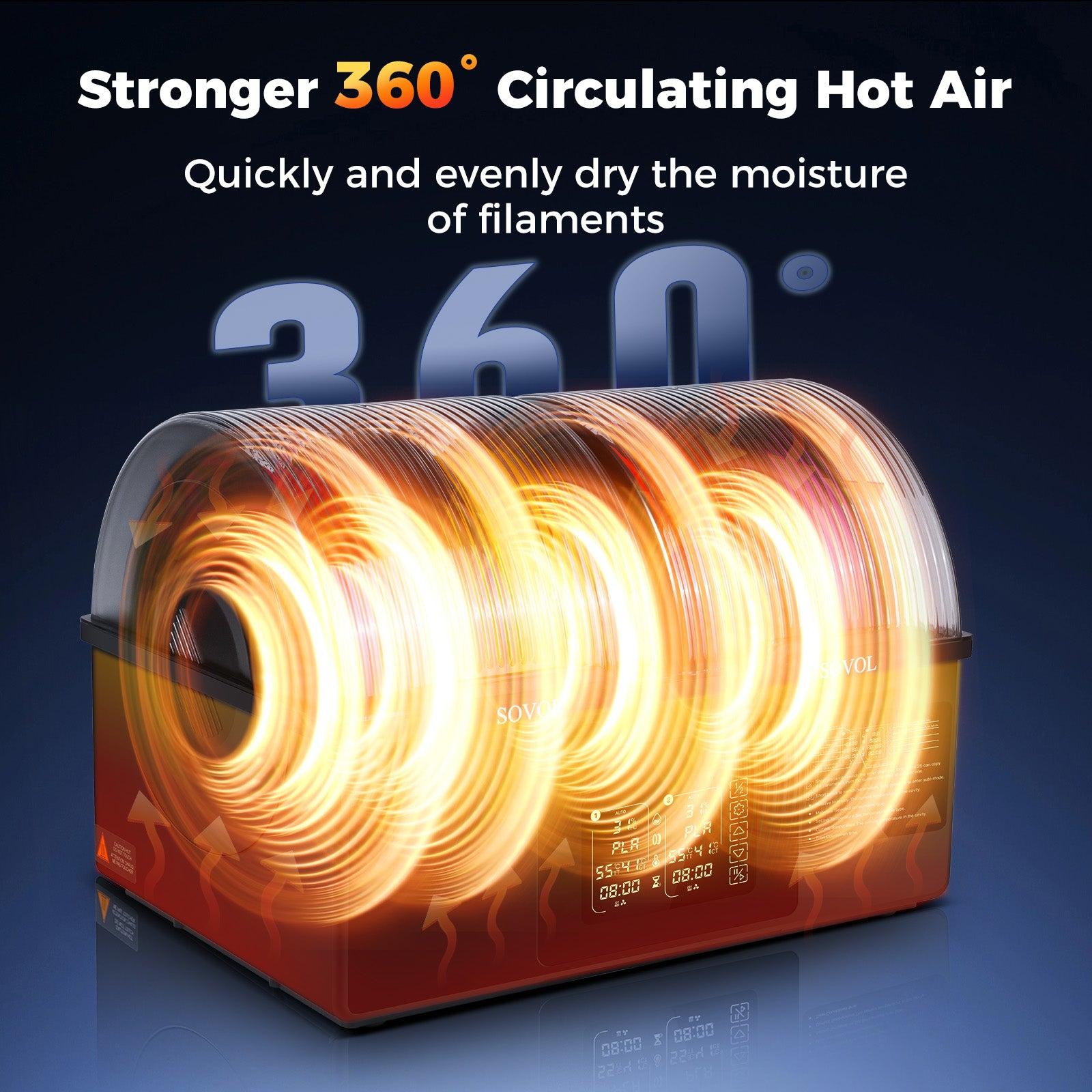
If you want to stop 3d printing failures from wet filament, a filament dryer can really help. The Sovol SH03 Filament Dryer is a good tool for drying filament and keeping moisture low. You can use it to fix problems like stringing, popping, and weak prints. This device uses fast heater filament dryer technology and active moisture exhaust to take water out of filament. Drying filament this way helps your prints come out better and more reliable.
Key Features of the Sovol SH03
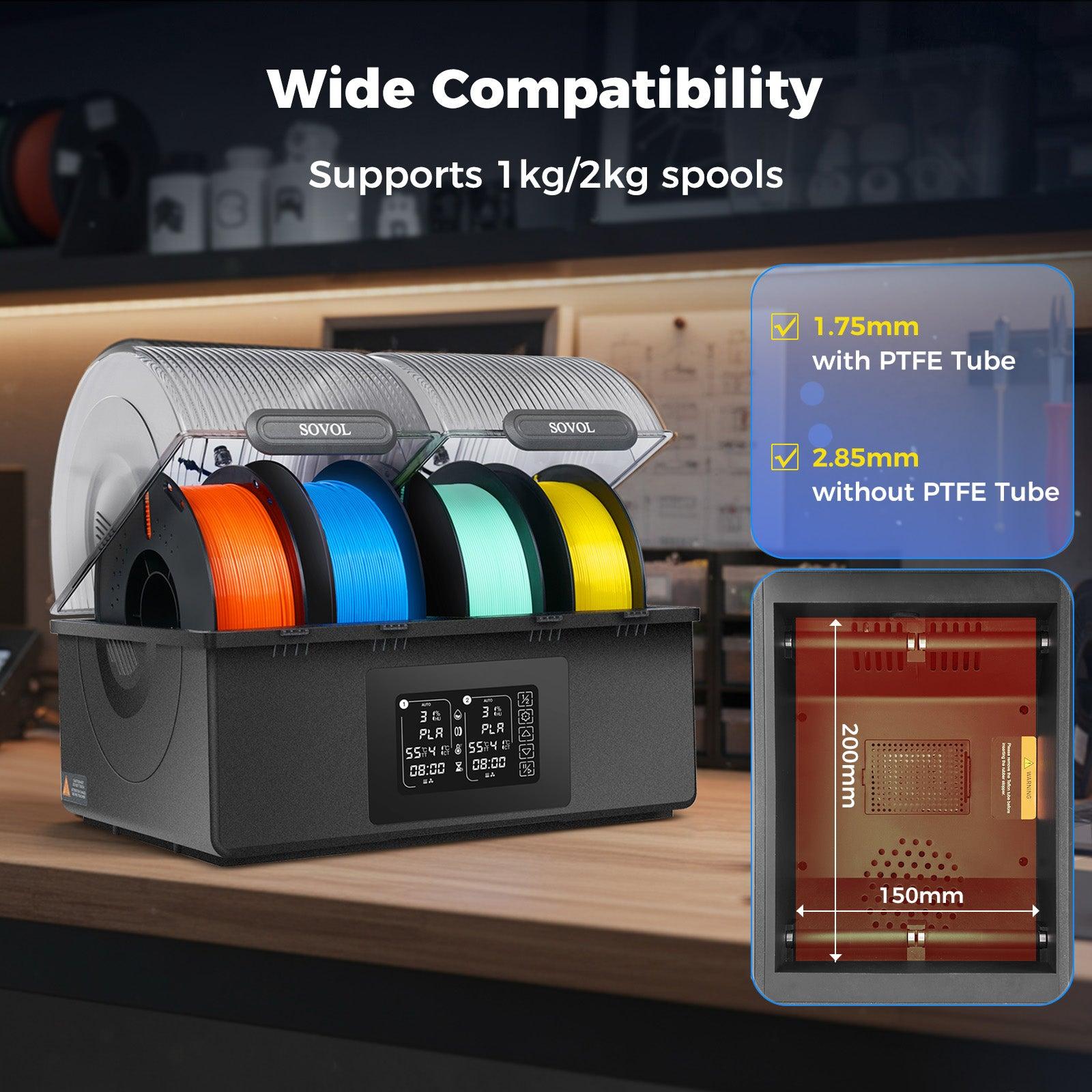
It is important to know the main filament dryer features before you start. The Sovol SH03 Filament Dryer has many benefits that help you control humidity and moisture. The table below shows how its features compare to other filament dryers:
|
Feature |
Sovol SH03 |
Other Filament Dryers |
|---|---|---|
|
Maximum Heating Temperature |
Up to 85°C |
Varies, generally lower |
|
Number of Chambers |
Dual independent chambers |
Typically single chamber |
|
Real-time Display |
Yes (humidity and temperature) |
Often not available |
|
One-touch Presets |
Yes (for ten filament types) |
Limited or manual settings |
|
Anti-scalding Cover |
Yes |
Not commonly included |
|
Noise Level |
Under 50dB |
Varies, often louder |
|
Auto Dehumidification System |
Yes |
Not standard |
|
Capacity |
Up to four spools |
Usually less |
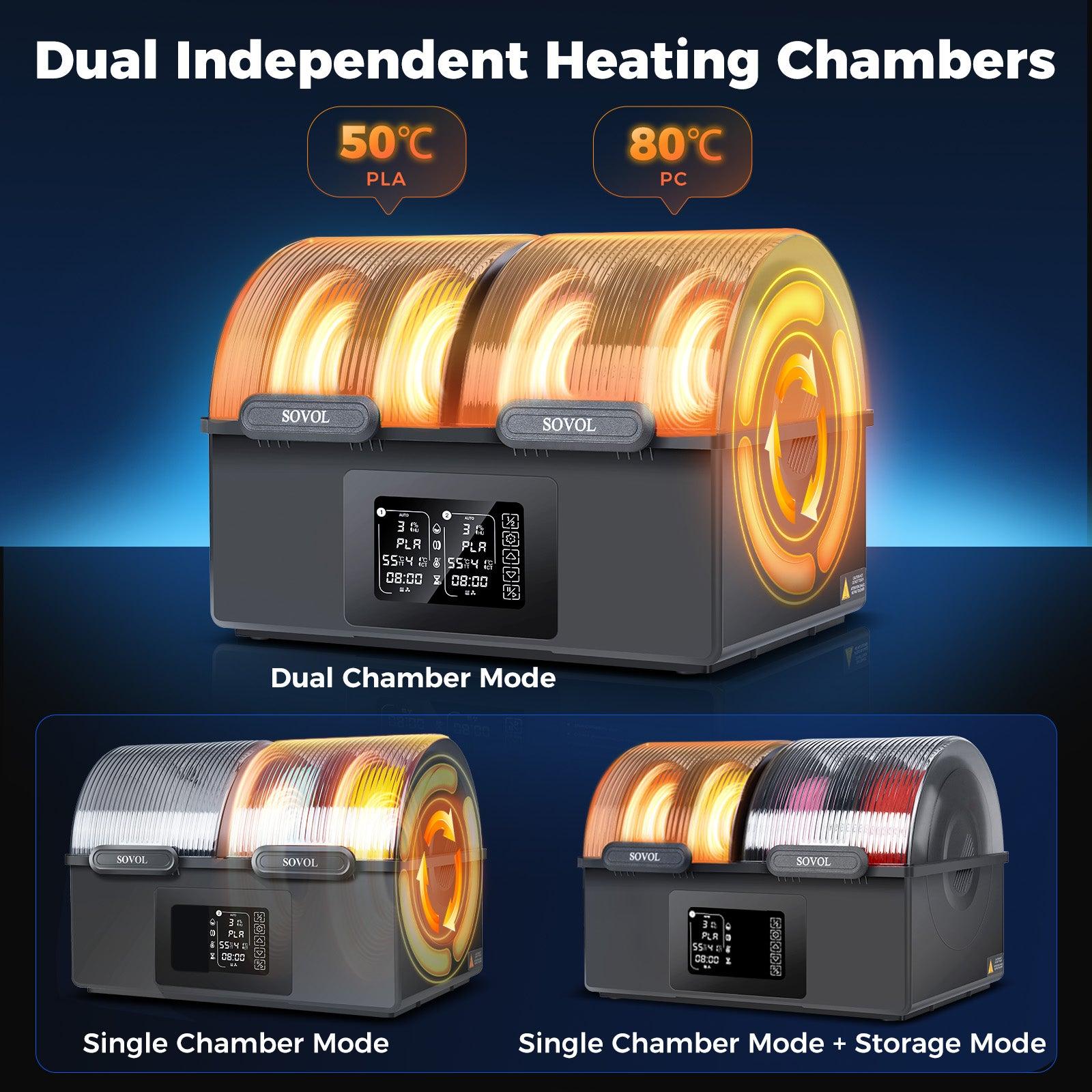
You get two chambers for drying filament and storing it apart. The auto dehumidification system keeps the inside air dry. You can use one-touch presets for different filament types, which makes things simple. The real-time display lets you see humidity and temperature as you dry filament. The anti-scalding cover and quiet fan make it safer and more comfortable. You can dry up to four spools at once, which saves time and work.
The Sovol SH03 Filament Dryer also has extra safety features. There are two temperature sensors for better control. Smart fan monitoring gives alerts if something is wrong. Software thermal runaway protection helps stop overheating. Hardware thermal cutoff and PTC self-protection add more safety. These features keep you and your equipment safe while drying filament.
How to Use the SH03 Filament Dryer
You can follow easy steps to dry filament and lower moisture before printing. The Sovol SH03 Filament Dryer uses fast heater filament dryer technology and active moisture exhaust to remove water from filament. Here is a simple guide:
- Put filament inside the filament dryer. Make sure the spools fit in the chambers.
- Pick the right settings for your filament type using one-touch presets or manual controls. Use the table below for help:
|
Filament Type |
Temperature Range |
Suggested Drying Time |
|---|---|---|
|
PLA / PLA+ |
45°C - 85°C |
Over 6 hours |
|
PETG |
45°C - 85°C |
Over 6 hours |
|
TPU |
45°C - 85°C |
Over 8 hours |
|
ABS |
45°C - 85°C |
Over 6 hours |
|
PC |
45°C - 85°C |
Over 12 hours |
|
Nylon |
45°C - 85°C |
Over 24 hours |
|
PVA |
45°C - 85°C |
Over 24 hours |
|
ASA |
45°C - 85°C |
Over 8 hours |
|
PEEK |
120°C |
Over 24 hours |
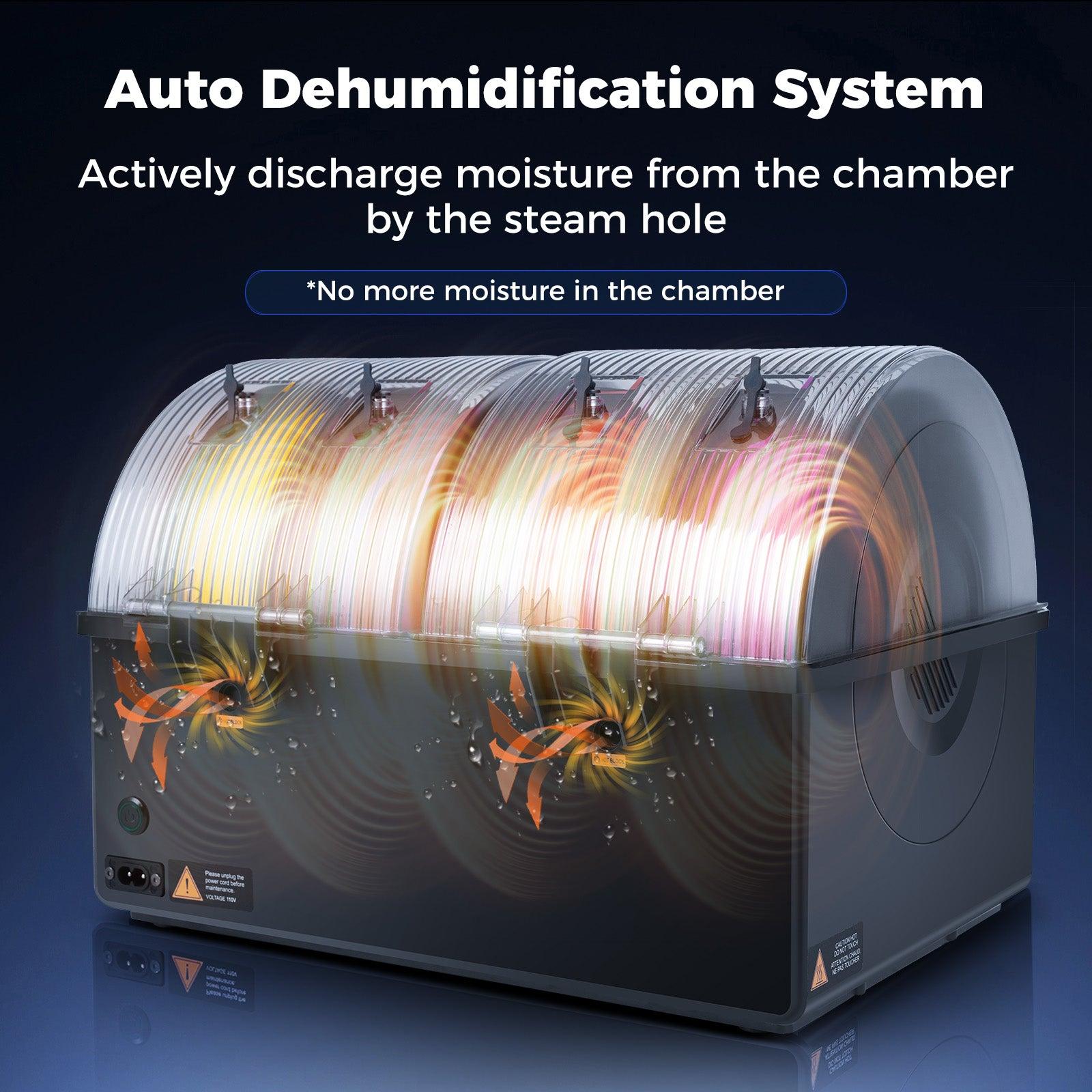
- Turn on the auto dehumidification function. The system will start active moisture exhaust and push wet air out.
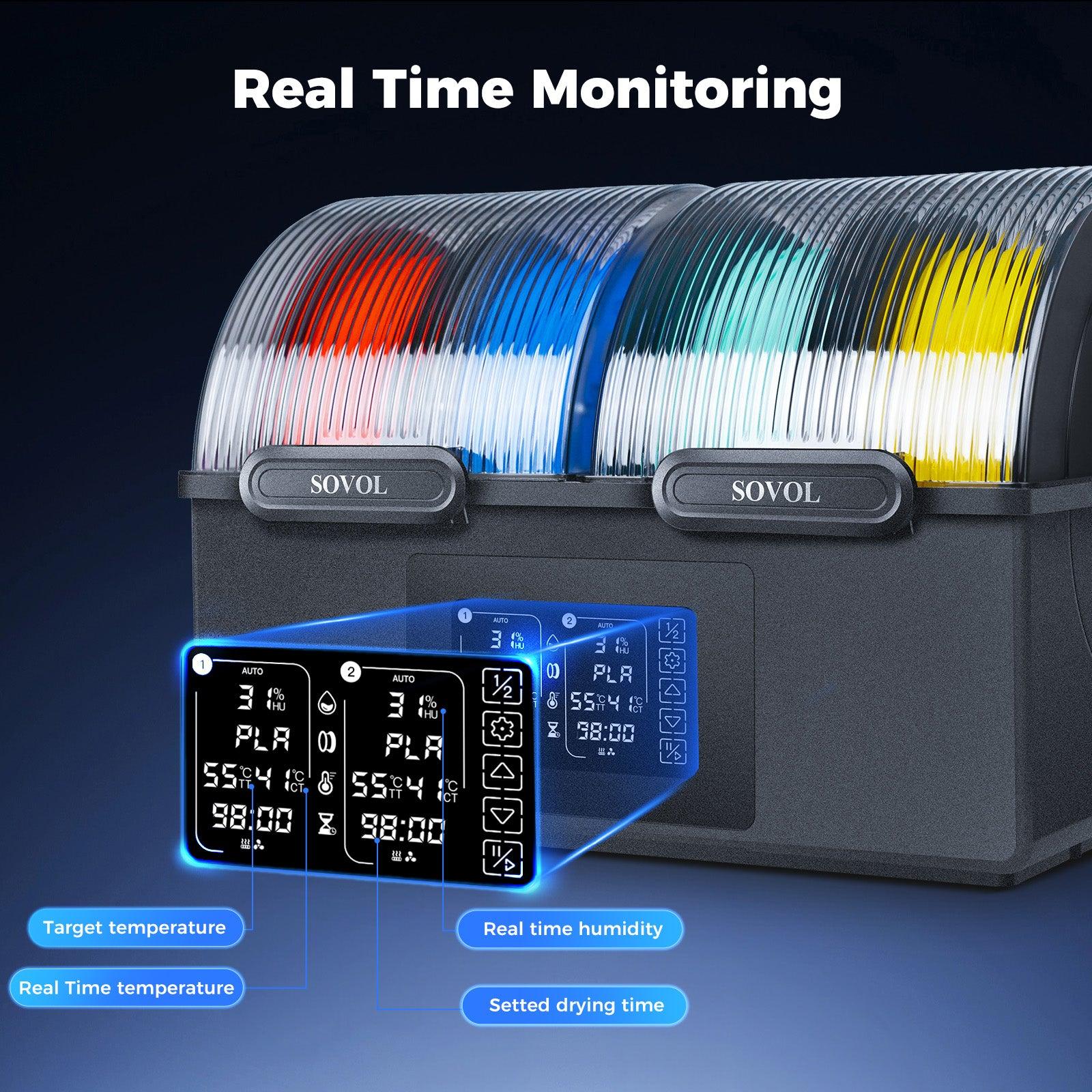
- Watch the humidity and temperature on the display. This helps you see how drying filament is going and change settings if needed.
- Let the exhaust fan run until the drying cycle is done. The fan helps get rid of moisture from the filament.
- After drying filament, close the vents to keep the inside dry.
- Store filament in the dryer or in an airtight box with desiccant packs to keep moisture away.
You should always dry filament before you print. This step helps you avoid stringing, popping, and uneven plastic flow. The Sovol SH03 Filament Dryer makes drying filament simple and steady.
Best Practices and Common Mistakes
You can get better results by following best practices for drying filament and using a filament dryer. Avoiding common mistakes helps you keep print quality high and stop moisture problems.
Best Practices:
- Use a filament dryer or a convection oven with good temperature control.
- Check the right drying temperature for your filament before you start.
- Watch filament while drying filament to stop overheating.
- Use an outside thermometer for better readings if you need to.
- Put filament on a clean tray or rack so air can move around it.
- Store filament in airtight boxes with desiccant packs after drying filament.
- Add humidity cards to check humidity and change desiccants every month.
- Keep spools away from sunlight and heat, only leaving out what you are printing.
Common Mistakes to Avoid:
- Do not use a microwave or toaster oven for drying filament.
- Do not leave filament alone while drying filament.
- Do not go over the highest temperature for your filament.
- Do not dry filament in sunlight.
- Do not leave filament out in humid rooms after drying filament.
Tip: Always use auto dehumidification and humidity checks to keep filament dry. Active moisture exhaust helps keep humidity low and stops moisture from coming back.
You can stop 3d printing failures by using a filament dryer with auto dehumidification and fast heater filament dryer technology. Drying filament before printing and storing it right helps you get better print quality and more reliable prints.
Moisture in filament causes lots of issues when printing. You might hear popping noises or see thin strings on your print. The surface can look rough, and the plastic may not come out evenly. These problems make your prints weaker and look worse. Using a filament dryer like the Sovol SH03 helps stop these issues. Experts say taking care of filament gives you better prints. Try these easy tips:
- Keep filament in closed containers with silica gel.
- Dry filament before you print to avoid trouble.
- Look for wet spots or strange sounds before printing.
Good habits help you fix problems and make your prints better.
FAQ
How do you know if filament needs drying?
You can check for popping sounds, bubbles, or rough surfaces during printing. Wet filament often feels sticky or looks swollen. If you see stringing or hear crackling, your filament likely needs drying.
Can you dry all filament types in the SH03?
Yes, you can dry most common filaments in the SH03. It works with PLA, ABS, PETG, TPU, Nylon, and more. Always check the recommended temperature and drying time for each material.
How long should you dry filament before printing?
Drying time depends on the filament type. PLA and ABS usually need at least 6 hours. Nylon and PVA may need over 24 hours. Check the SH03 presets for best results.
What makes a professional filament dryer different?
A professional filament dryer gives you precise temperature control, even heating, and active moisture removal. You get better print quality and fewer failures because the dryer keeps your filament in top condition.
Can you store filament in the SH03 after drying?
Yes, you can store filament in the SH03. The dual chambers keep your spools dry and ready for use. This helps prevent moisture from coming back.