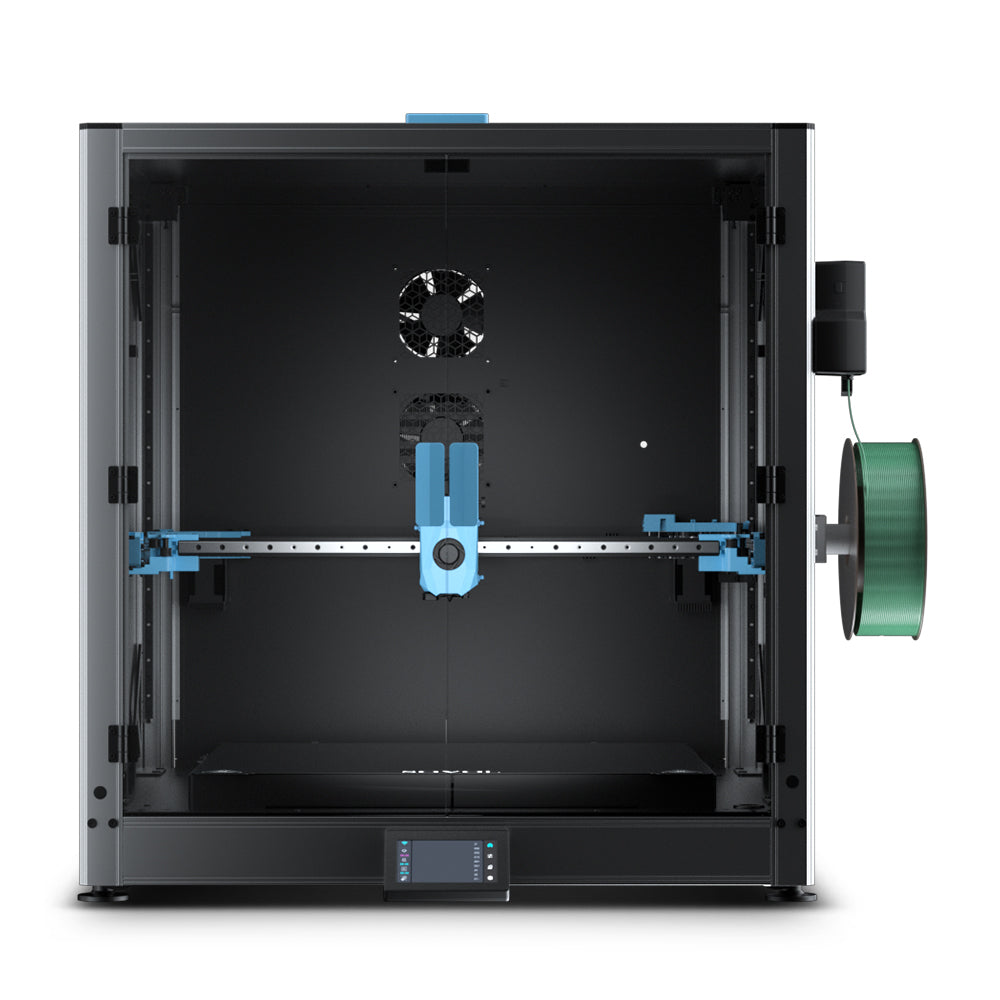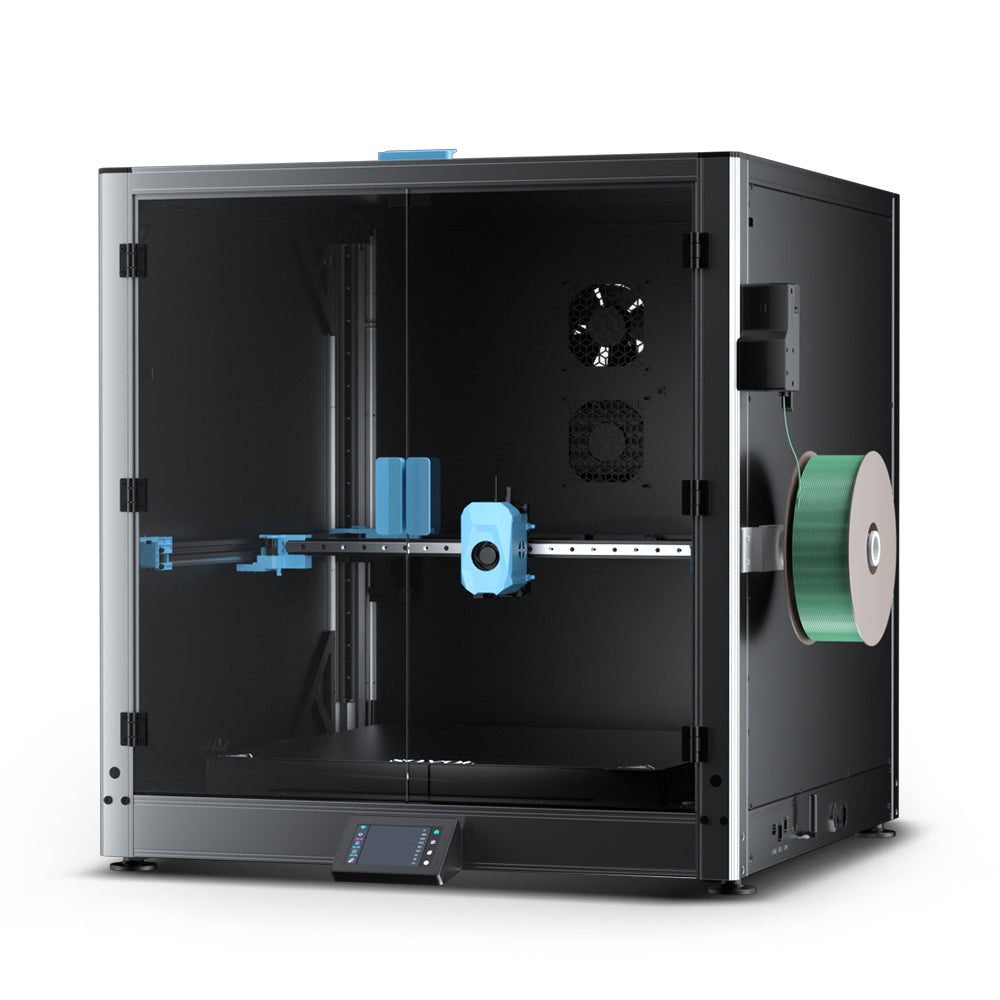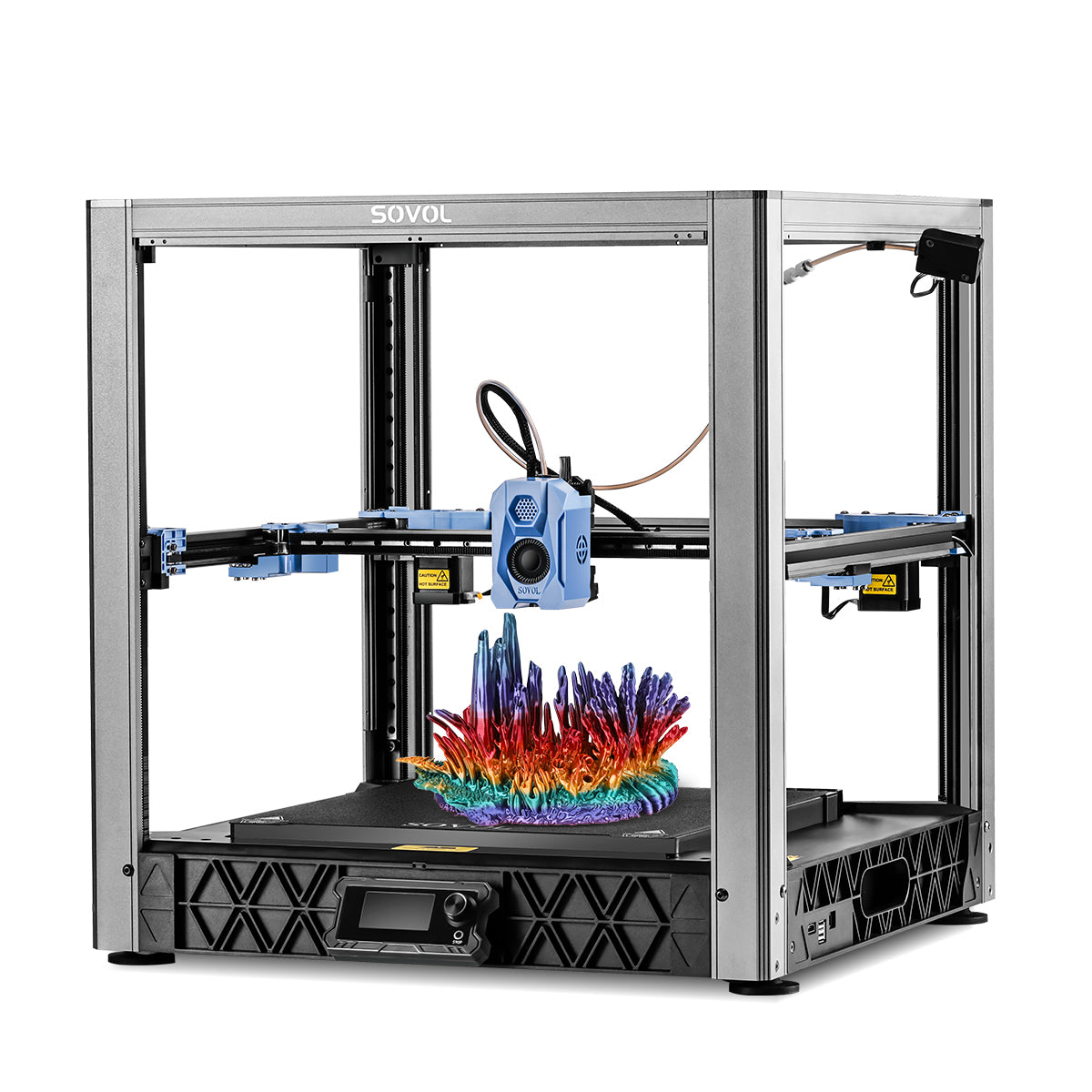
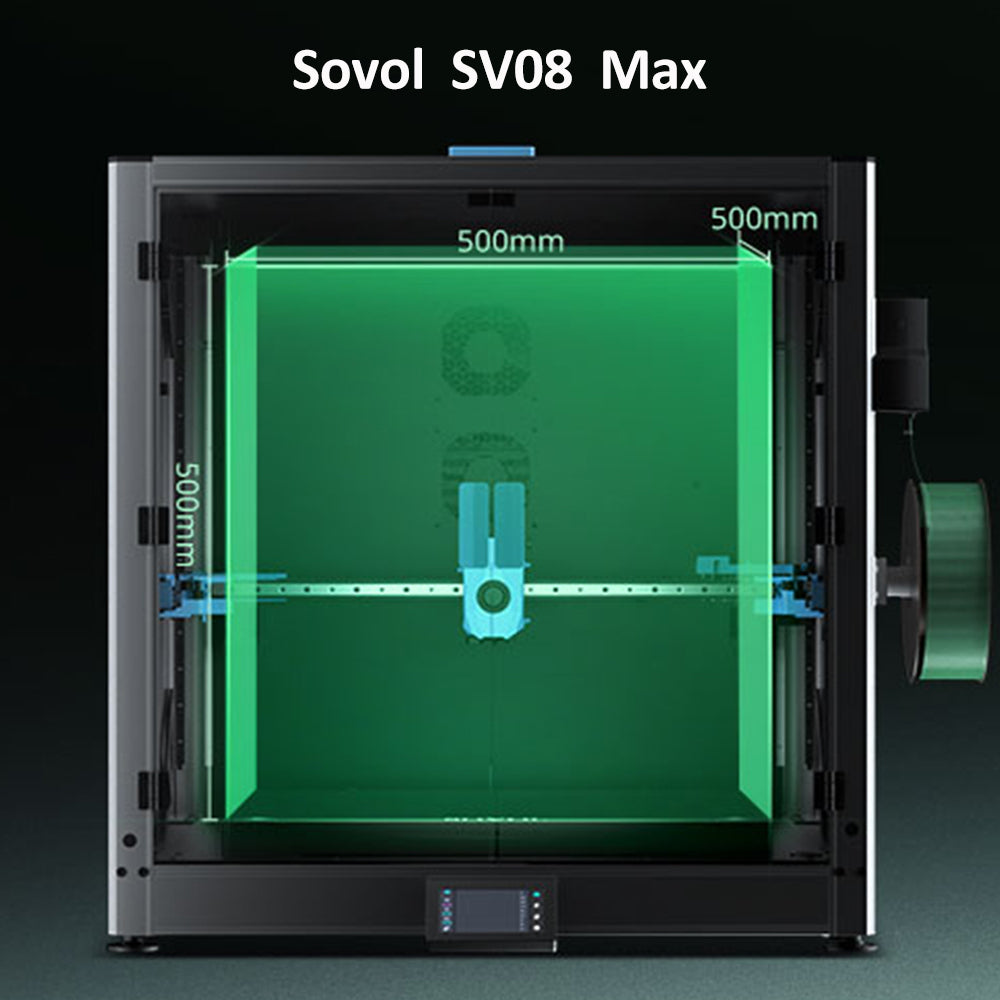
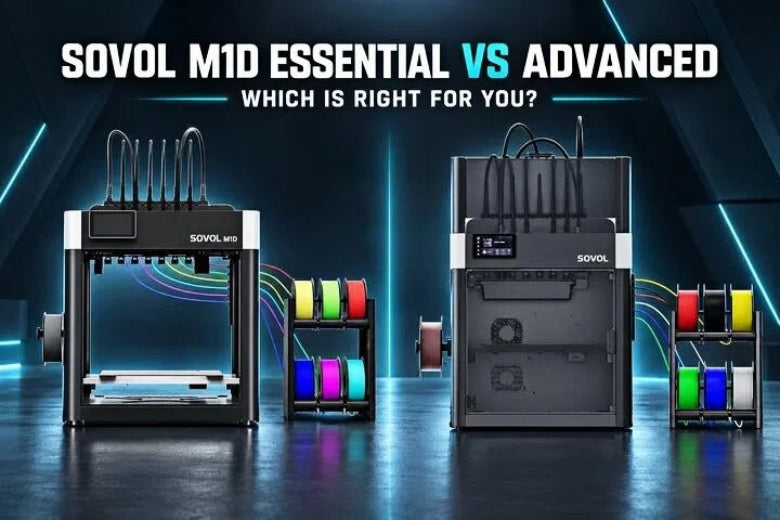
An open frame is great for materials that like to cool quickly and for anyone who values easy access. A fully enclosed chamber with active heating can open the door to warp-prone engineering materials that often benefit from a stable, warm environment.
So which M1D configuration actually fits your materials, your projects, and how you run prints? That is what this guide is here to help you decide.
Key Takeaway: The real trade-off is not "better or worse" — it's whether you mainly run everyday materials like PLA and PETG, or you also need a thermally controlled environment for ABS, ASA, nylon (PA), and PC. Match the configuration to the materials you print most.
Quick Answer: Who Should Choose Which
Choose the M1D Essential if you:
- Primarily print everyday materials such as PLA, PETG, TPU, and PVA.
- Like the simpler, open-frame setup with easy access to the build area.
- Prefer the lower-complexity configuration and a more affordable entry point.
Choose the M1D Advanced if you:
- Plan to print engineering materials such as ABS, ASA, PA, and PC.
- Want the fully enclosed chamber and active chamber heating for a more stable, warmer environment.
- Value a configuration that may reduce the warping and cracking that these materials are prone to.
So the real trade-off is lower complexity (the open, simpler Essential) versus greater thermal control (the enclosed, actively heated Advanced) — and both ship with the full DualX tool-changing system.
M1D Essential vs Advanced: Side-by-Side Comparison
|
Dimension |
M1D Essential |
M1D Advanced |
|---|---|---|
|
Structure |
Open frame |
Enclosed chamber |
|
Enclosure |
None (no enclosure kit) |
Included (fully enclosed) |
|
Active chamber heating |
No |
Yes — up to 60°C |
|
Recommended materials |
PLA, PETG, TPU, PVA |
PLA, PETG, TPU, PVA, ABS, ASA, PA, PC |
|
Typical applications |
Prototypes and parts in everyday materials, lower-thermal-demand projects |
Engineering parts in ABS/ASA/PA/PC, larger warp-prone parts, projects needing better thermal consistency |
|
Best fit for |
Users printing mostly PLA/PETG who want a simpler, open setup |
Users pushing into engineering materials who want a stable, warm chamber |
These differences come straight from the official Sovol M1D product page, which lists the recommended materials for each version.
What Actually Differs Between the Two Versions
The mechanical heart of the printer is the same in both configurations. That is worth stating clearly before diving into the differences.
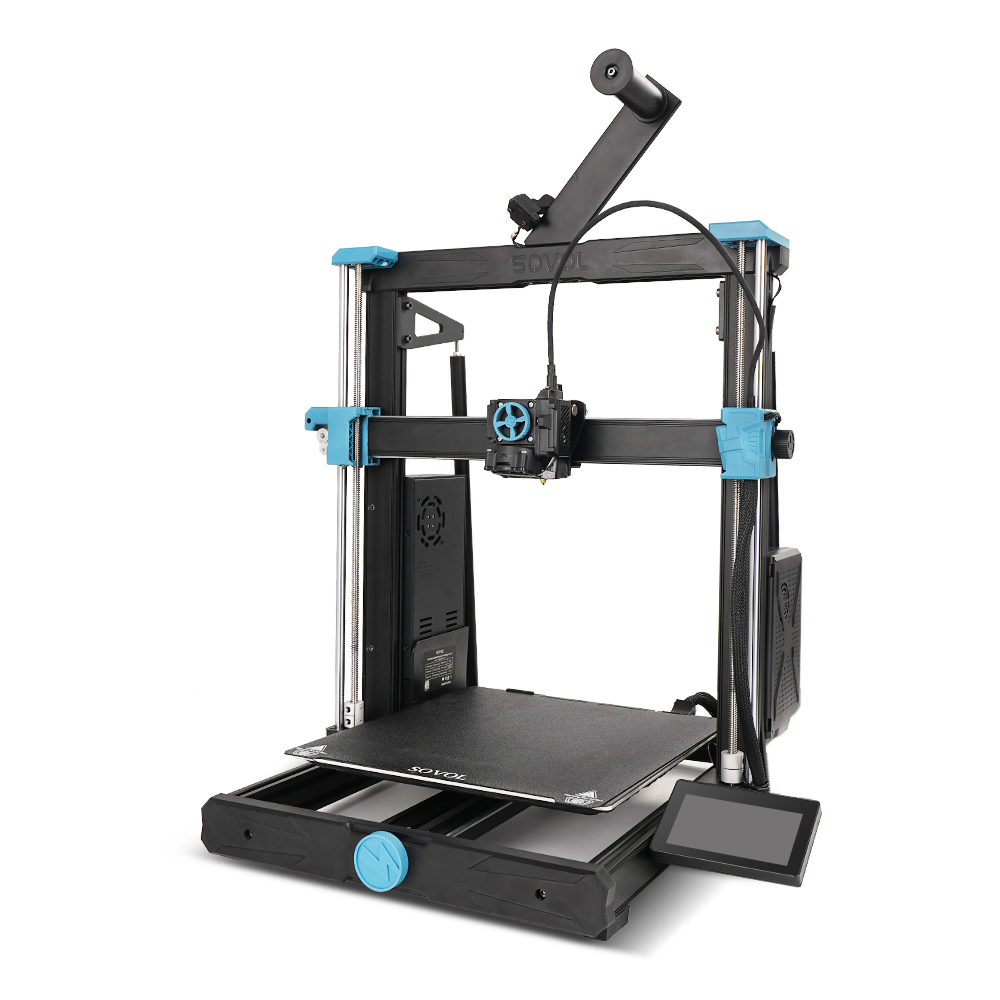
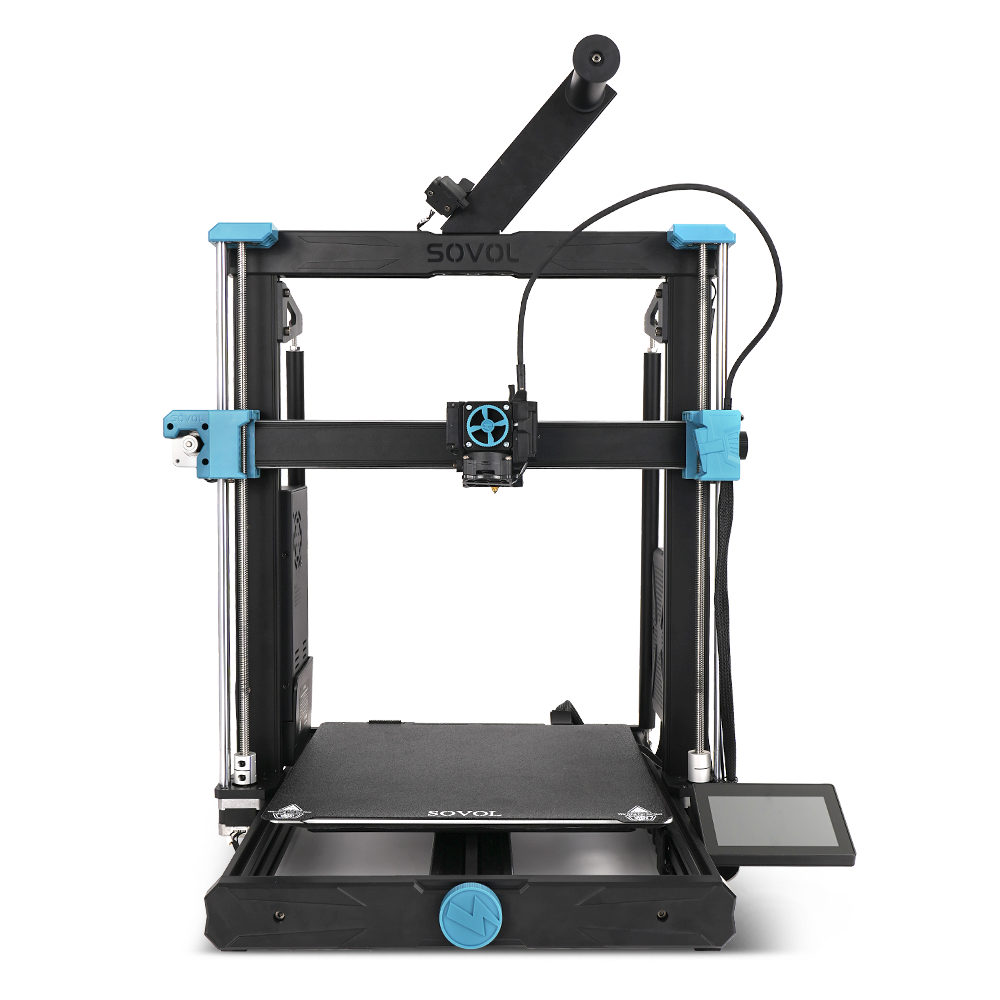
The M1D Essential is an open configuration

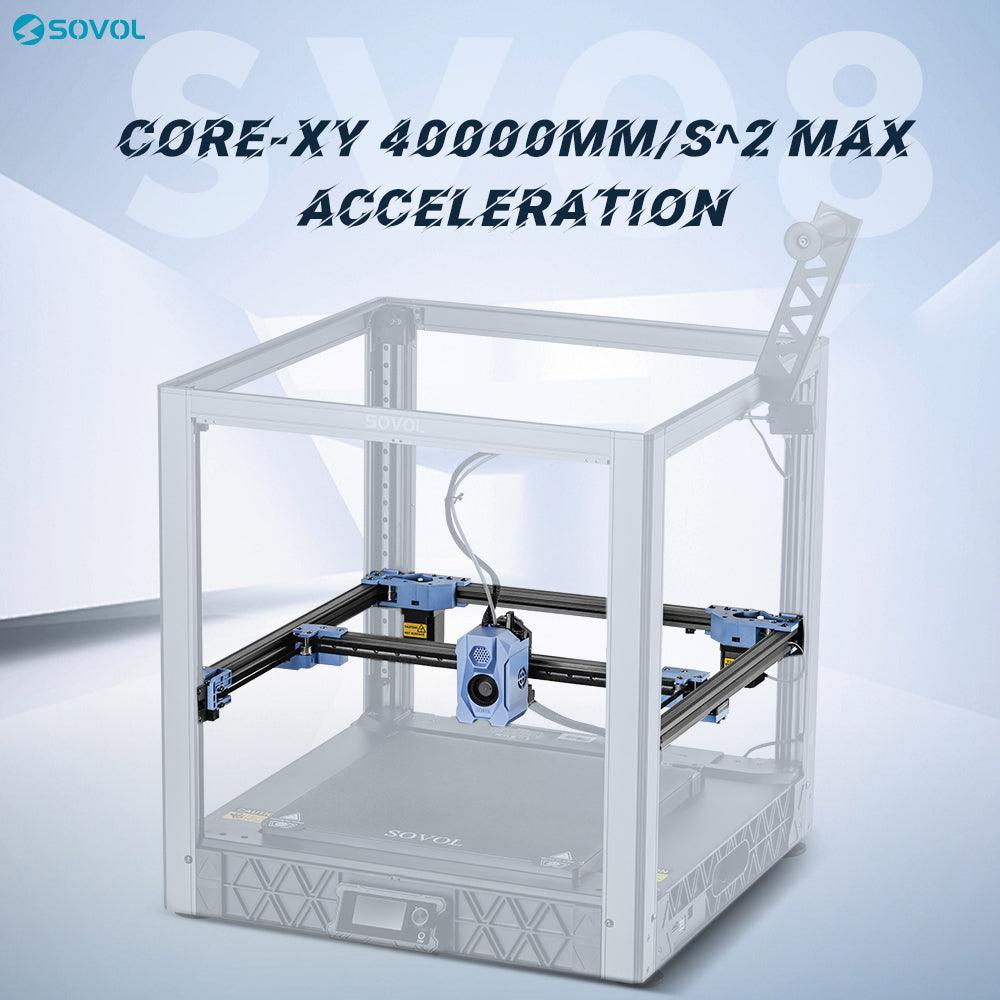
The Essential version has an open structure — no enclosure kit and no active chamber heating. It relies on the air in your room for part cooling, which suits low-shrink everyday materials. Recommended materials here are PLA, PETG, TPU, and PVA.
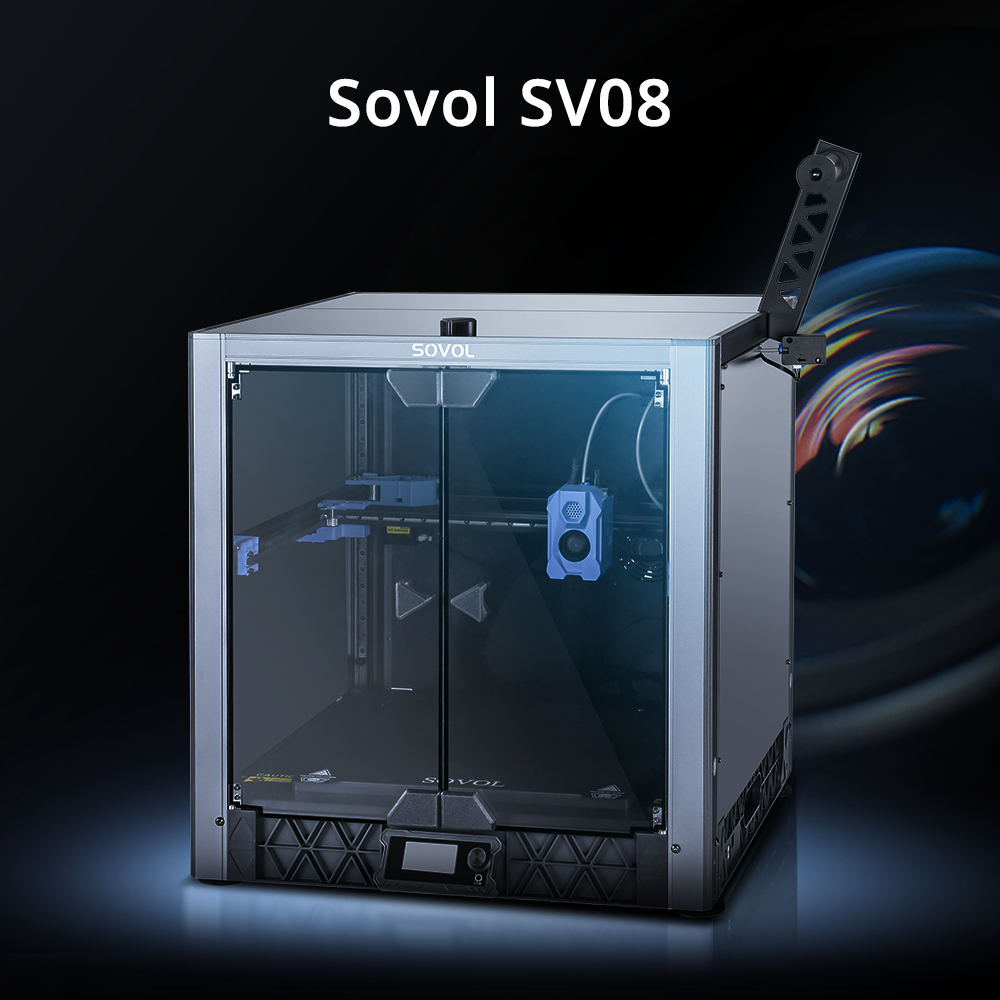
The M1D Advanced adds an enclosed, actively heated chamber

The Advanced version includes a fully enclosed chamber and a chamber heating module capable of active heating up to 60°C. A warmer, more stable environment is what many engineering materials may benefit from. The product page extends the recommended list to include ABS, ASA, PA, and PC.
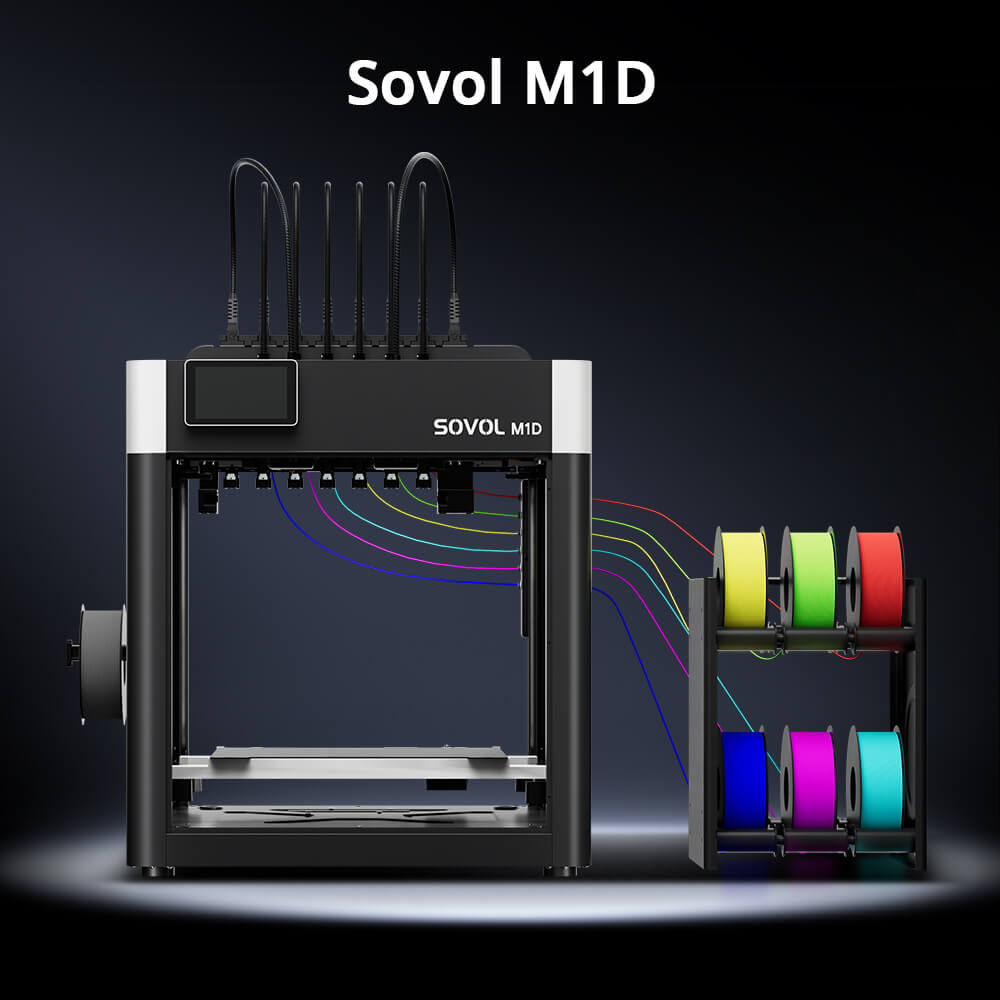
Both share the DualX tool-changing system
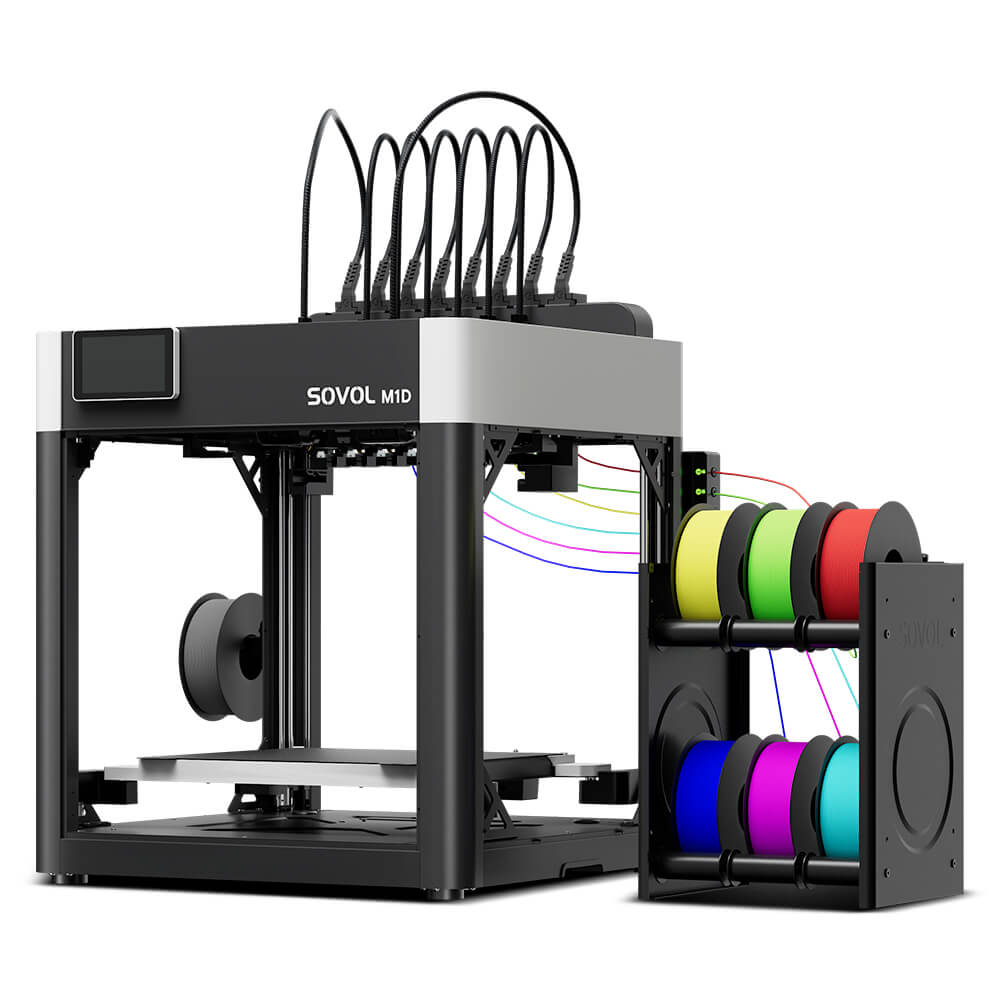
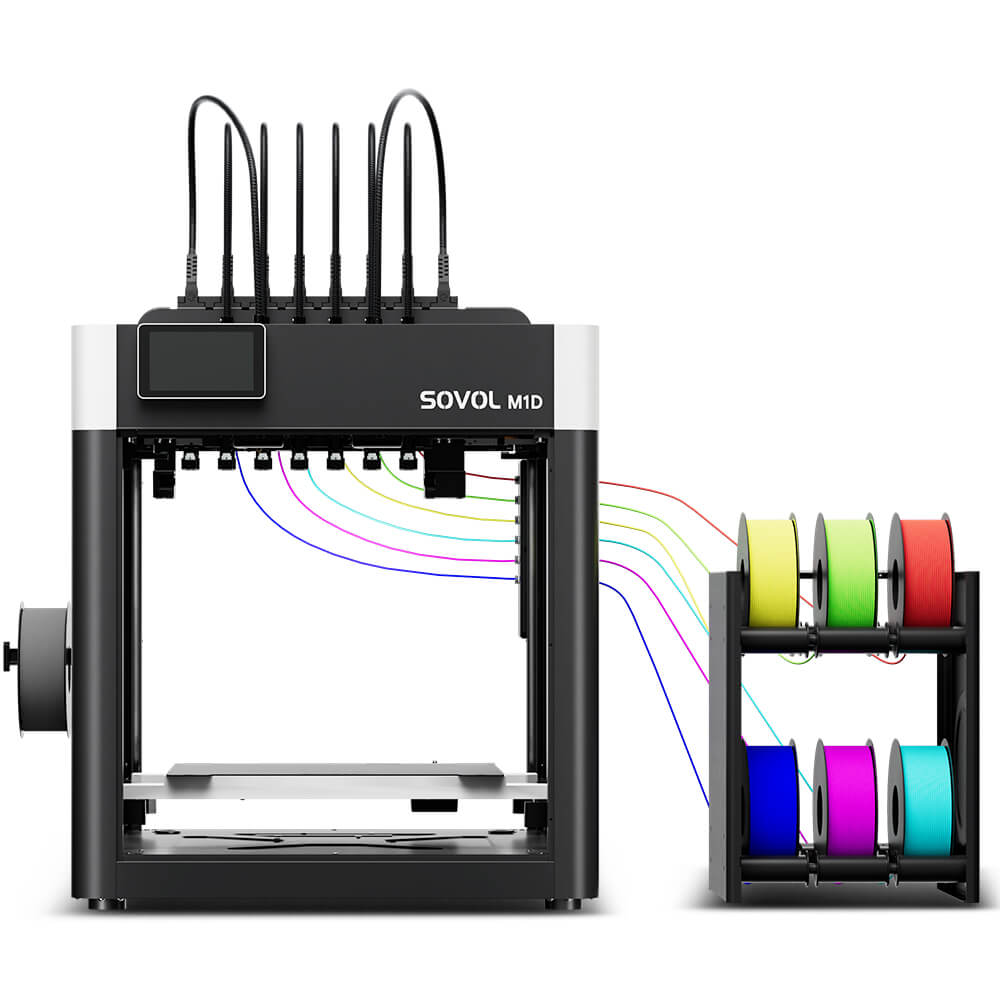
Don't let the M1D Essential vs Advanced configuration choice confuse the bigger picture: both versions include the DualX tool-changing system and support multi-color, multi-material, and independent dual-toolhead workflows. Enclosure is the main variable between them, not the toolhead platform. If you want the practical detail of what you can run across tools and materials, the M1D material compatibility guide walks through that in depth.
Why an Enclosure and Active Chamber Heating Help
An enclosure and active chamber heating are not a magic switch that suddenly makes every material print perfectly. But they do change the thermal environment around a part, and that matters for materials that shrink a lot as they cool.
A closed chamber blocks drafts and slows cooling. Active heating goes further: it holds air in the build volume near a chosen setpoint, which reduces the temperature difference between the hot first layers and the rest of the part. That smaller gradient is what lowers the corner lifting, layer splitting, and internal stress that ABS, ASA, nylon, and PC are known for.
For a deeper look at when a heated chamber is genuinely useful and when it is probably overkill, Sovol's own heated-chamber guide for ABS, ASA, nylon, and PC is worth a read.
Which M1D Configuration Fits Your Materials and Projects?

This is where "it depends" becomes specific. Below are the practical starting points for common workflows. Treat them as guidance, not guarantees — how a material behaves depends on the complete printing setup, including the specific filament you bought, model geometry, enclosure conditions, bed adhesion, cooling, slicer profile, and printer configuration.
PLA, PETG, TPU, and PVA projects
These are everyday materials that generally print well in open air and prefer good part cooling. The M1D Essential is usually the more suitable choice here. PLA especially can print worse if the chamber gets too warm, so the open configuration often suits it best.
ABS and ASA parts
ABS and ASA shrink significantly as they cool and benefit from an enclosure. For these, the M1D Advanced is the more suitable configuration. Active chamber heating near the warmer end of a typical range can provide a more stable thermal environment that helps reduce warping on larger or flatter parts.
PA (nylon) and PC applications
Nylon and polycarbonate often benefit from a warm, controlled enclosure, although the ideal setup depends on the material, model geometry, and print conditions. For many larger prints, an actively heated chamber may improve consistency on demanding prints, so the M1D Advanced may be a better fit for these materials and applications. That said, moisture control is often just as important as chamber temperature for nylon.
Multi-color decorative models
If your main goal is eye-catching multi-color prints in everyday materials, enclosure matters less. Both versions handle multi-color workflows through the shared DualX system, so the Essential can be a perfectly sensible choice — unless your decorative project also uses engineering materials.
Functional parts and engineering prototypes
Functional parts and prototypes are where the material really dictates the configuration. If those parts use PLA or PETG, the Essential may be sufficient for the intended workflow. If they need the heat resistance or strength of ABS, ASA, PA, or PC, the Advanced is the more suitable platform.
Before you decide, remember that "recommended materials" lists are starting points, not limits. If you're still uncertain, list the top five materials and part types you'll actually print this year — that list, more than the sticker price, should point you to the right configuration.
Common Buying Mistakes to Avoid
Choosing only by price. The Essential costs less, but if you regularly print ABS, ASA, PA, or PC, that saving can vanish in failed prints and rework.
Assuming an enclosure fixes every warping problem. An enclosure and chamber heater help, but warping also depends on bed adhesion, part geometry, cooling, and filament quality — so expect to tune your workflow either way.
Ignoring filament-specific needs. Two rolls of "nylon" can behave very differently. Follow the manufacturer's temperature and drying guidance rather than expecting the chamber to handle it.
Buying the Advanced when your prints are mostly PLA/PETG. That heated chamber may be more capability than you'll actually use — a cost you pay for.
Avoiding validation before committing. It is not impossible to run demanding engineering materials on an open machine, but don't assume it will be smooth. If ABS, PA, or PC are core to your plans, validate an open setup against your quality bar first.
Frequently Asked Questions
What's the main difference between the M1D Essential and Advanced?
The difference is enclosure and thermal control. The Essential is open with no enclosure or active heating; the Advanced adds a fully enclosed chamber with active heating up to 60°C.
Does the M1D Essential support multi-color printing?
Yes. Both versions include the DualX tool-changing system and support multi-color and multi-material workflows. The Essential simply skips the Advanced's enclosure and heated chamber.
Is the Advanced version better for ABS and ASA?
Generally, yes. The enclosed, actively heated chamber provides a more stable thermal environment, which tends to help reduce the warping and cracking that ABS and ASA are prone to. Results still depend on your full setup.
Do beginners need the enclosed version?
Not necessarily. For a mostly PLA and PETG workload, the open-frame Essential is simpler and less expensive; choose the Advanced only if engineering materials are firmly on your roadmap.
Does active chamber heating guarantee better prints?
No. Chamber heating can make the environment more stable, but successful engineering-material printing still depends on the filament, geometry, bed adhesion, cooling, slicer profile, and printer configuration. No single feature guarantees a result.
Conclusion: Match the Configuration to Your Materials
The Sovol M1D Essential and Advanced are two configurations of the same capable printer, and the honest answer is that both are right for someone — it depends on your materials and workflow.
If you print everyday materials and value a simpler, more affordable open setup, the Essential is a solid fit. If your projects reach into ABS, ASA, nylon (PA), or PC and you want a stable, actively heated environment to support them, the Advanced is the more suitable companion.
A good next step is to open the official Sovol M1D product page and confirm the exact configuration details before you decide — the version-selection guidance there maps directly to the material lists we've walked through here. And once you know which configuration fits, the material-compatibility guide referenced above can help you plan the filaments you'll run through it from day one.