







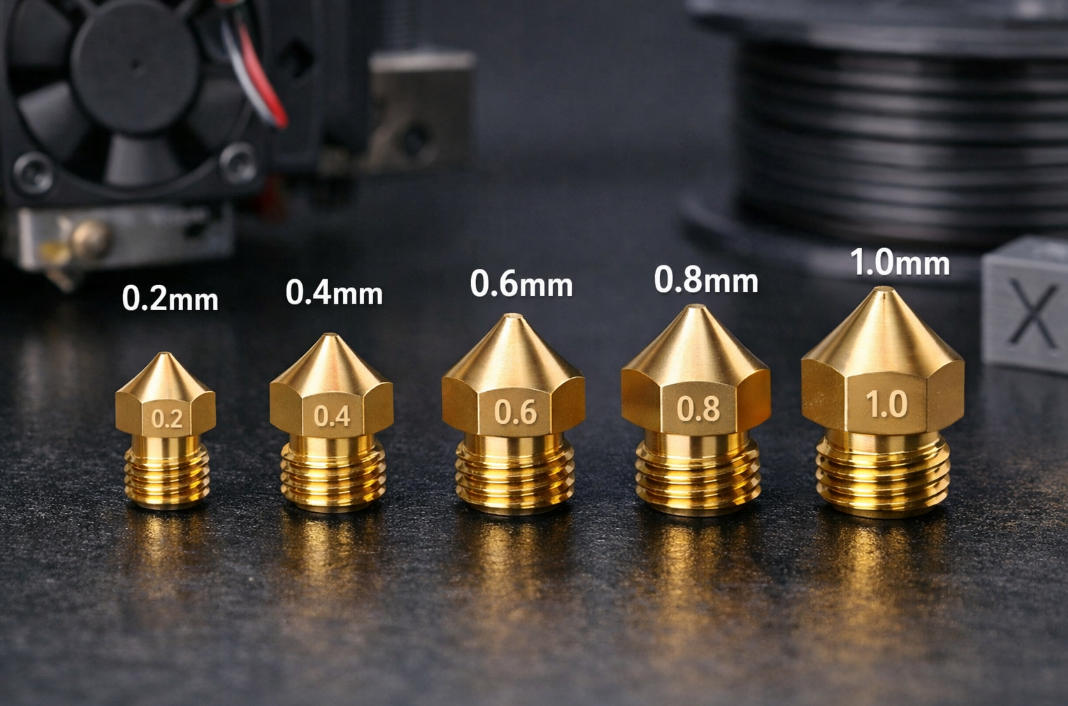
Choosing the right 3D printer nozzle size can change your project. Nozzle size affects how good your print looks. It also affects how fast you can print. Nozzle size even changes how strong your 3D prints are. For example, smaller 3D printer nozzles give you more detail. Larger nozzles print faster and make stronger parts. You can see how nozzle diameter changes results in the table below:
|
Nozzle Diameter |
Fiber Alignment Effect |
Fracture Strength Comparison |
|---|---|---|
|
10 mm |
Higher alignment |
|
|
40 mm |
Lower alignment |
Baseline |
|
>20 mm |
No significant impact |
N/A |
Think about what kind of project you have. Think about how much detail you want. Think about how fast you need to print. These choices help you pick the best nozzle size.
Key Takeaways
-
Start with a 0.4mm nozzle for a good balance of speed and detail. This size works well for most projects.
-
Choose a smaller nozzle (0.2mm) for fine details and intricate designs. Expect longer print times with this option.
-
Select larger nozzles (0.6mm or bigger) for faster prints and stronger parts. These are ideal for large objects.
-
Always match your nozzle size to the material you use. Some materials require larger nozzles to avoid clogs.
-
Regularly clean your nozzle to prevent clogs and maintain print quality. This is especially important for small nozzles.
Key Factors for Nozzle Selection

Project Requirements
You should always start by thinking about your project. Every 3d printing nozzle works best for certain tasks. If you want to print a large part quickly, you need a bigger nozzle. If you want tiny details, you need a smaller one. Here are some things to consider:
-
The type of project and the level of detail you want will guide your choice.
-
Larger 3d printer nozzles, like 0.6 mm, help you print faster and make strong, big parts.
-
Smaller 3d printer nozzles, like 0.2 mm, give you fine details but take more time.
-
You must balance strength, speed, and resolution when you pick a nozzle size.
Print Quality vs. Speed
You face a trade-off between print quality and speed. A small nozzle diameter lets you print thin layers. This gives you smooth surfaces and sharp details. However, it takes longer to finish your print. A large nozzle prints thick layers. This means you finish faster, but you lose some detail. You should decide what matters more for your project: speed or detail.
Tip: If you want both speed and detail, try using a medium-sized nozzle. This gives you a good balance.
Material Considerations
The material you use also affects nozzle selection. The size of your 3d printer nozzle changes how the material flows. Small nozzles need careful control to avoid problems like clogging or under-extrusion. Large nozzles can struggle to keep a steady flow at high speeds. Some materials, like those with fibers or particles, work better with bigger nozzles. Always check if your material matches your nozzle size before you start printing.
You can get the best results by matching your 3d printer nozzle size, material, and project needs. This helps you avoid common problems and makes your prints look great.
3D Printer Nozzles: Size Options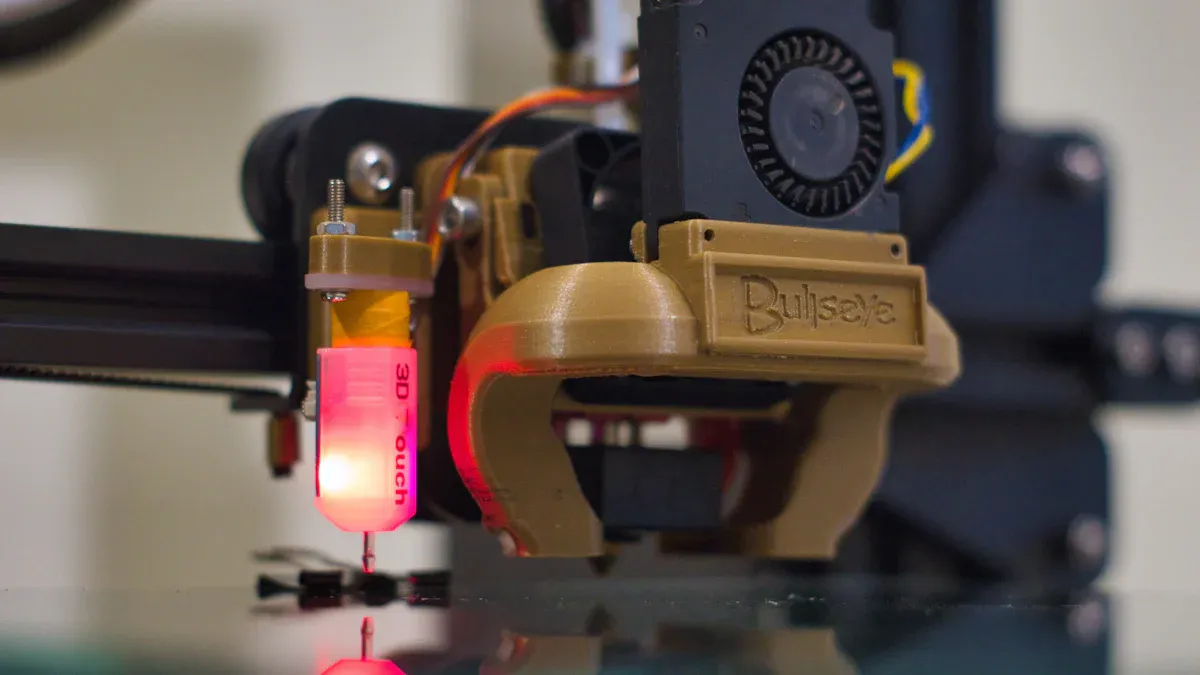
When you look at 3d printer nozzles, you see many choices. Each nozzle size gives you different results. You can pick from small nozzles for fine detail or large nozzles for fast prints. Let’s explore the main types of nozzles and what they do.
0.4mm Nozzle: The Standard Choice
Most printers come with a 0.4mm nozzle. You can use this size for many projects. It gives you a good mix of speed and detail. You get smooth surfaces and strong parts. If you do not know which nozzle to use, start with this one.
Note: A 0.4mm nozzle works well for both beginners and experts.
0.6mm and 0.8mm: For Strength and Speed
You may want to print big objects or need extra strength. A 0.6mm or 0.8mm nozzle helps you finish prints faster. These sizes let you lay down thicker lines of plastic. You lose some detail, but your parts become stronger and more durable. You can use these sizes for tools, brackets, or outdoor items.
1.0mm and Larger: High-Speed, Large Prints
If you need to print something very large, try a 1.0mm nozzle or bigger. These large nozzles push out a lot of material quickly. You can finish huge prints in less time. You will see less detail, but you get strong, solid parts. Use this nozzle diameter for furniture, props, or big prototypes.
Small Nozzles: Fine Detail
A 0.2mm or 0.25mm 3d printing nozzle gives you the best detail. You can print tiny text, small models, or miniatures. Small nozzles work well for jewelry or art. You need patience because prints take longer. You also need to keep your nozzle clean to avoid clogs.
Tip: Choose small nozzles when you want sharp edges and smooth curves.
You can match your project to the right nozzle by thinking about speed, detail, and strength. Each size has a special use. Try different sizes to see what works best for you.
Effects of Nozzle Size on Printing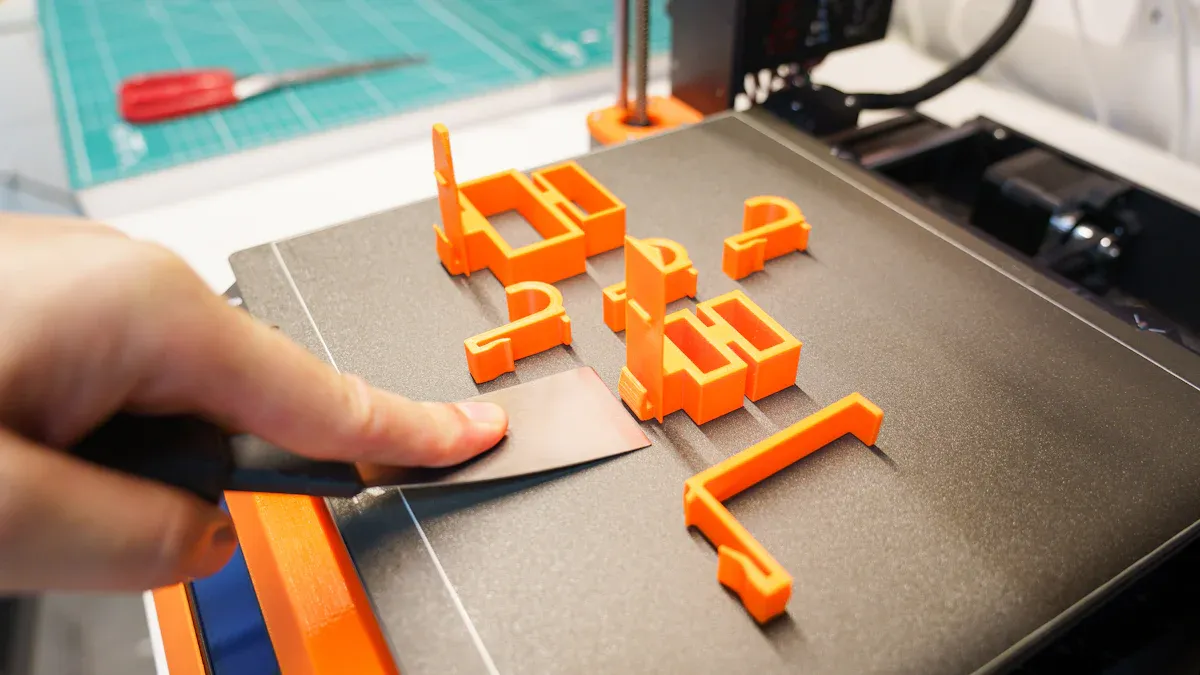
Detail and Precision
You can see a big difference in detail when you change the nozzle size. If you want sharp edges and smooth surfaces, you should use small nozzles. These nozzles let you print tiny features, like text or patterns. You get the best results for models, jewelry, or miniatures. Large nozzles cannot show fine details. They make prints look rougher. You should pick your nozzle based on how much detail you need.
Tip: Clean your 3d printing nozzle often. Small nozzles can clog easily.
Print Speed and Layer Thickness
Nozzle diameter controls how fast you can finish a print. A bigger nozzle puts down more plastic at once. You can print thick layers and finish large objects quickly. If you use a small nozzle, you must print thin layers. This takes more time. You should think about your deadline. If you want speed, choose a larger nozzle. If you want smooth layers, choose a smaller one.
Here is a simple table to compare:
|
Nozzle Size |
Layer Thickness |
Print Speed |
|---|---|---|
|
Small |
Thin |
Slow |
|
Large |
Thick |
Fast |
Strength and Durability
You can make stronger parts with larger 3d printer nozzles. Thick lines of plastic stick together better. This gives your print more strength. If you need a part that will not break easily, use a bigger nozzle. Small nozzles make weaker parts. These are good for display but not for heavy use. Always match your nozzle to your project’s needs.
Note: Strong prints need the right settings. Test your printer before making important parts.
You can get the best results by understanding how nozzle size affects your print. Try different sizes to see what works for you.
How to Choose the Right Nozzle
Step-by-Step Selection Guide
You can choose the best nozzle for your project by following a simple checklist. This guide helps you match your needs with the right nozzle size. You do not need to guess. You can use facts to make your decision.
Checklist for Nozzle Selection:
-
Define Your Project Goal
-
Do you want high detail or fast printing?
-
Are you making a display model or a strong, usable part?
-
-
Pick the Level of Detail
-
For fine details, use a small nozzle like 0.2mm or 0.25mm.
-
For general use, start with a 0.4mm nozzle.
-
For large, strong parts, choose a nozzle size of 0.6mm or bigger.
-
-
Consider Print Speed
-
If you need your print finished quickly, select a larger nozzle.
-
If you have time and want smooth surfaces, use a smaller nozzle.
-
-
Check Material Compatibility
-
Some materials work better with certain nozzle sizes.
-
Filaments with fibers or particles need larger nozzles to avoid clogs.
-
-
Review Printer Settings
-
Make sure your printer can handle the nozzle size you choose.
-
Adjust layer height and print speed for best results.
-
Tip: You can keep a table of your favorite nozzle sizes and their uses. This helps you remember which nozzle works best for each project.
|
Project Type |
Recommended Nozzle Size |
Print Speed |
Detail Level |
|---|---|---|---|
|
Miniatures |
0.2mm - 0.25mm |
Slow |
High |
|
Everyday Objects |
0.4mm |
Medium |
Medium |
|
Large Prototypes |
0.6mm - 1.0mm |
Fast |
Low |
|
Fiber Materials |
0.6mm or larger |
Fast |
Medium |
You can use this checklist every time you start a new project. Nozzle selection becomes easy when you know what to look for.
When to Change Nozzle Size
You may need to switch nozzle sizes during your printing journey. You should know when it is the right time to make a change. You can improve your results by changing the 3d printer nozzle for different tasks.
Signs You Should Change Your Nozzle:
-
You want more detail for a new project.
-
You need faster printing for a deadline.
-
Your material keeps clogging the nozzle.
-
You want stronger parts for heavy use.
Steps to Change Nozzle Size:
-
Turn off your printer and let it cool.
-
Remove the old nozzle with a wrench.
-
Install the new nozzle and tighten it gently.
-
Adjust your printer settings for the new nozzle size.
-
Test with a small print to check quality.
Note: Always re-tune your printer settings after you change the nozzle. This helps you avoid problems like poor adhesion or rough surfaces.
You can get better prints by knowing when to change nozzle size. You can try different sizes for different projects. You learn more about your printer every time you make a change.
Nozzle Materials and Compatibility
Brass, Steel, and Hardened Nozzles
You can find 3D printer nozzles made from different materials. Each type works best for certain jobs. Brass nozzles are the most common. They heat up quickly and give you smooth prints. You should use brass nozzles for standard filaments like PLA and ABS. These nozzles cost less and work well for most projects.
Steel nozzles are stronger than brass. You can use them when you print with rough or abrasive filaments. These include filaments with carbon fiber, glow-in-the-dark particles, or metal powders. Hardened steel nozzles last longer and resist wear. You should pick a hardened steel nozzle if you print with tough materials often.
Here is a quick comparison:
|
Nozzle Material |
Best For |
Durability |
Cost |
|---|---|---|---|
|
Brass |
PLA, ABS, PETG |
Medium |
Low |
|
Steel |
Abrasive filaments (short-term) |
High |
Medium |
|
Hardened Steel |
Abrasive filaments (long-term) |
Very High |
Higher |
Tip: If you see your nozzle wearing out or prints looking rough, try switching to a harder nozzle.
Matching Material to Nozzle Size
You need to match your filament and nozzle size for the best results. Some filaments have tiny particles that can clog small nozzles. You should use a larger nozzle, like 0.6mm or bigger, for these materials. Standard filaments work well with smaller nozzles.
Quick guide for matching:
-
Use small nozzles (0.2mm–0.4mm) for regular PLA, ABS, or PETG.
-
Use large nozzles (0.6mm or more) for filaments with fibers, wood, or metal.
-
Always check the filament label for nozzle size suggestions.
Note: Clean your nozzle often when you use special filaments. This helps you avoid clogs and keeps your prints looking great.
You now know how nozzle size affects print quality, speed, and strength. Choose a small nozzle for fine detail or a large one for fast, strong prints. Match your nozzle to your project and material. Always adjust your printer settings after changing nozzles.
Tip: Try different nozzle sizes for each project. Share your results or questions in the comments. Your experience helps others learn, too!
FAQ
What nozzle size should you use for beginners?
You should start with a 0.4mm nozzle. This size works for most projects and gives you a balance of speed and detail.
Tip: You can switch to other sizes as you gain experience.
How often should you clean your nozzle?
You should clean your nozzle after every few prints. Regular cleaning prevents clogs and keeps your prints looking sharp.
-
Use a soft brush or cleaning filament for best results.
Can you use any filament with any nozzle size?
No, you cannot use every filament with every nozzle. Filaments with fibers or particles need larger nozzles.
|
Filament Type |
Best Nozzle Size |
|---|---|
|
Standard |
0.2mm–0.4mm |
|
Fiber-filled |
0.6mm or larger |
Does nozzle size affect print strength?
Yes, nozzle size changes print strength. Larger nozzles make thicker lines, which create stronger parts.
Note: Use a bigger nozzle for parts that need to handle stress.











