If you want to fix 3d printer extruder skipping fast, start with the basics. Most problems come from tension, clogs, or motor issues. You can solve these in minutes with the right steps.
Don’t worry—quick fixes often get your printer running smoothly again. Try each tip below and watch your results improve.
Key Takeaways
- Check the extruder tension often. The right tension stops filament from slipping or grinding. Change the tension so the gear holds the filament well.
- Clean the nozzle often to stop clogs. A clean nozzle helps the filament move smoothly and stops skipping. Use a wire tool to remove dirt and look for blockages.
- Look at the filament quality before you print. Use dry, good filament to stop jams. Keep filament in closed containers to keep out moisture.
Fix Common 3D Printer Extruder Skipping Issues
When you notice 3d printer extruder skipping, you want to fix it fast. Most problems come from a few common causes. Here’s a quick list of what usually goes wrong:
- Nozzle clogs or partial nozzle clog
- Incorrect extruder tension
- Weak extruder motor torque
- Poor filament quality or damp filament
- Wrong print temperature or speed
- Hotend fan not working
- Bed distance set too close or too far
Let’s break down each issue and show you how to solve it right away.
Check Extruder Tension
If your Sovol or any other printer starts skipping, check the filament gear tension first. Too much or too little tension can cause the extruder to chew up the filament or slip over it. You want the gear to grip the filament just right.
- Turn off your printer and locate the tensioner screw on the extruder.
- Tighten the screw until the slipping stops, then add 1–2 extra turns.
- Don’t overtighten. Too much pressure can flatten the filament and cause grinding.
- If you see stripped or flattened spots on the filament, loosen the tension a bit.
Tip: On Sovol machines, especially when printing with high-temperature materials, check the tension more often. These filaments can be softer or harder than standard PLA, so small adjustments make a big difference.
Clean Nozzle and Hotend
Nozzle clogs are one of the top reasons for 3d printer extruder skipping. Even a partial nozzle clog can block the flow and cause clicking or skipping.
- Heat up the nozzle to the recommended temperature for your filament.
- Use a wire cleaning tool to gently clear out any debris. Clean the tool between passes.
- For stubborn clogs, disassemble the hotend and check the Bowden tube for blockages.
- Make sure the nozzle is tight while hot to prevent leaks.
Note: Sovol users should clean the nozzle after every few prints, especially if you switch between different filament types or use abrasive materials.
Adjust Print Temperature and Speed
Wrong temperature or speed settings can lead to clogs and skipping. If the nozzle is too cold, the filament won’t melt well. If you print too fast, the filament can’t keep up.
- For PLA, set the nozzle temperature between 190°C and 210°C.
- Keep print speed around 40–60 mm/s for best results.
- If you increase speed, raise the temperature a bit to keep the flow smooth.
- Printing too cold or too fast can cause under-extrusion, poor layer adhesion, and skipping.
Try a small temperature increase if you hear clicking or see gaps in your print. Always check your slicer settings before starting a new job.
Inspect Filament Quality
Bad filament leads to all sorts of problems, including 3d printer extruder skipping. Look for these signs:
- Inconsistent diameter (should be 1.75mm for most printers)
- Brittle, damp, or dusty filament
- Unknown or off-brand filament
Store your filament in airtight containers with desiccant packs. Moisture makes filament swell and jam the extruder. Always use reputable brands and match the filament type to your printer’s specs.
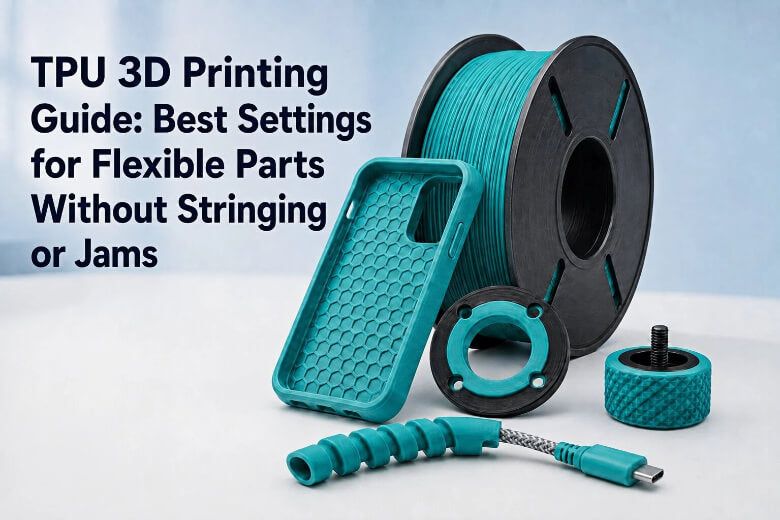
Flexible filaments like TPU need slower speeds and lower tension. Adjust your settings if you switch materials.
Test Extruder Motor Torque
A weak extruder motor can’t push the filament through, especially if there’s resistance from clogs or tight tension.
- Listen for grinding or skipping noises from the extruder motor.
- Check for loose screws or connections on the motor mount.
- If the motor feels hot or stalls, reduce print speed or check for blockages.
Sovol printers sometimes need a firmware update to adjust motor current. Check your manual if you keep having torque issues.
Ensure Hotend Fan Works
A broken hotend fan can cause heat creep. This means heat travels up the extruder, softening the filament too early and causing jams or skipping.
- Make sure the hotend fan spins when the printer is on.
- Use the
M107G-code command or your printer’s control panel to test the fan. - If the fan doesn’t work, replace it before printing again.
Watch for signs of heat creep: soft filament above the hotend, under-extrusion, or sudden skipping during long prints.
Set Proper Bed Distance
If the nozzle sits too close to the bed, the filament can’t flow out. This leads to 3d printer extruder skipping and clicking sounds.
- Level your bed before every print.
- Use a piece of paper to set the nozzle height. You should feel slight resistance when moving the paper under the nozzle.
- If the nozzle is too far, the filament won’t stick. If it’s too close, you’ll get clogs and skipping.
Sovol printers with auto bed leveling still need manual checks sometimes. Always double-check the first layer.
By following these steps, you can fix most 3d printer extruder skipping problems in minutes. Keep your extruder clean, use good filament, and check your settings before every print. You’ll spend less time troubleshooting and more time printing.
Prevent Extruder Motor Skipping Long-Term
Regular Maintenance
You can keep your extruder working well with easy steps. Clean the nozzle and heat block after a few prints. Lubricate rails and bearings so the printer moves smoothly. Check the belt tension and tighten any loose screws or pulleys. Change old nozzles and PTFE tubes before they break. Look at the extruder gears to see if they are worn out. Sovol users should set a reminder to clean the nozzle and check the extruder motor every week.
Tip: Make a checklist for your maintenance jobs. This helps you find problems before extruder motor skipping happens.
Filament Storage Tips
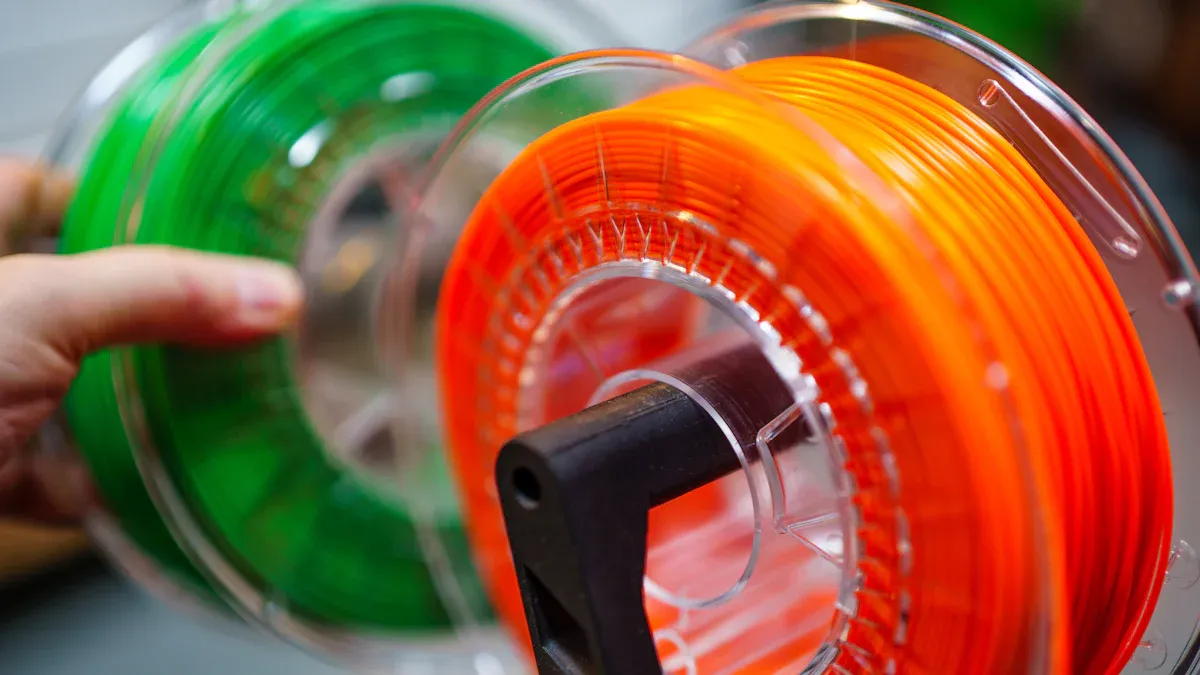
Moisture can ruin your filament. Store filament in airtight containers or vacuum bags with silica gel packs. Keep the humidity under 15%. Always look for brittle or odd-colored filament and dry it if needed. Keep filament away from heat and sunlight. Sovol printers work best with dry, good-quality filament.
"Storing and protecting your 3D printing filament is important for getting good prints and making your filament last longer."
Printer Calibration
Calibrate your printer often. Level the bed before every print. Tighten all screws and bolts. Lubricate moving parts and check belt tension. Calibrate the extruder E-steps so the extruder motor pushes the right amount of filament. Update your firmware and slicer software for the best results.
|
Calibration Step |
Description |
|---|---|
|
E-steps Calibration |
Makes sure filament moves the right amount |
|
Bed Leveling |
Stops nozzle clogs and skipping |
|
Firmware Updates |
Helps the extruder motor work better |
Bowden vs. Direct Drive Differences
Bowden extruders have a longer path for filament, which can cause more friction and make extruder motor skipping happen more, especially with flexible filament. Direct drive extruders give better control and help stop skipping. If you use a Sovol printer, check if you have a Bowden or direct drive system and change your maintenance steps. Flexible filament works better with direct drive setups.
You can fix extruder skipping fast by checking tension, cleaning the nozzle, and inspecting your filament. Use this table to spot tension problems quickly:
|
Tension Setting |
What You See on Filament |
What Happens During Print |
|---|---|---|
|
Too Low |
Barely visible marks |
Filament slips, clicking |
|
Too High |
Deep grooves, crushed |
Stripped filament, jams |
|
Just Right |
Faint gear marks |
Smooth flow, no clicking |
Keep a checklist handy for troubleshooting. Regular care means fewer problems and better prints.
“Perfect prints are back. If I had to put my money on anything, I’d say it was the gear change that did it.”
You’ve got this—smoother prints are just a few steps away! 🎉
FAQ
Why does my extruder keep skipping during prints?
You might have a clogged nozzle, bad filament, or wrong tension. Check each one step by step. Fixing these usually stops the skipping fast.
Can I print if my extruder skips a little?
No, you should not. Even small skips can ruin your print. Pause your printer, find the cause, and fix it before you start again.
How often should I clean my 3D printer nozzle?
Clean your nozzle every few prints. If you use different filaments or see any skipping, clean it right away for best results.