You want to make life-size models and big 3d prints at home. But this process has special problems. Large 3d printing projects need good planning. Desktop printers can have trouble with warping, layer shifts, and changes in the environment. When you print a life-size model or any big 3d print, you might see:
- Corners lifting and shapes getting bent
- Layers not lining up
- Changes in temperature and humidity causing problems
If you have the right attitude, you can handle 3d printing big things and finish your project well.
Key Takeaways
- Pick a 3D printer that can print big things. Make sure it is fast and works with the level of material you need.
- Keep your workspace safe and steady to stop warping. Use covers and keep the temperature the same for better prints.
- Think about how you place your model before printing. Break big models into smaller pieces if needed. This makes it easier to put together and makes the print stronger.
- Use the right glue and parts that fit together when joining pieces. Sand the edges before gluing to make them stick better and stay strong.
- Watch your prints from far away and use a design that can be changed. This helps you work better and faster on big projects.
Choosing a Printer for Large 3D Printing Projects
Build Volume & Printer Types
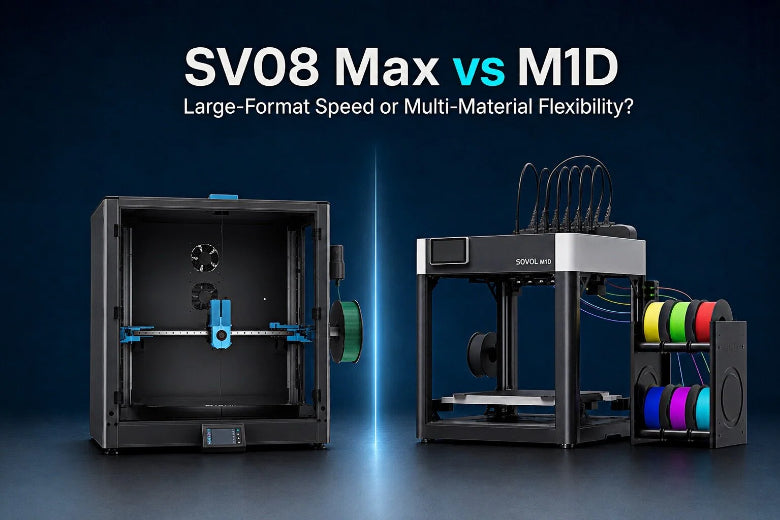
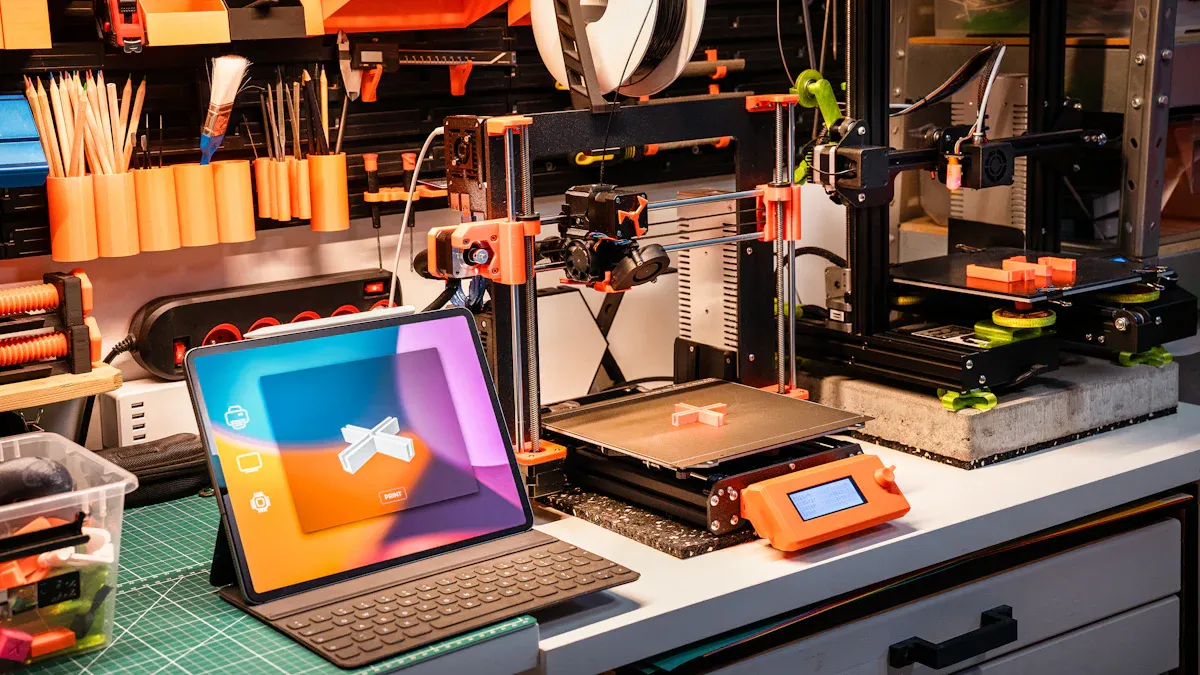
When you want to print big things, you need a printer with a large space. Build volume means how big your print can be. If you want to make big models, pick a 3d printer made for large objects. Some printers, like the Sovol SV08 Max, have a big build volume and can print fast. You can see how it compares in the table below:
|
Model |
Build Volume |
Speed |
Features |
|---|---|---|---|
|
Sovol SV08 Max |
Large |
Up to 700 mm/s |
Advanced automation, high speed |
You should choose a printer that fits your project. FDM printers are good for big prints because they use many materials. Resin printers make smooth details but are usually smaller.
Key Features for Large-Scale Prints
You want your big 3d prints to work well. Look for these things in your 3d printer:
- Dimensional accuracy helps your parts fit together.
- Print speed lets you finish faster.
- Build volume means you can print bigger things.
- Automation features help with long prints.
- Material compatibility gives you more options.
|
Feature |
Importance |
|---|---|
|
Build Volume |
Needed for printing big models. |
|
Print Speed |
Makes printing faster and helps you finish sooner. |
|
Material Compatibility |
Lets you use different filaments for many projects. |
|
Automation Features |
Makes printing easier and helps stop mistakes on long prints. |
|
Maintenance |
Cleaning the nozzle and other care keeps prints looking good. |
Bottom-Up Printing Advantages
Bottom-up printing is helpful for big 3d prints. This way, your model is built from the bottom up. It makes your print more stable and stops layer shifts. It also helps keep your print from warping, which happens a lot with big models. When you use bottom-up printing, your prints stay strong and look right. You can trust your big 3d prints to turn out well.
Materials for Large Prints
Resin vs Filament Choices
When you want to print something big, you must pick a material. Most people use resin or filament. Each one is good for different things. Filament is best for big and strong prints. It makes parts that last longer and can be used for real jobs. Resin gives you smooth prints with lots of detail. It is better for small or fancy shapes, but resin prints can break more easily.
Here’s a table that shows how resin and filament are different:
|
Feature |
Resin |
Filament |
|---|---|---|
|
Material Properties |
Stronger, more durable |
|
|
Print Quality |
High-resolution, smooth finish |
Moderate detail, layer lines |
|
Ideal Use |
Intricate designs |
Functional, strong parts |
You can also use other materials for big 3d prints. Some choices are different plastics and even metals. Here are some examples:
- Plastic pellets
- High-strength polymers
Free Radical Resin & Daylight Curing
If you want to try new things, free radical resin and daylight curing are good for big prints. Daylight curing uses regular light, not UV. This helps your print harden evenly, even if it is large. Your finished part will be strong and look nice. Daylight curing also keeps your printer’s LCD screen safe, so it lasts longer.
Tip: Daylight curing helps your prints look even and keeps your printer working well.
Handling Large Quantities
Big prints need a lot of material. You should plan and store your supplies the right way. Keep filament dry and in a sealed bag so water does not ruin it. Put resin in a cool, dark place. Always check you have enough material before you start printing. This stops you from running out in the middle of a print.
Here is a table of materials you can use for big 3d prints:
|
Material Type |
Description |
|---|---|
|
Plastic |
ASA, PLA, ABS, PA12-CF, TPU |
|
Metal |
Titanium TC4, 316L Stainless Steel, BJ-316L |
Picking the right material and storing it well helps your big 3d prints turn out great.
Workspace Setup for Large-Scale 3D Printing
Space & Safety Needs
You need a special spot for big projects. Make sure you have enough room for your printer, tools, and materials. Keep your area neat and free of mess. Safety is very important when you do 3d printing. Always wear safety glasses or a face shield to keep your eyes safe from resin. Do not eat or drink in your work area so nothing gets dirty. Wear gloves and a respirator when you use chemicals or resin. Follow the Safety Data Sheets when you handle dangerous stuff. If you print with metal, keep your area safe from static electricity. Have a Class D fire extinguisher nearby and know how to use it. Put up safety signs and labels so you can find hazards and emergency gear.
Ventilation & Power
Good airflow keeps your workspace safe and comfy. You should change the air at least six times every hour. Inline fans that move between 340 and 815 m³/h are good for big setups. Make sure the air goes outside and does not come back in. This helps get rid of fumes and keeps the air fresh. Set up your power so it can handle large 3d printers. Use surge protectors to protect your machines. Check if your outlets can handle your printer and other devices.
Tip: Good airflow and power setup help you stay healthy and keep your equipment working.
Environmental Controls
You want your prints to look great. Enclosures help keep the temperature steady and stop warping. They block dust and drafts that can mess up big prints. Enclosures make a warm space for ABS and Nylon. This makes your prints stronger and better. If you control the environment, your layers stick well and your models look smooth.
|
Environmental Control |
Benefit |
|---|---|
|
Enclosure |
Keeps temperature steady |
|
Dust Blocker |
Stops dust from ruining prints |
|
Draft Shield |
Prevents drafts from causing issues |
Slicing & File Prep for Printing Architectural 3D Models
Model Orientation & Splitting
When you print big architectural models, you must plan. Large models often do not fit on your printer bed. You can split your model by seam. This means making straight cuts and adding pegs or pins. These help you put the parts together easily. Another way is to split by component. You break the model into natural parts, like walls or roofs. This makes building your model much easier.
You also need to think about how you place your model. The way you set it on the print bed changes how strong and smooth your print is. For example, a 45-degree angle gives a good balance. It helps with support, accuracy, and surface finish.
|
Orientation |
Support Density |
Dimensional Accuracy |
Distortion |
Surface Finish |
|---|---|---|---|---|
|
0° |
High |
Low |
High |
Poor |
|
45° |
Moderate |
High |
Low |
Good |
|
90° |
Low |
Moderate |
Moderate |
Fair |
Support Structures & Slicing Settings
Support structures stop print failures. They are important for big overhangs or bridges. Add supports only where you need them. This saves material and makes cleaning up easier. Good slicer settings matter too. Layer height and infill are important. Thicker layers print faster. Higher infill makes parts stronger. Always check your preview before you start printing.
Beginner Tools: Tinkercad, Meshmixer, Blender
You do not need to be an expert to get files ready. Tinkercad is good for simple edits and splitting models. Meshmixer lets you add pegs, cut models, and fix mistakes. Blender gives you more control for advanced projects. These tools help you prepare big models for printing, even if you are new.
Print Quality & Reliability in Large-Scale Projects
Printing big objects at home can feel exciting, but you might run into problems that make your project harder. If you want your large-scale 3d printing to succeed, you need to pay attention to quality and reliability. Let’s look at the most common issues and how you can fix them.
Bed Leveling & Adhesion
You want your first layer to stick well. If your bed isn’t level, the print can detach or warp. This happens a lot with large 3d prints because the surface area is bigger. You should always check your bed before you start. Use a sheet of paper to test the gap between the nozzle and the bed. If the paper slides with a little resistance, you’re good to go.
Here are some tips for better bed leveling and adhesion:
- Clean the build plate before every print. Dust or residue can cause weak adhesion.
- Use a leveling tool or automatic bed leveling if your printer has it.
- Try adhesives like glue stick or hairspray for extra grip.
- Make sure the bed is flat and calibrated.
Note: A well-leveled bed stabilizes the first layer and helps prevent warping. If you skip this step, your print might fail halfway through.
You can also use a heated bed. This keeps the first layer warm and helps it stick better. For large-scale 3d printing, a heated bed is almost a must-have.
Temperature Control & Monitoring
Temperature swings can ruin your print. If the room gets cold or drafty, the layers might not stick together. If it’s too hot, the print can sag or melt. You need to control the temperature around your printer.
Here’s what you can do:
- Adjust cooling fan speeds based on the filament you use. ABS and Nylon need less cooling, while PLA likes more.
- Install a part cooling fan to cool the filament right after it leaves the nozzle.
- Use an enclosure to keep the temperature steady. This blocks drafts and keeps the print warm.
- Try dual-fan setups for larger prints. This gives even cooling and stops hot spots.
- Monitor the temperature with a sensor or thermometer.
|
Cooling Method |
Best For |
What It Prevents |
|---|---|---|
|
Heated Bed |
ABS, Nylon |
Warping, detachment |
|
Part Cooling Fan |
PLA, PETG |
Stringing, sagging |
|
Enclosure |
All filaments |
Drafts, uneven cooling |
|
Dual-Fan Setup |
Large prints |
Hot spots, uneven cooling |
Preventing Warping & Shrinkage
Warping and shrinkage are the biggest enemies of large 3d prints. You might see corners lifting or shapes bending. This happens when the print cools unevenly or the wrong material is used.
Here’s how you can stop warping and shrinkage:
- Pick the right filament. PLA warps less than ABS. If you need strength, try high-strength polymers.
- Keep the environment stable. Close windows and doors to block drafts. Use an enclosure for extra control.
- Fine-tune your printer settings. Lower print speed and increase the first layer height for better adhesion.
- Make sure the bed is heated and the print cools slowly.
- Split your model into smaller parts if possible. This reduces stress and makes assembly easier.
Here’s a quick checklist for preventing warping and shrinkage:
- Use a heated bed and enclosure.
- Adjust print speed and layer height.
- Pick filament that matches your project needs.
- Keep the workspace draft-free.
You can avoid most failures by following these steps. If you pay attention to bed leveling, temperature, and material choice, your large-scale 3d printing projects will turn out great. You’ll spend less time fixing mistakes and more time enjoying your finished models.
Assembly & Post-Processing for Large 3D Printing Projects
Joining Parts & Alignment Features
After you print big 3d parts, you need to put them together. You can use glue like epoxy or cyanoacrylate. These glues work better if you sand the surfaces first. Some people use welding if the parts are the same material. Cold welding and thermal welding make the bond stronger.
You want your parts to fit just right. Try adding mold keys and special shapes that lock together. These features stop the parts from moving around. Put alignment points on the edges to help seal the parts well. Guide faces and markers also make assembly easier.
- Adhesives: Epoxy, cyanoacrylate
- Welding: Cold welding, thermal welding
- Alignment: Mold keys, interlocking shapes, guide faces
Finishing & Strengthening
You want your big prints to be strong and last a long time. Epoxy infiltration fills in tiny holes and makes a tight seal. You can dip the part in epoxy and use a vacuum to pull it inside. Epoxy coating adds a shield against heat and chemicals. Some people put metal rods inside for extra support. This does not change how the part looks.
Laminating with fiberglass makes your print even stronger. UV curing is important for SLA prints. It makes the resin hard and tough.
|
Method |
Benefit |
|---|---|
|
Epoxy infiltration |
Airtight seal, fills pores |
|
Epoxy coating |
Chemical and heat resistance |
|
Metal rods |
Internal support |
|
Fiberglass lamination |
Extra strength |
|
UV curing |
Hardens resin, improves stability |
Modular Design & Remote Monitoring
Modular design lets you make bigger projects. You can add or change parts to get the size you want. This means you do not need lots of printers. It also helps you work faster. Some shops use modular systems to go from small models to big ones without buying new machines.
Remote monitoring lets you watch your print from anywhere. You can see problems early and fix them fast. This saves time and keeps your project on track.
You can make a life-size model at home if you do things right. First, get your workspace ready and check your printer settings. Pick strong materials and set the right temperature for big prints. Break your project into smaller parts so you can put them together easily. Use alignment features to help the parts fit well. Beginner tools like Tinkercad help make things easier. If you have problems, use glue stick or hairspray to help your print stick. Keep trying and learn from your mistakes. Each project teaches you something new and brings you closer to your big 3d printing goals.
FAQ
What is the best way to start a large 3d printing project?
You should plan your project first. Break your model into smaller parts. Make sure your printer has enough build volume. Check your workspace and materials before you begin.
How can I stop warping in big prints?
Keep your workspace warm and draft-free. Use a heated bed and an enclosure. Level your bed before every print. Pick the right material for your model.
Which materials work best for printing large models?
|
Material |
Strength |
Ease of Use |
|---|---|---|
|
PLA |
Moderate |
Easy |
|
ABS |
High |
Medium |
|
Nylon |
Very High |
Hard |
Choose a material that fits your needs and your printer.
Can I use beginner tools for large format 3d printing?
You can use Tinkercad, Meshmixer, or Blender. These tools help you split models, add alignment features, and fix files. They work well for big projects.
What should I do if my print fails halfway?
- Pause and check your printer.
- Look for loose cables or jams.
- Restart the print if needed.
- Try splitting the model into smaller parts next time.