You can stop moisture in your 3D prints by keeping filament dry. Store filament in sealed containers. Use the right printer settings. Moisture in filament makes 3D Print Bubbles. These bubbles cause marks and weak prints. Many people make mistakes. They leave filament out or use wet filament. Some filaments like ABS, Nylon, and PVA are sensitive. They soak up moisture fast and show bubbles or soft spots. These easy steps help you avoid bubbles and get better prints.
- Keep filament in dry boxes.
- Dry new filament before you use it.
- Look for marks on your prints.
Key Takeaways
Keep filament in sealed containers so it stays dry and does not soak up water. - Dry your filament before you print to stop bubbles and make prints look better. - Change printer settings like retraction and heat for each filament type to lower mistakes. - Watch for signs of water, like popping noises or bubbles on the surface, to spot problems early. - Use things like silica gel to keep the air dry where you store your filament.
What Causes 3D Print Bubbles
Moisture Absorption in Filament
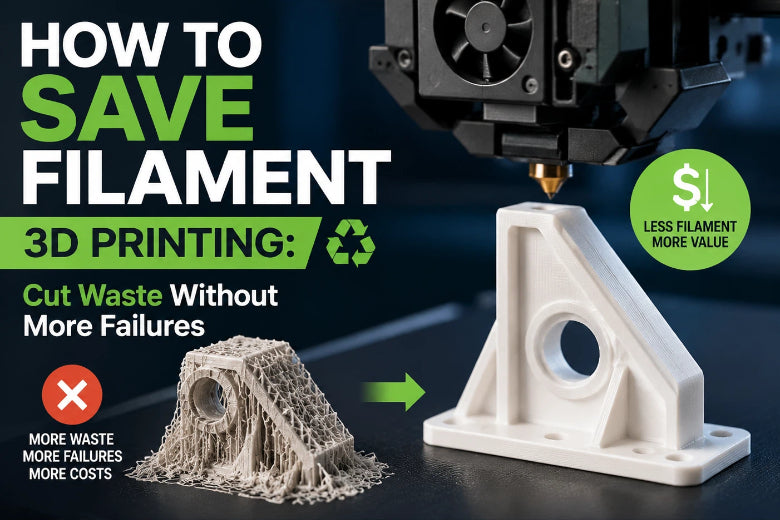
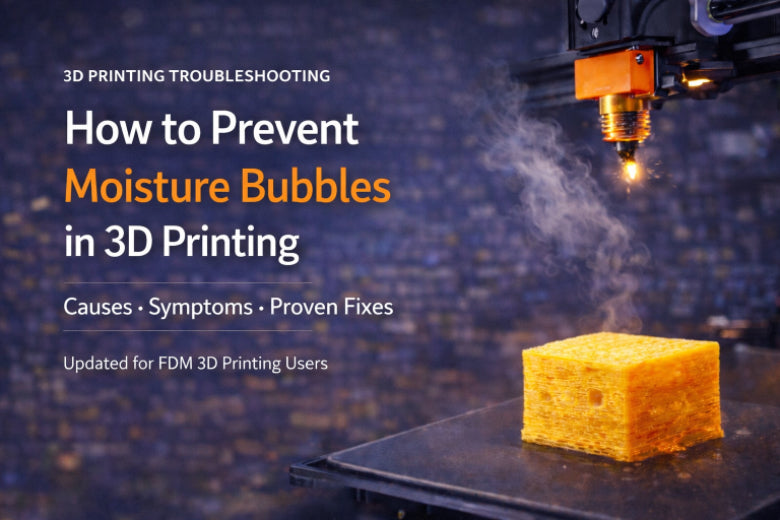
You might see weird marks or weak spots on your prints. This often happens because of filament moisture. If you leave filament out, it takes in water from the air. This happens faster in warm or humid rooms. The water stays inside the filament until you print. When the filament gets hot in the nozzle, the water turns to steam. The steam grows and makes bubbles in the melted plastic. These bubbles can pop or make holes. This causes 3d print bubbles and other problems in your finished part.
Moisture and Steam in Printing
Filament moisture does more than make bubbles. It can cause other issues while printing. You might hear popping or hissing sounds as steam comes out. The printer may push out plastic in uneven lines. This can make 3d print blobs, stringing, or weak layers. You might see rough surfaces or gaps between layers. These problems make your prints look messy and easy to break.
Tip: Always check if your storage area is humid. Use a dry box or sealed container to keep filament moisture low.
Some main things that raise filament moisture are:
- High humidity in your workspace
- Warm temperatures
- Leaving filament out of its packaging
- Storing filament near windows or water sources
Sensitive Filament Types
Not all filaments act the same with moisture. Some types take in water much faster. You should be extra careful with these filaments:
|
Filament Type |
Sensitivity Level |
|---|---|
|
Nylon |
Absorbs moisture quickly |
|
TPU |
Issues with layer adhesion |
|
PETG |
Requires careful handling |
|
PLA |
Less hygroscopic |
If you use nylon, PETG, or TPU, keep them very dry. PLA is less sensitive but can still have problems if left out too long.
When you know how filament moisture affects your prints, you can stop bubbles and make your print quality better for a long time.
How to Identify Bubbles and Blobs in Prints
Visual Signs of 3D Print Blobs
Look closely at your finished parts. You might see bumps or lumps on the surface. These can look like small bubbles or rough spots. Sometimes, thin strands of plastic stretch between parts. These signs mean your print is not smooth. Over-extrusion and filament moisture often cause these problems. If you see these marks, your print may lose shape and detail.
Audible and Mechanical Symptoms
Printing with wet filament can make strange sounds. Listen for popping, hissing, or sizzling noises. These sounds mean steam is coming out of the filament. You may see stringy bits or blobs of plastic left behind. The filament can break easily, especially with PLA or Nylon. Sometimes, layers do not stick well and parts split. These symptoms warn you about moisture before the print is done.
- Popping and hissing during extrusion
- Stringing and oozing between parts
- Surface bubbles and pockmarks
- Weak layer adhesion
- Brittle filament behavior
Common Print Defects from Moisture
Moisture in filament causes many 3d printing defects. The table below shows common problems you might see:
|
Defect Type |
Description |
|---|---|
|
Bubbling |
Tiny bubbles on the surface or inside your print from steam. |
|
Stringing and Oozing |
Thin strands of plastic between parts from steam pushing melted plastic out. |
|
Popping, Hissing, Sizzling |
Noises during extrusion that show moisture in the filament. |
|
Uneven finish from steam making bubbles and moving plastic unevenly. |
|
|
Poor Adhesion and Warping |
Prints may peel off or warp because steam affects layer sticking. |
|
Underextrusion |
Thin or weak prints from inconsistent extrusion, often with bubbling. |
Tip: If you see rough or blotchy surfaces, or hear popping sounds, check your filament for moisture. These signs mean you should dry your filament before printing again.
Learning these warning signs helps you spot 3d print bubbles and 3d print blobs early. This lets you fix filament moisture problems and avoid bad prints later.
Step-by-Step Guide to Avoid Bubbles
Proper Filament Storage
You can stop bubbles and 3d print blobs by storing filament right. Filament moisture causes many 3d printing defects, so good filament storage is important. Keep filament in airtight containers or vacuum-sealed bags. Put silica gel or activated alumina packs inside to soak up moisture. Store opened filament in a sealed place with 20% humidity or less. Try for 10% humidity for sensitive filaments like nylon and TPU. Most filaments are safe below 20% humidity.
- Use airtight containers with rubber seals.
- Put silica gel packets that change color when wet inside each container.
- Store filament in a dry, cool spot between -20°C and +30°C.
- ABS should stay between 15°C and 25°C.
- PVA needs humidity below 50% and temperatures between 10°C and 30°C.
- Use digital humidity monitors to check moisture levels.
Tip: Vacuum-sealed bags and filament dry boxes keep filament safe from moisture and help you avoid bubbles in your prints.
Drying Filament for Bubble-Free Prints
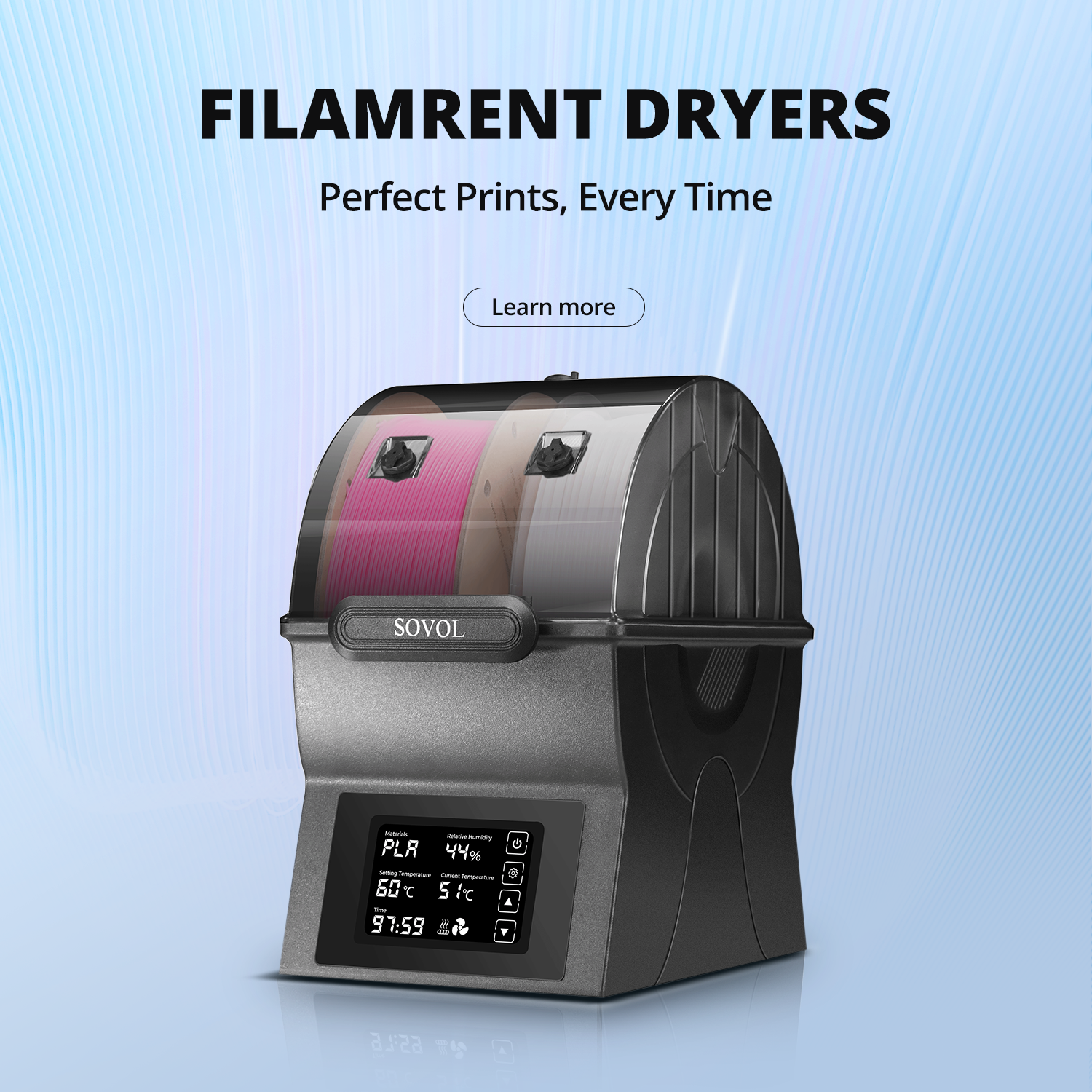
Drying filament before printing is important for bubble-free prints and strong parts. Wet filament leads to 3d print bubbles, 3d print blobs, and weak extrusion. Dry filament at the right temperature and for the right time. Use a filament dryer, oven, or food dehydrator. Always check the drying instructions for your filament type.
|
Filament Drying Parameter |
Recommended Value |
|---|---|
|
Drying Temperature |
45°C–55°C |
|
Drying Duration |
4–6 hours |
|
Max Safe Temperature |
60°C |
Weigh filament before and after drying to see how much moisture you removed. Drying filament helps you avoid bubbles, material buildup, and imperfections. For technical materials, higher temperatures may work better, but always watch for overheating.
"If your filament is not prepared well, during extrusion from the nozzle, you can observe the formation of bubbles on the printout, hear a hissing or cracking noise when printing, and ultimately experience a loss of extruded material, which weakens the printed item."
Pre-drying filament stops voids and weak spots. You get better layer adhesion, smoother finishes, and fewer imperfections. Drying filament also lowers stringing and material buildup during extrusion.
Printer Settings to Avoid Bubbles
Printer settings matter a lot for avoiding bubbles and 3d print blobs. You need to change retraction, temperature, and cooling for each filament type. Start by turning off or lowering retraction if you see oozing or blobs. Raise retraction distance to 5mm at 35mm/s to lower oozing. Lower nozzle temperature to 230°C from 245°C for less runniness. Dry filament for 6 hours at 60°C to remove moisture before extrusion. Raise travel speed to 150–200 mm/s to lower dripping and material buildup.
- Optimize cooling to stop overheating and extrusion problems.
- Use proper bed leveling to avoid imperfections and poor adhesion.
- Watch for popping, hissing, or bubbling during extrusion. These signs mean you need to dry your filament or change settings.
Note: A bad cooling system can cause overheating, over-extrusion, and surface problems like blobs and zits. Good cooling helps you get bubble-free prints.
Tools and Solutions for Dry Filament
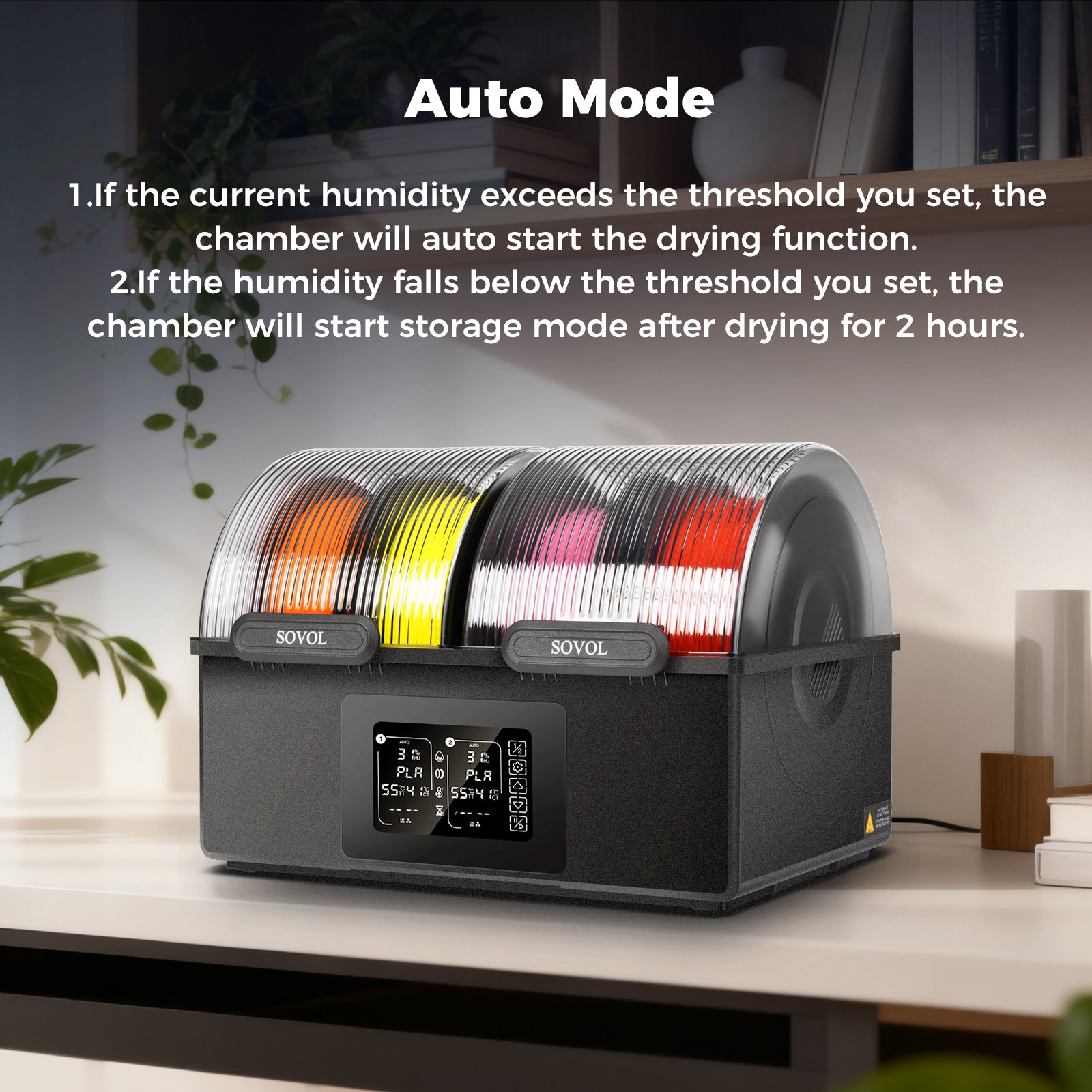
You have many ways to keep filament dry and avoid bubbles. Use airtight containers, vacuum-sealed bags, and filament dry boxes. Add desiccant packs like silica gel or activated alumina. Activated alumina soaks up to 20% of its weight in moisture, much more than silica gel. Desiccant canisters fit inside filament spools for good moisture absorption.
|
Feature |
Professional Dryers |
DIY Methods |
|---|---|---|
|
Capacity |
Large capacity, multi-spool |
Single spool |
|
User Interface |
Easy to use |
Manual controls |
|
Cost |
Higher |
Lower |
|
Temperature Control |
Precise sensors |
Limited control |
|
Safety Features |
Overheat protection |
Needs monitoring |
- Use zip-lock bags with silica gel packs for easy storage.
- Store filament in resealable kitchen bags or plastic containers.
- Advanced dry-storage boxes with moisture sensors help you check humidity.
- Digital humidity monitors let you check moisture levels easily.
Tip: Drying filament can make print quality better, lower defects, and cut filament waste from failed prints.
Regular care helps you avoid bubbles and 3d print blobs. Always follow the manufacturer’s rules for storage. Keep filament away from heat and sunlight. Keep your storage area clean and dust-free. Use desiccants to keep filament dry, but remember they work best for keeping dry filament dry, not for drying wet filament.
You can test filament dryness by weighing it before and after drying. Use a food dehydrator for PLA, PETG, and ABS. For tough materials, try a kitchen oven with air flow. Store filaments with enough desiccant to soak up moisture. Vacuum chambers with desiccants work well for technical filaments.
By following these steps, you avoid bubbles, 3d print blobs, and imperfections. You get bubble-free prints and better long-term print quality.
You can stop moisture bubbles and wet filament problems with easy steps.
- Keep filament in containers that air cannot get into.
- Dry your filament before you start printing.
- Pick the right printer settings for each kind of filament.
Doing these things helps you get prints without bubbles. Your prints will look better and last longer. Many people say they have fewer failed prints and stronger parts when they keep filament dry. The table below shows how different groups get better prints by drying and storing filament:
|
Use Case |
Improvement in Print Quality |
|---|---|
|
Prototypers |
30-50% fewer failures |
|
Hobbyists |
|
|
Schools |
10-15% more successful prints |
Make sure to keep moisture away from your filament every time you print. This will help you get good results each time.
FAQ
Why do moisture bubbles appear in my 3D prints?
Moisture bubbles happen when filament is wet. The wet filament gets hot inside the nozzle. Steam comes out and makes bubbles and weak spots. You might see rough spots or hear popping sounds. Dry your filament before printing to stop these problems.
How can I tell if my filament has absorbed moisture?
You may hear popping sounds from the nozzle. Your prints might have blobs, stringing, or bubbles on the surface. The slicer preview looks normal, but wet filament causes trouble when printing. Keep filament dry to avoid moisture.
What is the best way to dry filament before printing?
Use a filament dryer or food dehydrator. Set the temperature between 45°C and 55°C. Dry the filament for 4 to 6 hours. Weigh the filament before and after drying. Drying takes out moisture and stops bubbles and weak layers.
How do slicer and retraction settings affect moisture bubbles?
The slicer sets retraction and nozzle temperature. Change retraction to lower oozing and blobs. Lower the nozzle temperature if you see bubbles. Adjust retraction distance and speed in the slicer for better prints.
What should I do if I hear popping sounds from the nozzle during printing?
Stop printing right away. Check if the filament is wet. Dry the filament before you print again. Look at slicer and retraction settings. Lower the nozzle temperature and raise retraction distance. These steps help you stop more moisture bubbles.