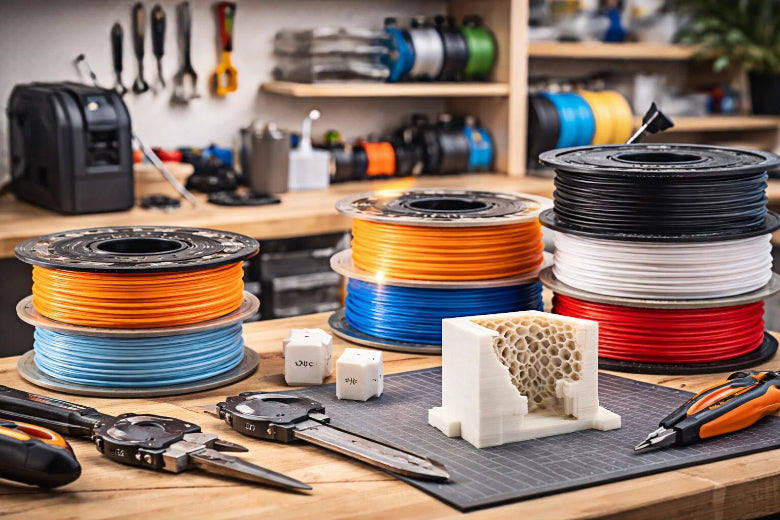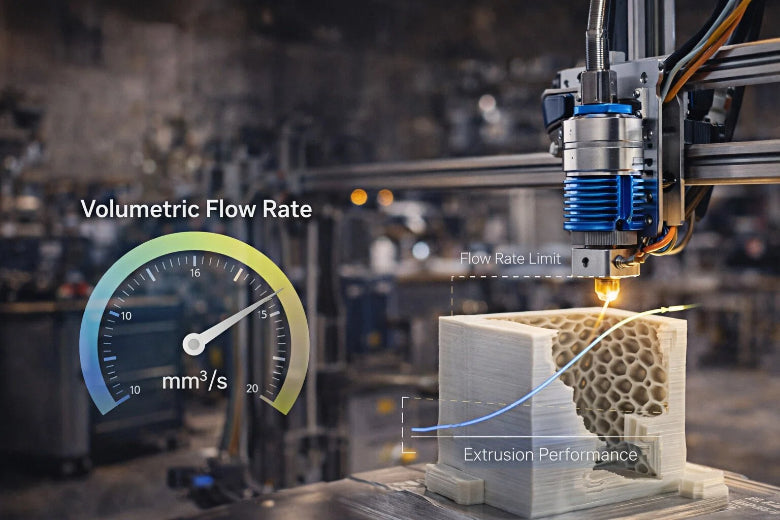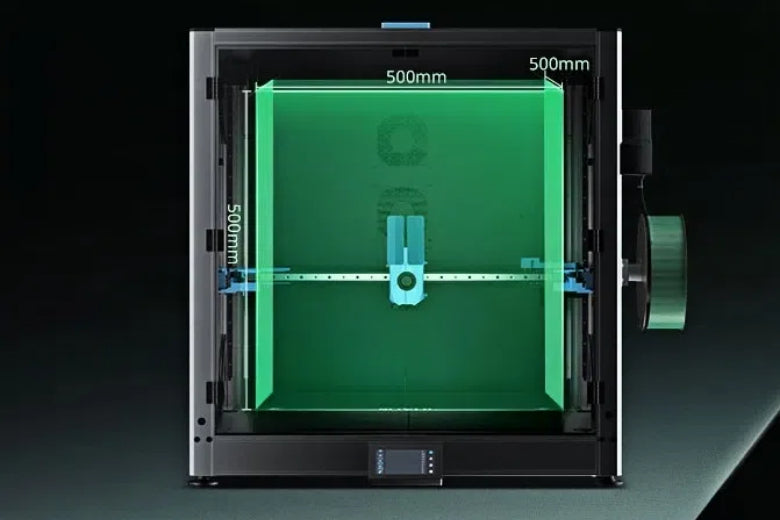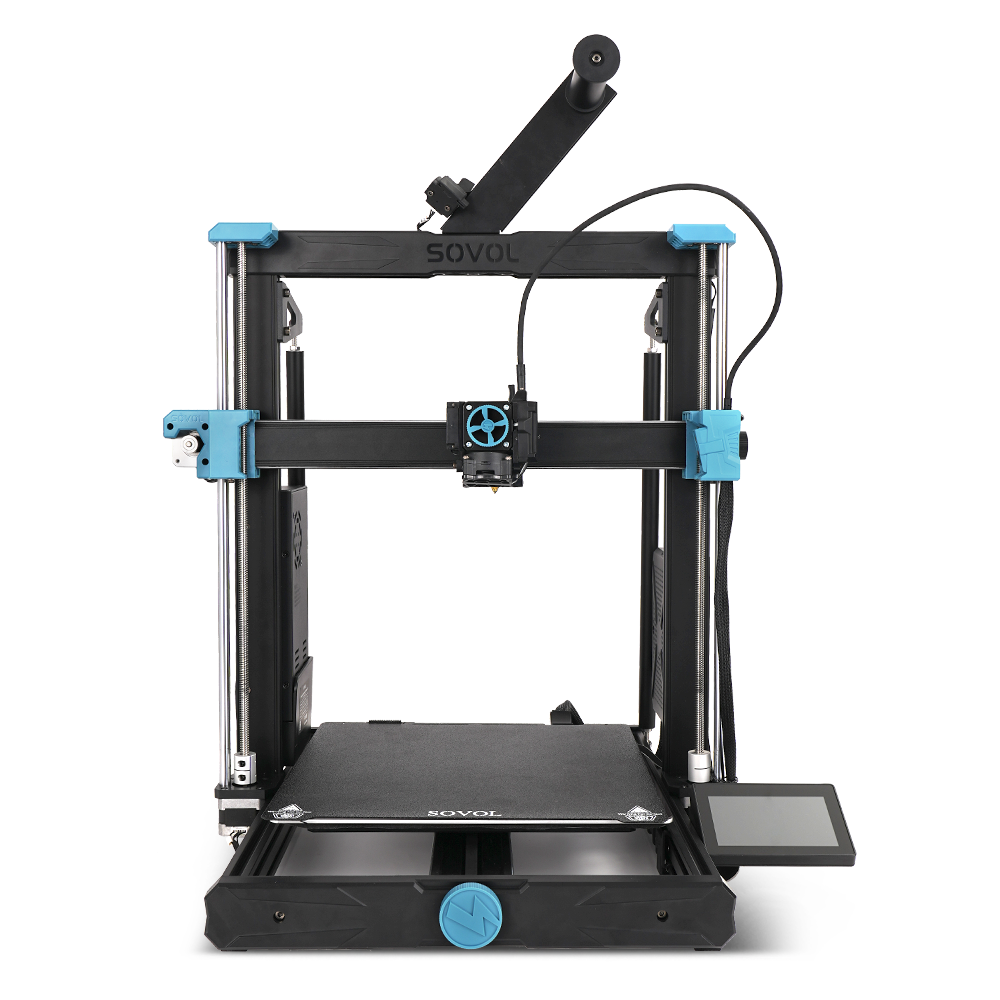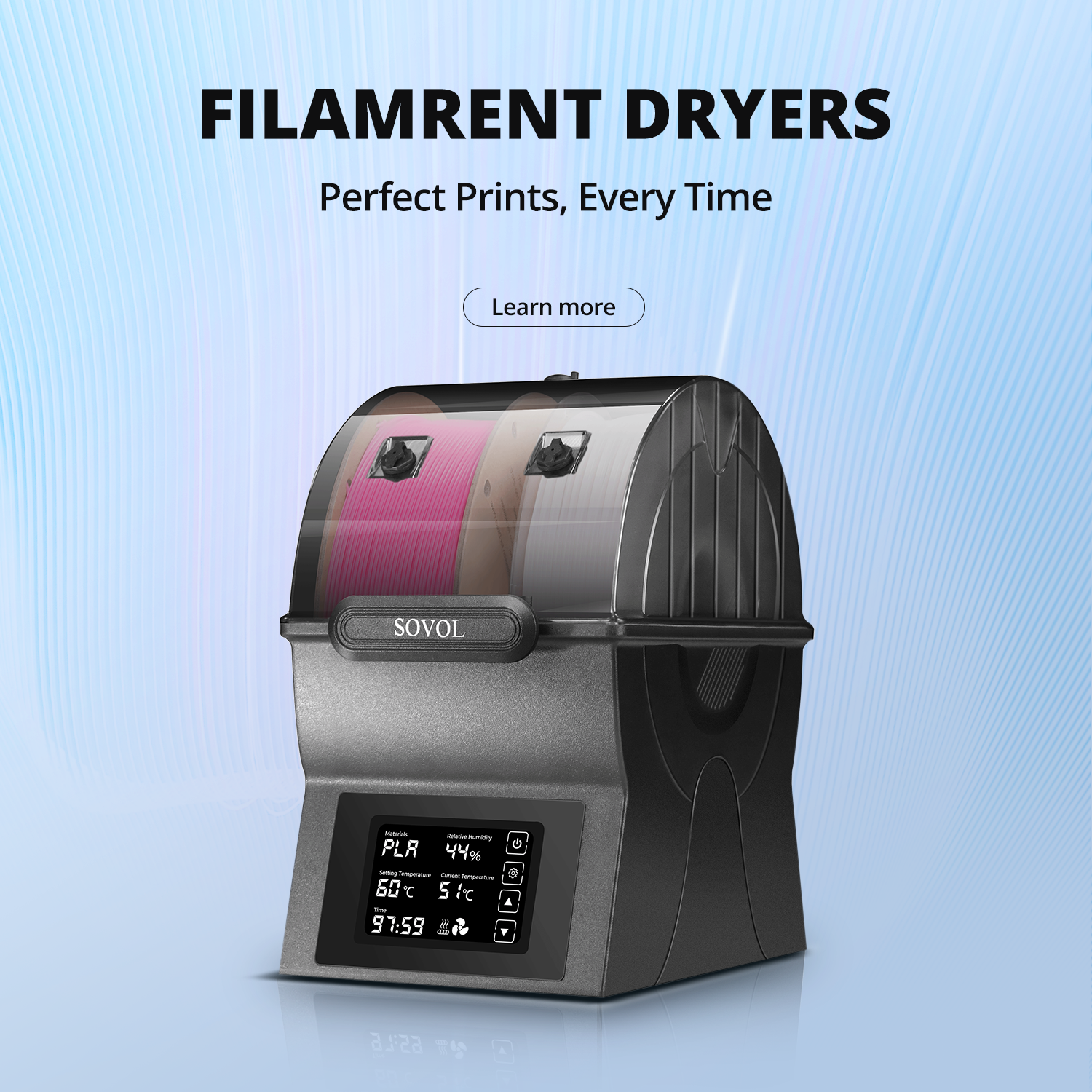
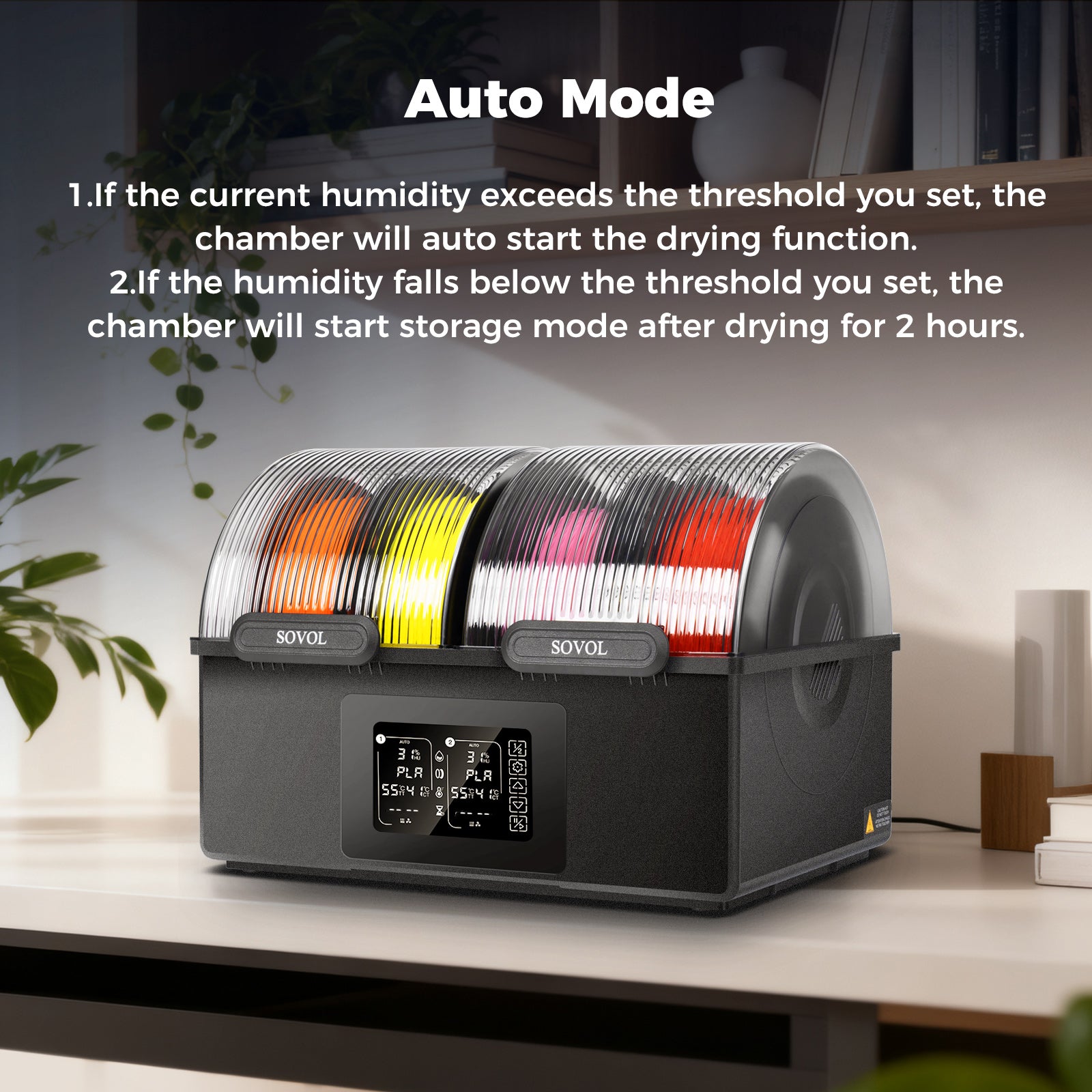

To achieve optimal results in 3D printing, it's essential to use the correct 3D printing temperature settings for each type of filament. This ensures that you obtain strong and smooth prints. The table below outlines the latest nozzle and bed temperature settings for PLA, PETG, ABS, and TPU:
|
Material |
Nozzle Temperature (°C) |
Bed Temperature (°C) |
|---|---|---|
|
PLA |
200 - 220 |
50 - 60 |
|
ABS |
210 - 250 |
80 - 110 |
|
PETG |
220 - 250 |
50 - 80 |
|
TPU |
210 - 230 |
30 - 60 |
Selecting the appropriate 3D printing temperature settings helps prevent weak layers, reduces the risk of warping and stringing, and ensures that layers adhere properly. This attention to detail keeps prints securely attached to the bed, resulting in a more polished final product.
Key Takeaways
Pick the right nozzle and bed temperatures for each filament. This helps your prints stay strong and smooth. Change the temperature a little at a time. This helps you find the best settings for your printer and filament brand. Watch your prints for problems like warping or stringing. Change the temperature if you see these issues. Keep your printing area at a steady temperature. This helps prints stick better and lowers the chance of mistakes. Write down the temperature settings that work well. This will help you with future 3D printing projects.
PLA 3D Printing Temperature Settings
Nozzle Temperature (180°C–220°C)
Set your nozzle temperature for PLA between 180°C and 220°C. Most PLA brands work best from 190°C to 210°C. The best temperature depends on the filament brand and your printer. If you use a lower temperature, layers may be weak or not print enough. Higher temperatures can make layers stick better and prints stronger. But too much heat can cause stringing or blobs. You need to test and find what works for your setup.
- PLA print temperature range: 180°C to 220°C
- Best nozzle temperature for PLA: 190°C to 210°C
- Change settings for different brands and printers
Changing the nozzle temperature in this range affects print quality. Lower temperatures can make layers not stick well. Higher temperatures help layers stick, but too much heat causes other problems.
Bed Temperature (22°C–60°C)
For PLA, you can use a bed temperature from room temperature (about 22°C) up to 60°C. Many people start at 50°C or 60°C to help the first layer stick. At 50°C, PLA usually sticks well and warping is less likely. If you raise the bed temperature to 60°C, you might get even better sticking. But if the bed is too hot, the filament can get too soft.
- Good bed temperature: 50°C to 70°C
- Many start at 60°C
- At 50°C, PLA sticks well and warping is less
Common Issues
If you use the wrong temperature for PLA, you may see these problems:
- Stringing or oozing between parts (nozzle too hot)
- Blobs, zits, or burn marks (nozzle too hot)
- Warping or curling edges (bed or nozzle too hot)
- Loss of detail or rough surfaces (nozzle too hot)
- Weak, brittle, or layers not sticking (nozzle too cold)
- Not enough plastic or clogs (nozzle too cold)
- Uneven plastic or rough surfaces
Adjustment Tips
You can fix most PLA temperature problems by making small changes. Use this table to help you adjust:
|
Temperature Setting |
Effects on Printing |
|---|---|
|
Too Low |
Warping, prints come off, bad first layer |
|
Too High |
Elephant's foot, warping, takes longer to cool |
Tip: Keep your printing area at a steady temperature. Use an enclosure to block drafts. This helps stop warping and makes layers stick better.
A heated bed helps the first layers stick and stops warping. For most PLA, nozzle temperatures from 190°C to 220°C work well. Try small changes and watch your prints to find the best settings for your printer and filament.
PETG 3D Printing Temperature Settings
Nozzle Temperature (230°C–250°C)
Set your nozzle temperature for PETG between 230°C and 250°C. Most people start at 235°C and change it a little at a time. Some brands say you can use 220°C to 260°C, but 230°C to 250°C works for most printers. If you use a lower temperature, your prints may not be strong. Higher temperatures help layers stick and make prints stronger. For example, prints at 230°C are about 55% as strong as they should be. Prints at 245°C are about 60% as strong. Many people start at 245°C and change the temperature by 5°C to find what works best.
- Begin at 235°C and change if needed
- Higher temperatures help layers stick and make prints stronger
- Change temperature by 5°C to get better results
Bed Temperature (60°C–70°C)
Set your bed temperature for PETG between 60°C and 70°C. Some people use 70°C to 80°C to help the first layer stick and stop warping. If your print does not stick, make the bed hotter by 5°C until it works. The best bed temperature can be different for each brand, so you need to try and see what works.
- Use 70°C to 80°C for the bed
- Make the bed hotter by 5°C if prints do not stick
- Hotter beds help stop warping
Common Issues
If you use the wrong temperature for PETG, you can have problems. The table shows what happens if the bed is too hot or too cold:
|
Bed too hot |
Bed too cold |
|---|---|
|
Layers spread out (elephant’s foot) |
Print does not stick to the bed |
|
Sticks too much to the bed |
|
Other problems are stringing, blobs, and warping. Using a cooling fan at 30–60% speed helps cool prints faster and stops warping.
Adjustment Tips
You can change PETG temperature settings to get better prints:
- Set nozzle temperature from 230°C to 250°C for good prints
- Start at 235°C and change if needed
- Use a bed temperature of 70°C to 80°C to stop warping and help prints stick
- If prints do not stick, make the bed hotter by 5°C
- Use a cooling fan at 30–60% speed to stop warping
Tip: Always test new filament brands by changing the temperature a little. Watch your prints and change settings to get the best results.
ABS 3D Printing Temperature Settings
Nozzle Temperature (240°C–250°C)
You should set your nozzle temperature for ABS between 240°C and 250°C. Start printing at about 230°C and adjust the temperature in small steps of 5°C. This helps you find the best setting for your filament and printer. Keeping the nozzle temperature in this range gives you strong prints and good layer bonding. Lower temperatures can cause poor adhesion and warping. Higher temperatures help layers stick together and make your prints stronger.
- Start at 230°C and increase by 5°C if needed
- Most prints work best between 240°C and 250°C
Maintaining the right nozzle temperature also reduces cooling problems that can cause ABS to warp as it cools. If you use a closed printer, you can slow down cooling and keep your prints from warping.
Bed Temperature (100°C–110°C)
Set your heated bed between 100°C and 110°C for ABS. A bed temperature of about 100°C helps stop warping and keeps the first layer stuck to the bed. Some users find that 85°C to 90°C works for smaller parts or with special adhesives. If you see corners lifting, try raising the bed temperature by 5°C.
- Recommended bed temperature: 100°C to 110°C
- For small parts, 85°C to 90°C may be enough
- Increase bed temperature if corners lift
Common Issues
ABS can be tricky to print because it warps and delaminates if the temperature is not right. Here are some common problems:
- Warping if the part cools too quickly
- Delamination or layers splitting apart
- Corners lifting off the bed
- Brittle prints from too much cooling
- Poor adhesion if the bed is not hot enough
You can reduce these problems by using an enclosure to keep the air warm around your print. Printing several parts at once can also help ABS cool more slowly.
Adjustment Tips
You can improve your ABS prints by following these tips:
- Use a bed temperature of 100°C to 110°C to reduce warping
- Keep your printer in an enclosure to hold in heat
- Apply ABS slurry or a glue stick to the bed for better adhesion
- Raise the nozzle temperature for stronger layer bonding
- Slow down print speed for better results
- Avoid using the cooling fan too much
- Use high-quality filament for best adhesion
Tip: Consistent 3D printing temperature settings and a warm print area help you get strong, smooth ABS prints.
TPU 3D Printing Temperature Settings
Nozzle Temperature (220°C–250°C)
Set your nozzle temperature for TPU between 220°C and 250°C. Most people start at 230°C and change it if needed. Printing TPU in this range makes prints flexible and helps layers stick. The right temperature melts the filament so it flows well. This gives you strong and stretchy prints. Some people use temperatures as low as 210°C, but most brands say to start at 220°C. You might need to change the temperature for your printer or filament.
- Begin at 230°C and adjust if needed
- Printing at 220°C–250°C makes prints flexible and helps layers stick
- Lower temperatures can work for some filaments
Bed Temperature (Room Temp–60°C)
TPU sticks best when the bed is heated to 40°C–60°C. A warm bed helps the first layer stick and stops warping. Start at 50°C and change by 5°C if you see problems. Some printers work at room temperature, but most people get better results with a heated bed. Keeping the bed warm helps stop prints from lifting or curling.
|
Bed Temperature |
Result |
|---|---|
|
Room Temp |
May work for small prints |
|
40°C–60°C |
Best sticking and less warping |
Common Issues
You may have problems printing TPU if you use the wrong temperature:
- Prints do not stick if the bed is cold or not treated
- Strings between parts can happen if retraction settings are wrong
- Layers may not stick well if the nozzle is too cold or cooling is too fast
Adjustment Tips
You can make your TPU prints better by changing a few things:
- Lower the printing temperature to stop stringing and help layers stick
- Check the extruder tube for blockages or damage that can cause friction
- Print slowly and be patient for better results
- Change the bed temperature in small steps to find what works best
Tip: Test new filament brands by changing the temperature a little at a time. Watch your prints and make changes to get the best quality.
Troubleshooting 3D Printing Temperature Settings
Print Symptoms and Temperature Problems
When you print with the wrong temperature, you may see many problems. You can spot these issues by looking at your finished prints. Here are some common symptoms that show temperature problems:
- Warping or curling at the corners of your print
- Layers that do not stick together
- Thin strings of filament between parts (stringing)
- Small features that melt or lose their shape
- Weak or brittle layers
- Prints that peel, curl, or lift off the bed
- Under-extrusion, where not enough plastic comes out
If you see thin filament residue between separate areas, your nozzle temperature may be too high. If your print does not stick to the bed or warps, your bed temperature may be too low. When the shrinkage force of the print is stronger than the adhesive force to the bed, warping happens. You can also see cracks, rough surfaces, or melted features if the temperature is not right.
Tip: Always check your print for these signs. They help you know if you need to change your 3D printing temperature settings.
How to Adjust Temperatures
You can fix most temperature problems by making small changes. Follow these steps to adjust your nozzle and bed temperatures:
-
Start with Recommended Settings
Use the suggested nozzle and bed temperatures for your filament. For example, PLA works best at 180°C–220°C for the nozzle and 20°C–60°C for the bed. -
Print a Temperature Tower
Print a temperature tower to test different nozzle temperatures in one print. Each section uses a different temperature. Look for the part with the best surface and strongest layers. -
Check Your Print
After printing, look for stringing, warping, or weak layers. If you see stringing, lower the nozzle temperature by 5°C. If layers do not stick, raise the temperature by 5°C. -
Adjust Bed Temperature
If your print lifts or warps, increase the bed temperature by 5°C. If the bottom of your print looks melted or squished, lower the bed temperature. -
Fine-Tune in Small Steps
Change one setting at a time. Print a small test object after each change. This helps you see what works best. -
Use PID Autotuning (Advanced)
If you change your hot end or bed, run PID autotuning. This keeps your printer’s temperature steady and safe.
Note: Always test new filament brands with small changes. Each brand can behave differently.
Best Practices
You can get better prints by following these best practices:
- Use an enclosure to keep heat around your printer. This stops sudden temperature changes and helps layers stick.
- For large prints or special filaments like ABS, use a heated enclosure to reduce warping.
- Keep your room temperature steady. Changes in room temperature can cause weak layers or rough surfaces.
- Calibrate your printer often. Good calibration gives you strong prints and smooth surfaces.
- Use the right nozzle and bed temperatures for each filament. Here is a quick table for reference:
|
Filament |
Nozzle Temperature |
Bed Temperature |
|---|---|---|
|
PLA |
180°C–230°C |
20°C–60°C |
|
PETG |
220°C–250°C |
|
|
ABS |
210°C–250°C |
90°C–110°C |
|
TPU |
210°C–230°C |
30°C–60°C |
- Watch your first layer. A good first layer sticks well and looks smooth.
- Avoid drafts and cold air near your printer. These can cool your print too fast and cause warping.
Callout: A steady temperature means better prints. If your printer’s temperature goes up and down, you may get weak layers or extra plastic in your print.
You can solve most problems by watching your prints and making small changes. Keep notes on what works best for each filament and printer. This helps you get great results every time you print.
Setting the right temperature for each filament helps you stop warping. It also keeps your prints from failing. Your prints stick better and layers become stronger. Good temperature control stops prints from drooping and corners from coming loose.
- Stop warping and failed prints
- Make the first layer stick better
- Avoid droopy or weak prints
If you learn to control temperature, you can make fewer mistakes. You will reach your printing goals. When you try new settings and see how your printer works, you get better and more confident.
Write down the temperature settings that work well. This list helps you get good prints again and fix problems with new filaments.
FAQ
What happens if you print PLA at too high a temperature?
You may see stringing, blobs, or rough surfaces. The print can look melted or lose detail. Lower the nozzle temperature by 5°C and try again.
How do you know if your bed temperature is too low?
Your print may not stick to the bed. The corners can lift or warp. Increase the bed temperature by 5°C and watch the first layer closely.
Can you print PETG without a heated bed?
You can print PETG without a heated bed for small parts. For best results, use a heated bed at 70°C. This helps prevent warping and improves adhesion.
Why does ABS warp so much?
ABS shrinks as it cools. This causes the edges to lift or warp. Use a heated bed and an enclosure to keep the print warm and reduce warping.
How do you reduce stringing with TPU?
Lower the nozzle temperature and slow down the print speed. Adjust retraction settings. Clean the extruder path to help the filament flow smoothly.