







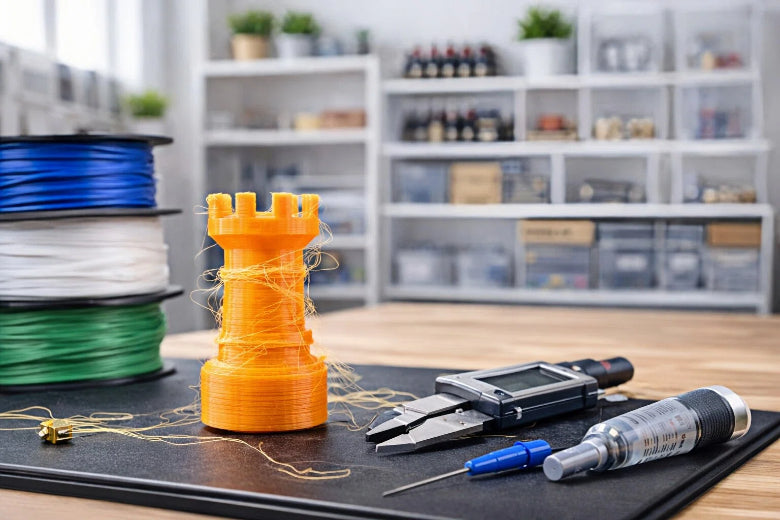
You might see 3D print stringing even with dry filament. Many people think more retraction will fix oozing, but melted filament cannot go backward. Some people believe keeping PLA in a drawer keeps it safe, but moisture can still get in. A step-by-step method helps you find the real cause.
- Myth: More retraction always stops stringing.
- Fact: Retraction lowers pressure, but does not pull filament back.
Key Takeaways
- Change retraction settings with care. Make retraction distance and speed higher to stop stringing.
- Make the nozzle temperature lower slowly. Keep it under the suggested limit to help control how the filament moves.
- Make travel speed faster to stop oozing. Set travel speed over 150 mm/s for better prints.
3D Print Stringing Causes
Retraction Settings
You might see 3D print stringing even with dry filament. Retraction settings are very important for this issue. If the retraction distance is too low or the speed is slow, melted filament can leak out during travel moves. This makes thin strings between parts of your print.
Tip: Direct drive extruders need less retraction than Bowden tube setups. Bowden tubes have more friction and delay, so you need longer retraction distances and faster speeds.
|
Setting |
|
|---|---|
|
Retraction distance |
Direct drive: 0.5–2 mm; Bowden: 3–6 mm |
|
Retraction speed |
20–45 mm/s |
If you use a Bowden tube printer, try raising the retraction distance by 1 mm each time. For direct drive printers, start with a smaller value. Change the retraction speed in steps of 10 mm/s. Look for less stringing after every change.
Note: Pressure changes in Bowden tubes can cause stringing. Make sure your tube is clean and fits well.
Nozzle Temperature
Nozzle temperature changes how easily filament comes out. If the temperature is too high, the filament gets runny and leaks from the nozzle. This causes more 3D print stringing. Lowering the temperature keeps the filament thicker and stops oozing.
- High nozzle temperatures make filament too runny.
- Too much runniness causes dripping and stringing.
- Lower temperatures help control filament flow.
|
Filament |
Stringing Risk |
|
|---|---|---|
|
PLA |
Above 220°C |
Increased stringing |
|
PETG |
Above 250°C |
Increased stringing |
|
TPU |
Higher temperatures |
Increased stringing |
Start by lowering your nozzle temperature by 5°C at a time. Check your print after each change. If you see less stringing, you found a better temperature. For PLA, keep the temperature under 220°C. For PETG, stay below 250°C.
Tip: If you change filament types, always check the recommended temperature range. Each material reacts differently to heat.
Travel Speed & Path
Travel speed and path decide how fast the nozzle moves when not printing. Slow travel speeds give melted filament more time to leak and make strings. Fast travel speeds help stop 3D print stringing.
- Slow travel speeds let filament drip on your print.
- Good travel speeds are 190 to 200 mm/s for most materials.
- Faster travel speeds help stop stringing.
Most slicer software lets you change travel speed. Set it above 150 mm/s for better results. You can also use combing mode, which keeps the nozzle inside printed areas. This hides stringing and keeps your print neat.
Tip: Turn on features like "Avoid crossing perimeters" in your slicer. This keeps travel moves inside the model and lowers stringing.
Practical Tuning Checklist:
- Raise retraction distance and speed step by step.
- Lower nozzle temperature in small steps.
- Increase travel speed to 150–200 mm/s.
- Use combing and coasting settings in your slicer.
- Check Bowden tube for friction or loose parts.
You can fix most 3D print stringing problems by tuning these settings. Try one change at a time and watch what happens. This helps you find the best setup for your printer and filament.
Filament & Hardware Factors
Filament Type & Quality
Different filament materials act in their own ways when printing. PETG makes more strings because it stays melted longer and is thicker. PLA does not string as much as PETG. TPU can make strings too, especially with high heat. Filament quality is important. Good filaments are made to stop stringing. Bad or old filaments might have lumps or rough spots. These can cause stringing in your 3D prints. Always look at your filament for problems you can see. Keep filament dry so it does not soak up water.
- PETG: Makes more strings because it is thick.
- PLA: Strings less than PETG.
- TPU: Can string if you use high heat.
- Good filament: Helps stop stringing.
- Bad filament: Makes stringing more likely.
Nozzle Condition
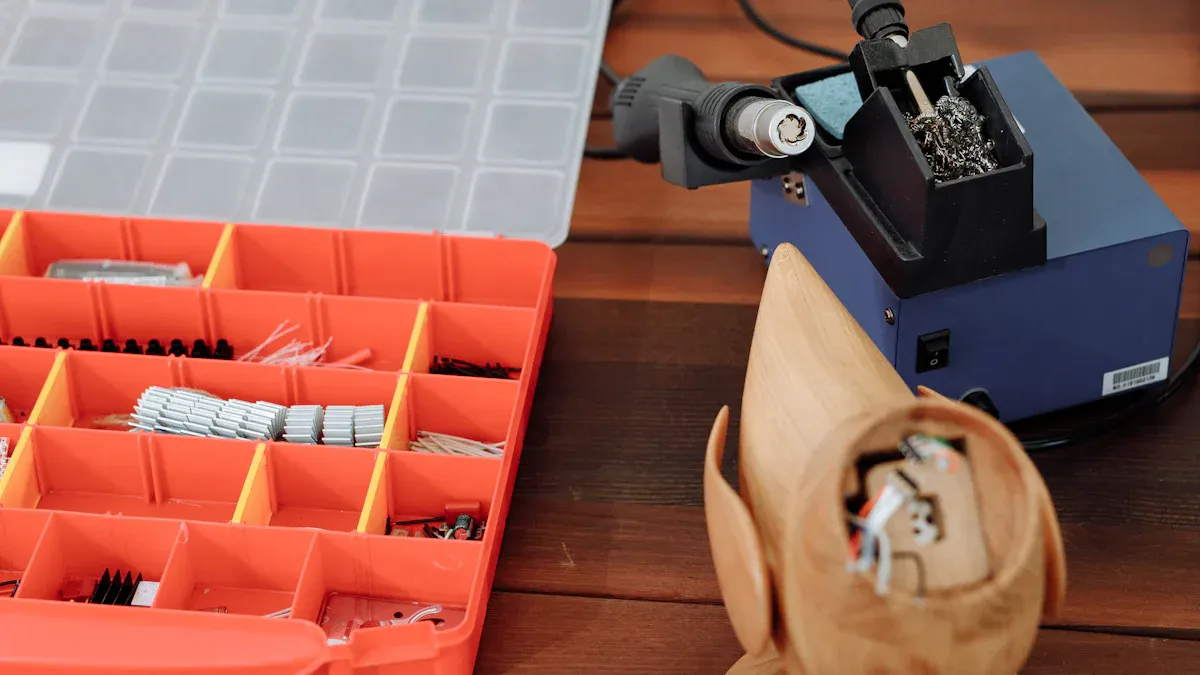
A nozzle that is old or dirty can make stringing worse. If the nozzle is damaged, it may leak filament in random ways. Sticky filaments like PETG can leave stuff inside the nozzle. This makes more strings. Check your nozzle often and clean it. Change the nozzle if you see damage or dirt that will not come off.
|
Best Practice |
Description |
|---|---|
|
Clean your nozzle often |
This stops clogs and keeps prints smooth. |
|
Use good filament |
This helps stop jams and keeps filament moving well. |
|
Change print settings |
Match heat and retraction to the filament you use. |
Environmental Effects
The room’s temperature and air movement can change stringing. If the room is hot, filament gets runny and makes more strings. If it is cold, layers may not stick together. Fans or open windows can cool the print in weird ways. This can cause stringing.
Temperature is very important in 3D printing. Hot rooms make filament thin and quick to move, which can cause more strings between parts.
You can fix these problems by changing your printer’s heat settings and keeping your room steady. Try not to let air blow on your printer or change the room’s temperature fast.
|
Actionable Step |
Description |
|---|---|
|
Start with what is suggested and change by 5°C each time. |
|
|
Set print speed and travel right |
Print at 40–60 mm/s and adjust retraction. |
|
Use retraction features well |
Set retraction distance for your extruder to help stop stringing. |
Check your hardware and room often and make small changes. This helps stop stringing and makes your prints look better.
Stringing Troubleshooting
Step-by-Step Fixes
You can solve most 3D print stringing problems by following a clear process. Start with these steps:
- Enable and Adjust Retraction: Make sure retraction is on in your slicer. Set the retraction distance to 3 mm and adjust by 0.5–1 mm until stringing decreases.
- Lower Nozzle Temperature: Set the nozzle temperature at the lower end of your filament’s range. For PLA, try 190–220°C. For PETG, use 220–250°C. Lower the temperature by 5°C at a time.
- Increase Travel Speed: Set travel speed to 190–200 mm/s. Faster moves give melted filament less time to ooze.
- Check Hardware: Tighten belts and check for worn parts. Make sure the Bowden tube fits snugly and does not move during printing.
- Clean the Nozzle: Remove any debris or buildup from the nozzle to keep extrusion smooth.
Tip: Enable Z hop in your slicer to lift the nozzle during travel moves. This helps prevent collisions and reduces stringing.
Common Mistakes
Many users overlook simple causes of stringing. Here are frequent mistakes:
|
Mistake |
Why It Matters |
|---|---|
|
Retraction disabled |
Without retraction, melted plastic oozes out during travel, causing strings. |
|
High nozzle temperature |
Too much heat makes filament runny and increases stringing. |
|
Slow travel speed |
Slow moves give filament more time to leak out. |
|
Loose Bowden tube |
A loose tube lets filament move too much, leading to more stringing. |
Quick Checklist for Reducing Stringing:
- Calibrate the build plate.
- Clean and dry the build surface.
- Use dry filament.
- Adjust retraction and temperature.
- Increase travel speed.
- Tighten belts and hardware.
- Enable Z hop.
Understanding these steps and avoiding common mistakes will help you reduce 3D print stringing and get cleaner prints.
You can stop 3D print stringing by changing slicer settings. Keep your printer clean to help it work well. Clean the nozzle often so filament moves smoothly. Change temperature and retraction for each filament type. Try different settings to make your prints better and save filament.
Use the troubleshooting checklist and test new settings. You will get better prints and see less stringing.
- Better print quality
- Prints look nicer
- Prints are stronger
- You waste less filament
FAQ
Why does stringing happen even with dry filament?
Stringing happens if your retraction, nozzle temperature, or travel speed are not set right. Dry filament does not always stop stringing.
Tip: Change one setting at a time to see what works.
Why do different filaments string more than others?
PETG and TPU string more because they melt in their own way. PLA usually has less stringing. Filament quality also changes how much stringing you get.
- PETG: High risk for stringing
- PLA: Low risk for stringing
- TPU: Medium risk for stringing
Why does cleaning the nozzle help reduce stringing?
A clean nozzle helps filament move out smoothly. Dirt or damage makes filament come out uneven, which causes stringing. Check and clean your nozzle often.











