







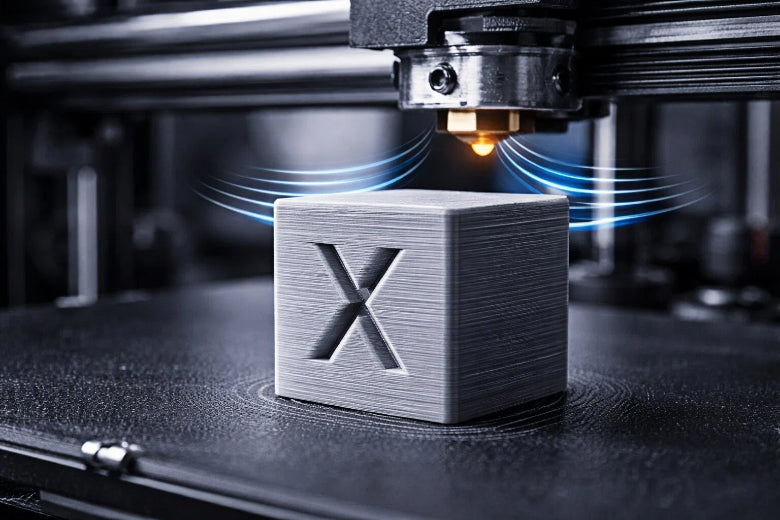
How to Fix Ghosting in 3D Printing Step by Step for Better Results
Fix ghosting in 3D printing step by step by tightening belts, stabilizing your printer, and adjusting speed for smoother, high-quality prints.
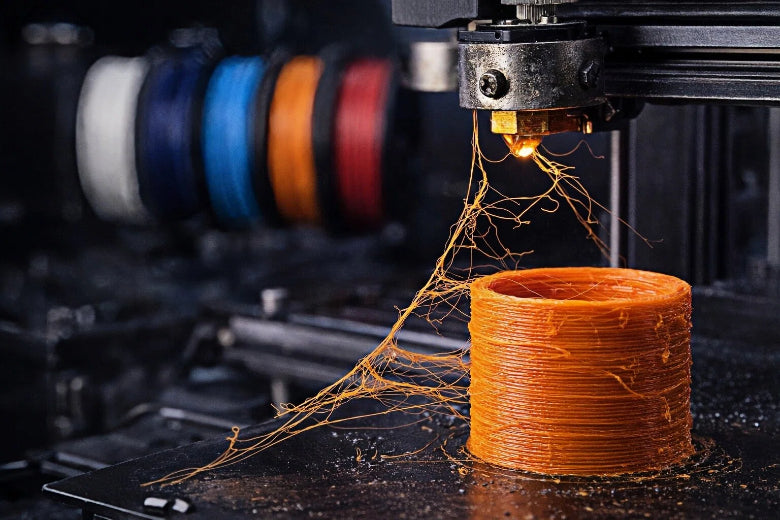
Best Practices to Reduce 3D Printing Stringing in 2026
Reduce stringing in 3D printing by adjusting retraction, lowering temperature, and drying filament for cleaner results in 2026.
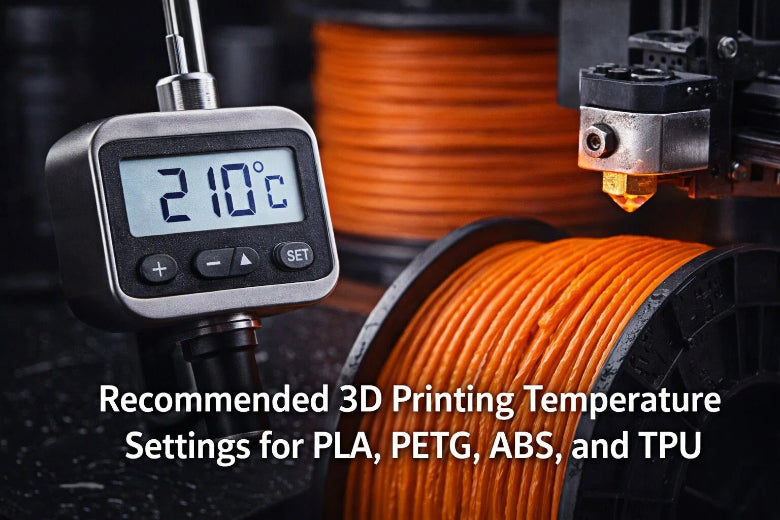
Recommended 3D Printing Temperature Settings for PLA, PETG, ABS, and TPU
Find the best 3D printing temperature settings for PLA, PETG, ABS, and TPU to improve print quality, layer adhesion, and reduce warping.
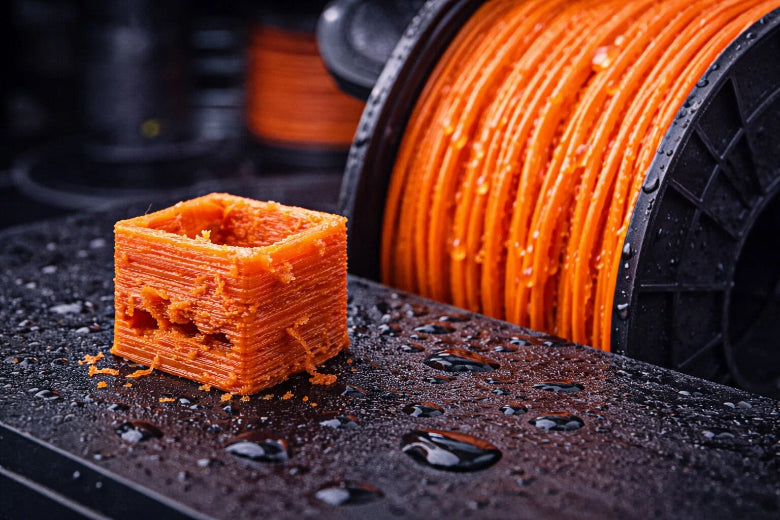
Wet filament causes weak, rough, and brittle 3D prints. Prevent moisture damage by storing and drying filament before printing.
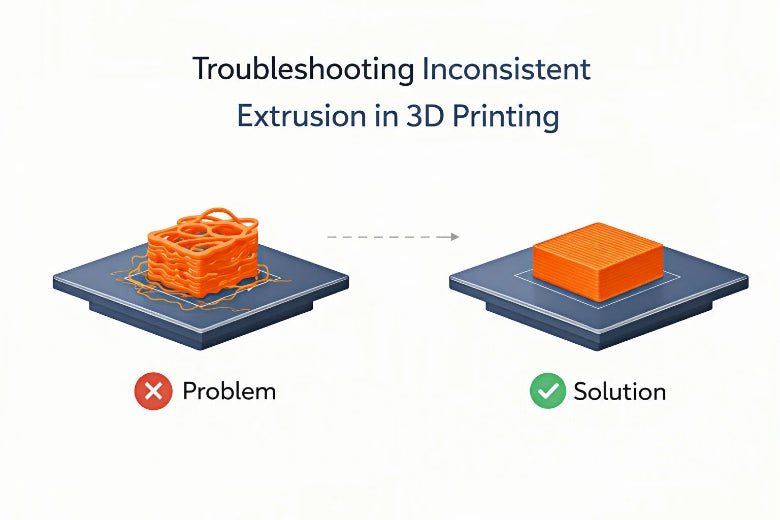
How to Fix Inconsistent Extrusion in 3D Printing
Fix inconsistent extrusion 3D printing by checking filament, cleaning the nozzle, calibrating extruder, and adjusting slicer settings for smooth prints.
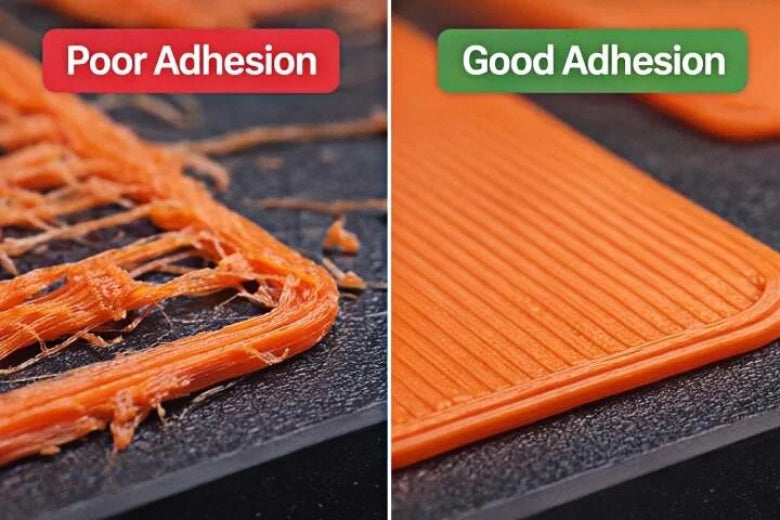
How to Fix First Layer Adhesion Issues in 3D Printing
Why 3D prints fail on the first layer: Fix adhesion issues by adjusting nozzle height, leveling the bed, and cleaning the print surface for better results.
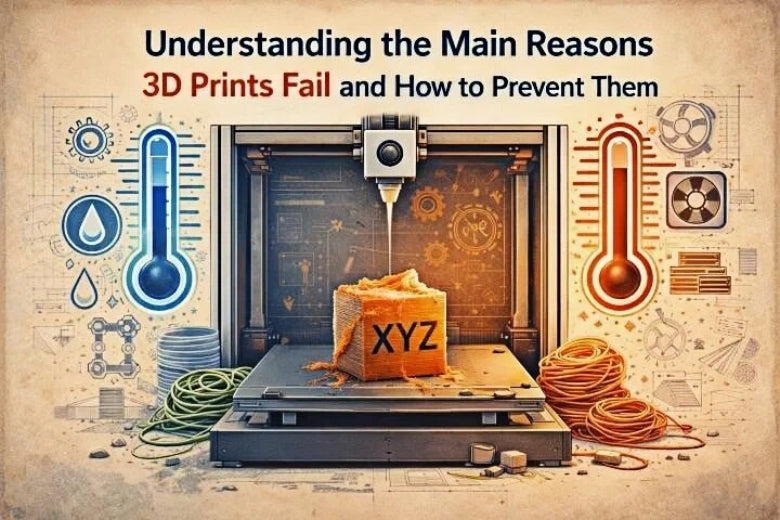
Understanding the main reasons 3D prints fail and how to prevent them
Find out why 3D prints fail, from bed adhesion to extrusion issues, and get practical tips to prevent common 3D printing failures.
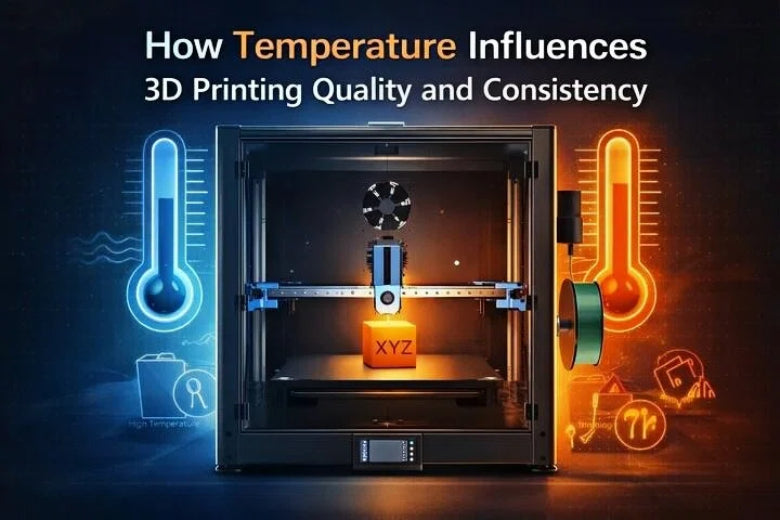
How Temperature Influences 3D Printing Quality and Consistency
See how temperature affects 3D printing quality, from nozzle and bed settings to ambient control, for stronger, more accurate, and consistent prints.
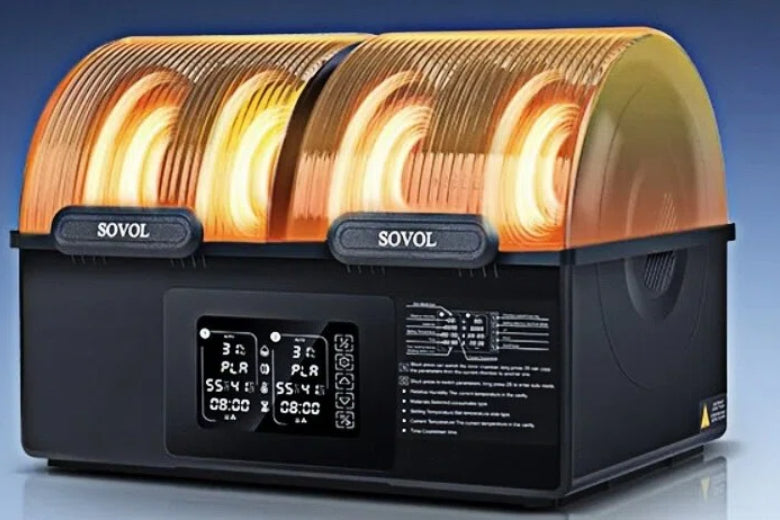
Avoiding 3D Printing Failures Caused by Wet Filament with the SH03 Filament Dryer
SH03 Filament Dryer removes moisture from filament, preventing weak prints, stringing, and surface defects for reliable 3D printing results.
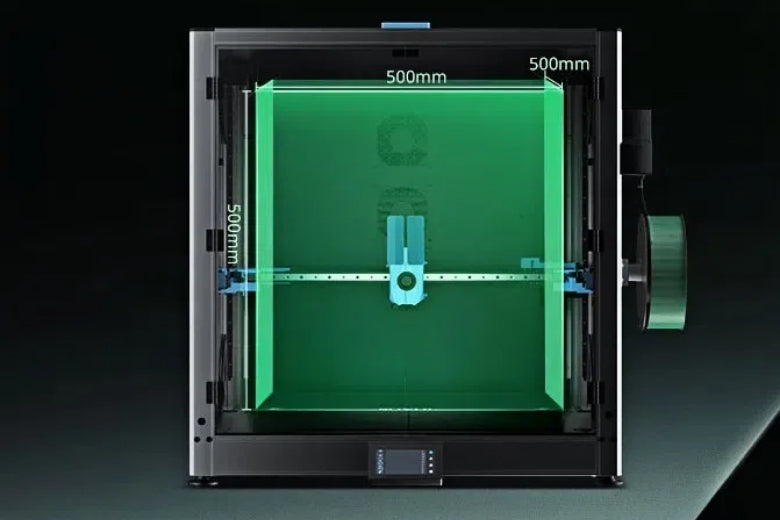
Why Enclosures Matter for Large-Format 3D Printing
A 3D printer enclosure ensures stable temperature, reduces warping, controls fumes, and protects large-format 3D printers for better results.
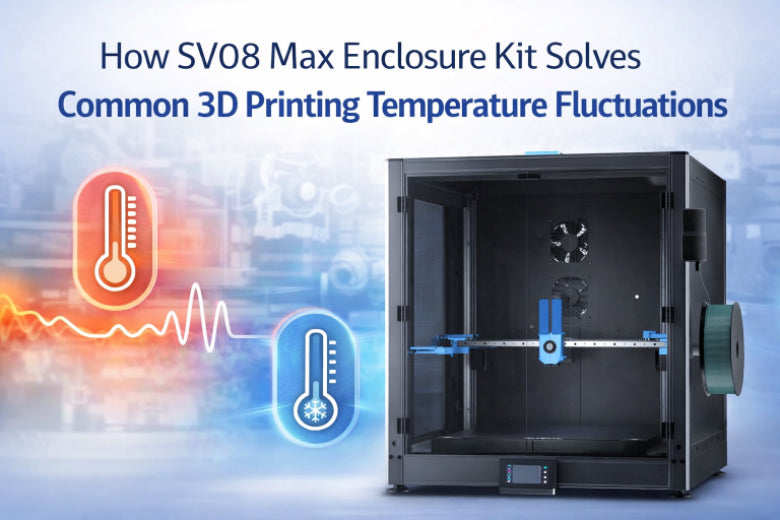
How SV08 Max Enclosure Kit Solves Common 3D Printing Temperature Fluctuations
SV08 Max Enclosure Kit maintains stable temperatures, reducing warping and layer splits for stronger, higher-quality 3D prints with advanced materials.
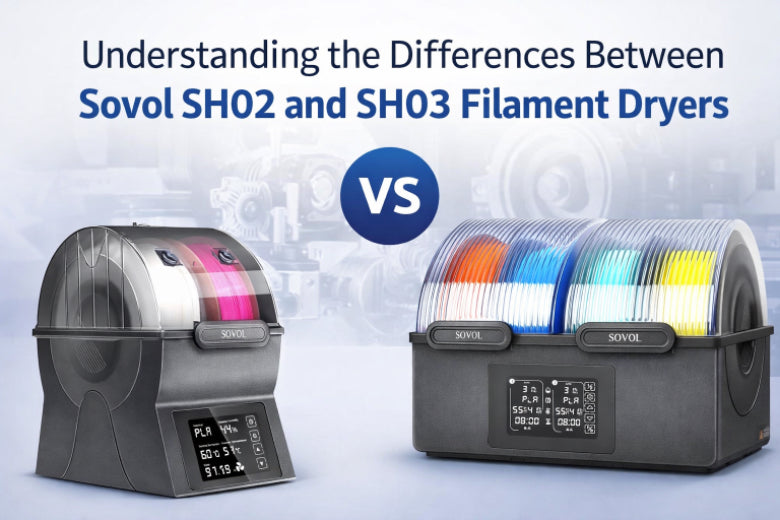
Understanding the Differences Between Sovol SH02 and SH03 Filament Dryers
Sovol SH02 vs SH03 filament dryer: Compare drying capacity, temperature range, and features to choose the best Sovol filament dryer for your 3D printing setup.