
Why Sovol Filament Dryer 4 Spools Is the Secret Ingredient for Smooth Prints
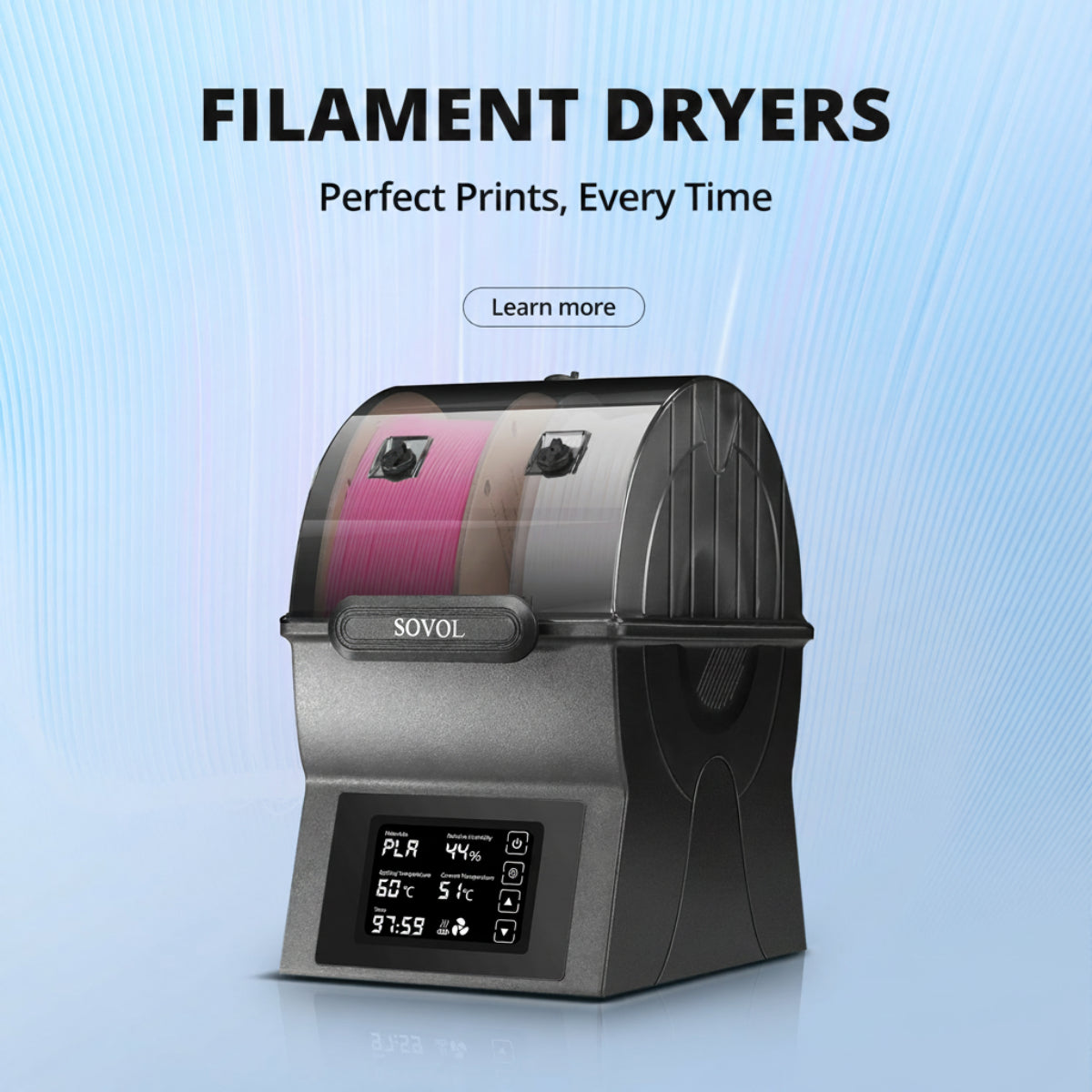
Sovol Filament Dryer 4 Spools keeps filament dry, prevents moisture issues, and ensures smooth, strong 3D prints for multi-material projects.

How to Control Humidity for Better 3D Printing Results
Control humidity for 3D printing by storing filament dry and monitoring levels to prevent weak, rough, or stringy prints and achieve optimal results.
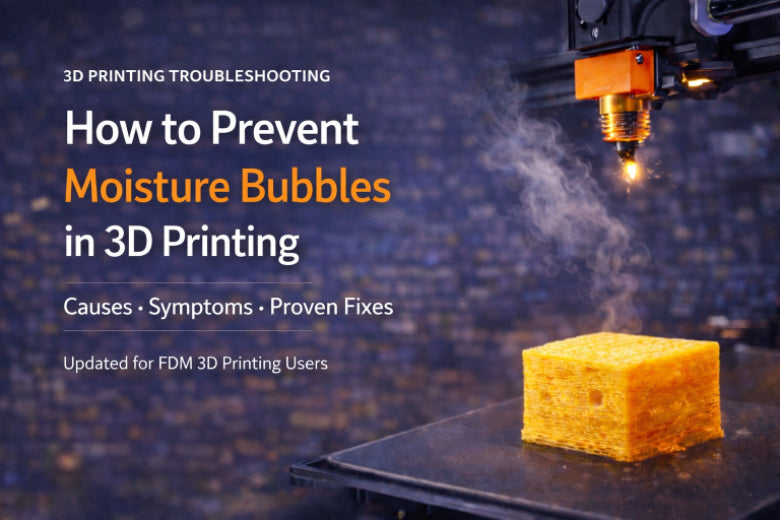
How to Prevent Moisture Bubbles in 3D Printing
Prevent 3D Print Bubbles by keeping filament dry, using airtight storage, and adjusting printer settings for smooth, bubble-free 3D prints.
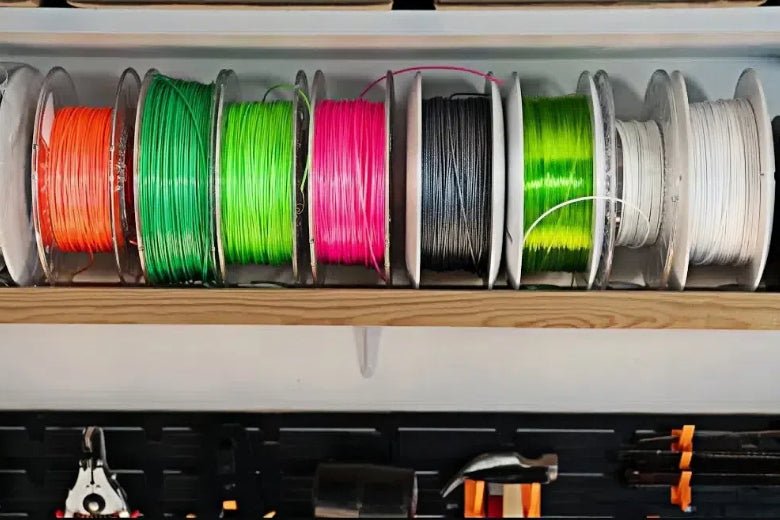
How to Prevent Filament Stringing in FDM 3D Printers
Stop filament stringing in 3D printing by adjusting retraction, lowering nozzle temperature, drying filament, and cleaning the nozzle for smooth prints.
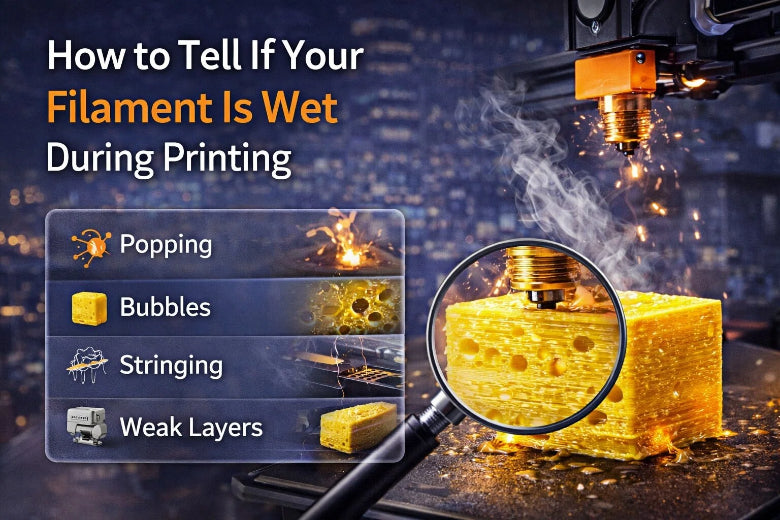
How to Tell If Your Filament Is Wet During Printing
Spot wet filament symptoms like popping sounds, bubbles, stringing, and weak layers during 3D printing to avoid poor print quality and wasted material.
How to Fix Filament Popping During 3D Printing
Stop filament popping during 3D printing by drying filament, adjusting temperature, and cleaning the nozzle for smoother, stronger prints.
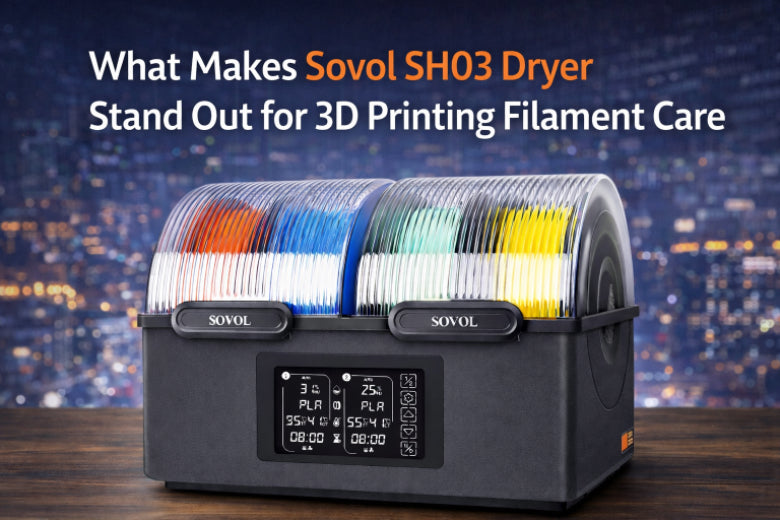
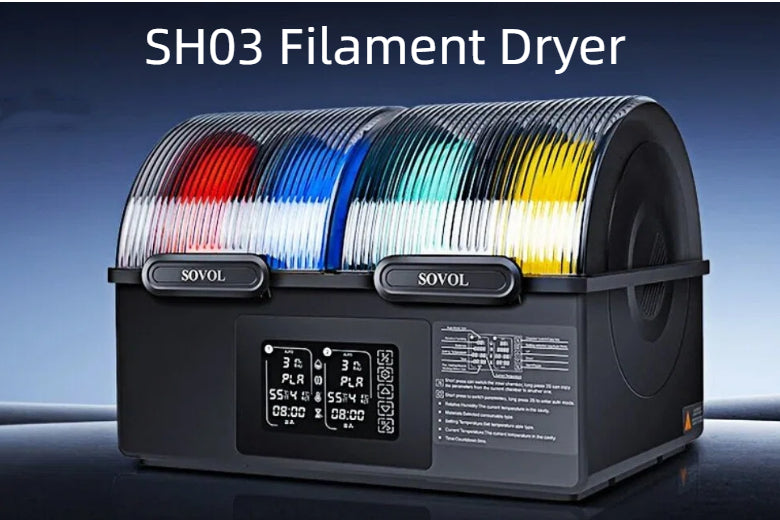
What Makes Sovol SH03 Dryer Stand Out for 3D Printing Filament Care
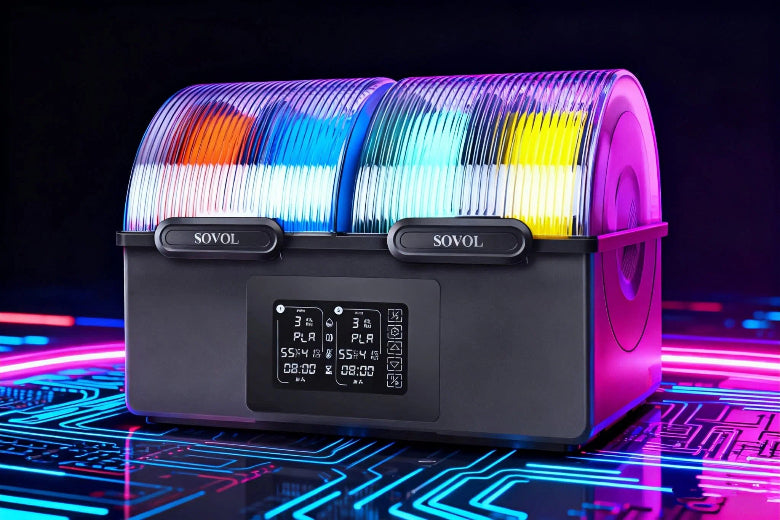
Sovol SH03 Dryer offers dual chambers, fast heating, and auto dehumidification for efficient, quiet 3D printing filament care and consistent print quality.
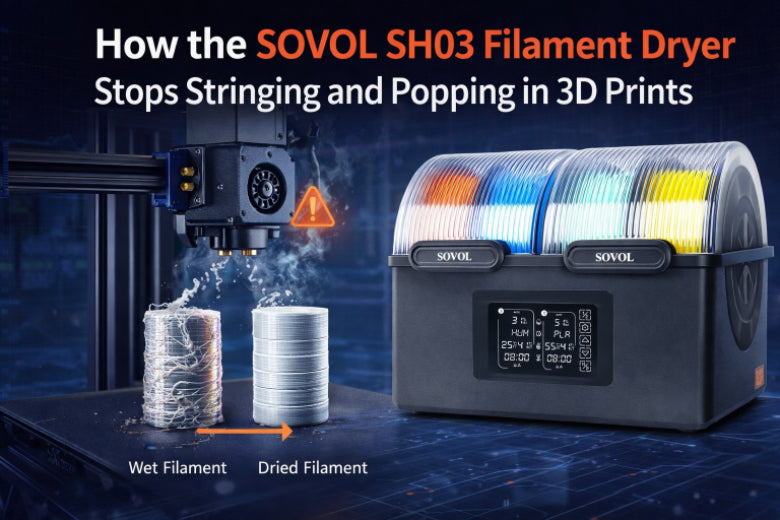
How the SOVOL SH03 Filament Dryer Stops Stringing and Popping in 3D Prints
SOVOL SH03 Filament Dryer removes moisture to stop stringing and popping in 3D prints, ensuring smoother surfaces, stronger layers, and fewer print failures.
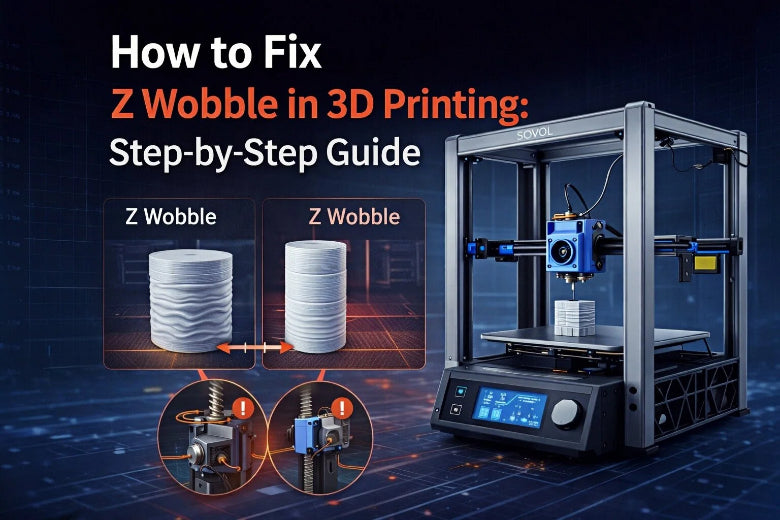
How to Fix Z Wobble in 3D Printing Step by Step
Fix Z wobble 3D printing issues with step-by-step solutions for smoother prints. Identify causes, align parts, and maintain your printer for best results.
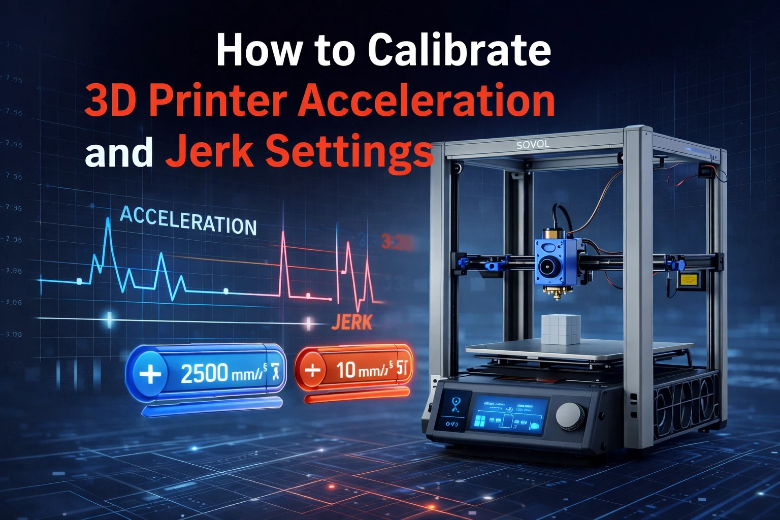
How to Calibrate 3D Printer Acceleration and Jerk Settings
Calibrate 3D printer acceleration and jerk for smoother prints, fewer defects, and longer machine life. Find safe settings and step-by-step adjustment tips.
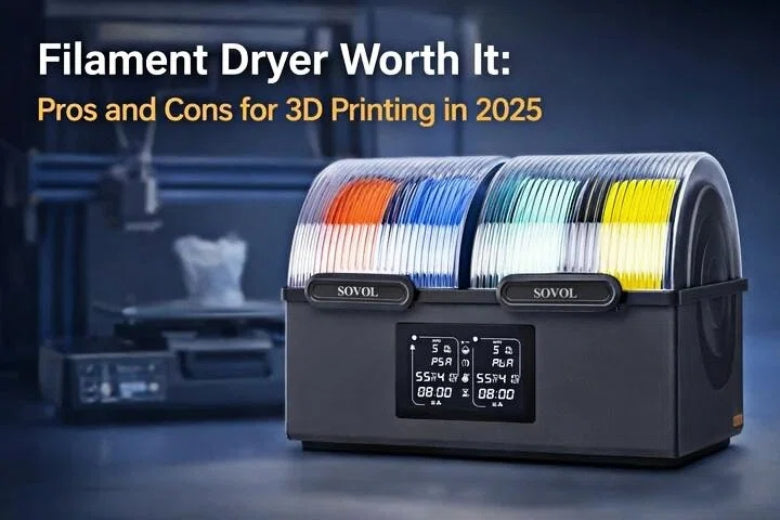
Filament Dryer Worth It Pros and Cons for 3D Printing in 2026
Is a filament dryer worth it for 3D printing in 2026? See pros, cons, and if a filament dryer improves print quality, reliability, and saves money.
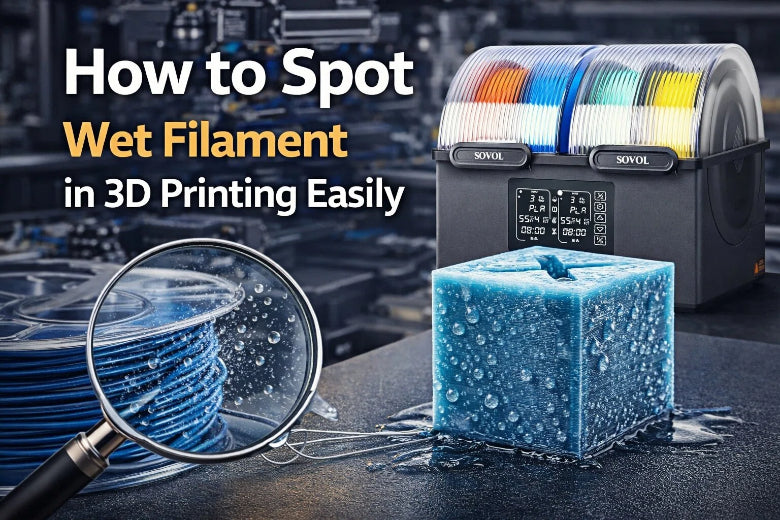
How to Spot Wet Filament Problems in 3D Printing Easily
Spot wet filament problems in 3D printing by watching for popping sounds, stringing, bubbles, and rough surfaces to ensure strong, high-quality prints.