







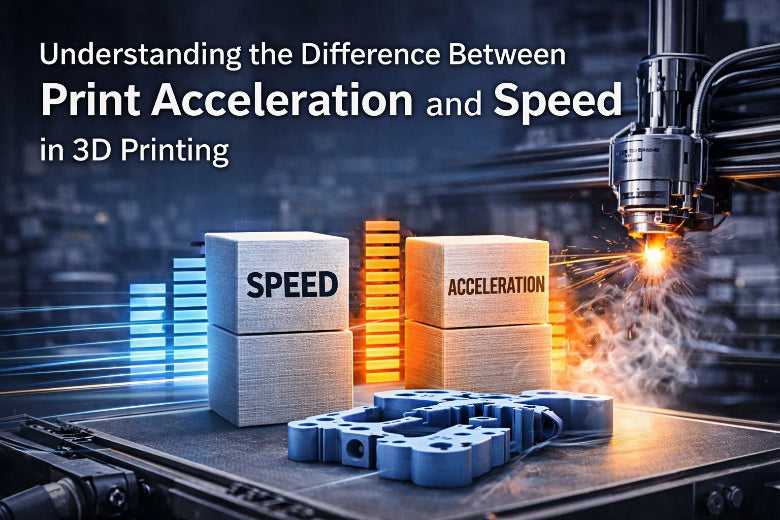
Understanding the Difference Between Print Acceleration and Speed in 3D Printing
Print acceleration vs speed 3D printing: Speed sets max nozzle movement, while acceleration controls how quickly that speed is reached for quality prints.
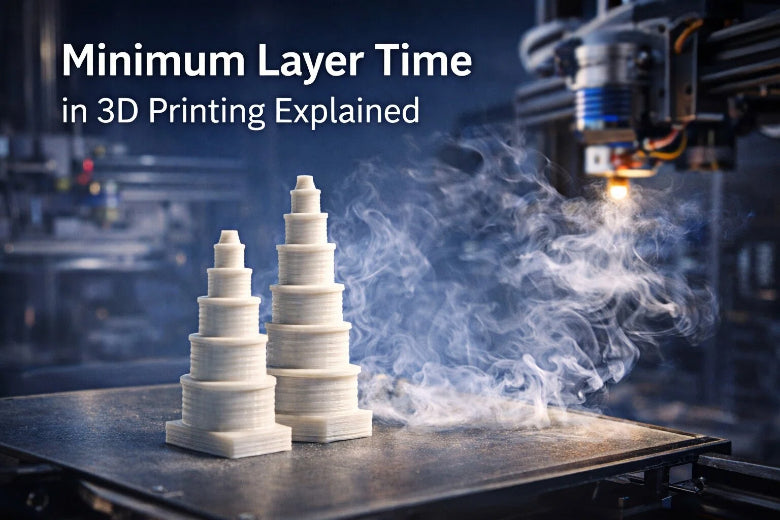
Minimum layer time 3D printing explained for better results
Minimum layer time 3D printing controls cooling for each layer, preventing warping and improving print quality for smoother, stronger results.
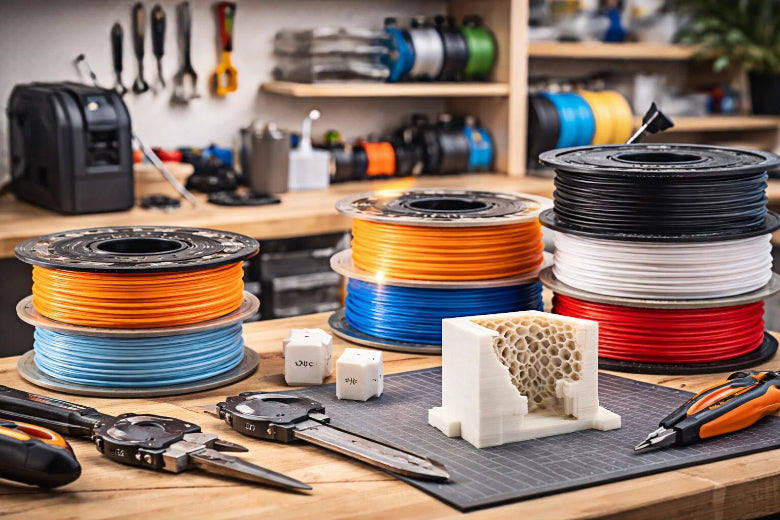
How to Optimize Filament Cooling for High-Quality 3D Prints
Optimize filament cooling strategies to boost 3D print quality, prevent warping, and achieve strong layer adhesion for detailed, reliable results.
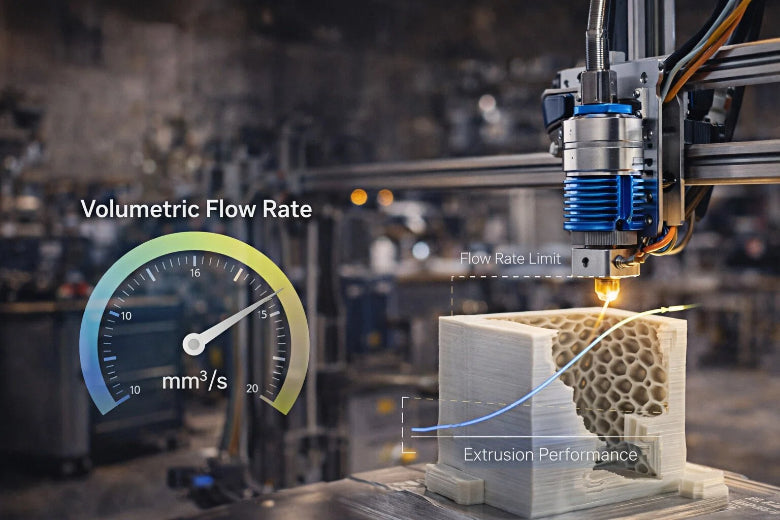
What Volumetric Flow Rate Means in 3D Printing
Volumetric flow rate 3D printing defines how much filament is extruded per second, impacting print quality, speed, and material efficiency.
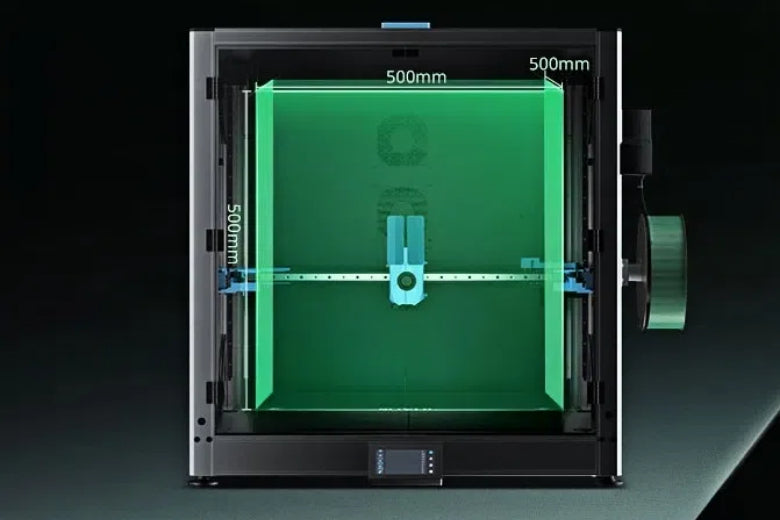
Sovol SV08 Max Makes Big 3D Prints Easy
Sovol SV08 Max offers advanced features for easy, reliable large 3D prints with auto-leveling, high speed, and wide material compatibility.
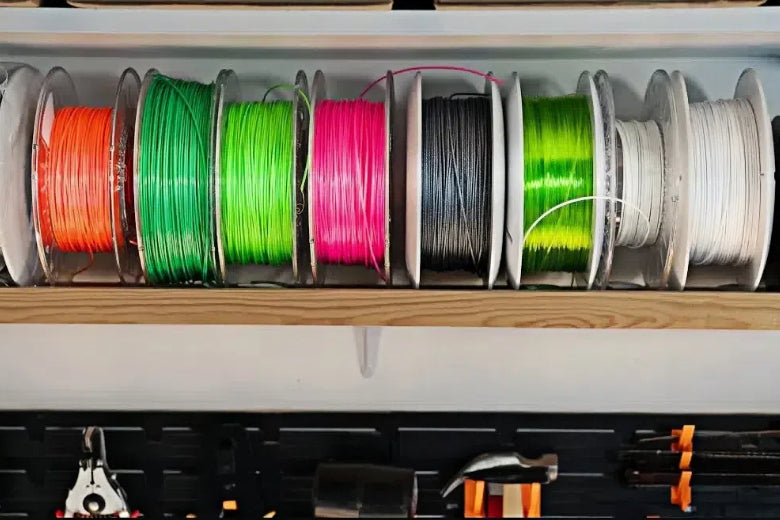
SH02 Filament Dryer Makes Printing Problems Disappear
SH02 Filament Dryer eliminates moisture, ending weak, rough, or bubbly 3D prints. Enjoy smooth, strong results and hassle-free printing every time.
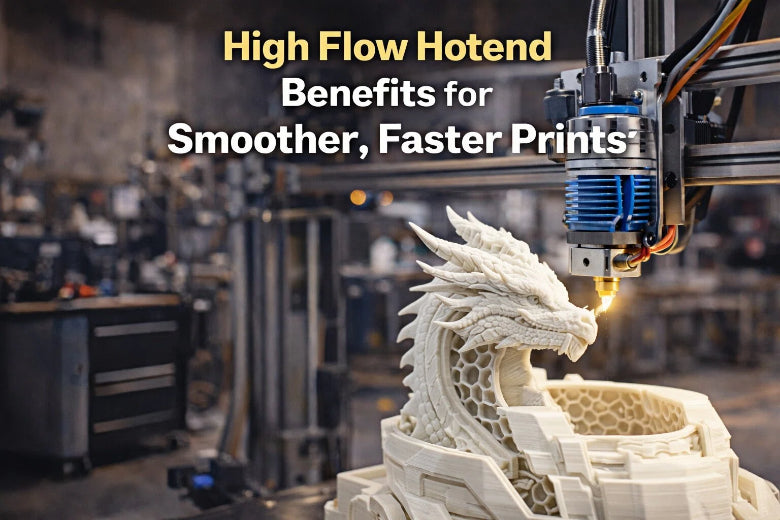
High flow hotend benefits for smoother, faster prints
High flow hotend benefits include faster print speeds, smoother surfaces, reliable extrusion, and versatility for large or complex 3D prints.
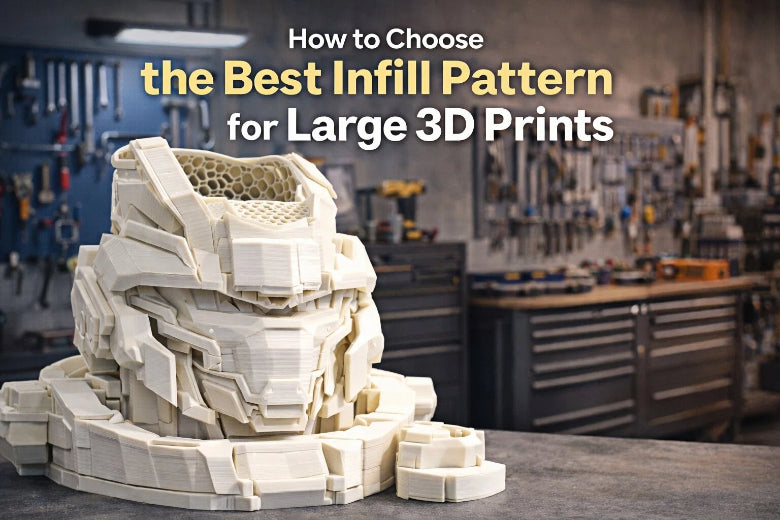
How to Choose the Best Infill Pattern for Large 3D Prints
Find the best infill for large 3D prints by choosing gyroid for strength, or grid for speed. Balance infill density for optimal material use and durability.

How to Fix High Speed 3D Printing Problems in 2026
Solve high speed 3D printing problems with tips for bed adhesion, extrusion, and surface defects. Get reliable, high-quality prints every time in 2026.
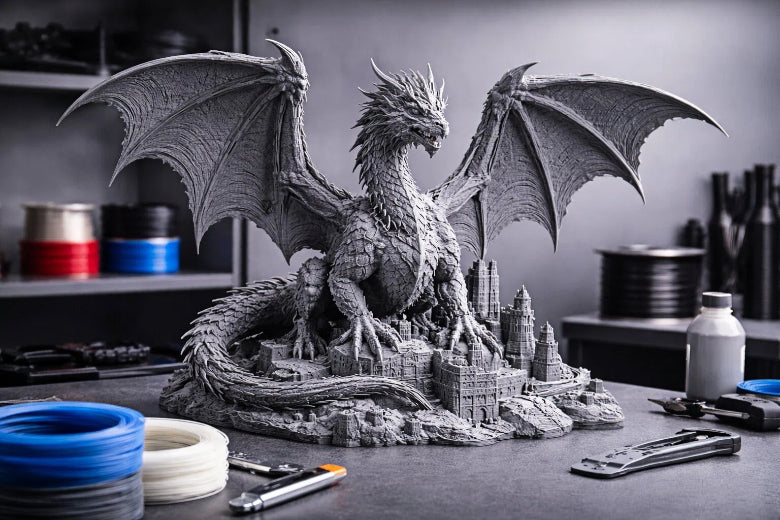
Essential Tips to Reduce Printing Costs for Large Format 3D Printing
Cut costs with large format 3D printing tips on materials, print settings, and design strategies for efficient, high-quality large-scale prints.
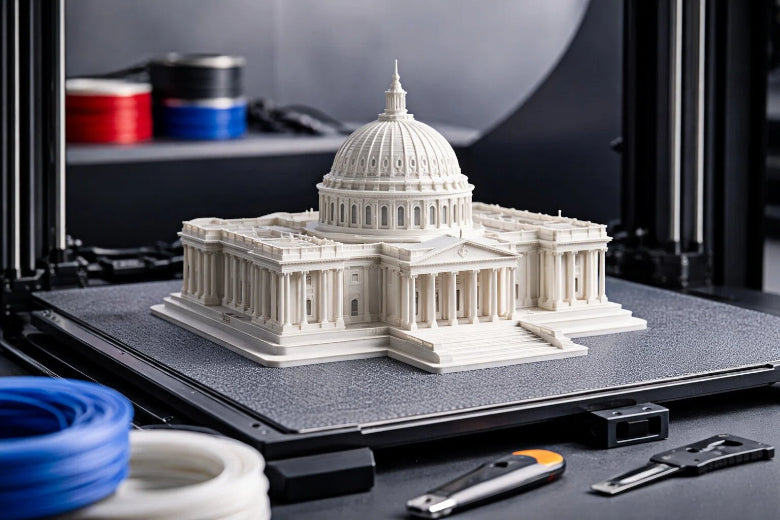
How to Prevent Large 3D Print Failures with Proven Techniques
Stop large print failure causes in 3D printing by fixing bed adhesion, extrusion, and mechanical issues for reliable big print results.
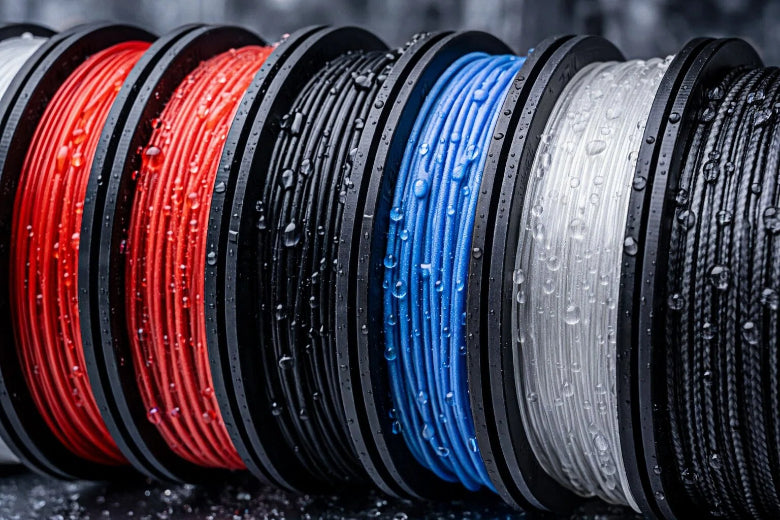
Which 3D Printing Filament Handles Humidity Best PLA, PETG, ABS, TPU, Nylon, or Carbon Fiber
PETG and ABS offer the best moisture resistance. Nylon has the highest filament moisture absorption, leading to weak prints in humid conditions.